











HTMD Newsletter 137 15th to 19th April 2024
Welcome to the HTMD Newsletter 137 Summary from 15th April to 19th April 2024! This is the list of posts and videos the HTMD Community published this week and news from the IT industry. You can get all the information and details from Windows 11, Cloud PC, SCCM, Intune, Azure Virtual Desktop (AVD), Android, iOS, and Mac.
Did you miss updates from last week? Check out the link below.
- 134th HTMD Newsletter – HTMD Newsletter 134 25th to 29th March
- 135th HTMD Newsletter – HTMD Newsletter 135 1st to 5th April
- 136th HTMD Newsletter – HTMD Newsletter 136 8th to 12th April
15th April 2024 – HTMD Newsletter 137
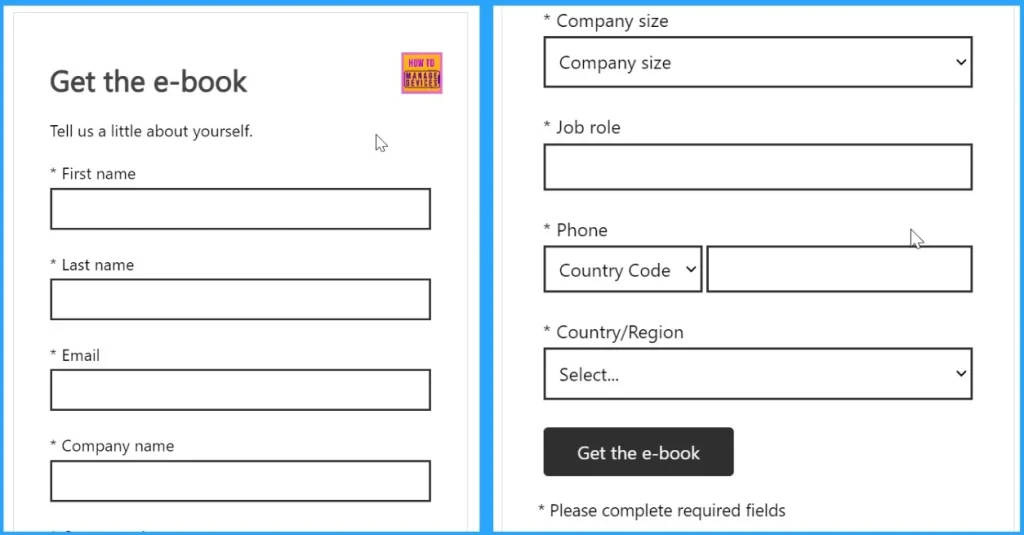
🔰Top 5 Data Security Challenges DLP Productivity eBook Download for Free
https://www.anoopcnair.com/data-security-challenges-dlp-productivity-ebook/
▶Data Loss Prevention (DLP) productivity
▶Workloads fragment DLP policies
▶Download e-book – Beyond Data Loss Prevention
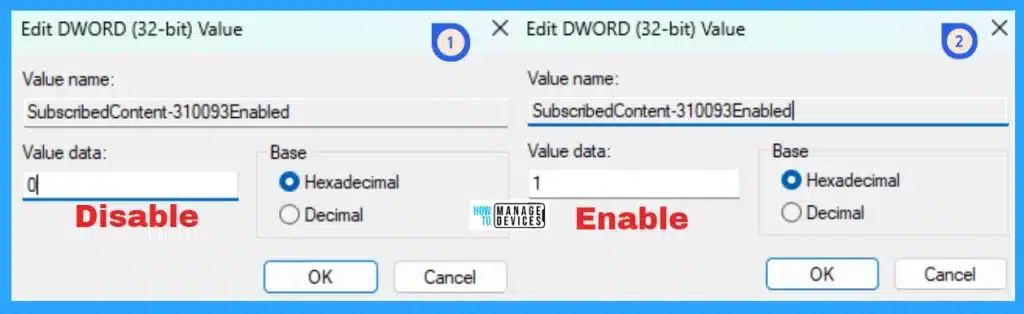
🖥Status Management of Windows Welcome Experience in Windows 11
https://www.anoopcnair.com/windows-welcome-experience-in-windows-11/
⚙What is Windows Welcome Experience?
⚙Enable or Disable Windows Welcome Experience
⚙Manage Windows Welcome Experience Using Registry
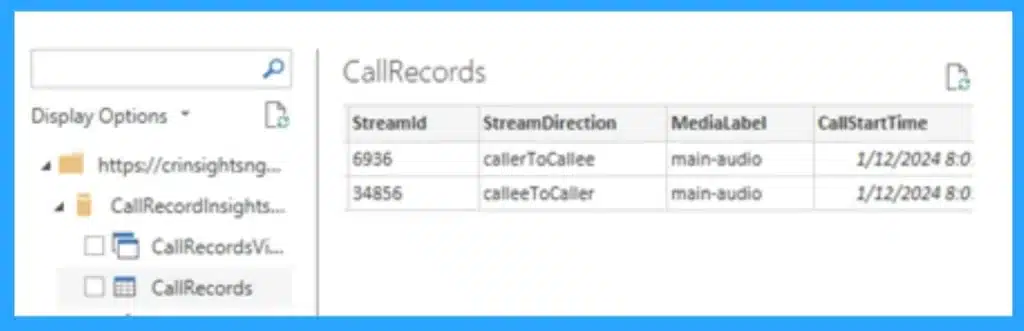
🎆Call Record Insights for Microsoft Teams
https://www.anoopcnair.com/call-record-insights-for-microsoft-teams/
➡CallRecordInsights
➡Simplify Analyzing Microsoft Teams Data
➡Kusto Dashboards in Microsoft Teams
➡Microsoft Teams with PowerBI
➡High-Level Architecture
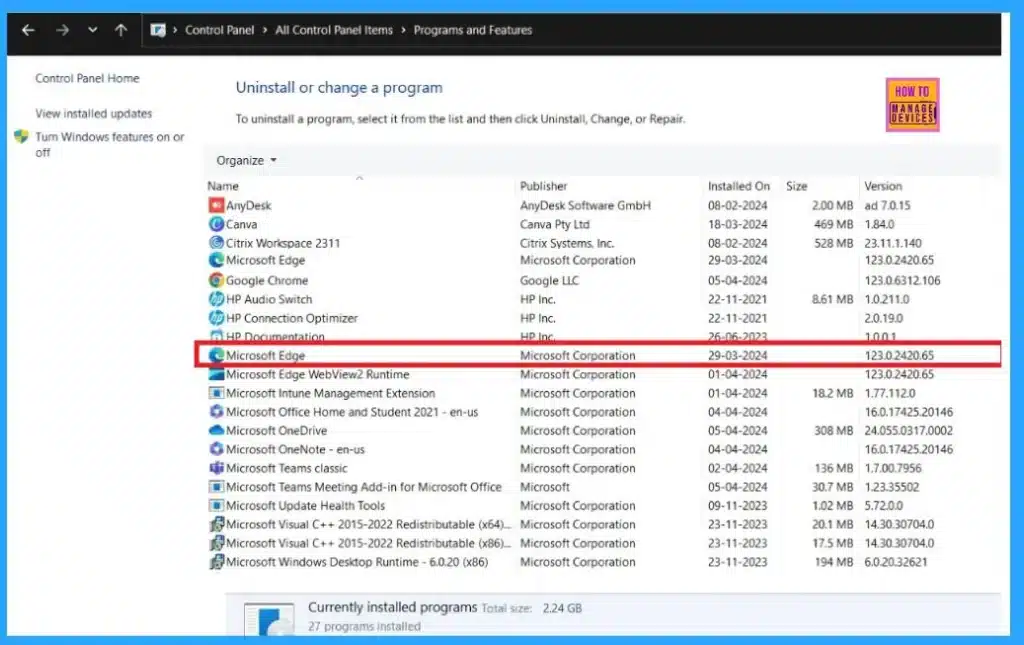
🎆Easy Methods to Know the Version of Installed Apps in Windows 11
https://www.anoopcnair.com/version-of-installed-apps-in-windows-11/
💡Checking App Version in Windows 11
💡Why You Should Know the Version of Installed Apps
💡Advantages of Knowing the Version of Installed Apps
💡Different Methods to Know the Version Number of Installed Apps
16th April 2024 – HTMD Newsletter 137
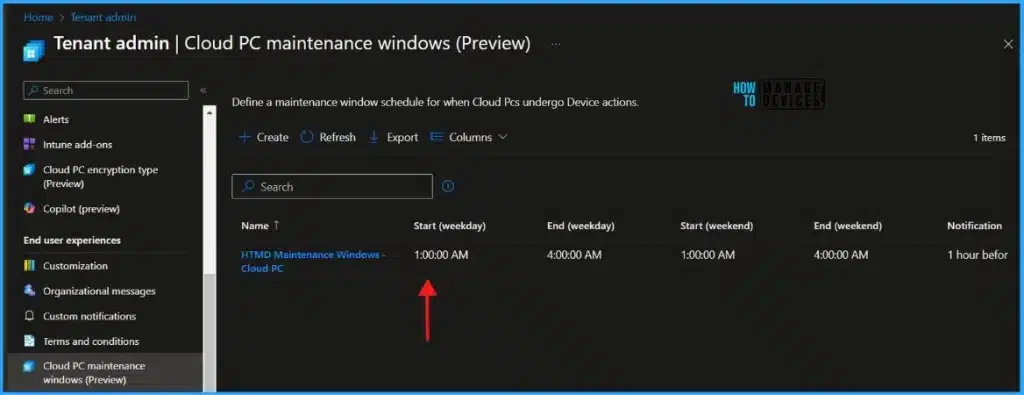
⏩How to Create Cloud PC Maintenance Windows using Intune
https://www.anoopcnair.com/create-cloud-pc-maintenance-windows-intune/
🖲Maintenance Windows Options Available for Windows 365
🖲Limitations of Cloud PC Maintenance Windows
🖲Schedule a Maintenance Window using Intune
🔮Microsoft Security Exposure Management using Defense Techniques
https://www.anoopcnair.com/microsoft-security-exposure-management/
🖱Security Exposure Management
🖱Advancements in Managing Vulnerabilities
🖱Why Microsoft for Exposure Management

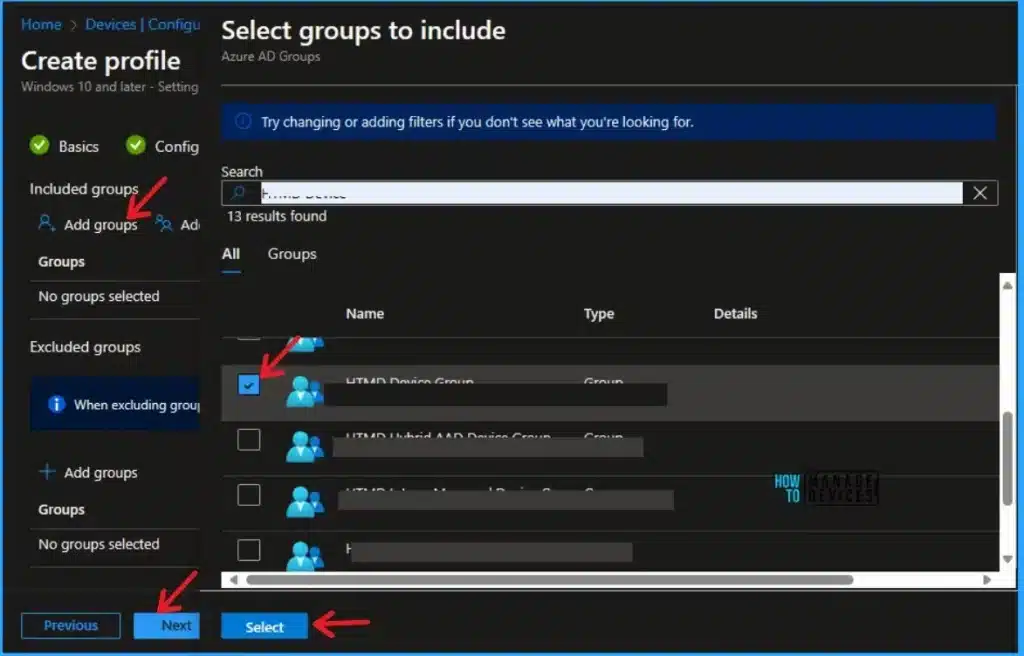
➡Allow Set Hours to Limit Background Download Bandwidth in Intune Settings Catalog
https://howtomanagedevices.com/intune/12963/allow-set-hours-to-limit-background-download-bandwidth-intune/
⏳limit Background Download Bandwidth from Intune
⏳Configure Delivery Optimization Option
⏳Set Business hours to limit Background Download Bandwidth
🕹Process to View Delivery Optimization Activity Monitor in Windows 11
https://www.anoopcnair.com/delivery-optimization-activity-monitor-windows/
✅Windows Update Delivery Optimization Options
✅View Optimization Activity Monitor
✅Manage Delivery Optimization Settings

17th April 2024 – HTMD Newsletter 137
⏩Enable Disable Defender SmartScreen for Microsoft Store Apps in Windows 11
https://www.anoopcnair.com/smartscreen-for-microsoft-store-apps-windows-11/
🔔Importance of Microsoft Defender SmartScreen for Store Apps
🔔Reputation-based protection settings
🔔Enable SmartScreen for Microsoft Store Apps
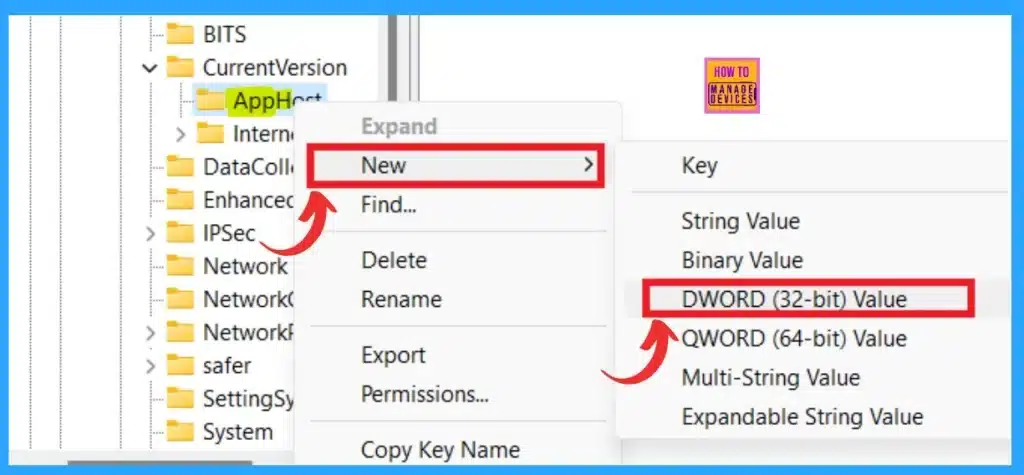
🛡How to Save Sound Theme in Windows 11
https://www.anoopcnair.com/how-to-save-sound-theme-in-windows-11/
🛎What is sound theme?
🛎Advantages of Sound Theme in Windows 11?
🛎Save Sound Theme in Windows 11

📧HTML Formatting in Noncompliance Email Notifications in Intune
https://www.anoopcnair.com/html-formatting-in-noncompliance-email-notifications-intune/
🏮Noncompliance email notifications in Intune
🏮HTML formatting in noncompliance email notifications
🏮Create a notification message template

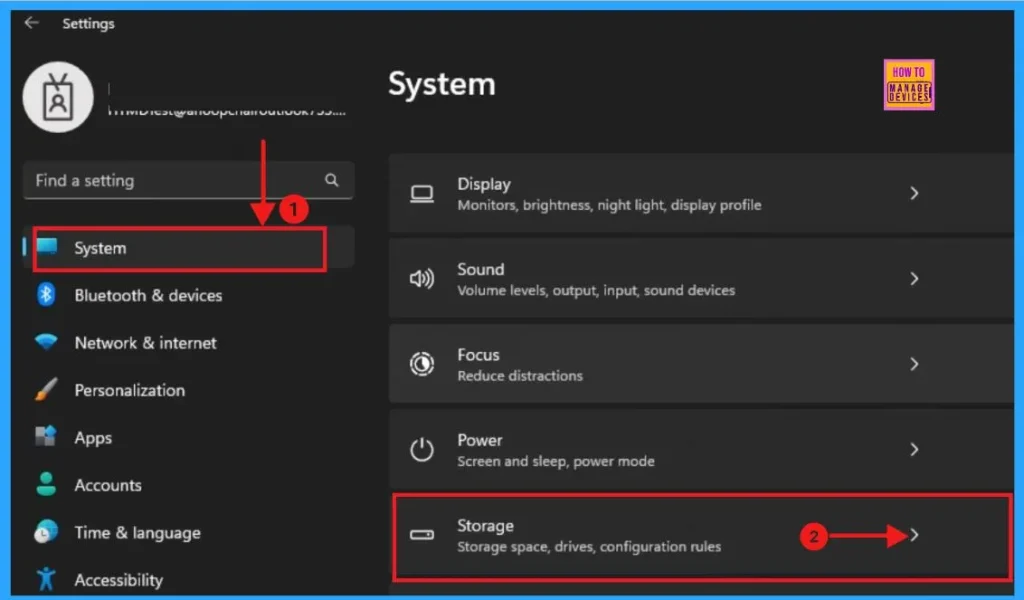
📚5 Ways to Check App Storage Space Usage in Windows 11
https://www.anoopcnair.com/check-app-storage-space-usage-in-windows-11/
🔎Different ways to find storage space usage size of apps
🔎Check installed apps size from settings
🔎Use Advanced Options to check storage size
18th April 2024 – HTMD Newsletter 137
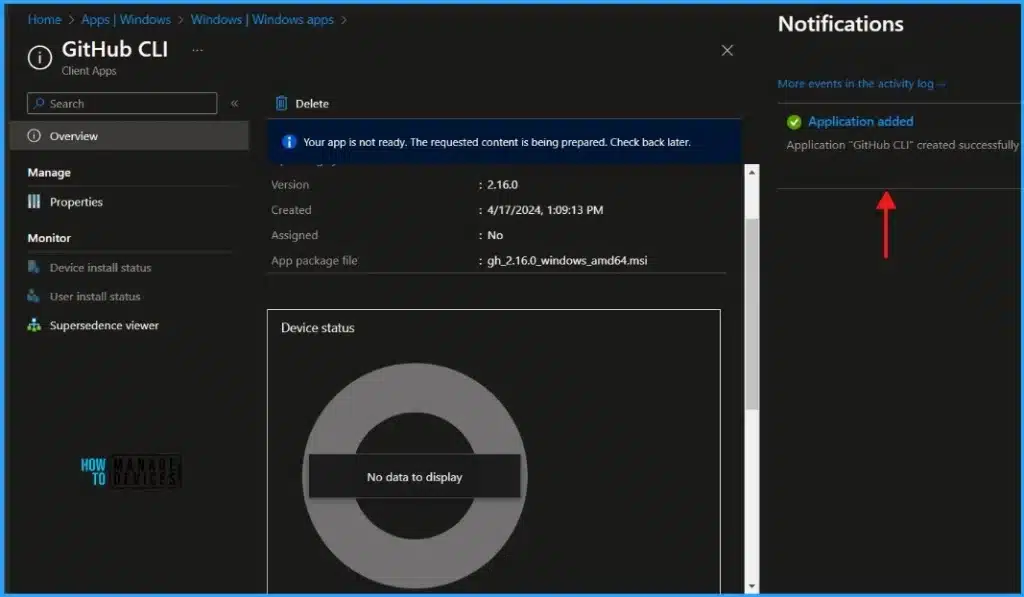
📥Install GitHub CLI with Intune Enterprise App Catalog App
https://www.anoopcnair.com/install-github-cli-with-intune-enterprise-app/
ℹWhat is GitHub CLI?
ℹInstall GitHub CLI using Intune Enterprise App Catalog
ℹEnd-User Experience – GitHub CLI Installation
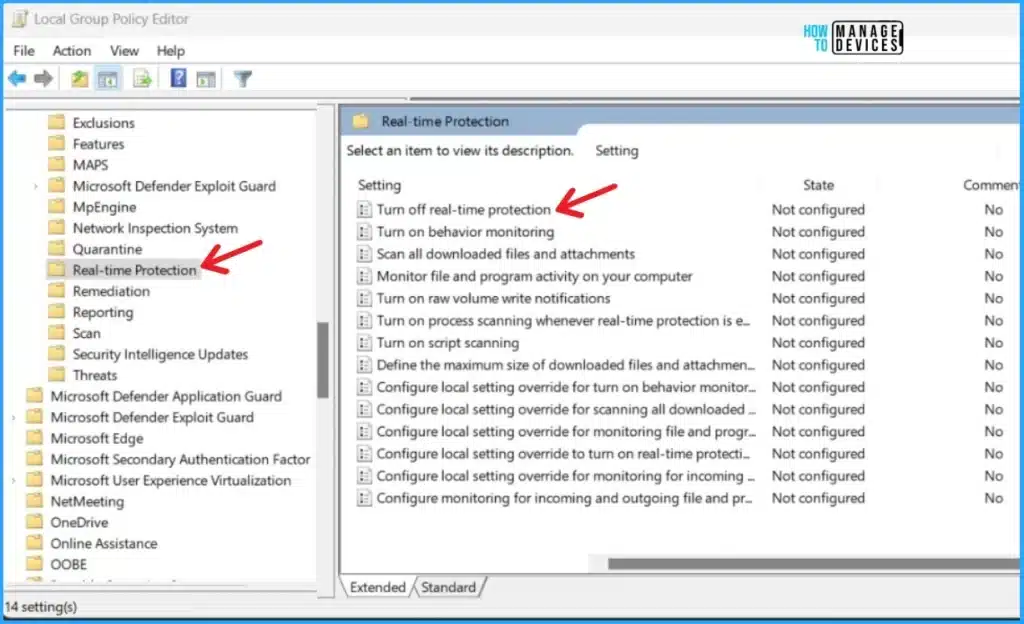
🕹Methods for Allow or Disallow Real-time Protection for Microsoft Defender Antivirus in Windows 11
https://www.anoopcnair.com/real-time-protection-for-microsoft-defender/
⏩Allow or Disallow Real-time Protection for Microsoft Defender Antivirus
⏩Allow or Disallow Real-time Protection for Microsoft Defender Antivirus using Windows Security
⏩Real-time Protection for Microsoft Defender Antivirus using Local Group Policy Editor
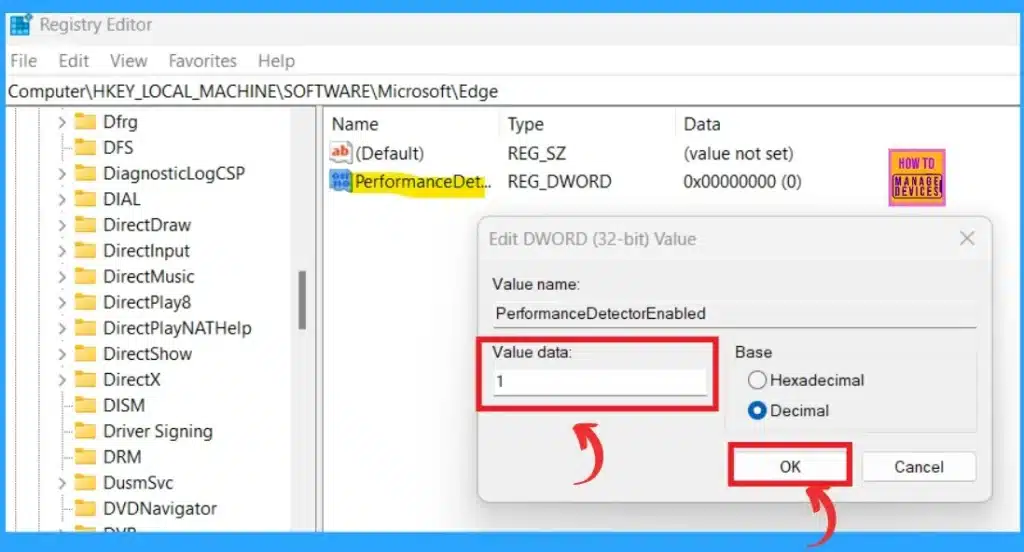
▶Turn On or Off Tab Performance Detector in Microsoft Edge
https://www.anoopcnair.com/turn-tab-performance-detector-in-microsoft-edge/
⏩Detect how much memory and CPU usage of background tabs are using
⏩Monitor and improve the efficiency of tab operations within the browser
⏩Why is it Necessary to Turn On or Off Tab Performance Detector in Microsoft Edge
⏩Check manually Tab Performance detector
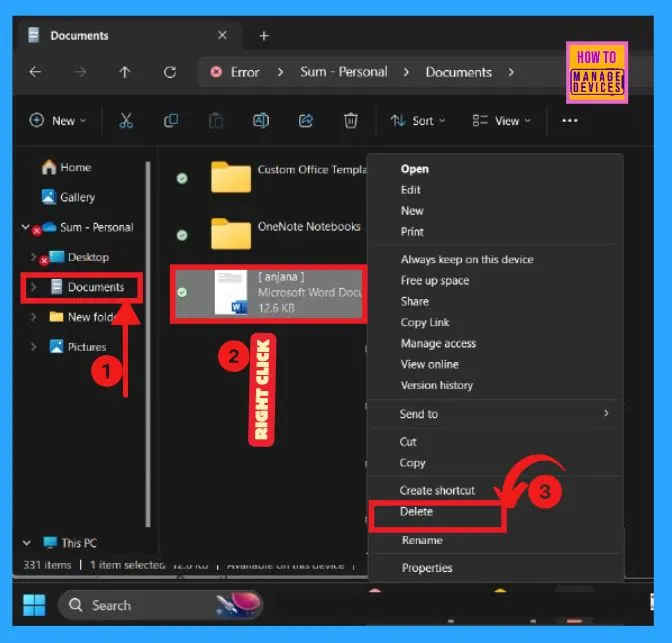
📢Different Methods for Deleting Files in Windows 11
https://www.anoopcnair.com/different-methods-deleting-files-in-windows-11/
🕹Delete files using the Keyboard shortcuts
🕹Delete files from the File Explorer Command Bar
🕹Delete the File from the Context Menu Toolbar
🕹Delete the File from “Show More Options” Context Menu
🕹Delete File with PowerShell & Command Prompt
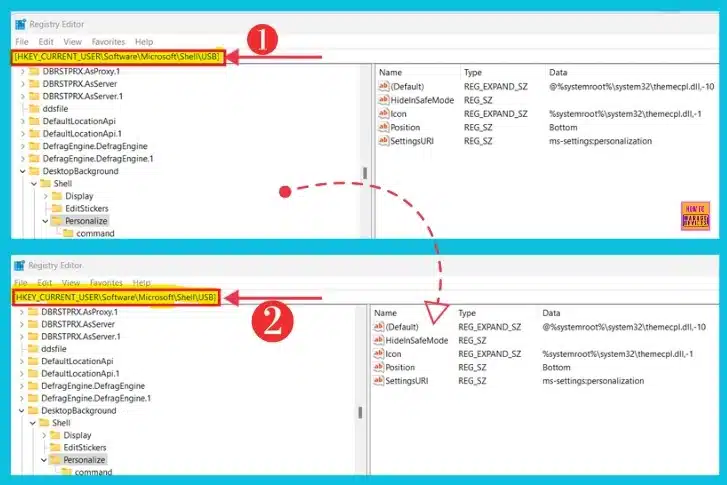
⏳Turn On or Off USB Connection Notifications in Windows 11
https://www.anoopcnair.com/usb-connection-notifications-in-windows-11/
➡USB Connection Notifications If There are Issues Connecting
➡Turn On or Off USB Connection Notifications in Windows 11 Settings
➡Turn On or Off USB Notification using the REG File
19th April 2024 – HTMD Newsletter 137
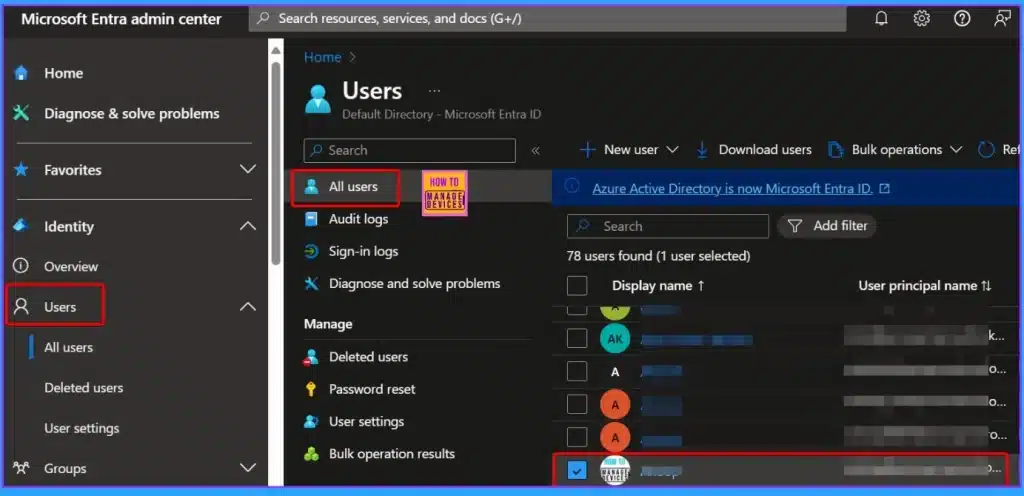
🎆Microsoft Entra ID Company Branding Now Generally Available
https://www.anoopcnair.com/microsoft-entra-id-company-branding-available/
✔Organizational Branding Administrator Role
✔Customization of Identity Experience
✔Strengthen your Brand Identity
✔Apply the Principle of Least Privilege
✔More Straightforward User Experience
⏩How to Show Hide Updates in Windows 11
https://www.anoopcnair.com/how-to-show-hide-updates-in-windows-11/
⏳Methods to Show Hide Updates in Windows 11
⏳Show Hide Updates Using wushowhide.diagcab
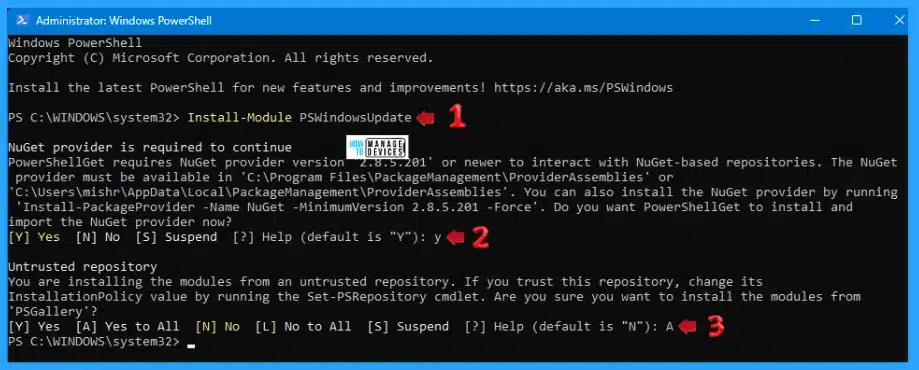
⏳Show Hide Updates Using PowerShell
🎉How to Change Mouse Pointer Speed in Windows 11
https://www.anoopcnair.com/how-to-change-mouse-pointer-speed-in-windows-11/
📌Mouse Pointer Speed
📌Different Methods to Change Mouse Pointer Speed
📌Buttons, Mouse Pointer Speed, Scrolling
📌Mouse Properties and Pointer Options
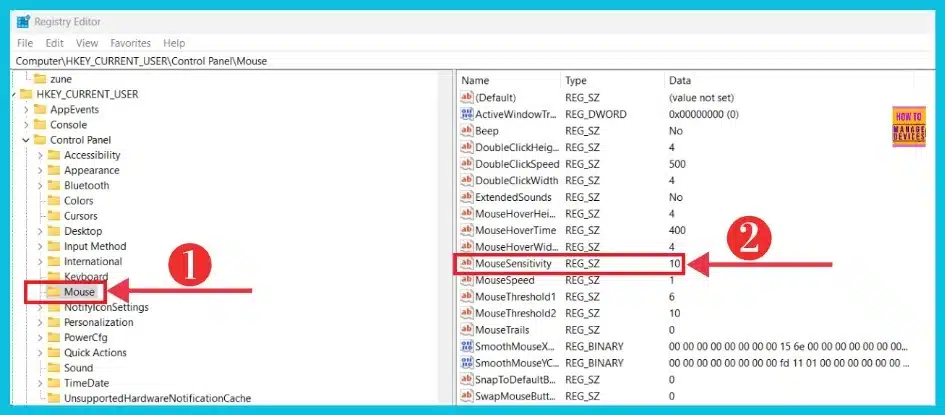
📌MouseSensitivity
🎉Enable Disable Secure DNS over HTTPS in Microsoft Edge
https://www.anoopcnair.com/secure-dns-over-https-in-microsoft-edge/
⏩Extra Layer of Security to your Online Communications
⏩Improves Internet Privacy and Security
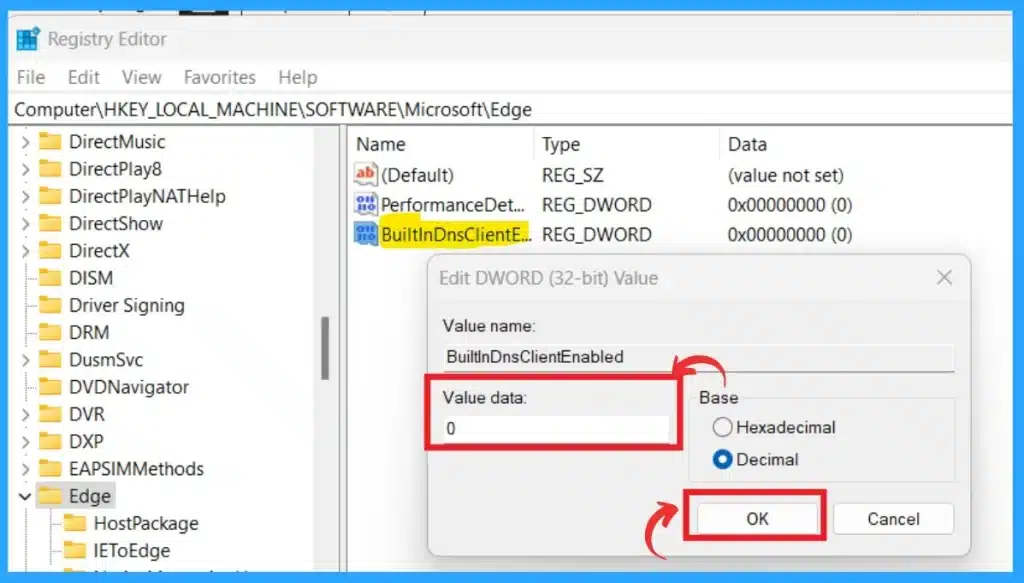
⏩Different Methods for Enable Disable Secure DNS over HTTPS (DoH) in MS Edge
⏩Prevent users from Redirecting you to Fake Sites


Discussion