











Microsoft Intune and Windows 365 Weekly Highlights: 267th HTMD Newsletter 12th to 16th October 2026
Windows 365 highlights this week included the general availability of default display settings for Cloud PCs and external identity support on iOS. Microsoft Intune introduced Advanced Capabilities, formerly known as Microsoft Intune Suite, and released a new version of Remote Help for Windows. More control over Windows update approvals and a File Explorer black screen fix for AVD and FSLogix were also positive developments.
Patch Tuesday was the biggest talking point of the week, with some administrators reporting corporate Wi-Fi and VPN sign-in failures after installing KB5127648. Remote Desktop connection failures affecting non-admin users remained a known issue, while Reddit discussions highlighted minor iOS and Mobile Application Management (MAM) problems and inconsistent device category ordering in the Company Portal.
Microsoft Intune Highlights
- Advanced capabilities (formerly “Microsoft Intune Suite“)
- New Remote Help for Windows version available
Windows 365 Highlights
- Default display settings for Cloud PCs now generally available
- iOS support for external identities is now generally available
This Week’s Mood
- Patch Tuesday was the biggest talking point this week.
- Some corporate Wi-Fi connections stopped working after the update.
- Intune had a relatively quiet week, with one major announcement.
- Windows 365 remained quiet.
Good News
- More control over approving Windows updates.
- File Explorer black screen fix for AVD and FSLogix.
- External identities on iOS are now generally available (GA).
- New Remote Help version released.
Frustrations
- Wi-Fi and VPN sign-in failures after KB5127648.
- Remote Desktop connection failures for non-admin users (known issue).
- Minor iOS and Mobile Application Management (MAM) issues discussed on Reddit.
- Random device category ordering in the Company Portal.
Microsoft Intune and Windows 365 Weekly Highlights
Welcome to the 267th HTMD Newsletter,12th to 16th October 2026! This is the list of posts and videos the HTMD Community published this week, and news from the IT Industry. You can get all the information and details from Windows 11, Cloud PC, Intune, Android, iOS, and Mac.
Previous Weeks Newsletter
- 264th HTMD Newsletter – HTMD Newsletter21st th to 25th September 2026
- 265th HTMD Newsletter – HTMD Newsletter28th September to 2nd October 2026
- 266th HTMD Newsletter – HTMD Newsletter 5th to 9th October 2026
Monday 12th October 2026
Windows 11 23H2 Enterprise and Education | End of Security Updates and Upgrade Recommendations – https://www.anoopcnair.com/windows-11-23h2-enterprise-and-education-end/
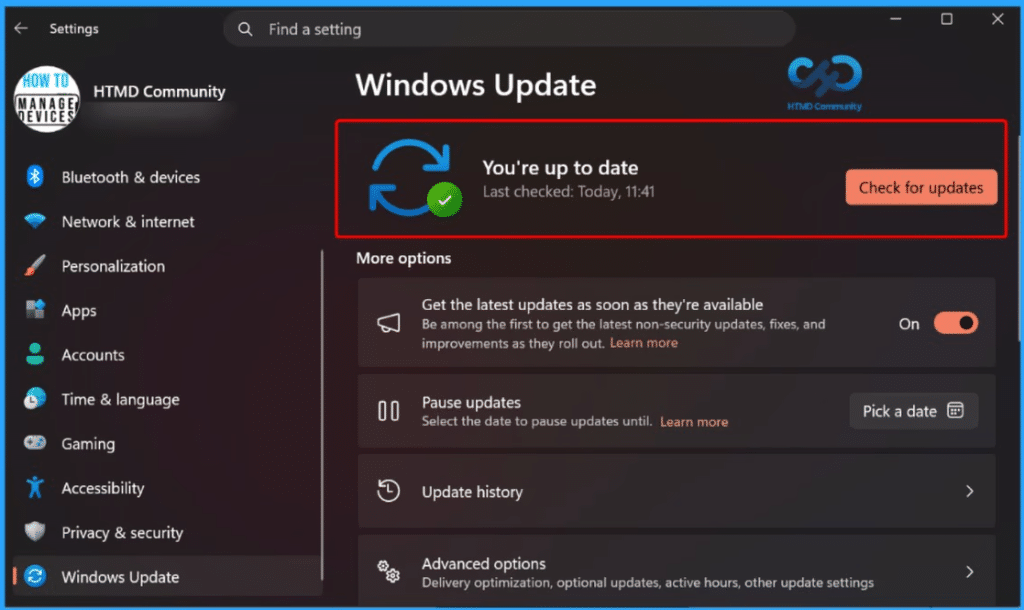
Prevent Unauthorized Access by Configuring Screen Saver Lock Timing using Intune Policy
https://www.anoopcnair.com/unauthorized-access-by-screen-saver-lock-intune/
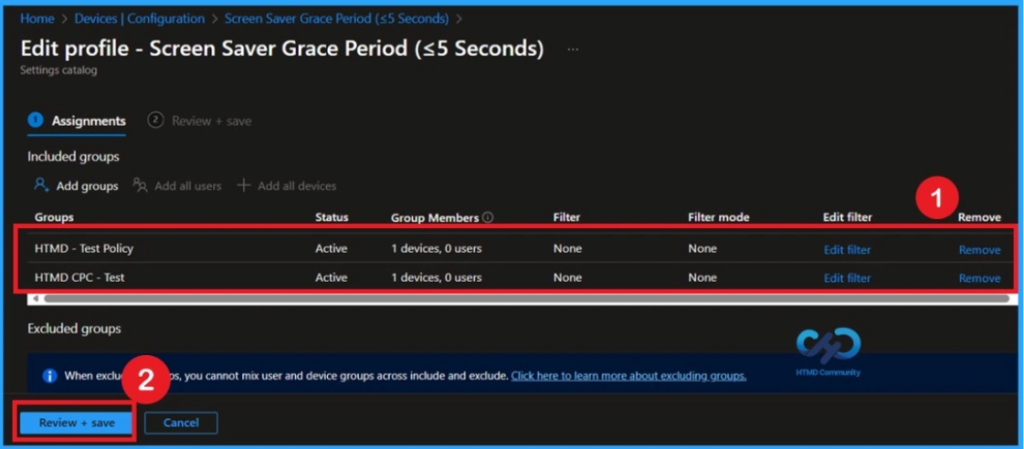
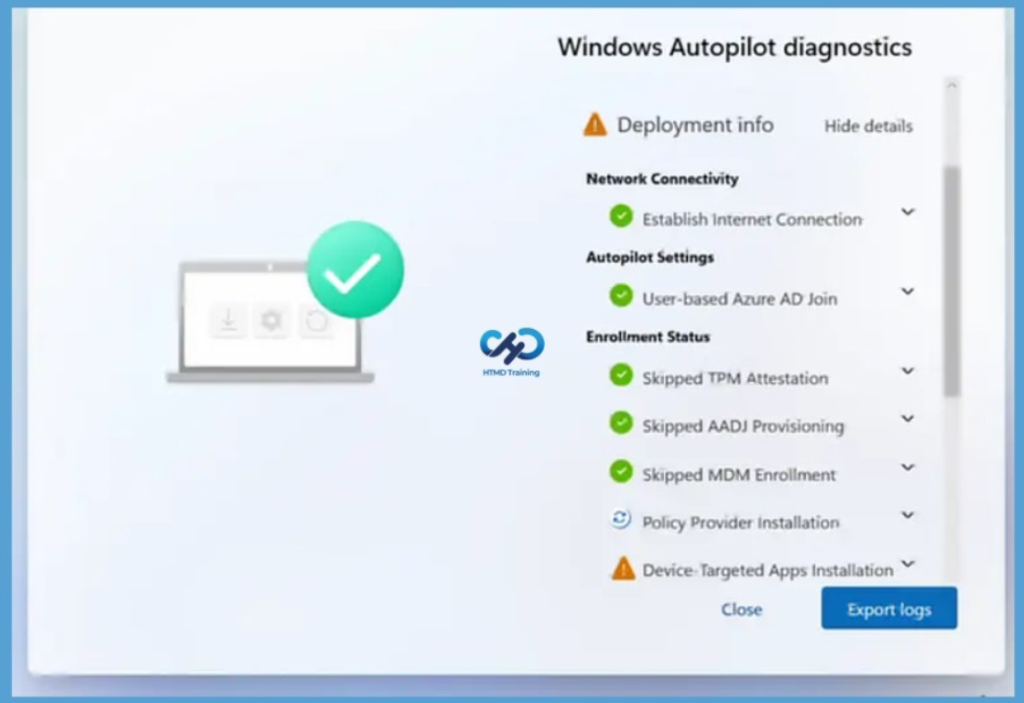
Configure Enrollment Status Page Diagnostics for Windows Autopilot using Intune
https://www.anoopcnair.com/enrollment-status-page-for-windows-autopilot/
Monday 13th October 2026
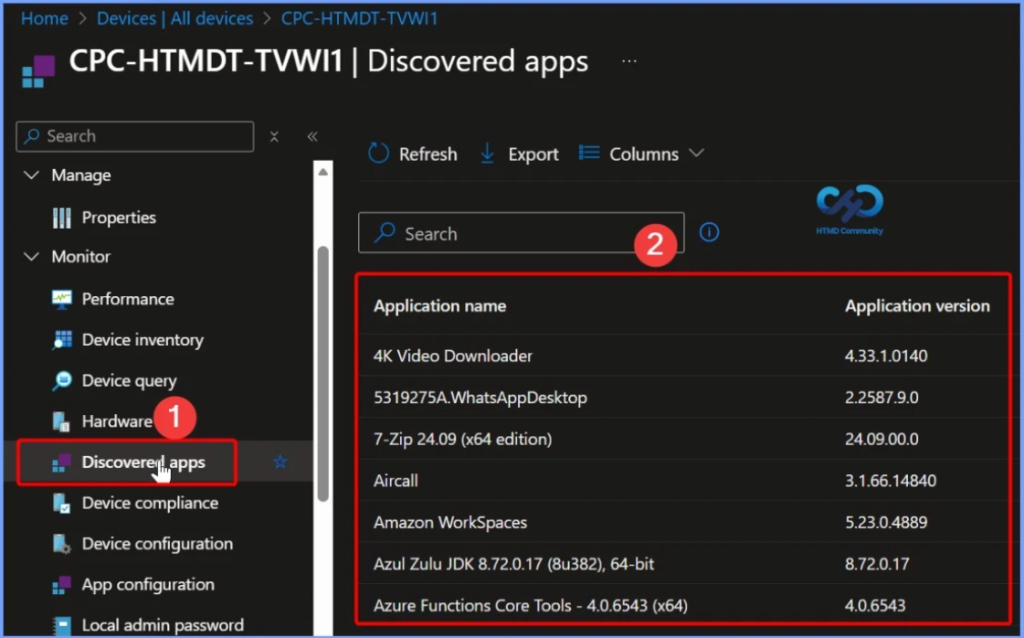
View Application Version Details using Intune Discovered Apps –
https://www.anoopcnair.com/get-application-version-details-intune-mem/
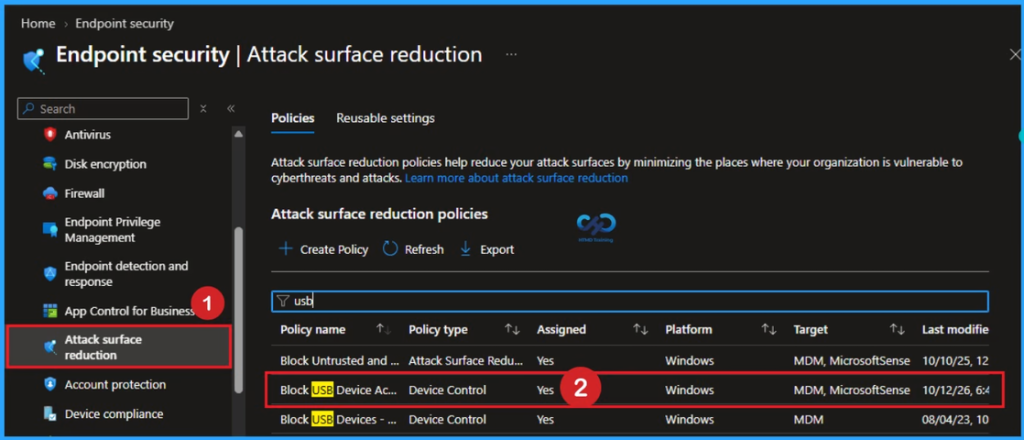
Block USB Device Access using Intune ASR Policy- https://www.anoopcnair.com/block-usb-device-access-using-intune-asr-policy/
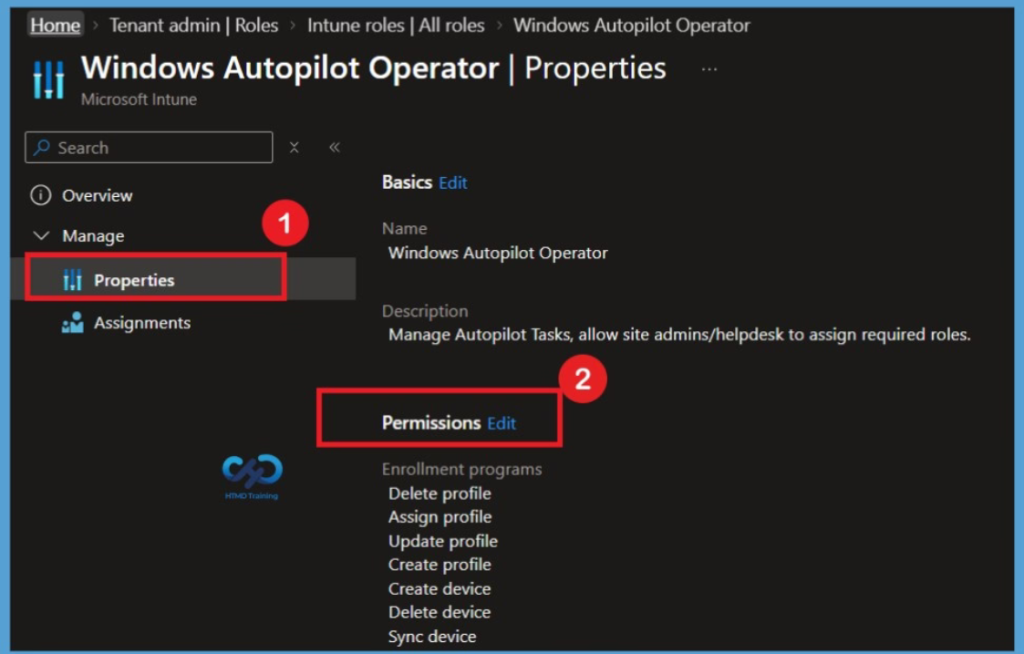
Create a Custom Intune RBAC Role for Windows Autopilot Management
https://www.anoopcnair.com/intune-rbac-role-for-windows-autopilot/
Monday 14th October 2026
October 2026 KB5127648 KB5126653 Windows 11 Patch | 3 Zero-Day Vulnerabilities and 1411 Flaws – https://www.anoopcnair.com/october-kb5127648-kb5126653-windows-11-patch/

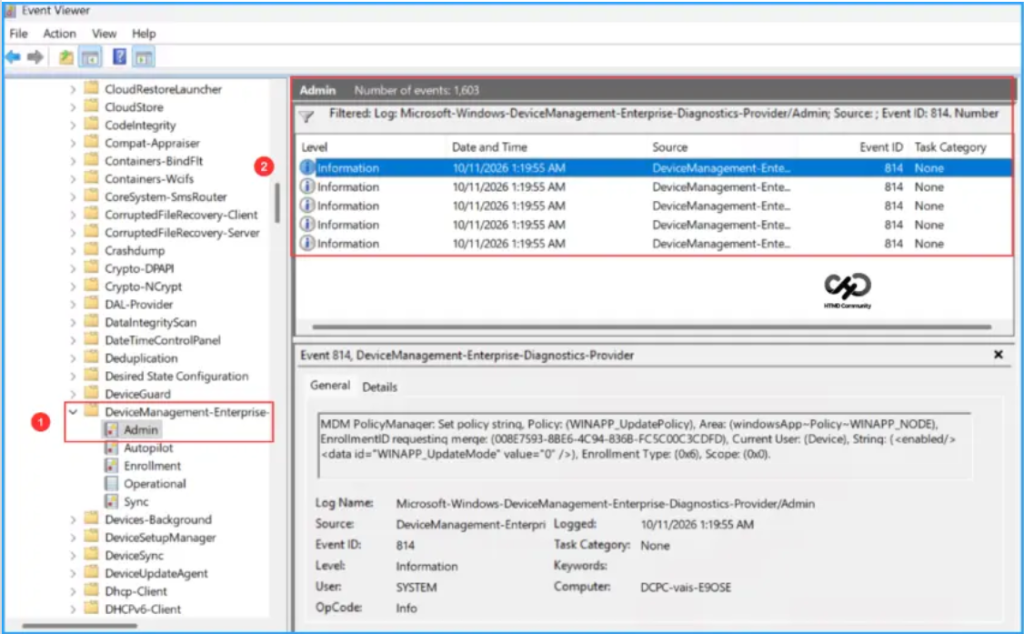
Manage Windows App Configuration on Windows Devices using Intune – https://www.anoopcnair.com/windows-app-configuration-on-windows-intune/
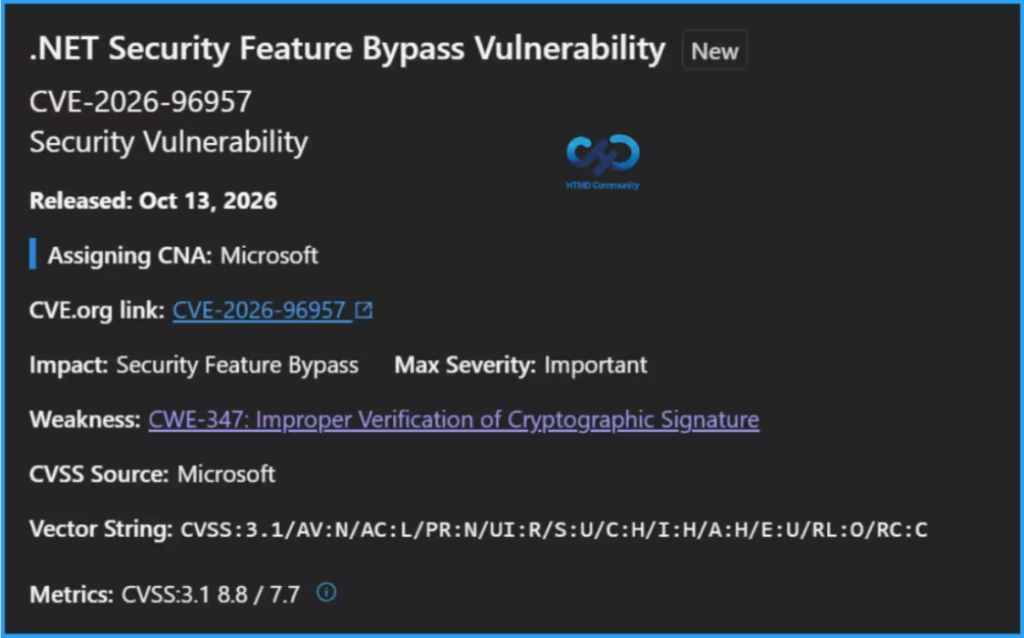
Microsoft Fixes 1411 Security Vulnerabilities and 3 Zero-Day Vulnerabilities in October 2026 Patch Tuesday – https://www.anoopcnair.com/microsoft-fixes-1411-security-vulnerabilities/
Monday 15th October 2026
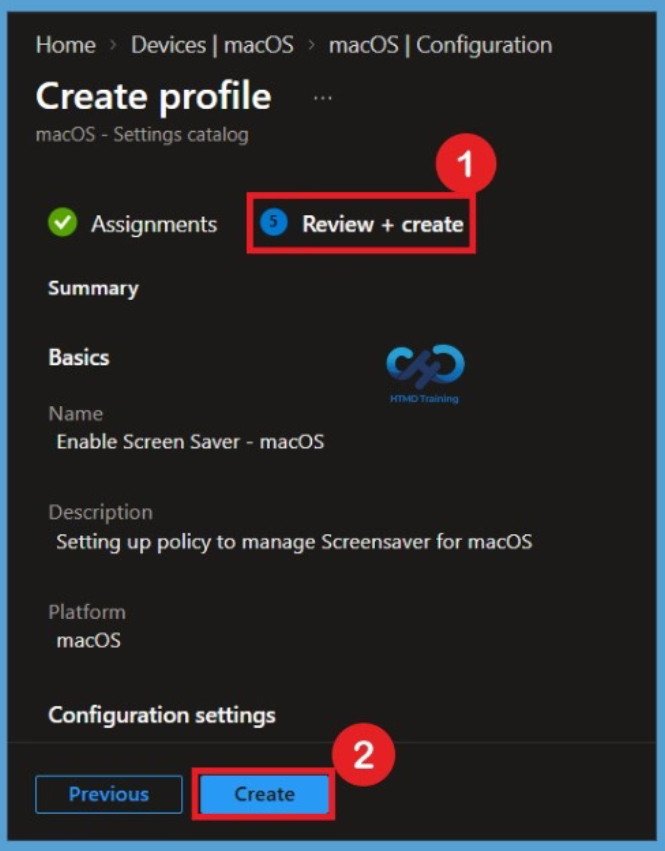
Enable Screen Saver for macOS using Intune to Improve Device Security
https://www.anoopcnair.com/enable-screen-saver-for-macos-using-intune/
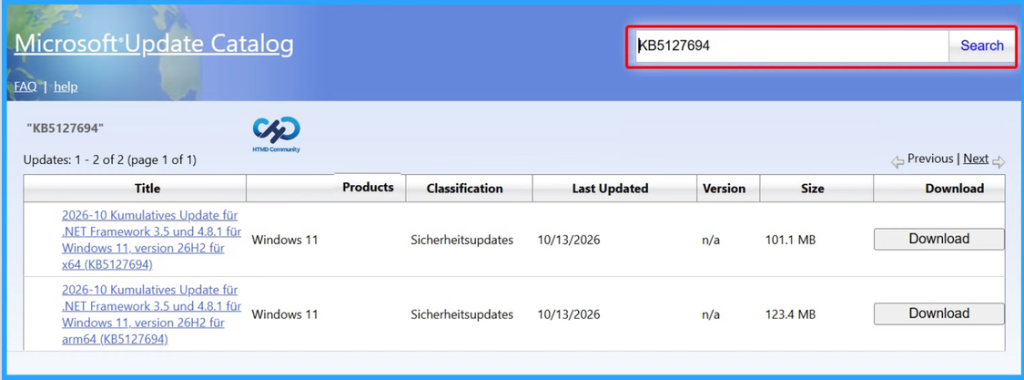
October 2026 KB5127694: High-Severity .NET Framework Security Update Fixes 20 CVEs on Windows 11 26H2 – https://www.anoopcnair.com/kb5127694-high-severity-net-framework-security/
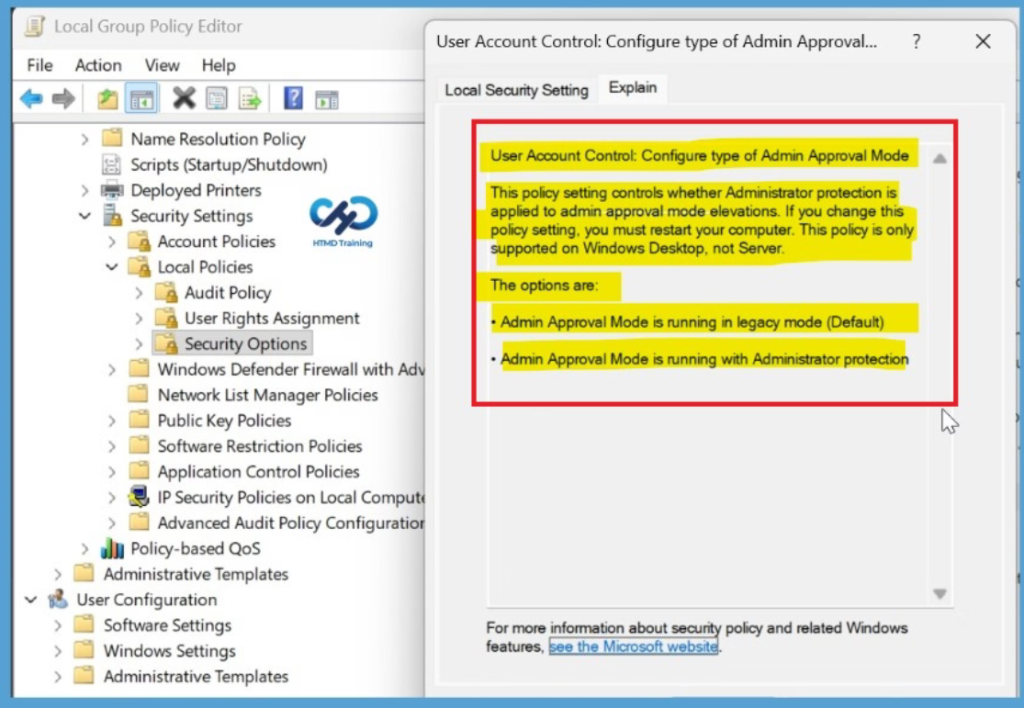
Windows 11 Update Causes Remote Desktop Connection Issues for Non-Admin Users Error 0xC000000D
https://www.anoopcnair.com/windows-11-remote-desktop-connection-issues/
Friday 16th October 2026
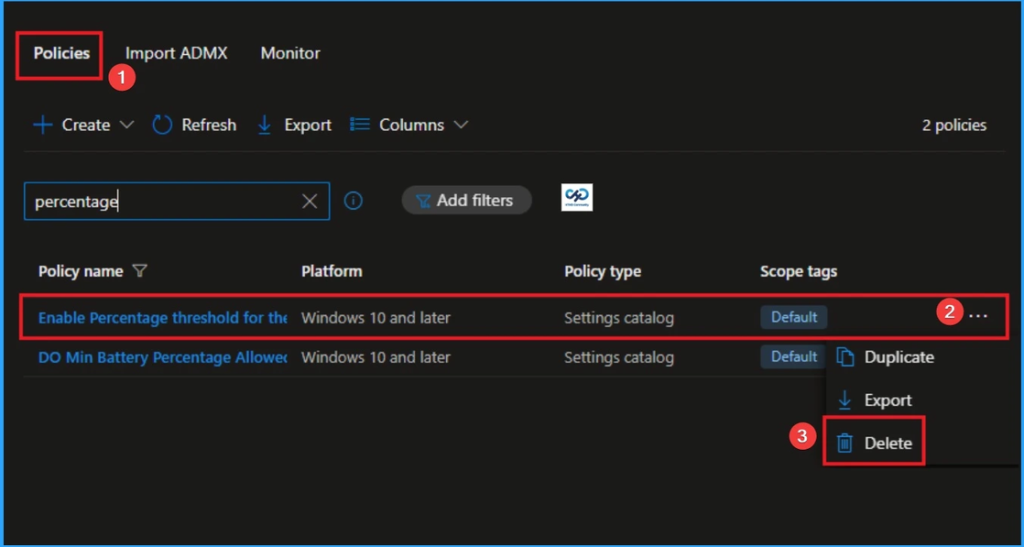
Enable Percentage Threshold for Security Event Log at which System will Generate a Warning using Intune
https://www.anoopcnair.com/percentage-threshold-for-security-event-intune/
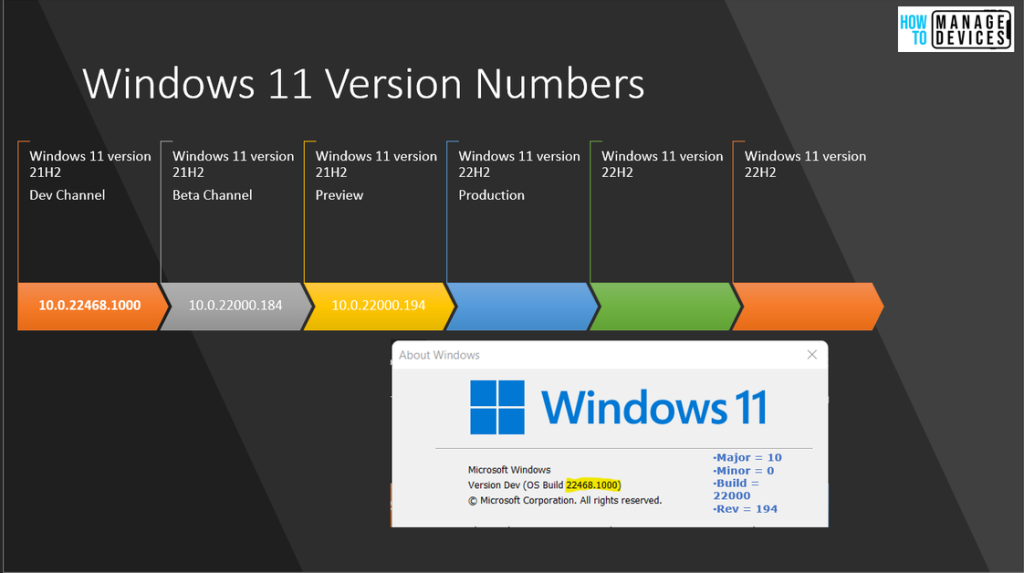
Updated Windows 11 Version Numbers Build Numbers Major Minor Build Rev – https://www.anoopcnair.com/windows-11-version-numbers-build-numbers-major/
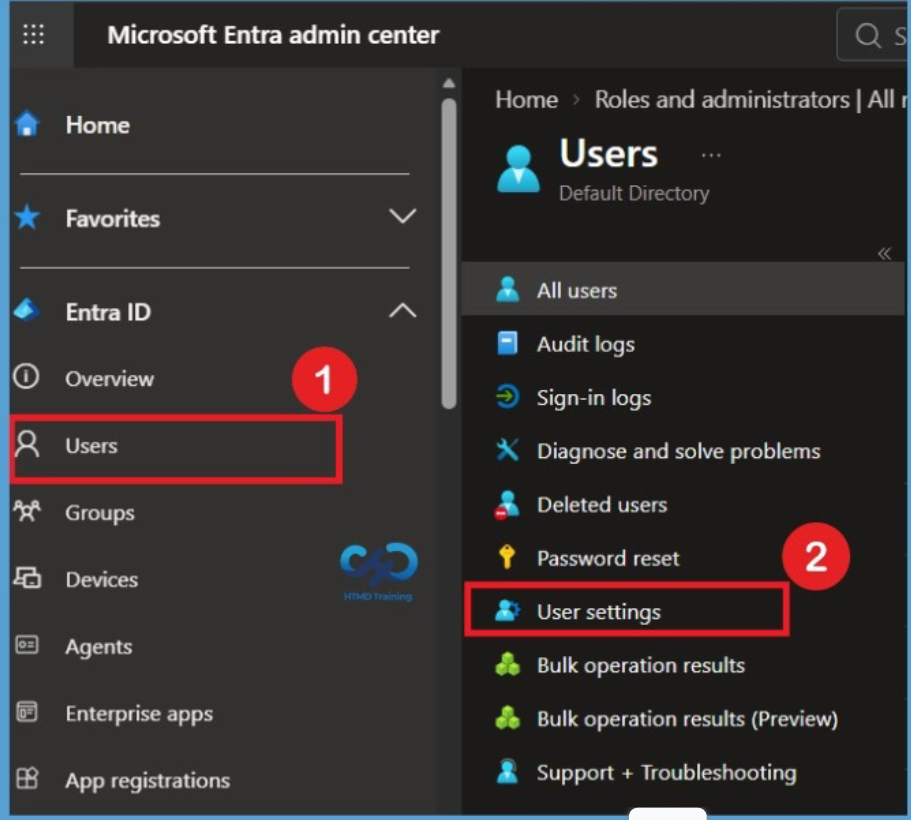
Microsoft Entra Agent ID Blueprint Registration to Prevent Unauthorized Agent Creation and Permission Issues
https://www.anoopcnair.com/microsoft-entra-agent-id-blueprint-registration/
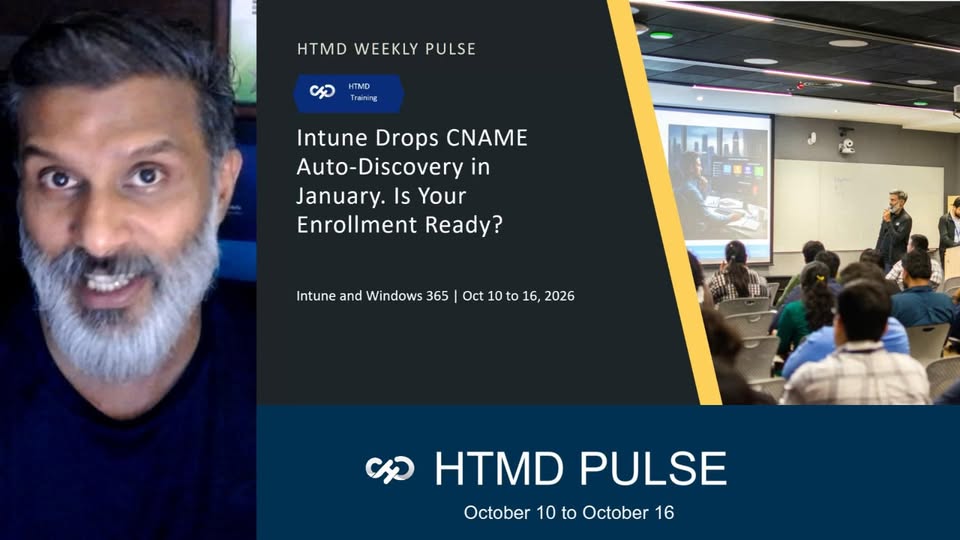
HTMD Pulse -Raw weekly update from Anoop October 10 to October 16 CNAME PATCH TUESDAY WIFI VPN ISSUE https://youtu.be/WTRS-vUtcLg
Connect with the HTMD Community
Join the LinkedIn Page and Telegram group to get the latest step-by-step guides and news updates. Join our Meetup Page to participate in User group meetings. Also, join the WhatsApp Community and the Whatsapp channel to get the latest news on Microsoft Technologies. We are there on Reddit as well.
HTMD Community Social Media Platform Links
| Social Media Platform | Link |
|---|---|
| LinkedIn: HTMD Community | https://www.linkedin.com/company/how-to-manage-devices/ |
| Telegram: SCCM Intune Technical Discussions | https://t.me/joinchat/Q9lE6G1_BO_bGq97 |
| Telegram: JOB SCCM Intune Group | https://t.me/joinchat/SIKr3OugR2FQ-Ej9 |
| WhatsApp: HTMD Community | https://chat.whatsapp.com/CeMXHSD61HtDBJwe78IZwV |
| Telegram: AVD/Windows 365 User Group | https://t.me/Inwvdcommunity |
| https://www.facebook.com/HTMDCommunity | |
| https://www.instagram.com/htmd_community/ | |
| https://twitter.com/htmdcommunity | |
| Facebook Group: SCCM | https://www.facebook.com/groups/ConfigMgr2012/ |
| Facebook Group: Intune | https://www.facebook.com/groups/1738789256382744 |
Author
Anoop C Nair is Workplace Technology solution architect with 25+ years of experience in global enterprise organizations such as JP Morgan, Capgemini, etc. He is Microsoft Certified Trainer. Microsoft MVP from 2015 onwards for consecutive 11 years! He also conducts Intune and modern workplace tech training for enterprise organizations. He is Blogger, Speaker, and Founder of HTMD Community and HTMD Conference. His focus is on Device Management technologies such as Intune, Windows, Cloud PC. He writes about technologies like Intune, SCCM, Windows, Cloud PC, Windows, Entra, Microsoft Security.

Anoop C Nair is Workplace Technology solution architect with 25+ years (as of 2026) of experience in global enterprise organizations such as JP Morgan, Capgemini, etc. Microsoft Certified Trainer (MCT). Microsoft MVP from 2015 onwards for consecutive 11+ years! He also conducts Intune and modern workplace tech training for enterprise organizations. He is Blogger, Speaker, and Founder of HTMD Community and HTMD Conference. His main focus is on Device Management technologies like Intune, Windows, Cloud PC. He writes about technologies like Intune, SCCM, Windows, Cloud PC, Windows, Entra, Microsoft Security.
Discussion