











SCCM 1905 Awesomeness with Features
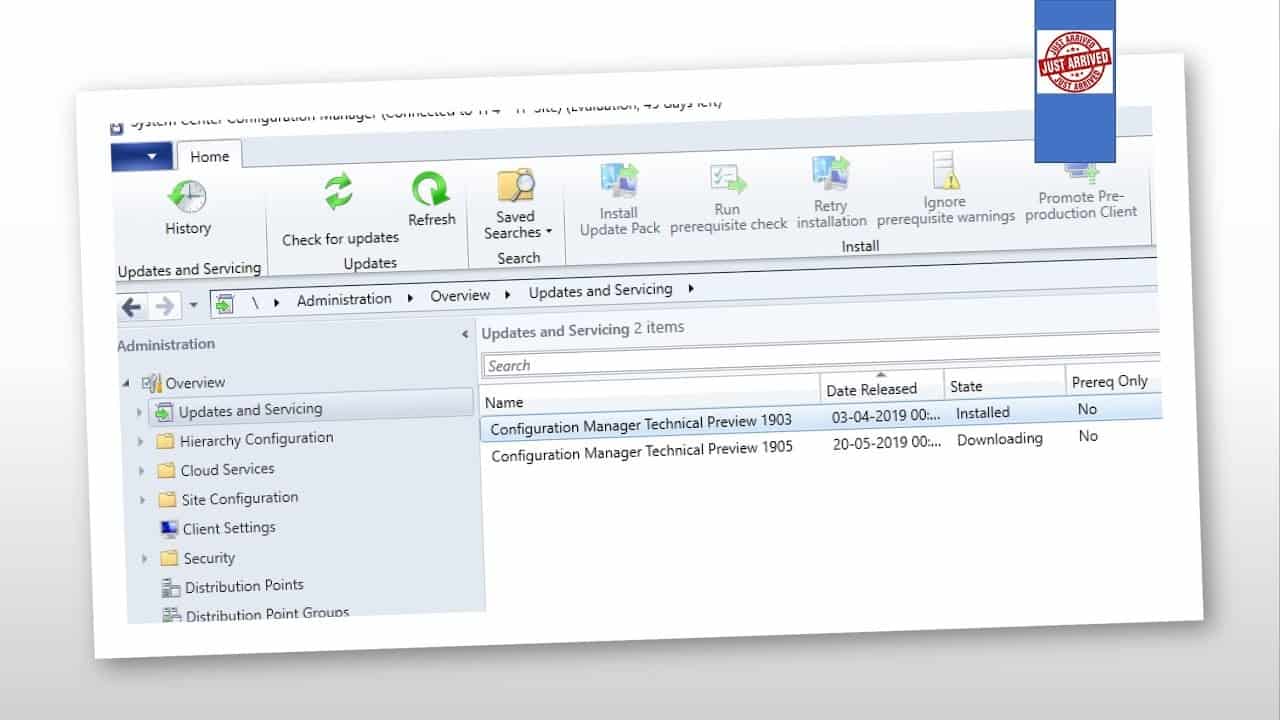
Microsoft released the latest version of SCCM 1905 technical preview version with a massive list of new features. As per Microsoft resources, this SCCM TP version is one of the top feature-rich releases.
SCCM 1906 Production version might have most of these below-listed features. If that is going to be accurate, then SCCM 1906 production release would be a real feast for SCCM customers.
SCCM 1905 – Full Version 5.00.8827.1000
SCCM 1905 – Client Version 5.00.8827.1000
SCCM 1905 List of Features
The Following list is the publicly available feature list from Microsoft team. I’m sure there are loads of improvements happened to SCCM product.
| Numbers | Features | SCCM Doc |
| 1 | Improved control over WSUS Maintenance | Link |
| 2 | Improvements to Configuration Manager console | Link |
| 3 | Configure the default maximum run time for software updates | Link |
| 4 | Windows Defender Application Guard file trust criteria | Link |
| 5 | Application groups | Link |
| 6 | Task sequence as an app model deployment type | Link |
| 7 | BitLocker management | Link |
| 8 | Task sequence debugger | Link |
| 9 | Delivery Optimization in client data sources dashboard | Link |
| 10 | Improvements to Community Hub | Link |
| 11 | View SMBIOS GUID in device lists | Link |
| 12 | OneTrace log viewer | Link |
| 13 | Software Center infrastructure improvements | Link |
| 14 | Improvements to Software Center tab customizations | Link |
| 15 | Improvements to app approvals | Link |
| 16 | Retry the install of pre-approved applications | Link |
| 17 | Install applications for a device | Link |
| 18 | More frequent countdown notifications for restarts | Link |
| 19 | Synchronize collection membership results to Azure Active Directory groups | Link |
| 20 | Configure client cache minimum retention period | Link |
| 21 | Improvements to OS deployment | Link |
| 22 | Add a SQL AlwaysOn node | Link |

BitLocker Management Policy Sample
Following is the BitLocker Wizard information from SCCM 1905 preview build. More details available about SCCM BitLocker management in the following link.
General Information
• Name: Bitlocker Management Policy Test from SCCM
• Description:
• Component Configuration: Client Management Component not configured
• Component Configuration: Operating System Drive Component not configured
Setup Information
• Choose a drive encryption and cipher strength: Enabled
• Select the encryption method: AES 128-bit (default)
• Choose a drive encryption and cipher strength: Enabled
• Operating System Drives: XTS-AES 128-bit
• Fixed Data Drives: XTS-AES 128-bit
• Removable Data Drives: AES-CBC 128-bit
Resources

Anoop C Nair is Workplace Technology solution architect with 25+ years (as of 2026) of experience in global enterprise organizations such as JP Morgan, Capgemini, etc. Microsoft Certified Trainer (MCT). Microsoft MVP from 2015 onwards for consecutive 11+ years! He also conducts Intune and modern workplace tech training for enterprise organizations. He is Blogger, Speaker, and Founder of HTMD Community and HTMD Conference. His main focus is on Device Management technologies like Intune, Windows, Cloud PC. He writes about technologies like Intune, SCCM, Windows, Cloud PC, Windows, Entra, Microsoft Security.

Discussion