






Skip to content
ConfigMgr Free SCCM Training Season #2 Weekend Learning with HTMD

ConfigMgr Free SCCM Training Season #2 Weekend Learning with HTMD

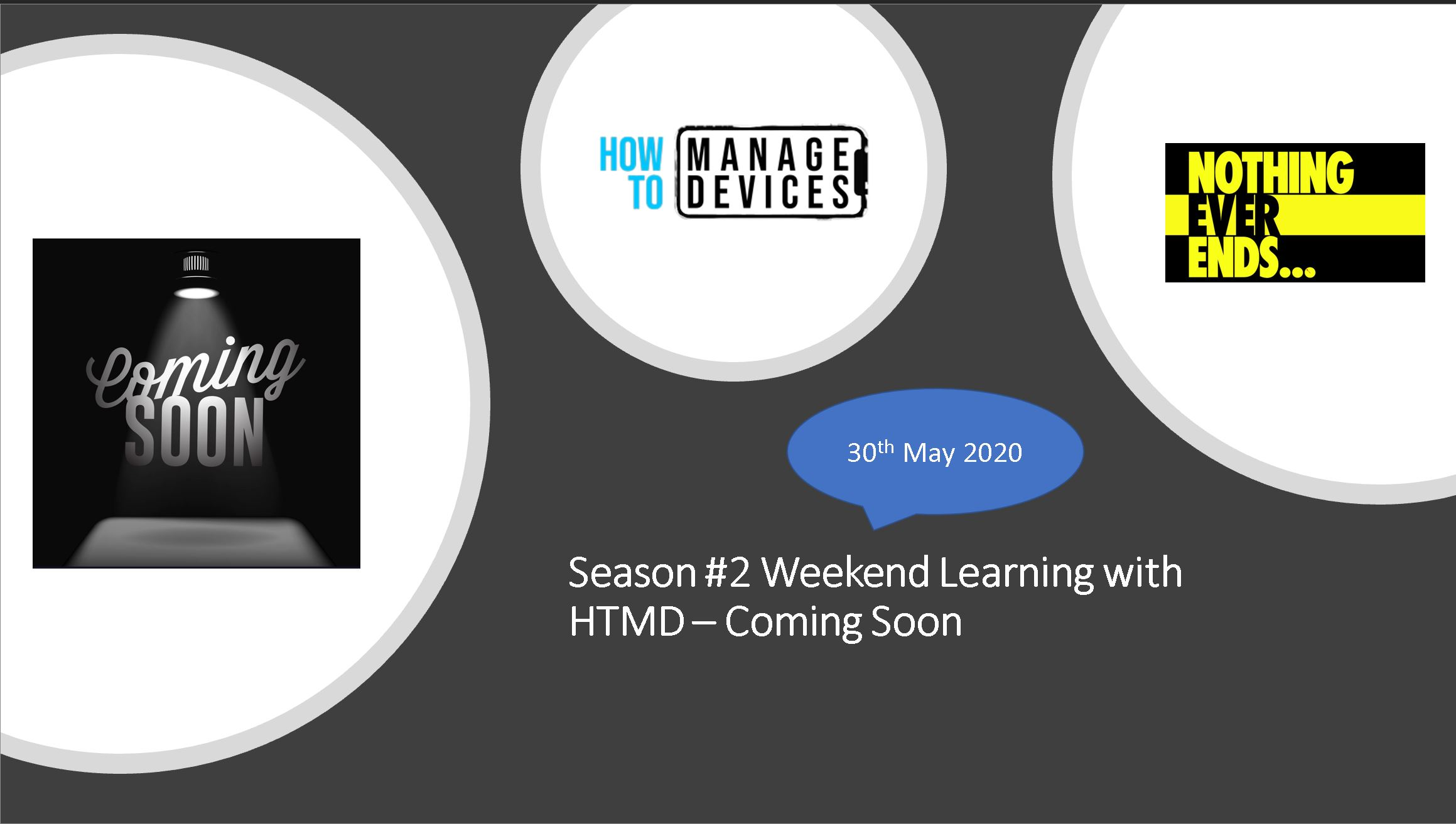
Season #2 Weekend Learning with HTMD – Coming Soon for Device management admins. The Configuration Manager (ConfigMgr | SCCM) season #2 is coming back! Free SCCM Training – Free ConfigMgr Training!

If you love free training classes from HTMD, then this is the SEASON#2 of Weekend Learning for device management admins:

  1. Free Intune Training (Weekdays)
  2. Free SCCM/Intune Training Season #1 (Weekends)

Season #2 Weekend Learning

Start Date >> 30th May 2020

Time >> 6:00 PM IST – 1:30 PM BST – 2:30 PM CEST– 12:30 PM GMT – More timezones – here

Meeting Invite >> HTMD Teams Channel (Join https://forms.office.com/). NOTE! -If you were already part of the last virtual teams meeting this is not required!

Agenda – All About Configuration Manager! SCCM | MEMCM

Free SCCM Training - ConfigMgr
Free SCCM Training – ConfigMgr

Recordings

Resources

Anoop C Nair
Written by
Anoop C Nair Microsoft Certified Trainer

Anoop C Nair is Workplace Technology solution architect with 25+ years (as of 2026) of experience in global enterprise organizations such as JP Morgan, Capgemini, etc. Microsoft Certified Trainer (MCT). Microsoft MVP from 2015 onwards for consecutive 11+ years! He also conducts Intune and modern workplace tech training for enterprise organizations. He is Blogger, Speaker, and Founder of HTMD Community and HTMD Conference. His main focus is on Device Management technologies like Intune, Windows, Cloud PC. He writes about technologies like Intune, SCCM, Windows, Cloud PC, Windows, Entra, Microsoft Security.

Discussion · 3 comments

  1. Hi Team ,

    Is there any option to configure to download updates from Windows Updates if sccm server not reachable or client is out of Internal network? for our sccm clients

    1. Hi ,

      Yes . You have an option in SW update deployment package . If the content is not in dp it will go to Microsoft please check that . What is your sccm version ?

      1. MY sccm version Sccm 2012 R2. I am asking this scenario mainly for my org laptop which are connecting mostly home internet and some time office Wifi..

Join the discussion

Your email address will not be published. Required fields are marked *

Related guides

SCCM

SCCM 2409 KB30385346 Hotfix Rollup Fixes CMG Issues and More

Let’s discuss SCCM 2409 KB30385346 Hotfix Rollup Fixes CMG Issues and More. Microsoft released a hotfix to address many issues in KB30385346 for SCCM (CM) version 2409. The main issue addressed in the hotfix is related to the Cloud Management Gateway (CMG). The CMG issue is based on which had been experiencing connectivity problems. CMG […]

AC Anoop C Nair 4 min read
SCCM

SCCM Alternatives

Let’s discuss SCCM Alternatives. SCCM (System Center Configuration Manager) is a Microsoft Endpoint Manager Configuration Manager. It is the best solution that can be used to install the application within your organization. As you know, the SCCM solution mainly manages Windows devices. However, it also has rich capability for managing MacOS devices. It also helps to […]

GS Gopika snair 3 min read
SCCM

Azure SCOM MI Supports SCCM Management Packs

Let’s discuss Azure SCOM MI Support for SCCM Management Packs. SCOM MI (System Center Operations Manager Managed Instance) is the System Center Operations Manager functionality in Azure. Now, it supports SCCM Management Packs. Azure Monitor SCOM managed instance is a cloud-based service that provides the same functionality as SCOM on-premises. SCOM MI can be used […]

GS Gopika snair 3 min read
SCCM

SCCM 2309 Infra Upgrade Important things to remember

Let’s look into the details of the SCCM 2309 Infra Upgrade and important things to remember before starting the upgrade in this post. Microsoft released the second version of SCCM in the year 2023. There are only 2 versions of SCCM releases per year. Recently, Microsoft changed the release timing of the SCCM version to […]

AC Anoop C Nair 3 min read