












HTMD Newsletter 150 15th to 19th July 2024
Welcome to the HTMD Newsletter 150 Summary from 15th to 19th July 2024! This is the list of posts and videos the HTMD Community published this week, as well as news from the IT industry. You can get all the information and details from Windows 11, Cloud PC, SCCM, Intune, Azure Virtual Desktop (AVD), Android, iOS, and Mac.
➡️ We are on WhatsApp. To get the latest step-by-step guides and news updates, Join our Channel, HTMD WhatsApp.
Did you miss updates from last week? Check out the link below.
- 147th HTMD Newsletter – HTMD Newsletter 147 24th to 28th June.
- 148th HTMD Newsletter – HTMD Newsletter 148 1ST to 5th July.
- 149th HTMD Newsletter– HTMD Newsletter 149 8th to 12th July.

15th July 2024 – HTMD Newsletter 150
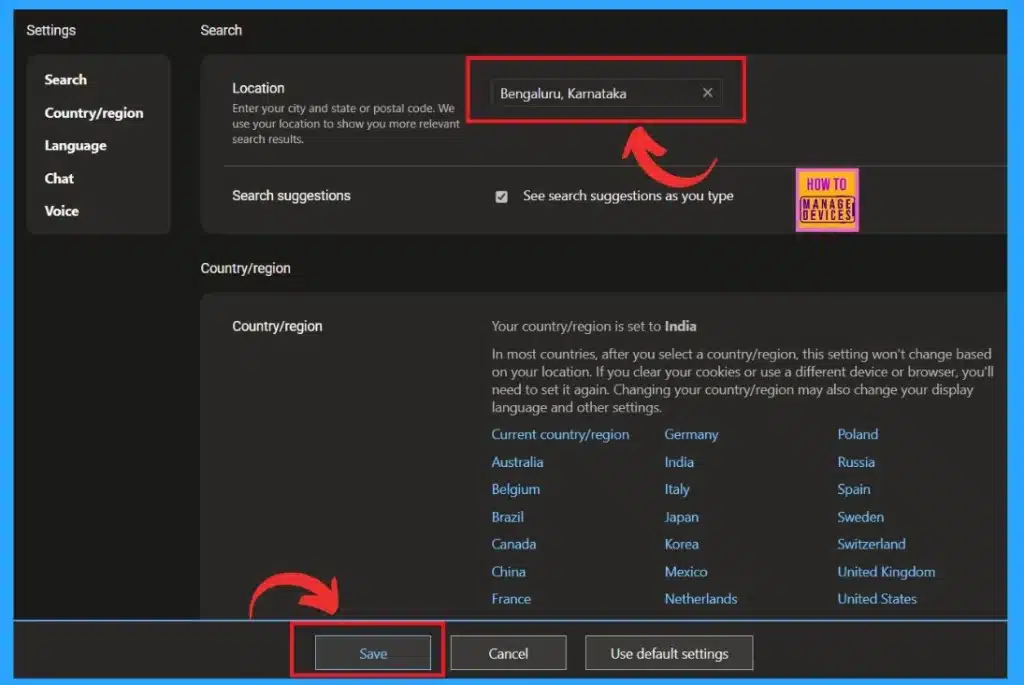
✔How to Change Location and Language in the Copilot
https://www.anoopcnair.com/change-location-and-language-in-the-copilot/
✨Change Location and Language Settings in Copilot
✨Steps to Change Language in Copilot
✨Guide to Installing the Copilot App on Windows 11
✨Languages in Search Results
✨Change Location in Copilot
✔Disable URL Copy Paste Feature in Microsoft Edge
https://www.anoopcnair.com/disable-url-copy-paste-feature-microsoft-edge/
📌URL Copy Paste Feature in Microsoft Edge
📌Share, Copy and Paste
📌Paste as Plain Text
📌Methods to Copy and Paste Text into Your Browser

16th July 2024 – HTMD Newsletter 150
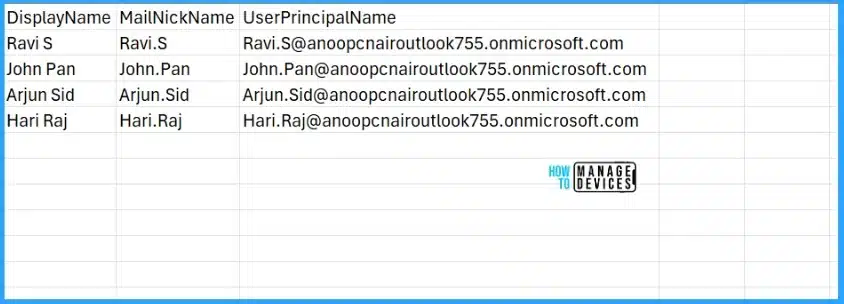
🎆Create Microsoft Entra ID Users with PowerShell Script
https://www.anoopcnair.com/create-microsoft-entra-id-users-with-powershell/
➡Know More About the Microsoft Entra PowerShell Module
➡Create a Microsoft Entra ID user with PowerShell
➡Create Microsoft Entra ID Users from CSV with PowerShell
🎆How to Access MAC Address of an Android Device via the Managed Home Screen App in Intune
https://www.anoopcnair.com/mac-address-managed-home-screen-app-in-intune/
☑How to Access the MAC Address of an Android Device
☑Managed Home Screen App in Intune
☑What is MAC Address?

🎆Windows Device Configuration Policies Migrating to Unified Settings Platform in Intune
https://www.anoopcnair.com/windows-device-configuration-policies-migrating/
🔔 New Update of Microsoft Intune
🔔 July 15: Microsoft Intune will Begin Migrating
🔔 Migrating Device Configuration Templates to the New Unified Settings Platform
🔔 Migration Experience for Specific Templates

17th July 2024 – HTMD Newsletter 150
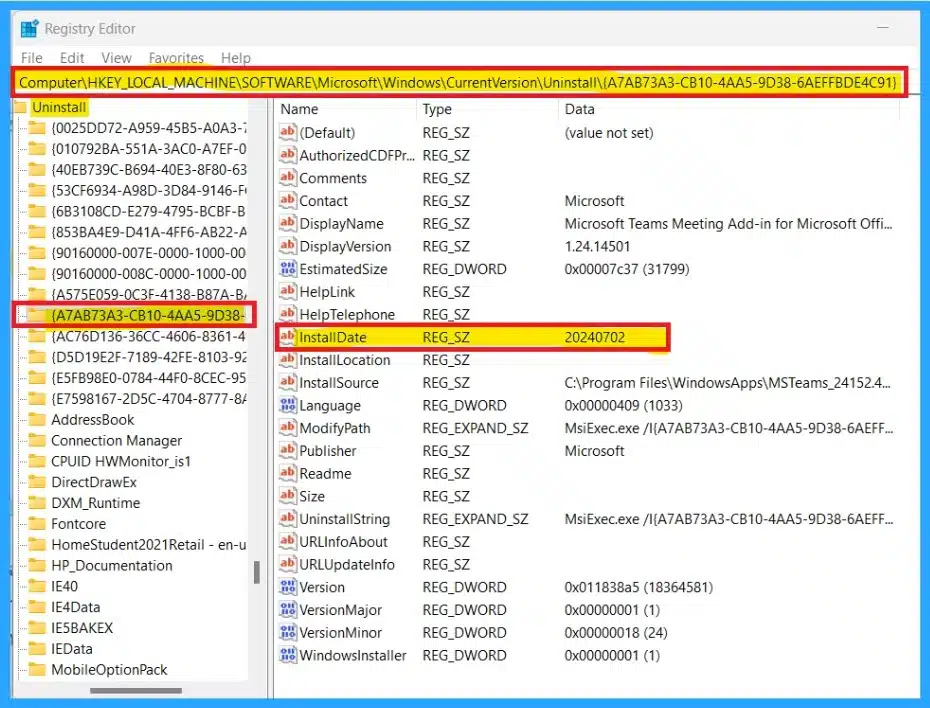
✔Easy Methods to Find the Install Date of Apps in Windows 11
https://www.anoopcnair.com/find-the-install-date-of-apps-in-windows-11/
📍Find the Install Date of Apps in Windows 11
📍Different Methods
📍Importance of Application or Programme Installed Dates
📍Find the Install Date of Apps and Programmes
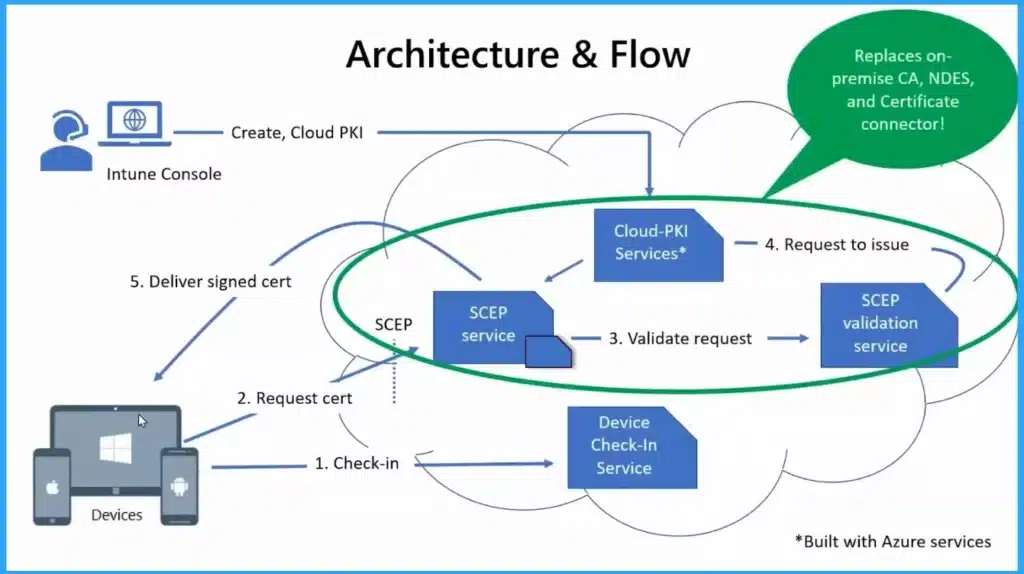
⏩Revoke and Delete Cloud PKI Certification Authorities in Intune
https://www.anoopcnair.com/cloud-pki-certification-authorities-in-intune/
⏳Cloud PKI Certification Authorities in Intune
⏳Introduce Revoke and Delete Cloud PKI Certification Authorities in Intune
⏳Revoke and Delete Cloud PKI Certification Authorities feature Generally Available on July 2024
⏳Microsoft Cloud PKI Features
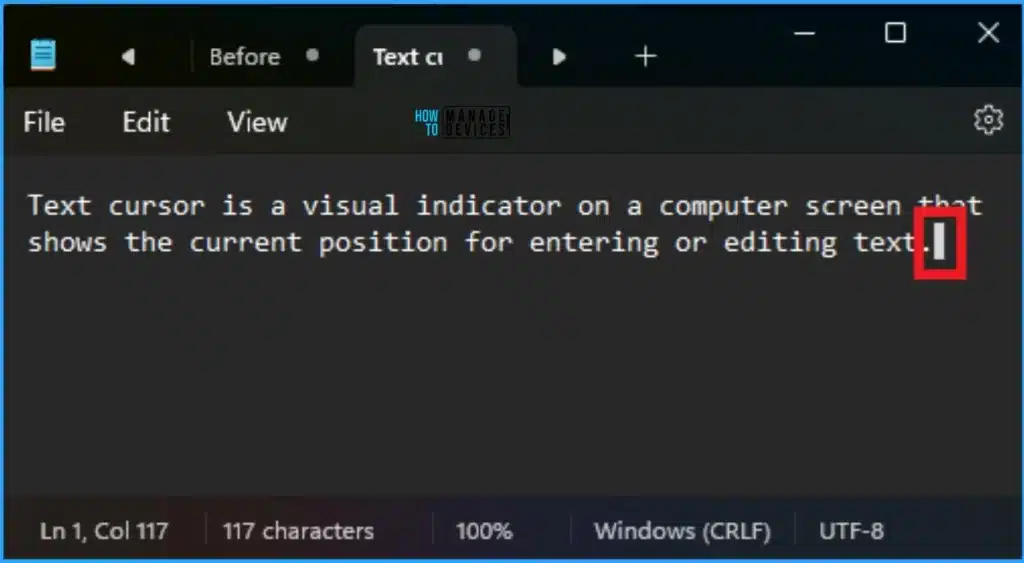
🔔How to Change Text Cursor Thickness in Windows 11
https://www.anoopcnair.com/change-text-cursor-thickness-in-windows-11/
🌟Change Text Cursor Thickness in Windows 11
🌟Advantages of Text Cursor Thickness in Windows 11
🌟Different Methods for Changing Text Cursor Thickness in Windows 11
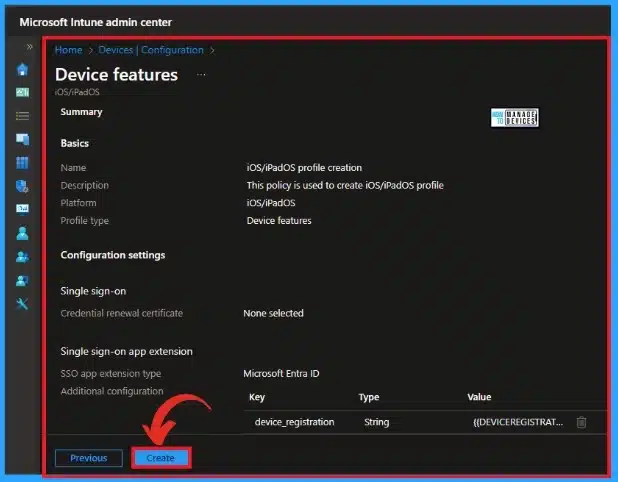
🎆MS Intune Stop Supporting User Enrollment with Company Portal for iOS iPadOS
https://www.anoopcnair.com/intune-stop-user-enrollment-with-company-portal-for-ios-ipados/
🔥Intune Stop Supporting User Enrollment with Company Portal for iOS iPadOS
🔥Things to be Prepared to Adopt These Change
🔥Recommending Account Driven User Enrollment for iOS/iPadOS
18th July 2024 – HTMD Newsletter 150
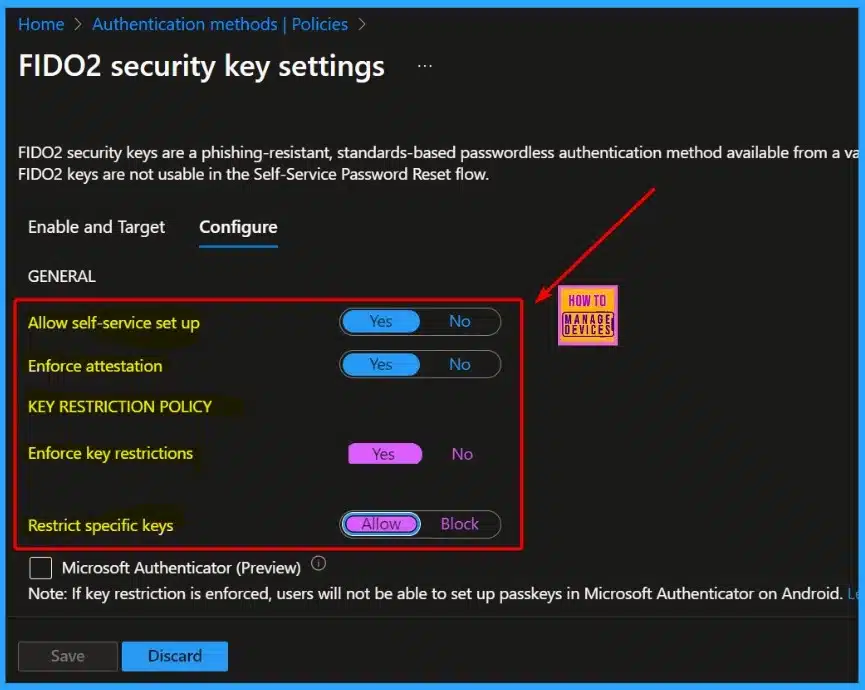
🎊Cloud PC Support for FIDO Devices and Passkeys on macOS and iOS
https://www.anoopcnair.com/fido-devices-and-passkeys-on-macos-and-ios/
📍Cloud PC Support for FIDO Devices and Passkeys on macOS and iOS
📍Windows 365 Cloud PCs now Support FIDO Devices and Passkeys
📍FIDO Devices and Passkeys in Microsoft Entra ID Sign in on macOS and iOS
📍Know About FIDO Devices
📍Undertand the Passkey
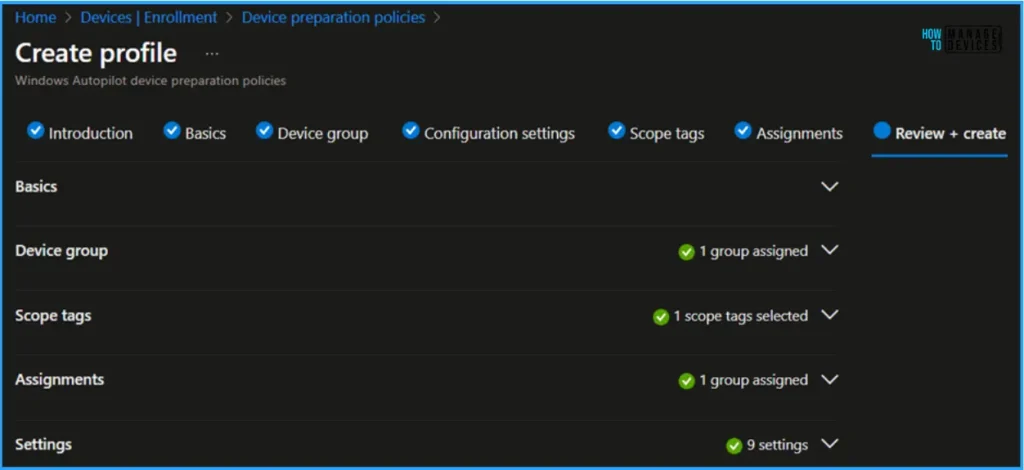
🎉Guide to Configure Windows Autopilot Next Generation Device Preparation Policy with Intune
https://www.anoopcnair.com/windows-autopilot-next-generation-with-intune/
🎈Key Components of Windows Autopilot Next Generation Device Preparation Policy
🎈Create Windows Autopilot Next Generation Device Preparation Policy
🎈Configuration Settings of Windows Autopilot V2 Device Preparation Policy
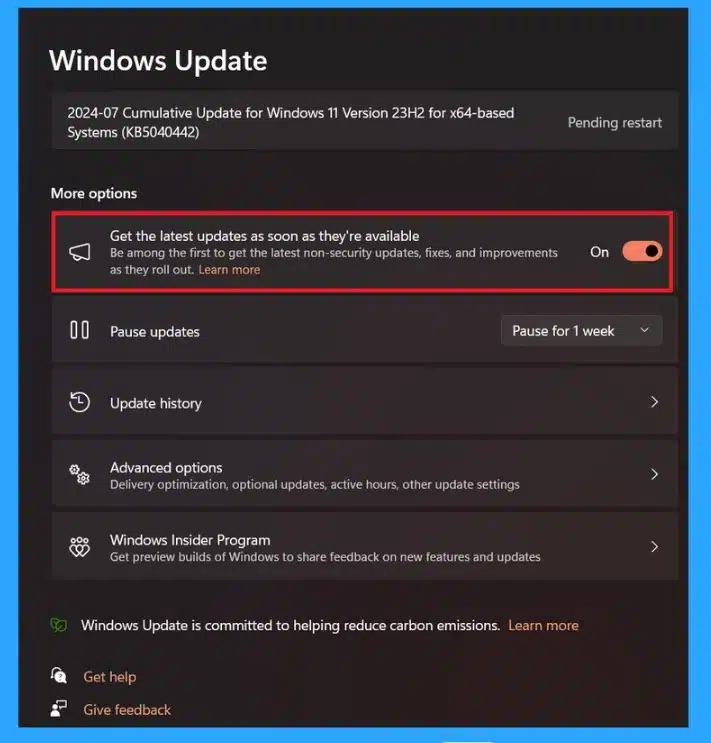
🔔Windows 11 Checkpoint Cumulative Updates
https://www.anoopcnair.com/windows-11-checkpoint-cumulative-updates/
🌟New Feature in Windows 11 Version 24H2
🌟Checkpoint Cumulative Updates
🌟Keep your System Up-to-date for Optimal Performance
🌟Benefits of Checkpoint Cumulative Updates
19th July 2024 – HTMD Newsletter 150
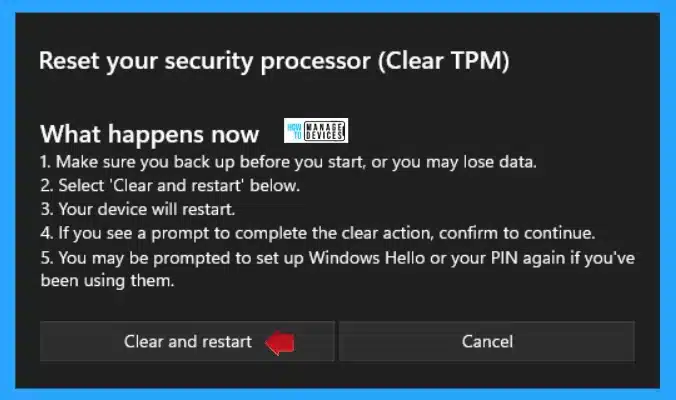
🎆How to Run TPM Troubleshooter in Windows 11
https://www.anoopcnair.com/how-to-run-tpm-troubleshooter-in-windows-11/
☑Run TPM Troubleshooter
☑View Status and Manage Hardware Security Features
☑Security Processor Troubleshooting
☑Reset Your Security Processor (Clear TPM)
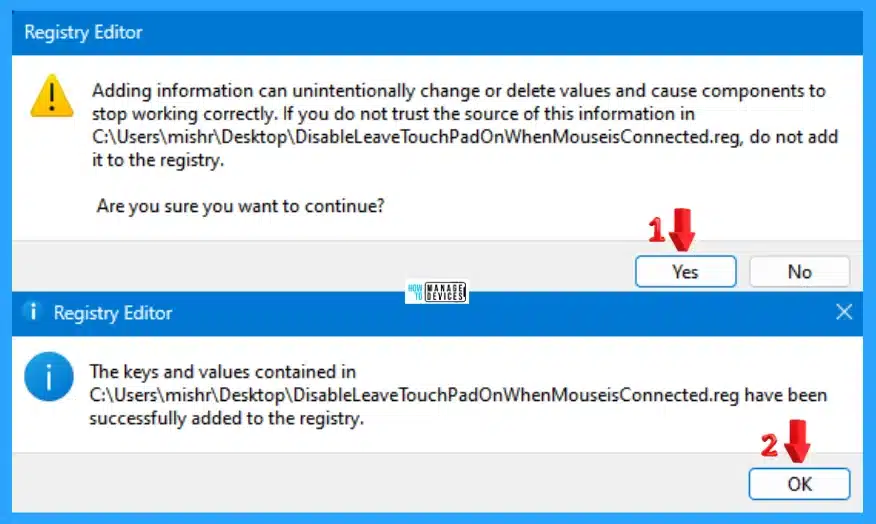
▶Enable Disable Leave Touchpad On When Mouse is Connected Feature in Windows 11
https://www.anoopcnair.com/enable-disable-leave-touchpad-on-windows-11/
💡Leave Touchpad On When Mouse is Connected
💡Taps, Gestures, Scrolling, Zooming
💡Different Methods
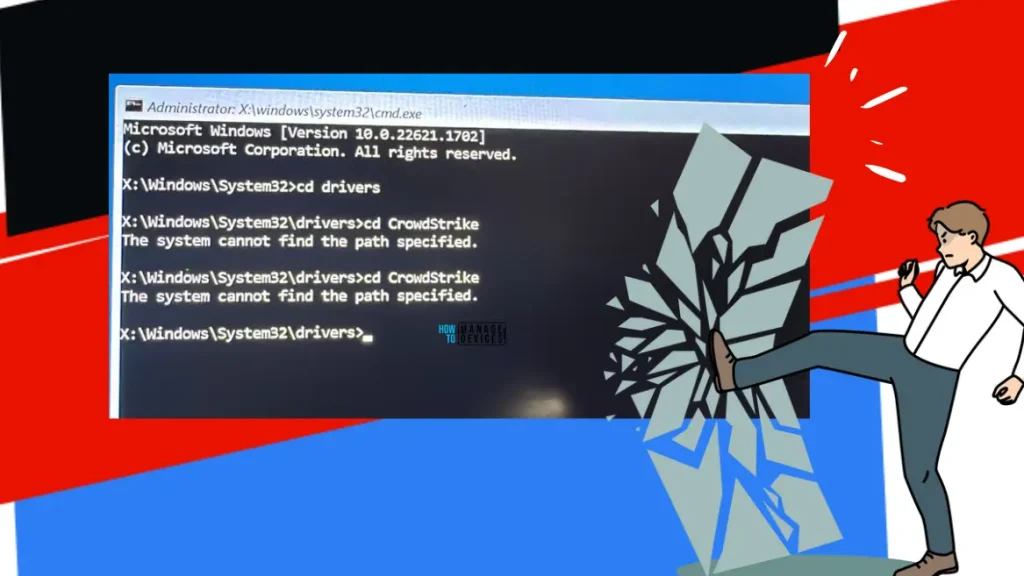
🛑 Widnows Devices stopped working – Windows BSOD Issue caused by Crowdstrike Update
https://www.anoopcnair.com/fix-windows-bsod-issue-caused-by-crowdstrike/
🛑Blue Screen Of Death (BYOD) error and Restart
🛑PowerShell Options – Manual Workaround for Admin users
🛑What is the fix for non admin users?
🛑Is there any options to fix this via Intune or SCCM?
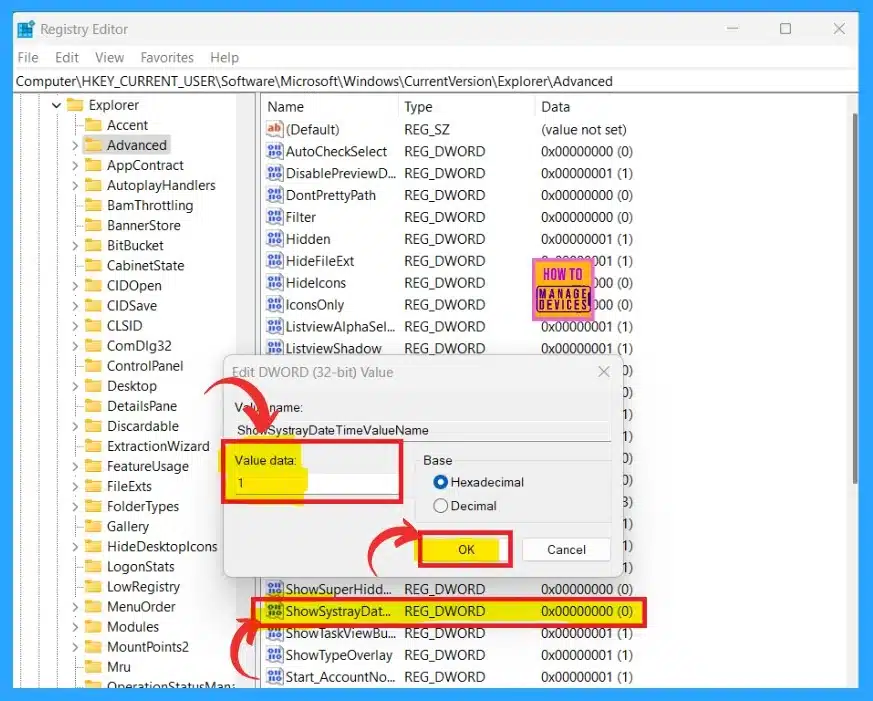
▶How to Show or Hide Time and Date on Taskbar System Tray in Windows 11
https://www.anoopcnair.com/time-and-date-on-taskbar-system-tray-windows-11/
💡Show Time and Date in the System Tray
💡Role of the Taskbar System Tray
💡Date and Time in the Taskbar System Tray
💡Different Methods
💡Adjust Date and Time
💡Time Zones, Automatic Clock Settings, Calendar Display
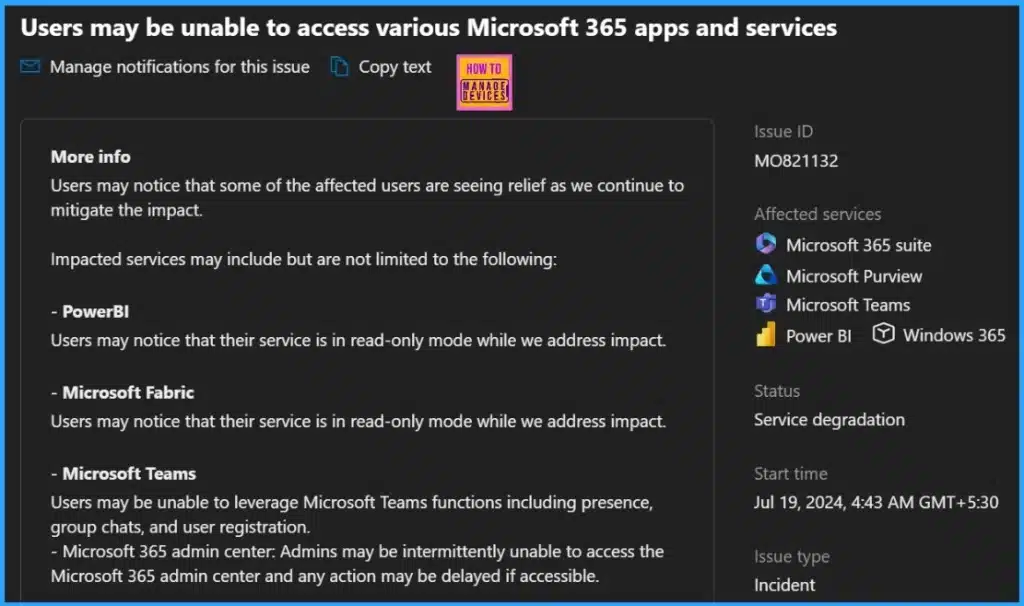
▶Significant Impact Accessing Microsoft 365 Apps and Windows 365 Services
https://www.anoopcnair.com/significant-impact-accessing-microsoft-365-apps/
💡Users may be Unable to Access Various Microsoft 365 Apps and Services
💡Current Status of Microsoft 365 Apps and Services Availability and Mitigation Efforts
💡Services Still Impacted
💡Recovered Services Based on your Telemetry and Customer Signals
🎆Microsoft Added New 160+ Apps on Intune Enterprise App Catalog
https://www.anoopcnair.com/160-apps-on-intune-enterprise-app-catalog/
➡New 160+ Apps on Intune Enterprise App Catalog
➡MS Graph PowerShell to List All Available Intune Enterprise App Catalog
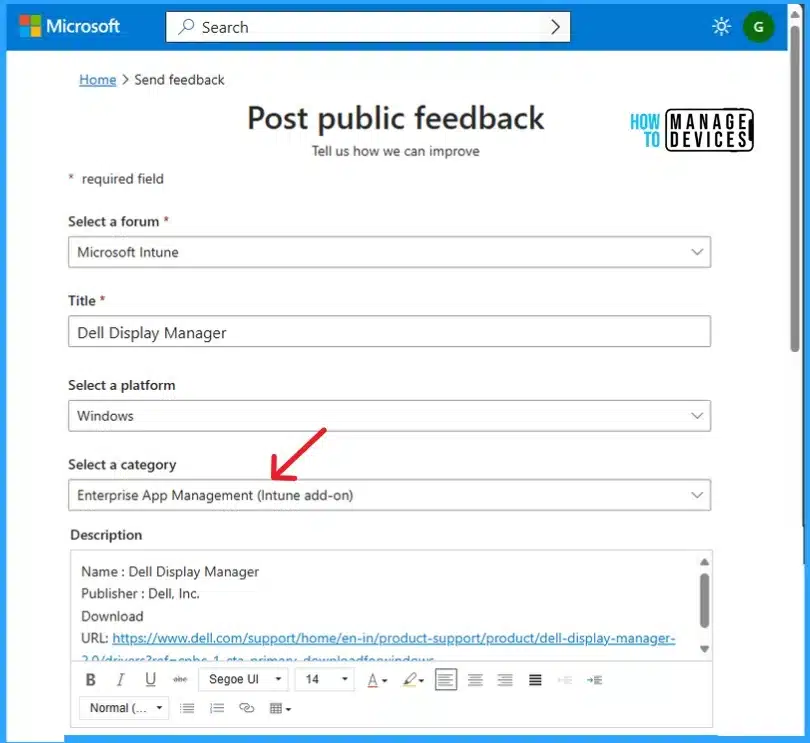
➡Send Public Feedback About Enterprise App Catalog

Anoop C Nair is Workplace Technology solution architect with 25+ years (as of 2026) of experience in global enterprise organizations such as JP Morgan, Capgemini, etc. Microsoft Certified Trainer (MCT). Microsoft MVP from 2015 onwards for consecutive 11+ years! He also conducts Intune and modern workplace tech training for enterprise organizations. He is Blogger, Speaker, and Founder of HTMD Community and HTMD Conference. His main focus is on Device Management technologies like Intune, Windows, Cloud PC. He writes about technologies like Intune, SCCM, Windows, Cloud PC, Windows, Entra, Microsoft Security.

Discussion