











HTMD Newsletter 147 24th to 28th June 2024
Welcome to the HTMD Newsletter 147 Summary from 24th to 28th June 2024! This is the list of posts and videos the HTMD Community published this week and news from the IT industry. You can get all the information and details from Windows 11, Cloud PC, SCCM, Intune, Azure Virtual Desktop (AVD), Android, iOS, and Mac.
➡️ We are on WhatsApp. To get the latest step-by-step guides and news updates, Join our Channel, HTMD WhatsApp.
Did you miss updates from last week? Check out the link below.
- 144th HTMD Newsletter – HTMD Newsletter 144 3rd to 7th June.
- 145th HTMD Newsletter – HTMD Newsletter 145 10th to 14th June.
- 146th HTMD Newsletter – HTMD Newsletter 146 17th to 21st June.
24th June 2024 – HTMD Newsletter 147
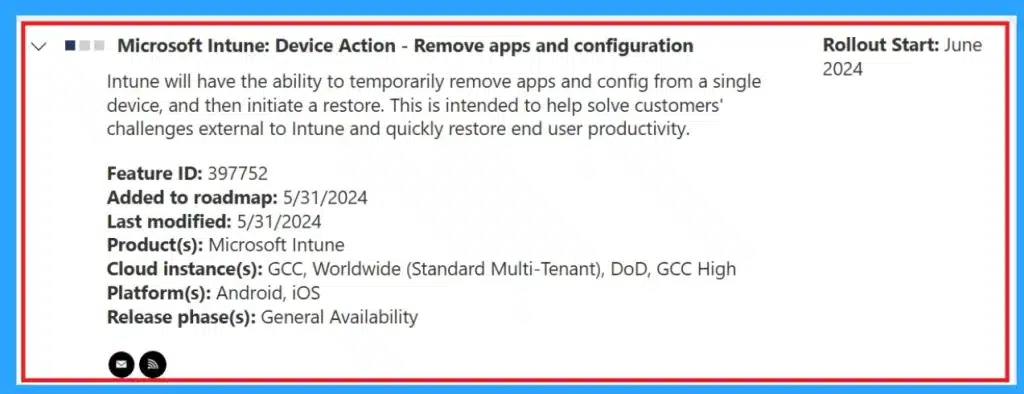
💡Remove the Apps and Config From Mobile for Troubleshooting
https://www.anoopcnair.com/apps-and-config-from-mobile-for-troubleshooting/
📌Microsoft Intune Device Action
📌New Troubleshooting Tool for Mobile Devices
📌Remove Apps and Configuration (RAC) Introduced
📌RAC Support iOS/iPadOS and Android Corporate-owned Devices
📌GCC, GCC High, and DoD environments
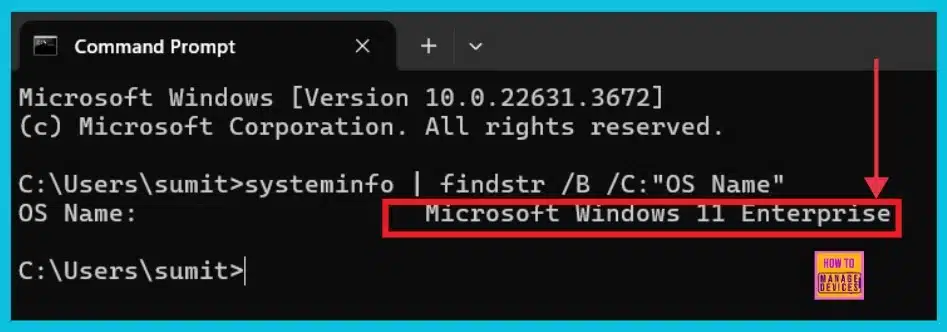
🎆How to Check Your Windows 11 Edition
https://www.anoopcnair.com/how-to-check-your-windows-11-edition/
🎉Understanding Windows 11 Editions and Features
🎉Windows Specifications
🎉System Information
🎉systeminfo | findstr /B /C:”OS Name”
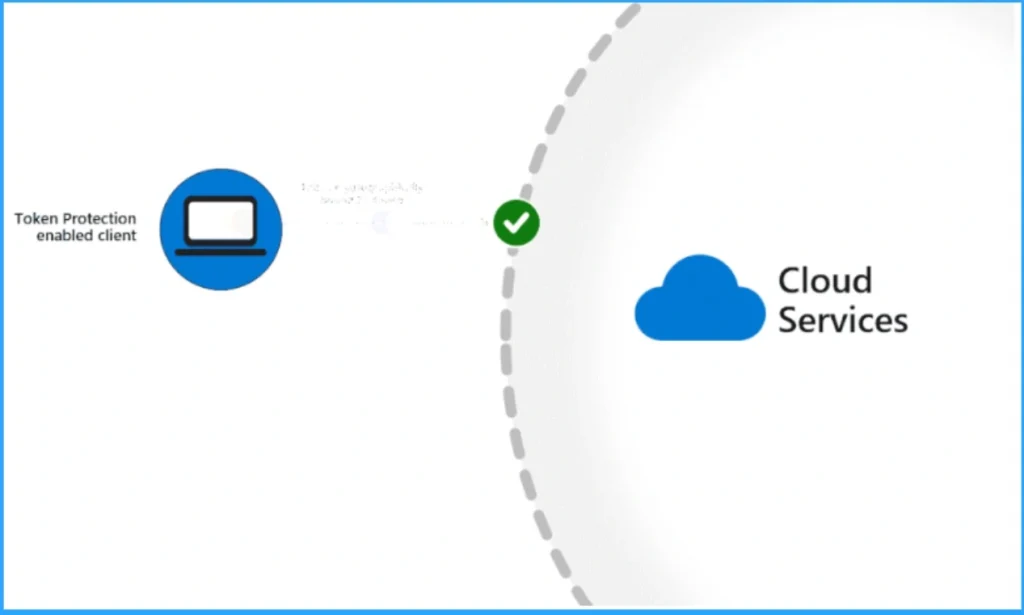
🎆Methods to Break the Token Theft Cyber-Attack Chain on Entra
https://www.anoopcnair.com/break-token-theft-cyber-attack-chain-on-entra/
⏳Token Theft Cyber-Attack Chain on Entra
⏳Methods to Reduce the Risk of Token Theft
⏳Break the Token Theft Cyber-Attack Chain
⏳Working of Token Theft
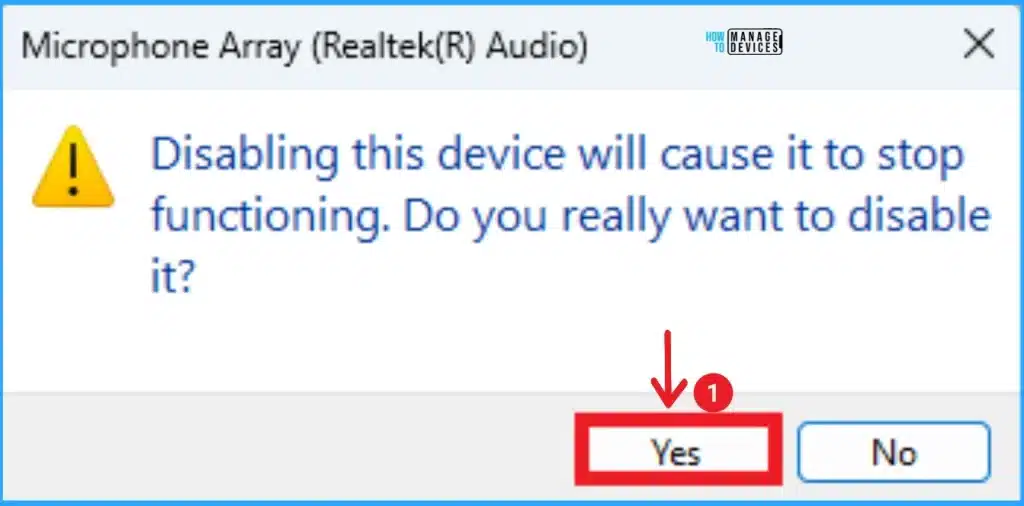
🎆Enable Disable Microphone Array in Windows 11
https://www.anoopcnair.com/enable-disable-microphone-array-in-windows-11/
⏳Microphone Array in Windows 11
⏳Different Methods for Microphone Array in Windows 11
⏳Built-in Feature for Windows 11 PC
⏳Advantages of Microphone Array
25th June 2024 – HTMD Newsletter 147
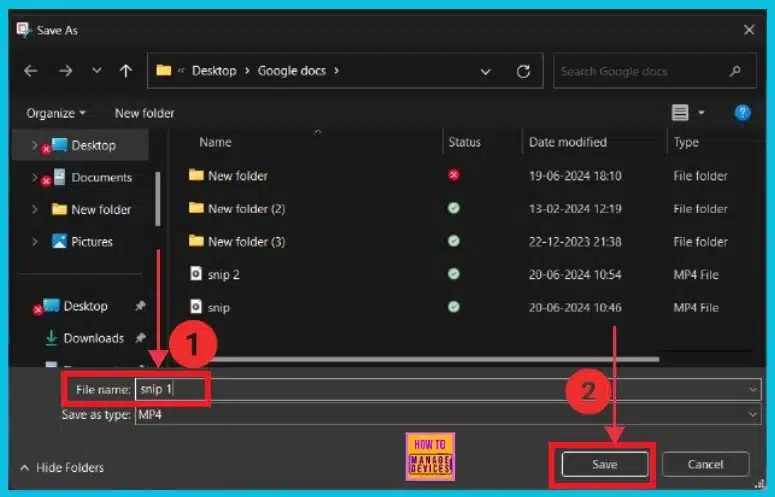
🎆How to Use the Snipping Tool to Record Your Screen in Windows 11
https://www.anoopcnair.com/snipping-tool-to-record-your-screen-in-windows/
✔Snipping Tool for Recording Screens in Windows 11
✔Steps for Record Screen with Snipping Tool App
✔Options Available in the Recording Snipping Tool Tab
✔Saving Recordings in the Snipping Tool
✔Previewing Recorded Video
✔Verifying Content and Quality Before Saving
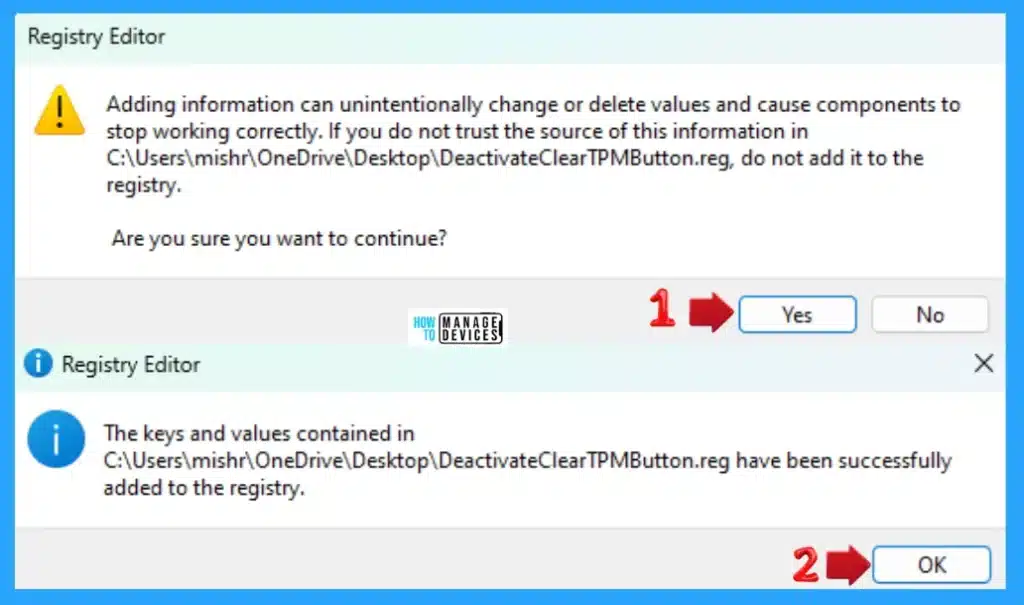
🔑Activate Deactivate Clear TPM Button in Windows Security in Windows 11
https://www.anoopcnair.com/clear-tpm-button-in-windows-security-windows-11/
🧑💻Turn On or Off Clear TPM Button
🧑💻Use Local Group Policy Editor
🧑💻Use Registry Editor
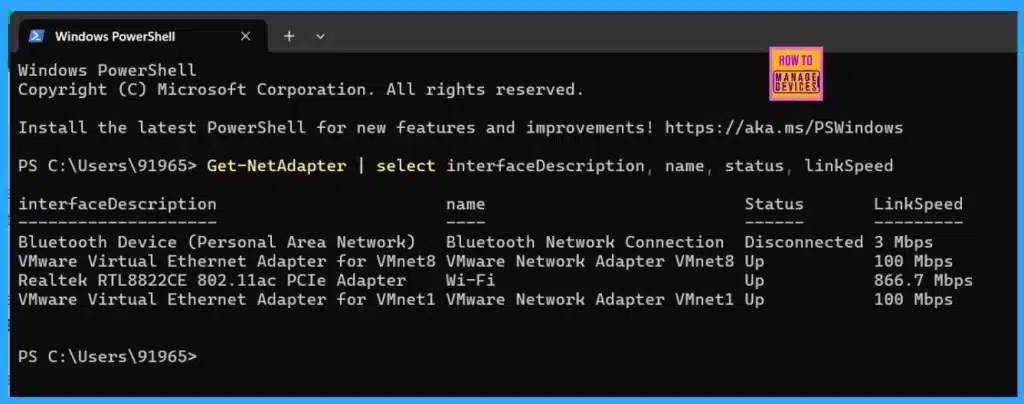
🎆How to Find Network Adapter Connection Speed in Windows 11
https://www.anoopcnair.com/network-adapter-connection-speed-in-windows-11/
🎉Understand the Network Adapter
🎉Diffrent Methods to find out the Network Adapter Connection Speed
🎉Network Information and Set up Connections
🎉Details of Status and Linkspeed
26th June 2024 – HTMD Newsletter 147
🎆2406 Microsoft Intune New Features June Update
https://www.anoopcnair.com/2406-microsoft-intune-new-features-june-update/
🎉Microsoft Intune Service Release 2406
🎉New Features in Intune June Updates
🎉New Settings in Apple Settings Catalog
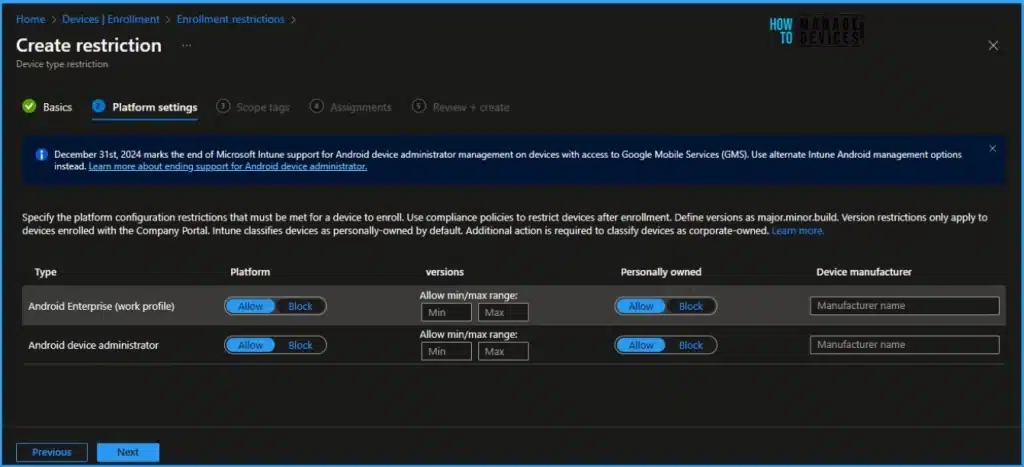
🎉RBAC Changes to Enrollment Platform Restrictions for Windows
🎉Intune Admin Center UI Updates at Devices By Platform
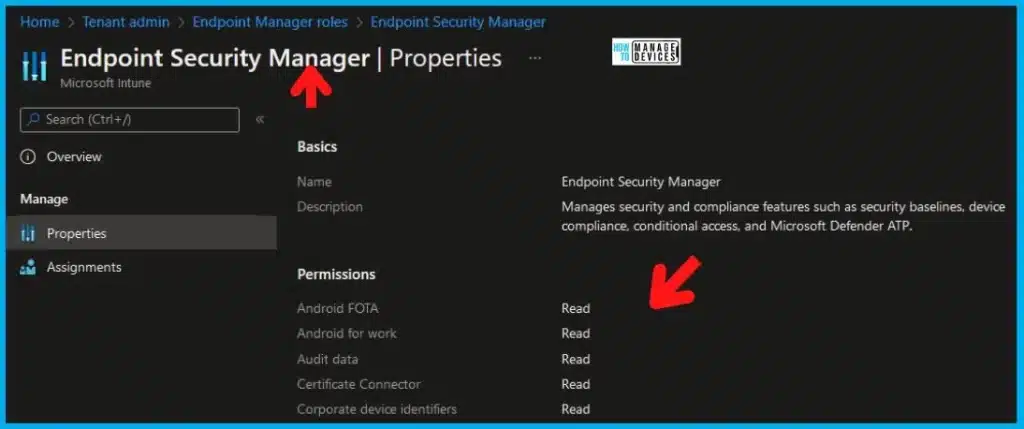
💡New Granular Permissions for Endpoint Security Workloads in Intune
https://www.anoopcnair.com/endpoint-security-workloads-in-intune/
📌New Granular RBAC Controls for Intune Endpoint Security
📌Microsoft Intune June 2406 New Feature
📌Attack Surface Reduction
📌know about Granular Permissions Considerations
📌RBAC and Security Baselines in Microsoft Intune
✔Free Generic Windows 10 Product Keys from Microsoft
https://www.anoopcnair.com/generic-windows-10-product-keys-from-microsoft/
📌Finding Your Windows 10 Product Key Easily
📌Understand the Key Management Services (KMS)
📌Special Code Contain 25 Character
📌Generic Code is provided by Microsoft
📌Different Methods for Finding the Product Key

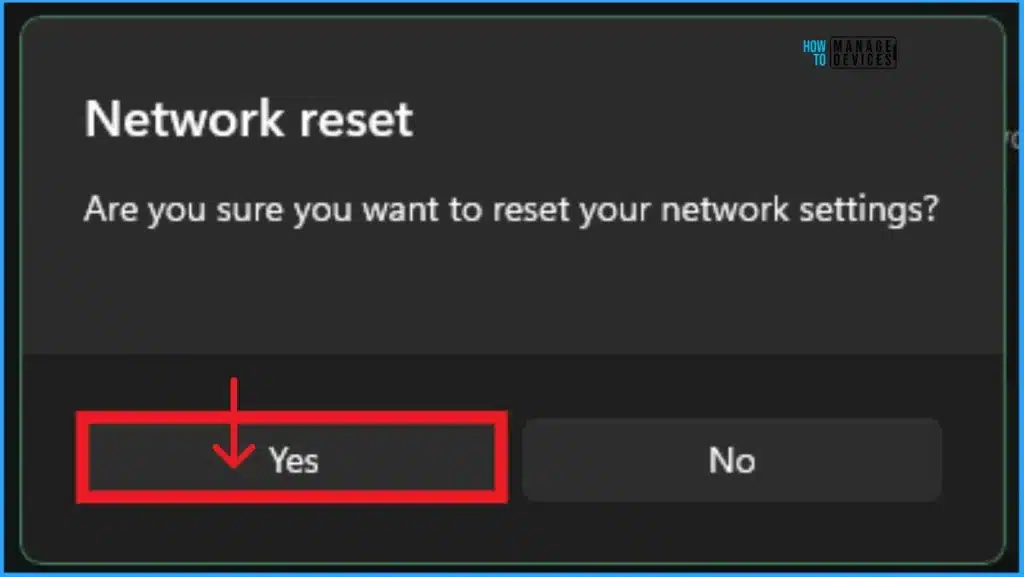
👉Fix No Internet Issue in Mobile Hotspot Connection in Windows 11
https://www.anoopcnair.com/no-internet-issue-in-mobile-hotspot-connection-windows-11/
🕵♂No Internet Issue in Mobile Hotspot Connection
🕵♂Advantages of Mobile Hotspots in Windows PCs
🕵♂Use Network and Internet Troubleshooter on PC
🕵♂Reset Network on the Windows 11 PC
27th June 2024 – HTMD Newsletter 147
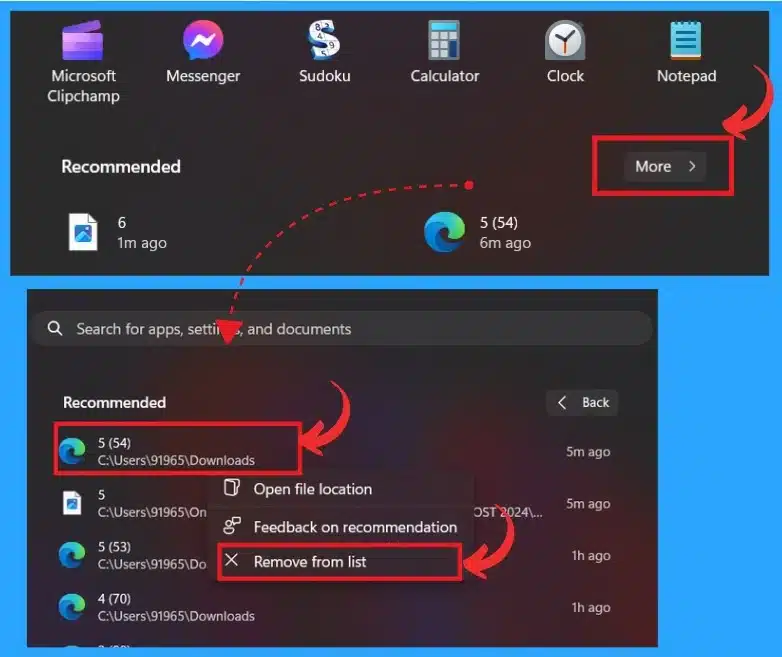
🎆How to Clear Start Menu Recommended Section in Windows 11
https://www.anoopcnair.com/start-menu-recommended-section-in-windows-11/
🎉Remove Start Menu Recommended Section
🎉Know More about Recommended Section in Windows 11
🎉Importance of Hiding Recommended Section
🎉Ways to Remove Recommended Section in Start Menu
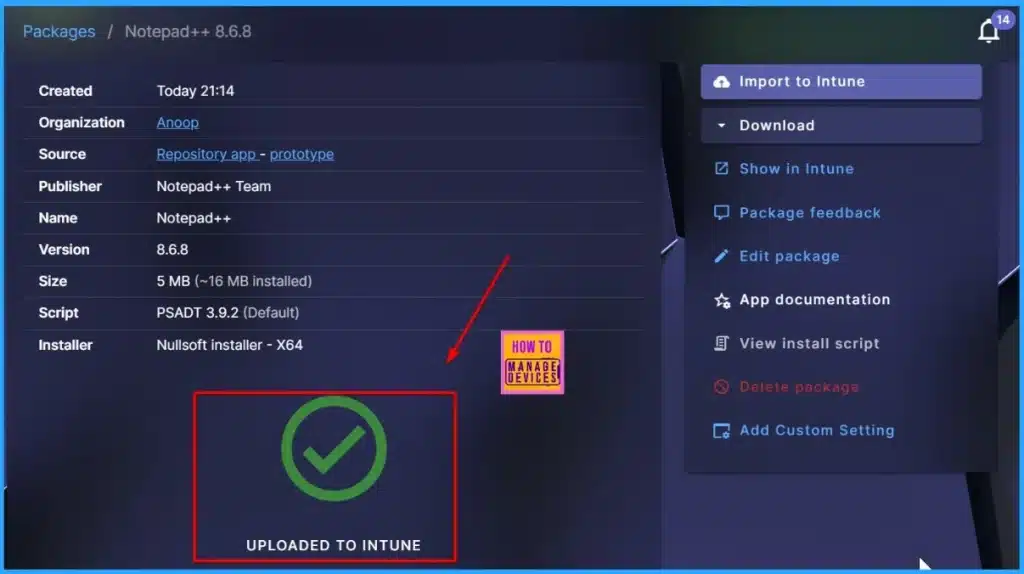
➡Intune and Robopack SaaS Solution for End to End 3rd Party App Lifecycle Management
https://www.anoopcnair.com/intune-and-robopack-saas-solution-for-end/
✔Intune and Robopack SaaS Solution
✔Creating a Trial Account on Robopack.com
✔Connecting Your Intune Tenant
✔Your First Patch Setup in Robopack
✔Customizing Application Settings in Robopack
✔Uploading and Converting Apps with Robopack
✔Simplifying App Deployment with Instant Apps
✔End-User Experience
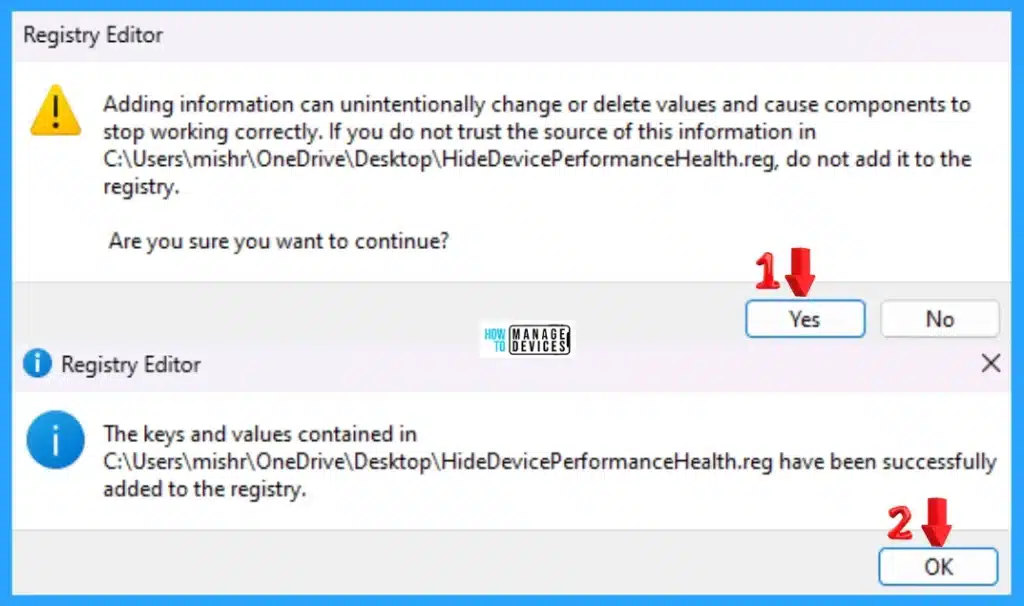
🕵♂Show Hide Device Performance Health Report in Windows Security in Windows 11
https://www.anoopcnair.com/show-hide-device-performance-health-report-in-windows-security/
↘Device performance & health of your device
↘Hide the Device performance and health area using Group Policy
↘Use Registry Editor to Show Hide
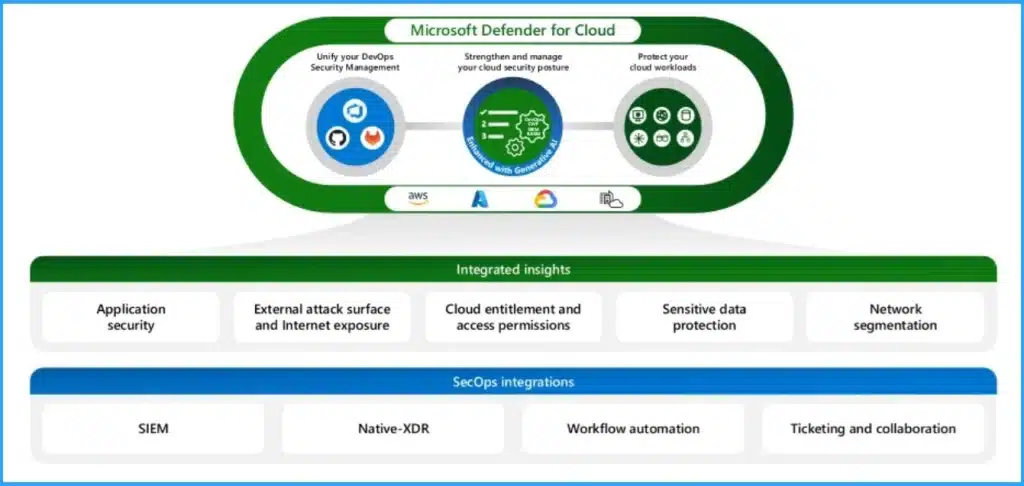
✔Microsoft CNAPP Cloud Native Application Protection Platform Life Cycle
https://www.anoopcnair.com/microsoft-cnapp-cloud-native-application-protection-platform-life-cycle/
📌Microsoft CNAPP Unified Solution for Cloud Security
📌Key Features of Cloud Native Application Protection Platform Life Cycle
📌Core Components of CNAPP
📌Generic Code is provided by Microsoft
📌Ensuring End-to-end Protection for Cloud Applications.
28th June 2024 – HTMD Newsletter 147
[New Video] ✅Let’s explore options for automating Intune App deployment with Microsoft’s Graph API solution and PowerShell
https://youtu.be/wlnqzqkejz0
➡For more details and a comprehensive guide, check out the blog post on how to Automate Intune App Deployment using Microsoft Graph API and PowerShell: https://www.anoopcnair.com/automate-intune-app-deployment-microsoft-graph/

Let’s explore options for automating Intune App deployment with Microsoft’s Graph API solution and PowerShell HTMD Newsletter 147 24th to 28th June 2024 – Video.1
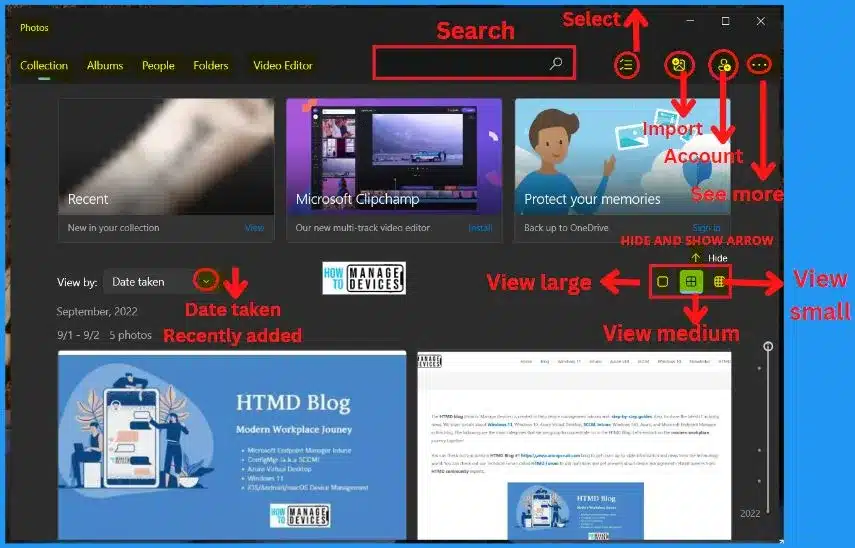
🎆How to Add iCloud Photos in Windows 11 Photos App https://www.anoopcnair.com/show-icloud-photos-in-windows-11-photos-app/
📍iCloud Photos Integration with Windows 11 Photos App
📍Direct Integration and Rollout via Microsoft Store Update
📍Availability for All Windows 11 Customers
📍Add iCloud Photos to the Left Navigation to View Your Photos
📍Automatically Sync Photos from Your iPhone
🔑Fix MDM Authentication Error Code 80180002
https://www.anoopcnair.com/fix-mdm-authentication-error-code-80180002/
🧑💻MDM Authentication Error Code 80180002
🧑💻Reasons for Getting MDM Authentication Errors
🧑💻Methods to Fix MDM Authentication Error

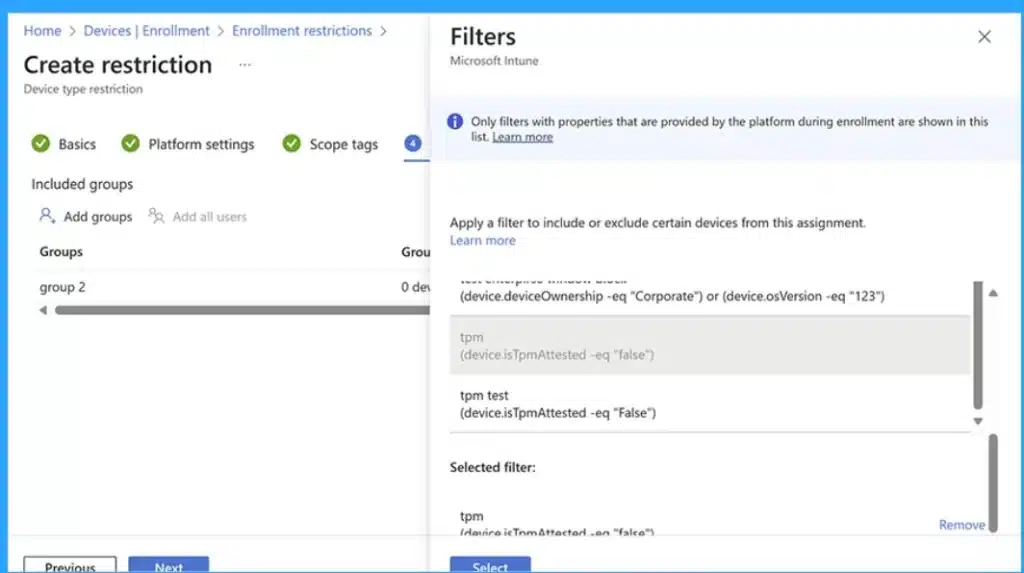
🎉Microsoft Introduces New Windows Enrollment Attestation Feature in Intune
https://www.anoopcnair.com/windows-enrollment-attestation-feature-intune/
✔Windows Enrollment Attestation in Intune
✔Microsoft Intune June 2406 New Feature
✔Keeping Enrollment Details Safe in Hardware
✔Reporting and Device Attest Action
✔Trusted Platform Module (TPM) 2.0 Hardware
✔Secure Device Enrollment
🎆Intune MDM Enrollment Error Code 80180005
https://www.anoopcnair.com/intune-mdm-enrollment-error-code-80180005/
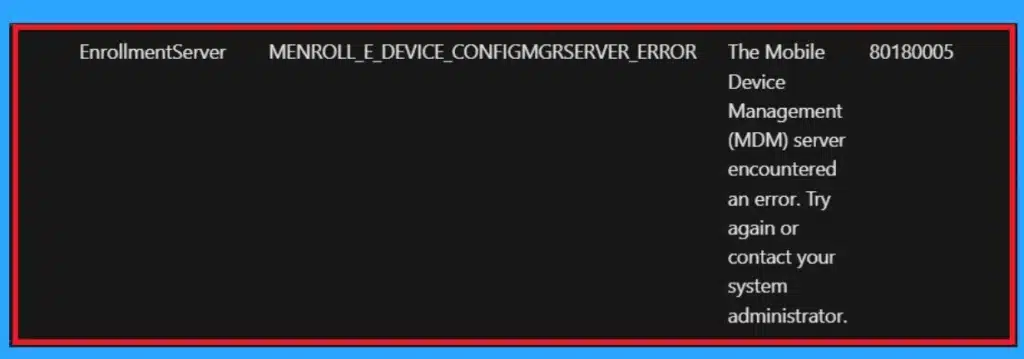
🔥Error Code 80180005
🔥MENROLL_E_DEVICE_CONFIGMGRSERVER_ERROR
🔥Mobile Device Management (MDM) Server Issue

Anoop C Nair is Workplace Technology solution architect with 25+ years (as of 2026) of experience in global enterprise organizations such as JP Morgan, Capgemini, etc. Microsoft Certified Trainer (MCT). Microsoft MVP from 2015 onwards for consecutive 11+ years! He also conducts Intune and modern workplace tech training for enterprise organizations. He is Blogger, Speaker, and Founder of HTMD Community and HTMD Conference. His main focus is on Device Management technologies like Intune, Windows, Cloud PC. He writes about technologies like Intune, SCCM, Windows, Cloud PC, Windows, Entra, Microsoft Security.

Discussion