











How to Publish RDS Remote Apps with PowerShell Commands
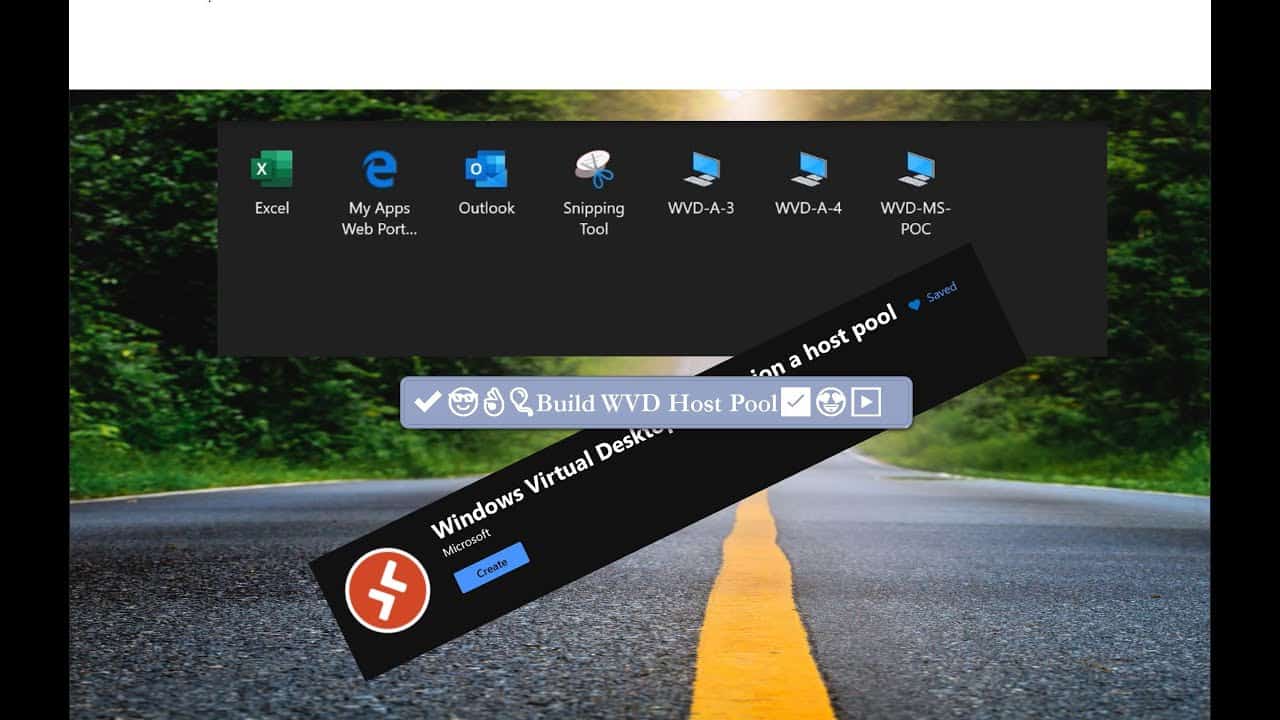
Video tutorial to help publish RDS Remote Apps (RDS Remote Apps) with PowerShell commands. WVD Powershell module can be downloaded and installed from the PowerShell Gallery.
Related Posts – RDS Remote Apps
Following are the posts about publishing remote apps and life cycle management of remote apps. RDS Remote Apps:
- Learn How to Publish WVD Remote Apps with PowerShell
- WVD Life Cycle Management Remove Published Remote Apps with PowerShell
Download the WVD PowerShell Module
You have to download Windows Virtual Desktop module using following commands or you can download it from PowerShell Gallery.
Install-Module -Name Microsoft.RDInfra.RDPowerShell
Import-Module -Name Microsoft.RDInfra.RDPowerShell
Create New WVD RemoteApp Group
Here is the PowerShell command to create a new remote app group. The New-RdsAppGroup cmdlet creates a new app group within the specified host pool.
More details – https://docs.microsoft.com/en-us/powershell/module/windowsvirtualdesktop/new-rdsappgroup
New-RdsRemoteApp (RDS Remote Apps)
Adds a WVD Remote App program to a WVD Remote App app group. This helps to publish of the remote application installed in a VM which is part of WVD host pool.
This command will fail if you try to publish a Remote App to a desktop app group.
More Details – https://docs.microsoft.com/en-us/powershell/module/windowsvirtualdesktop/new-rdsremoteapp

Get-RdsAppGroupUser
The following PowerShell command called Get-RdsAppGroupUser cmdlet lists the users to a WVD RemoteApp group. This action shall give access to the specified app group.
More Details – https://docs.microsoft.com/en-us/powershell/module/windowsvirtualdesktop/get-rdsappgroupuser
Resources

Anoop C Nair is Workplace Technology solution architect with 25+ years (as of 2026) of experience in global enterprise organizations such as JP Morgan, Capgemini, etc. Microsoft Certified Trainer (MCT). Microsoft MVP from 2015 onwards for consecutive 11+ years! He also conducts Intune and modern workplace tech training for enterprise organizations. He is Blogger, Speaker, and Founder of HTMD Community and HTMD Conference. His main focus is on Device Management technologies like Intune, Windows, Cloud PC. He writes about technologies like Intune, SCCM, Windows, Cloud PC, Windows, Entra, Microsoft Security.
Discussion