











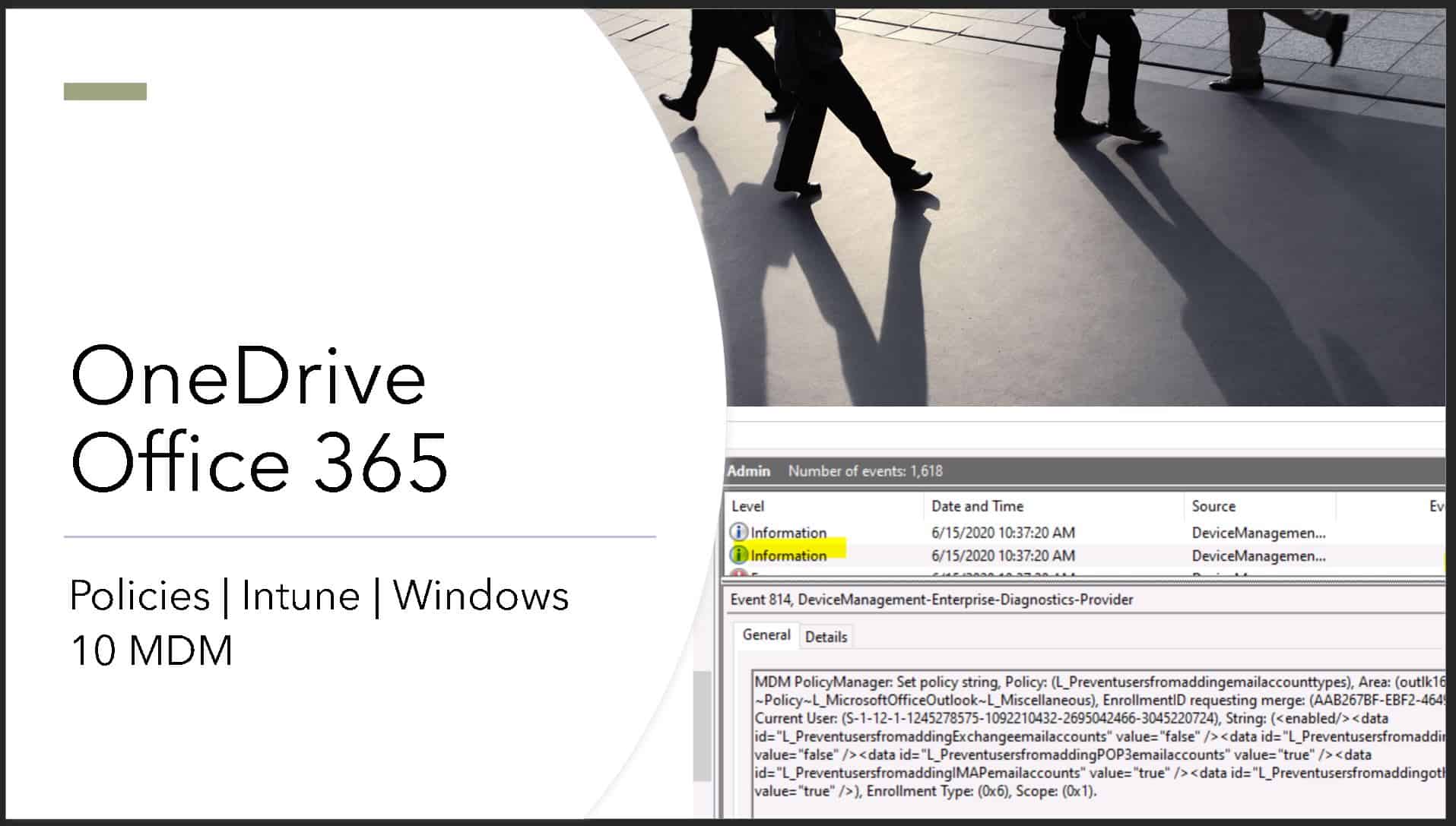
OneDrive Outlook Security Policies Troubleshooting with Event Logs Registry | Intune
In this post, I will try to explain OneDrive Outlook Security Policies Troubleshooting with Event Logs Registry. The easiest and best way to configure Outlook security policies using Intune administrative template policies.
The following are the three policies that I configured to prevent the users from configuring personal account sync with OneDrive.
- Prevent adding non-default Exchange account – Enabled
- Prevent users from syncing personal OneDrive accounts – Enabled
- Prevent users from adding e-mail account types – Enabled
NOTE! – Before the introduction of Administrative templates, we used to go through a very painful process to find the OMA-URI, CSP, string values, etc… as explained in the post – https://www.anoopcnair.com/restrict-personal-email-sync-intune/
Prevent users from syncing personal OneDrive accounts
This policy setting lets you block users from signing in with a Microsoft account to sync their personal OneDrive files. More details about enabling or disable options of this policy.
- If you enable this setting, users will be prevented from setting up a sync relationship for their personal OneDrive account.
- Users who are already syncing their personal OneDrive when you enable this setting won’t be able to continue syncing (and will be shown a message that syncing has stopped), but any files synced to the computer will remain on the computer.
- If you disable or do not configure this setting, users can sync their personal OneDrive accounts.

Prevent adding non-default Exchange account
This policy allows you to prevent users from adding non-default Exchange accounts to existing Outlook profiles.
- If you enable this policy setting, you will prevent users from adding non-default Exchange accounts via the Add New E-mail Account wizard.
- If you disable or do not configure this policy setting, users can add non-default Exchange accounts to existing Outlook profiles.

Prevent users from adding e-mail Account Types
Disables/Enables the option for adding an e-mail account of the associated type in the Server Types page of the E-mail Accounts dialog box. The following are the policy settings which I used to prevent users from adding personal email account types.
- Prevent users from adding Exchange e-mail accounts
- Prevent users from adding Exchange ActiveSync e-mail accounts
- Prevent users from adding POP3 e-mail accounts
- Prevent users from adding IMAP e-mail accounts
- Prevent users from adding other types of e-mail accounts

Event Logs
Event IDs – 873, 866, 831, & 814 for Disable OneDrive personal sync.
Event ID 873 - MDM PolicyManager: ADMX ingestion starting new Admx ingestion. EnrollmentId (AAB267BF-EBF2-4649-822C-74511A4CC253), app name (OneDriveNGSCv2), setting type (Policy), unique Id (OneDriveNGSCv2).
Event ID 866 - MDM PolicyManager: ADMX Ingestion: EnrollmentId (AAB267BF-EBF2-4649-822C-74511A4CC253), app name (OneDriveNGSCv2), setting type (Policy), unique Id (OneDriveNGSCv2), area (NULL).
Event ID 814 - MDM PolicyManager: Set policy string, Policy: (DisablePersonalSync), Area: (OneDriveNGSCv2~Policy~OneDriveNGSC), EnrollmentID requesting merge: (AAB267BF-EBF2-4649-822C-74511A4CC253), Current User: (S-1-12-1-1245278575-1092210432-2695042466-3045220724), String: (), Enrollment Type: (0x6), Scope: (0x1).
Event ID 831 - MDM PolicyManager: Dedicated non-cached delayed notification (WNF): (0xA3BC10F5, 0xD891E2A) published for Policy: (DisablePersonalSync) in Area (OneDriveNGSCv2~Policy~OneDriveNGSC).
Event IDs 831, 814 for outlook configuration – L_Preventusersfromaddingemailaccounttypes

Event ID - MDM PolicyManager: Set policy string, Policy: (L_Preventusersfromaddingemailaccounttypes), Area: (outlk16v2~Policy~L_MicrosoftOfficeOutlook~L_Miscellaneous), EnrollmentID requesting merge: (AAB267BF-EBF2-4649-822C-74511A4CC253), Current User: (S-1-12-1-1245278575-1092210432-2695042466-3045220724), String: (<enabled/><data id="L_PreventusersfromaddingExchangeemailaccounts" value="true" /><data id="L_PreventusersfromaddingEASemailaccounts" value="true" /><data id="L_PreventusersfromaddingPOP3emailaccounts" value="true" /><data id="L_PreventusersfromaddingIMAPemailaccounts" value="true" /><data id="L_Preventusersfromaddingothertypesofemailaccounts" value="true" />), Enrollment Type: (0x6), Scope: (0x1).Event ID 831 - MDM PolicyManager: Dedicated non-cached delayed notification (WNF): (0xA3BC10F5, 0xD891E2A) published for Policy: (L_Preventusersfromaddingemailaccounttypes) in Area (outlk16v2~Policy~L_MicrosoftOfficeOutlook~L_Miscellaneous).
Registry Entry – OneDrive Outlook Security Policies
The following is the registry entry for OneDrive policy configuration. This helps you to validate to troubleshoot the issues related.
- Computer\HKEY_LOCAL_MACHINE\SOFTWARE\Microsoft\PolicyManager\Providers\AAB267BF-EBF2-4649-822C-74511A4CC253\default\S-1-12-1-1245278575-1092210432-2695042466-3045220724\OneDriveNGSCv2~Policy~OneDriveNGSC

The following is the registry entry for Microsoft Office Outlook to Prevent users from adding email account types. This helps you to validate to troubleshoot the issues related.
- Computer\HKEY_LOCAL_MACHINE\SOFTWARE\Microsoft\PolicyManager\Providers\AAB267BF-EBF2-4649-822C-74511A4CC253\default\S-1-12-1-1245278575-1092210432-2695042466-3045220724\outlk16v2~Policy~L_MicrosoftOfficeOutlook~L_Miscellaneous
L_Preventusersfromaddingemailaccounttypes ==> <enabled/><data id="L_PreventusersfromaddingExchangeemailaccounts" value="true" /><data id="L_PreventusersfromaddingEASemailaccounts" value="true" /><data id="L_PreventusersfromaddingPOP3emailaccounts" value="true" /><data id="L_PreventusersfromaddingIMAPemailaccounts" value="true" /><data id="L_Preventusersfromaddingothertypesofemailaccounts" value="true" />
The following is the registry entry for Microsoft Office Outlook Prevent Nondefault Exchange Accounts. This helps you to validate to troubleshoot the issues related.
- Computer\HKEY_LOCAL_MACHINE\SOFTWARE\Microsoft\PolicyManager\Providers\AAB267BF-EBF2-4649-822C-74511A4CC253\default\S-1-12-1-1245278575-1092210432-2695042466-3045220724\outlk16v2~Policy~L_MicrosoftOfficeOutlook~L_ToolsAccounts~L_Exchangesettings

Results – Intune Reports
I can see the policies got successfully deployed to 2 of the devices (Azure AD joined and Azure AD registered). It got failed on Azure AD Joined device probably because I logged in with local user account to that device.

Resources

Anoop C Nair is Workplace Technology solution architect with 25+ years (as of 2026) of experience in global enterprise organizations such as JP Morgan, Capgemini, etc. Microsoft Certified Trainer (MCT). Microsoft MVP from 2015 onwards for consecutive 11+ years! He also conducts Intune and modern workplace tech training for enterprise organizations. He is Blogger, Speaker, and Founder of HTMD Community and HTMD Conference. His main focus is on Device Management technologies like Intune, Windows, Cloud PC. He writes about technologies like Intune, SCCM, Windows, Cloud PC, Windows, Entra, Microsoft Security.

Discussion