











180th HTMD Newsletter 10th to 14th February 2025
Welcome to the 180th HTMD Newsletter Summary from 10th to 14th February 2025! This is the list of posts and videos the HTMD Community published this week and news from the IT industry. You can get all the information and details from Windows 11, Cloud PC, SCCM, Intune, Azure Virtual Desktop (AVD), Android, iOS, and Mac.
Previous Weeks Newsletters
Did you miss updates from last week? Check out the link below.
- 177th HTMD Newsletter–HTMD Newsletter 177 20th To 24th January 2025
- 178th HTMD Newsletter–HTMD Newsletter 178 27th to 31st January 2025
- 179th HTMD Newsletter–HTMD Newsletter 179 03rd to 07th February 2025
Table of Contents
Monday – 10th February 2025
📷Enable Autofill for Addresses in MS Edge Browser using Microsoft 365 Admin Center Policy
https://www.anoopcnair.com/enable-autofill-for-addresses-in-ms-edge-browse/
✈Group Policy (ADMX) Information of AutofillAddressEnabled Policy
✈Enable Autofill for Addresses in MS Edge Browser
✈Device and User Check-in Status
✈Client Side Verification
✈End Result of AutofillAddressEnabled

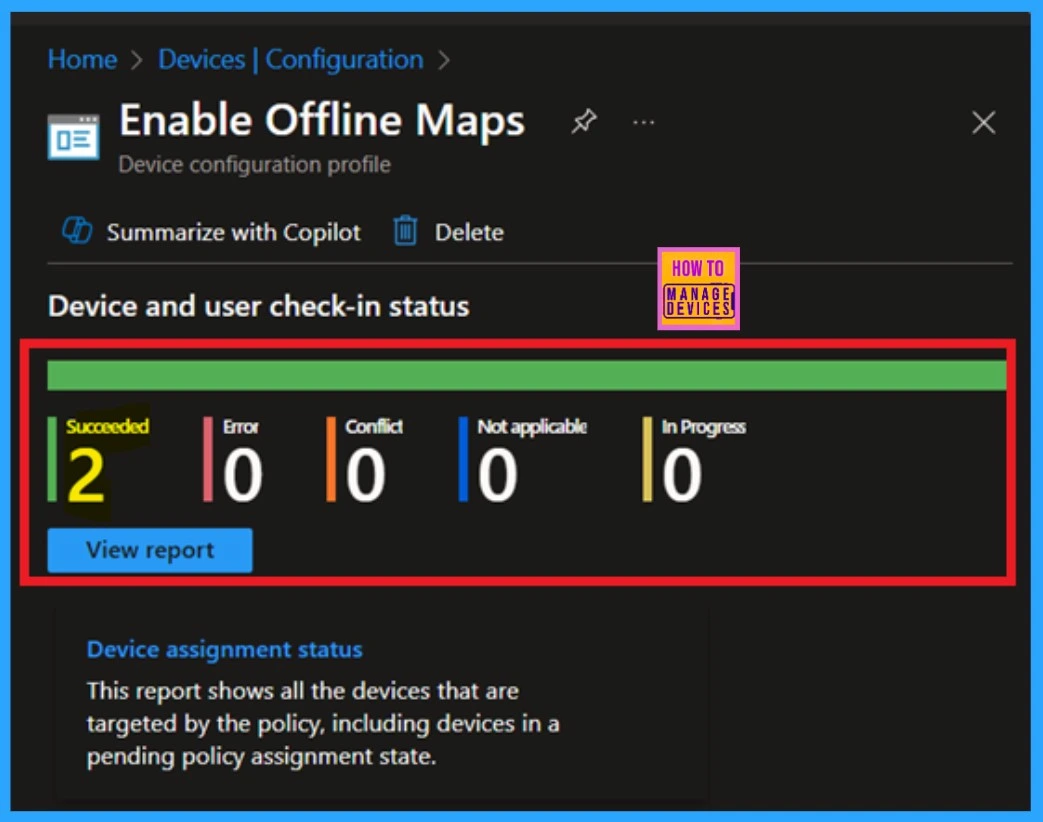
📌Enable Offline Maps Auto Update using Intune Setting Catalog Policy
https://www.anoopcnair.com/enable-offline-maps-auto-update-using-intune/
🎊Auto Update for Offline Map
🎊Access Latest Data and Avoid Navigation Errors
🎊Benefits of Disabling Offline Maps Auto Update
🎊Monitoring Status
🎊Client Side Verification
📌New Windows 11 Policy to Manage Quality Updates During OOBE in 2025
https://www.anoopcnair.com/new-windows-11-policy-to-manage-quality-updates/
💡New Policy in Mid-2025
💡Benefits of Experiencing an OOBE
💡Out-of-box Experience of the User
💡Enrollment Process
💡Preparation Guidelines

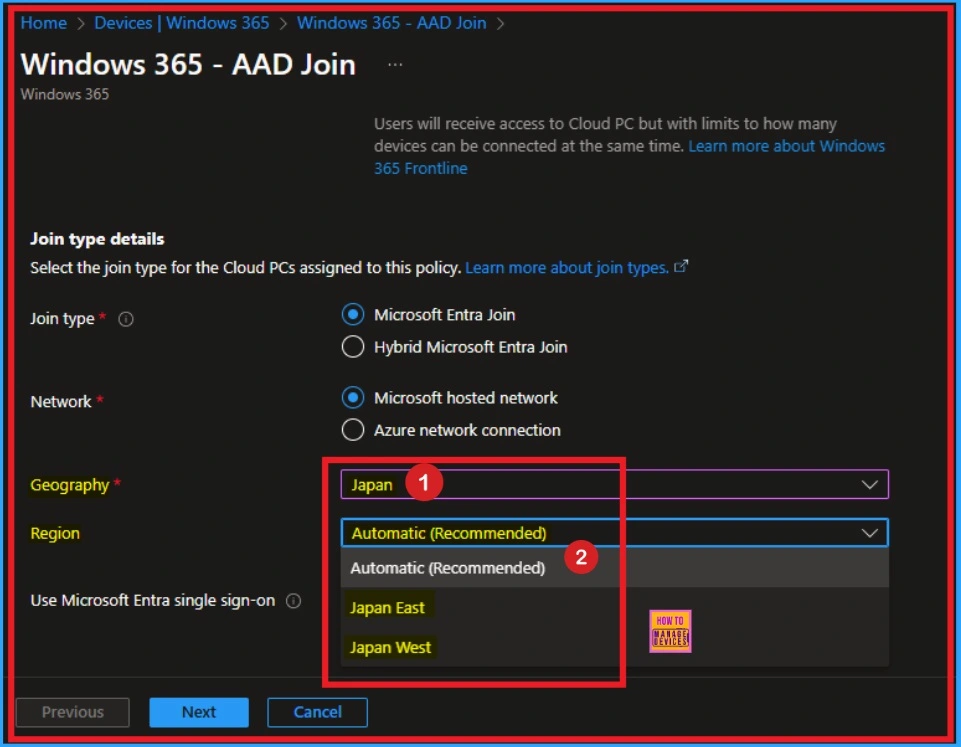
📌Windows 365 Cloud PC Deployment Expands to Japan West
https://www.anoopcnair.com/windows-365-cloud-pc-expands-japan-west/
🔥Availability of Windows 365 Cloud PC in West Japan
🔥Advantages of Windows 365 Cloud PC
🔥Increased Flexibility with New Update
🔥Expansion Started from February 6, 2025
🔥Recommends to Use Automatic region
🔥Reduced Latency
Tuesday – 11th February 2025
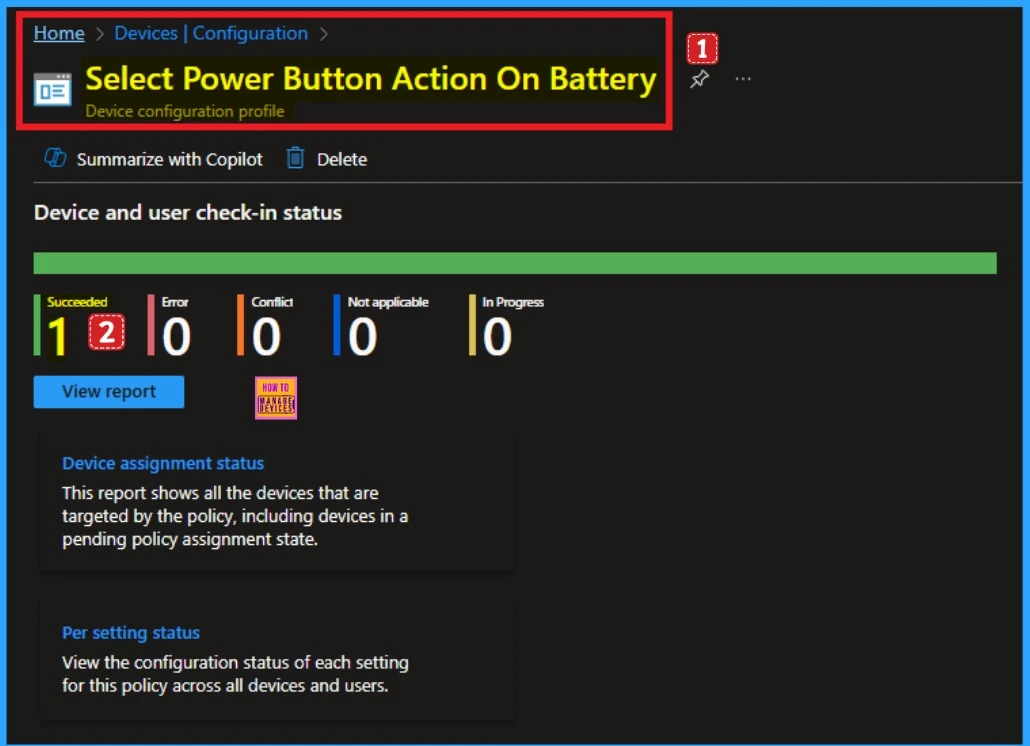
📌Enable Disable Power Button Action on Battery using Intune Settings Catalog Policy
https://www.anoopcnair.com/power-button-action-on-battery-using-intune/
🎊Provide Consistency Across Devices
🎊CSP Details of Power Button Action On Battery
🎊Steps for Enabling Power Button Action On Battery
🎊Enable Disable Power Button Action on Battery
🎊Monitoring Status
🎊Client Side Verification
📌How to Install Druva InSync App using Intune Enterprise App Catalog
https://www.anoopcnair.com/install-druva-insync-intune-enterprise-app-cata/
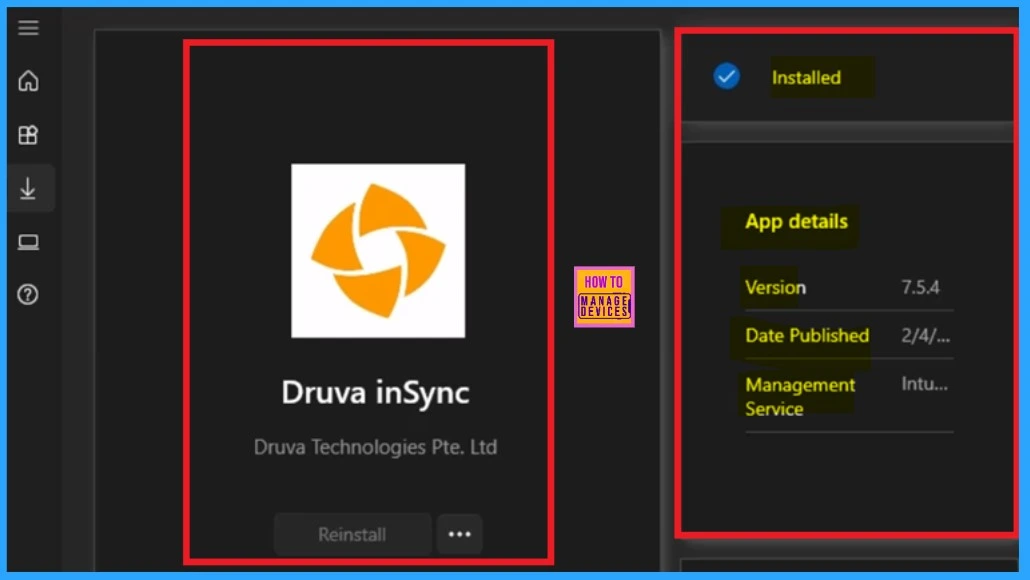
🎊Druva InSync App
🎊Used for Data Protection and Device Management
🎊Benefits of Druva Application
🎊Offers Secure Backup and File Sharing
🎊Monitor Status
🎊End User Experience
📷Enable or Disable Message Sync using Intune Settings Catalog Policy
https://www.anoopcnair.com/message-sync-using-intune-settings-catalog/
✈ Registry Name of the AllowMessageSync Policy
✈ Policy CSP Details
✈ AllowMessageSync
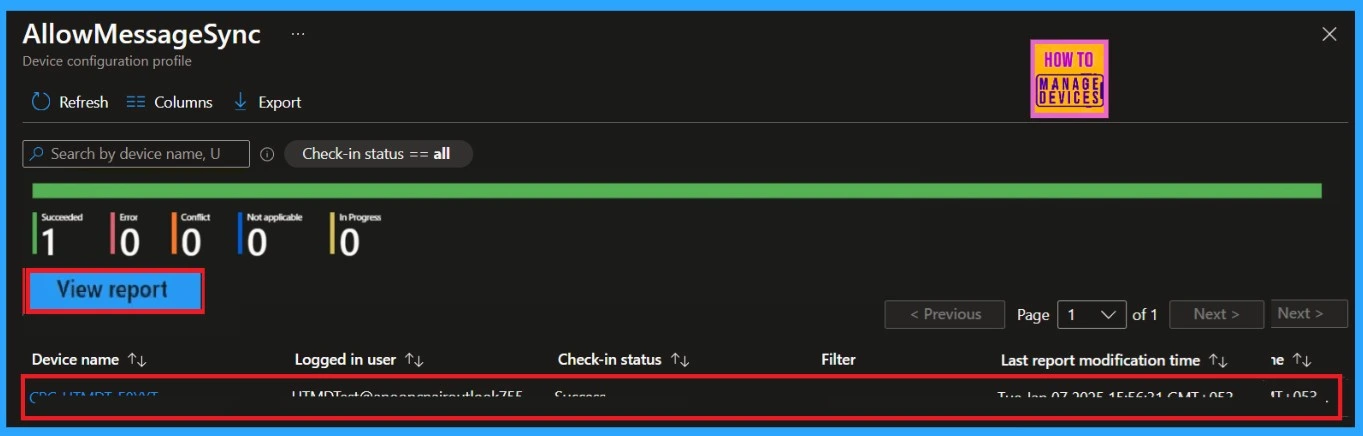
✈ Monitoring the Policy Status
✈ Client Side Verification
📌Install Git with Intune Enterprise App Catalog App on Windows Machines
https://www.anoopcnair.com/install-git-with-intune-enterprise-app-catalog/
🔥Difference Between the Git and GitHub
🔥Provide Optimal Support to the Intune
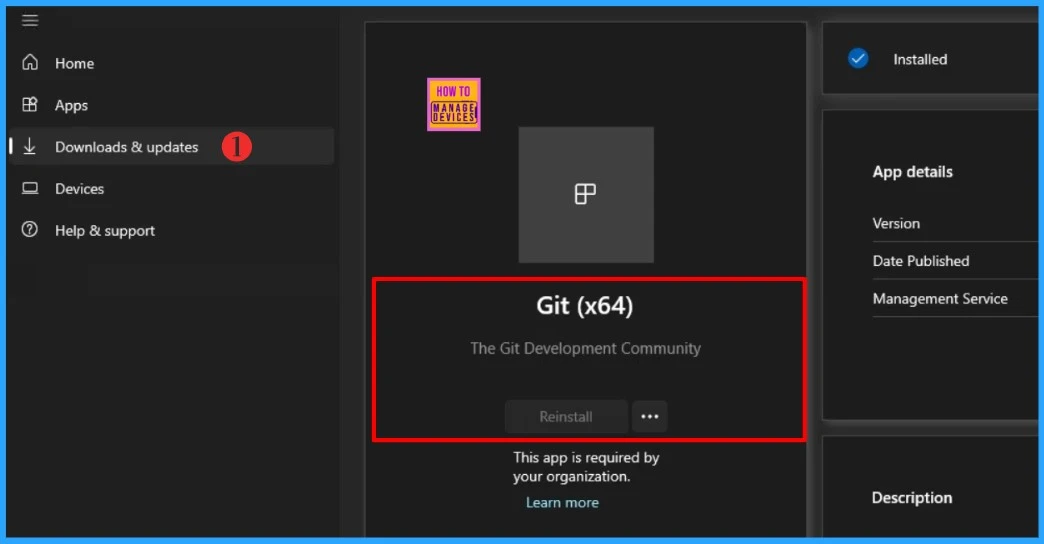
🔥Install Git Intune Enterprise App Catalog App
🔥Enterprise App Catalog App
🔥Install Git Intune Enterprise App Catalog App
🔥Monitor Enterprise Application Catalog in Intune
🔥End User Experience
Wednesday – 12th February 2025
📌Windows 11 KB5051987 KB5051989 February 2025 Patch
https://www.anoopcnair.com/windows-11-kb5051987-kb5051989-february-2025/
💡4 Zero Day Vulnerabilities
💡New Improvements and Features with February Patch
💡Issues Fixed with Windows 11 February Patch
💡February Patch Direct Download Link
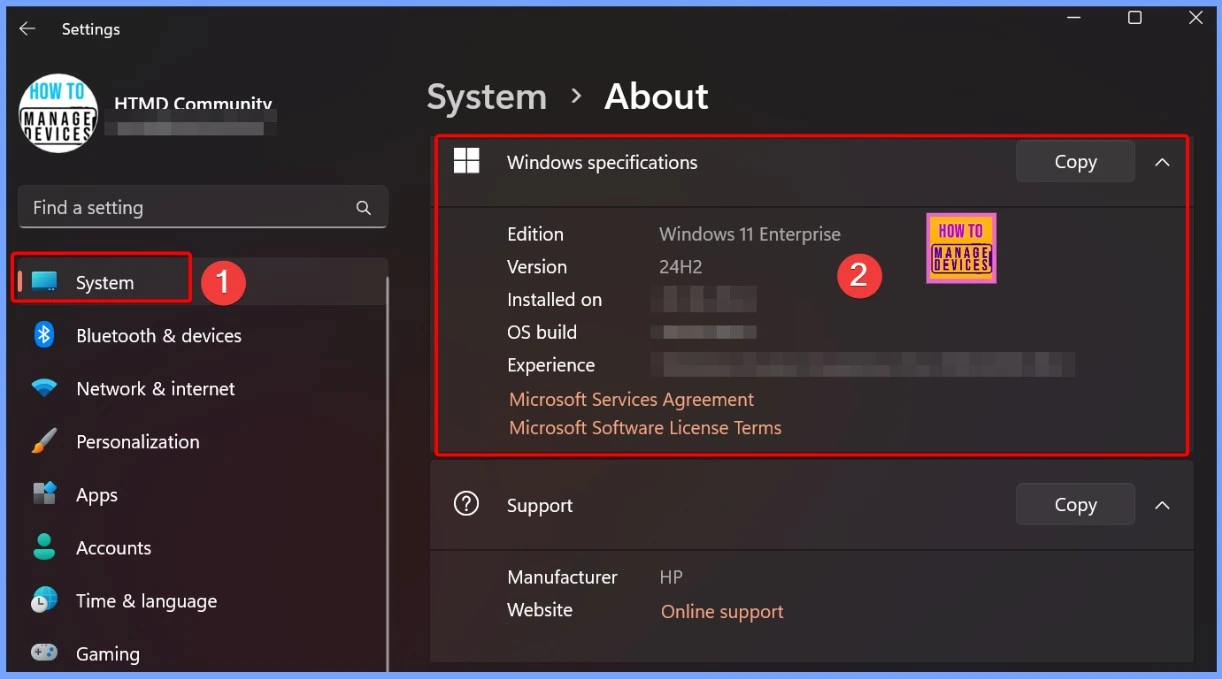
📌Windows 10 KB5051974 February 2025 Patch and 4 Zero Day Vulnerabilities
https://www.anoopcnair.com/windows-10-kb5051974-february-2025-patch-and-4/
💡4 Zero-Day Vulnerabilities
💡New Improvements and Features with February Patches
💡Issues Fixed with Windows 10 February Patches
💡February Patches Direct Download Link
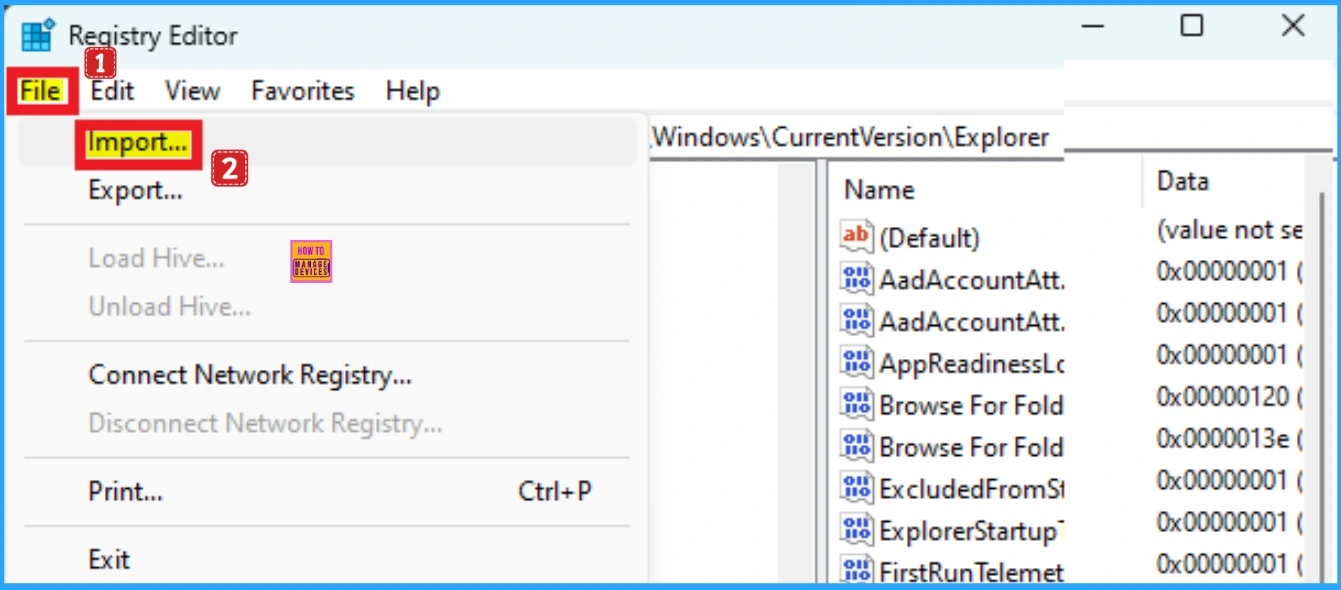
📷 Entra Refresh Tokens Valid for 90 Days Key Actions based on your Licensing Entra ID Free E3 P1 and E5 P2
https://www.anoopcnair.com/entra-refresh-tokens-valid-for-90-days-key/
🎈Microsoft Extended Entra Refresh Tokens Validity for 90 Days
🎈Entra ID Free, E3 / Entra ID P1, and E5 / Entra ID P2
🎈Key Actions Based on Your Licensing
🎈Set Directory-Level Portal Time-Out
🎈Configure Sign-in Frequency for All Admin Roles
🎈Enable Privileged Identity Management
🎈OAuth 2.0 Authorization Framework
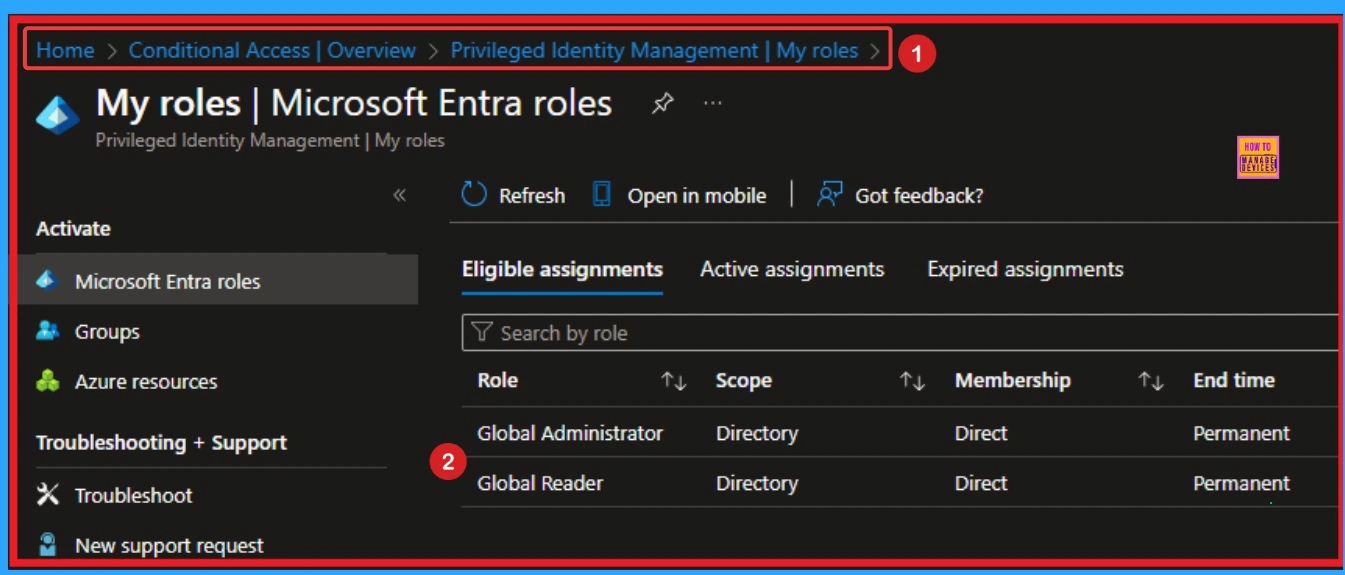
📌Outlook Start Menu Icon Not Updating to Outlook Classic After Version 2407 Update
https://www.anoopcnair.com/outlook-start-menu-icon-not-updating-to-outlook/
🔥Fix Issue on Classic Outlook
🔥After Effects of Issue in Outlook
🔥Version 2407 Update
🔥Outlook Start Menu Icon Not Updating to Outlook Classic
🔥Manual Workaround
🔥Workaround Using PowerShell Script
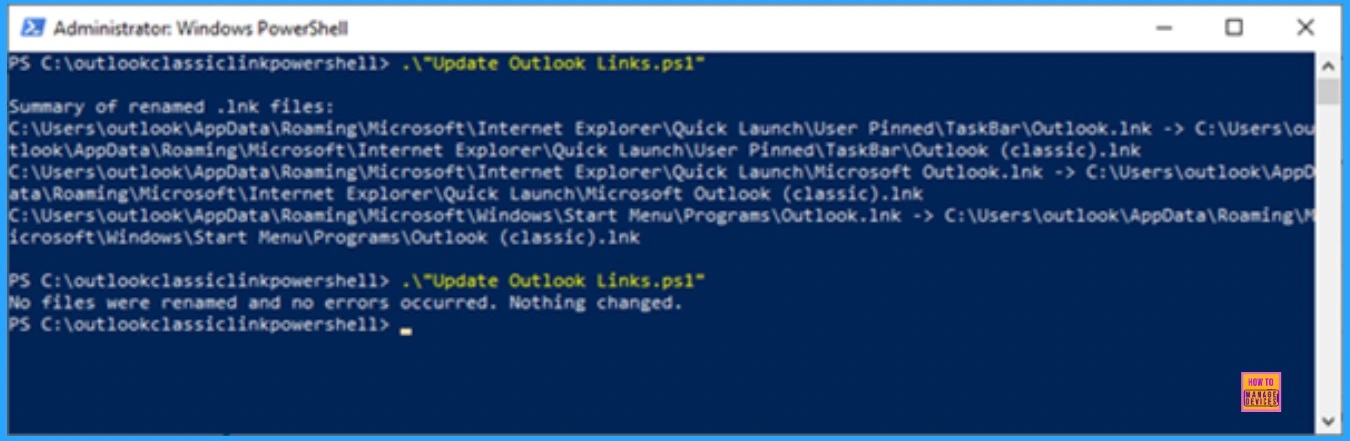
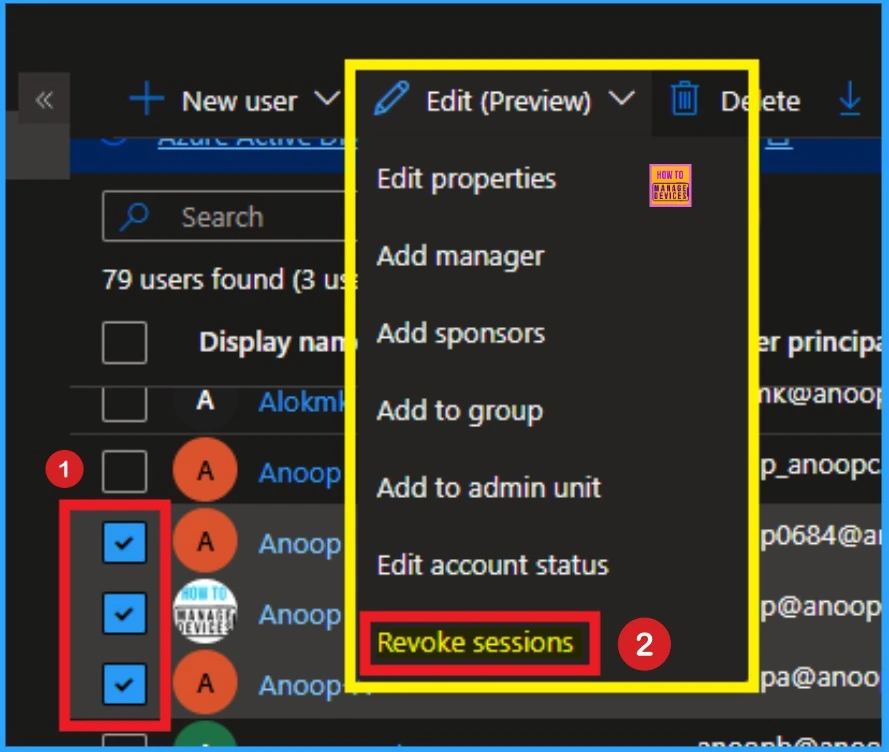
📷Entra ID Select Multiple Users and Bulk Update User Properties
https://www.anoopcnair.com/entra-id-select-multiple-users-and-bulk-update/
✈ Improved User Blade in Entra Portal
✈ User Friendly Interface
✈ Edit Properties
✈ Revoke Sessions
✈ Bulk Update in Multiple User Properties
Thursday – 13th February 2025
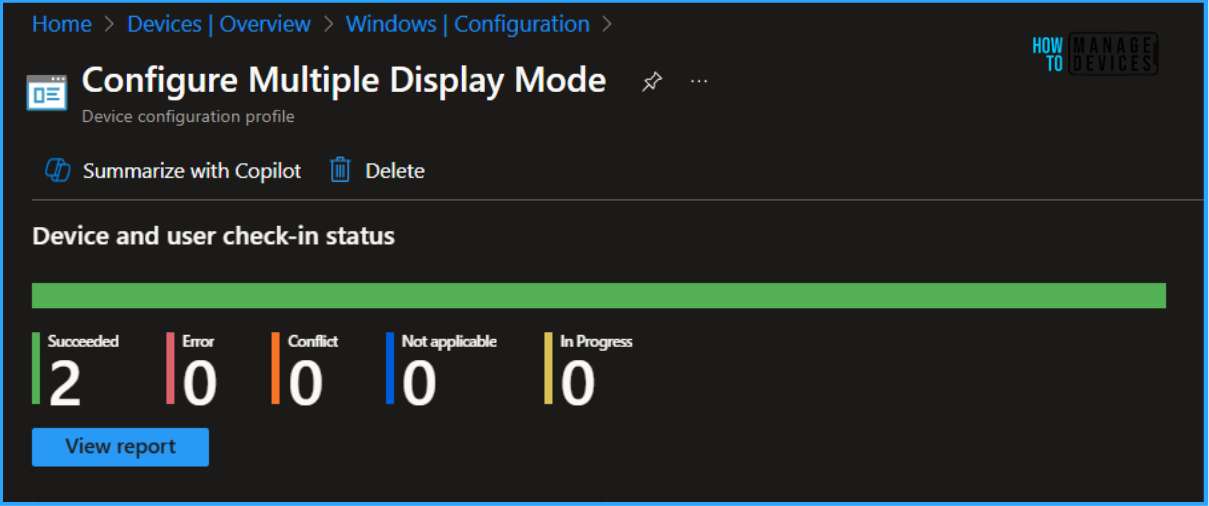
📌Easy Guide to Configure Multiple Display Mode for Windows 11 24H2 using Intune
https://www.anoopcnair.com/multiple-display-mode-windows-11-24h2-intune/
💡Multiple Display Mode for Windows 11 24H2
💡Streamlines the Multi-monitor Configuration
💡Create Profile for Configure Multiple Display Mode
💡Monitoring Status
💡End User Experience
🛠Fix Classic Outlook NDR Error 0x80070005-0x0004dc-0x000524 Unable to Send Emails
https://www.anoopcnair.com/outlook-ndr-error-0x80070005-0x0004dc-0x000524/
⚠NDR Error 0x80070005-0x0004dc-0x000524
⚠Unable to Send Emails
⚠Common Issue with Multiple Account
⚠After Effects of Outlook NDR Error
⚠Fix Classic Outlook NDR Error
⚠Manual Workaround

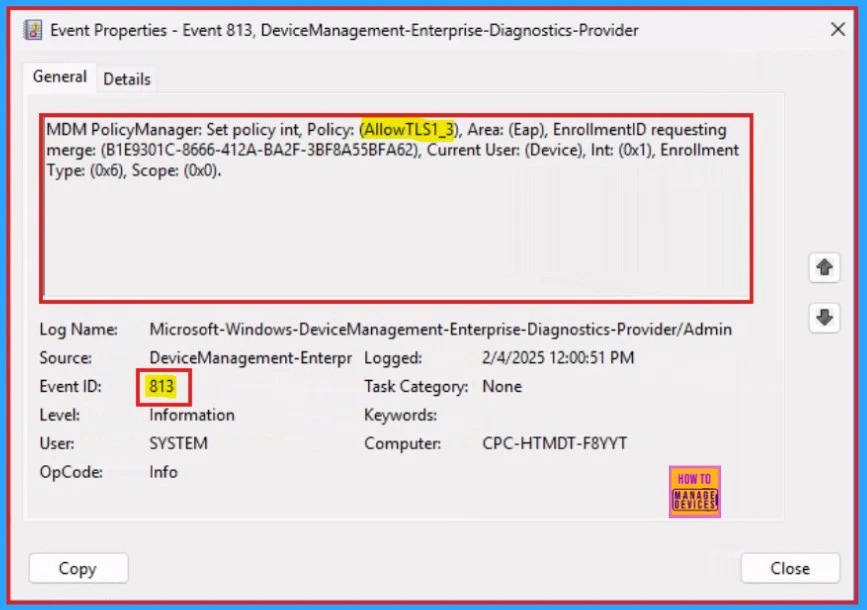
📷Enable or Disable TLS13 for EAP Client Authentication using Intune Settings Catalog Policy
https://www.anoopcnair.com/tls13-for-eap-client-authentication-intune/
✈ Registry Name of the AllowMessageSync Policy
✈ Policy CSP Details
✈ AllowTLS1_3
✈TLS13 for EAP Client Authentication
✈ Client Side Verification
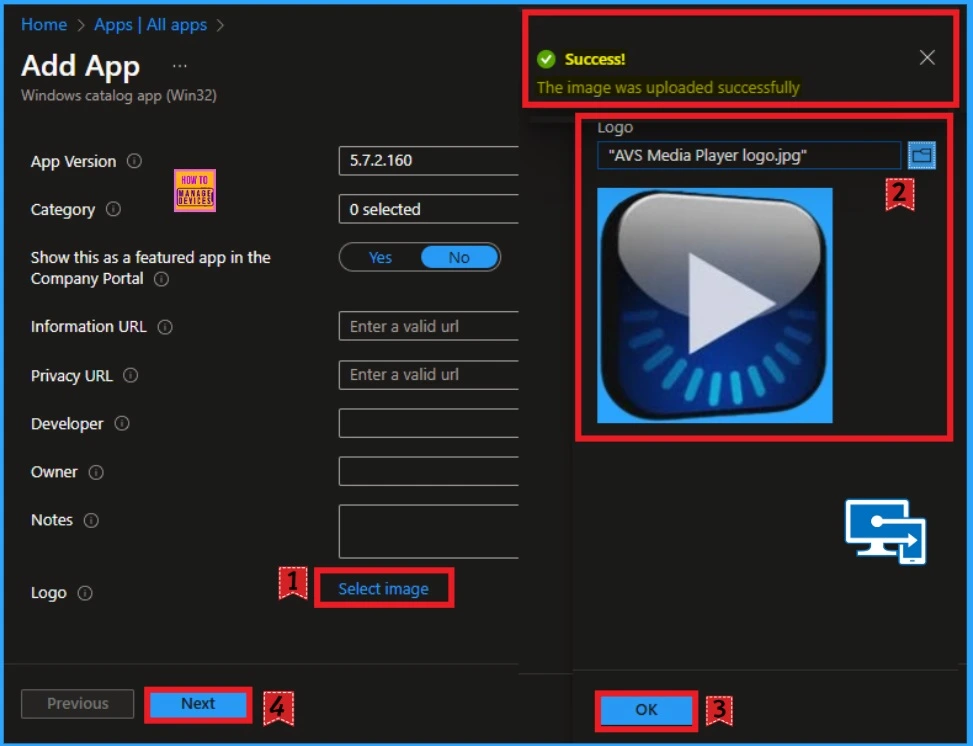
📌Install AVS Media Player App using Intune Enterprise App Catalog App
https://www.anoopcnair.com/install-avs-media-player-app-using-intune-enter/
🔥Versatile Media Player for Windows
🔥Customizable Application
🔥What are the Advantages of AVS Media Player?
🔥Install AVS Media Player App
🔥Monitoring Status
🔥End User Experience
Friday – 14th February 2025
📷 Enrollment of Android Corporate Devices using Staging Method Intune
https://www.anoopcnair.com/android-corporate-devices-using-staging-intune/
🎈Corporate Android Devices Enrollment
🎈What is Device Staging Enrollment?
🎈Create Enrollment Profile
🎈Enrolling the Device by Admin/ Vendor (Stage 2)
🎈End User Experience

📌Enhance macOS App Deployment with Intune Pre and Post Install Scripts
https://www.anoopcnair.com/enhance-macos-app-deployment-with-intune-pre/
🎊macOS App Deployment
🎊Pre and Post Install Scripts
🎊Streamlined Deployment
🎊Sample of Pre-install Scripts Scenarios
🎊Sample Post-install Scripts Scenarios
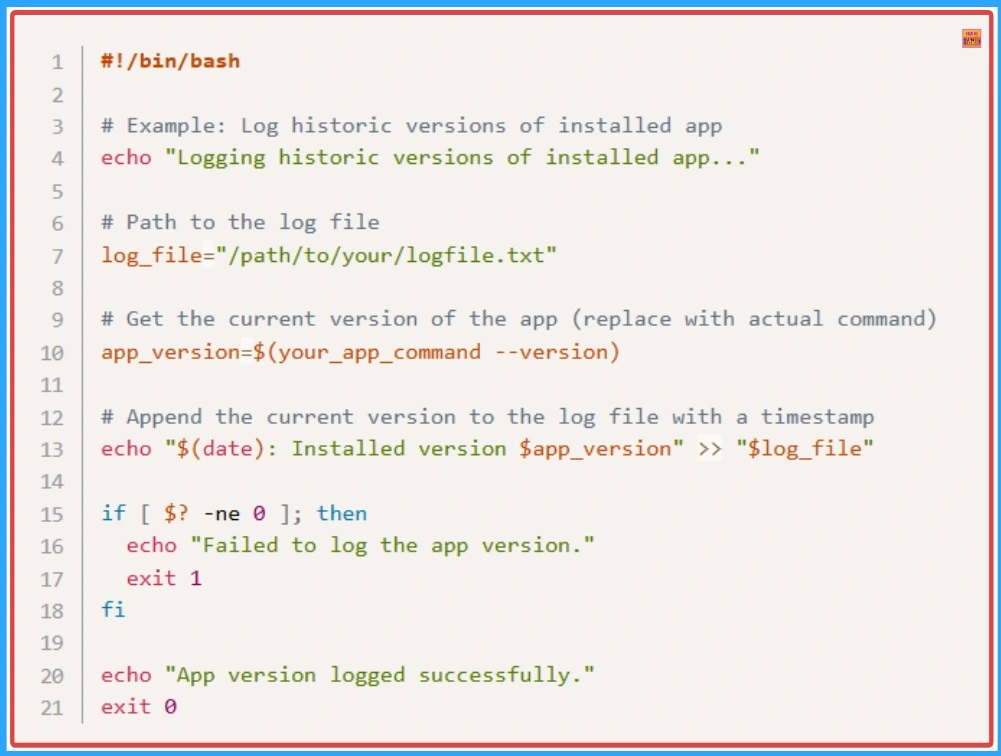
📌Easy way to Install Garden Gnome Package Viewer App using Intune Enterprise App Catalog App
https://www.anoopcnair.com/garden-gnome-package-viewer-app-using-intune/
🎊Garden Gnome Package Viewer
🎊Versatile Desktop Application
🎊What is Garden Gnome Package Viewer?
🎊No Need of Internet to use Garden Gnome Package Viewer App
🎊Monitor Status
🎊End User Experience
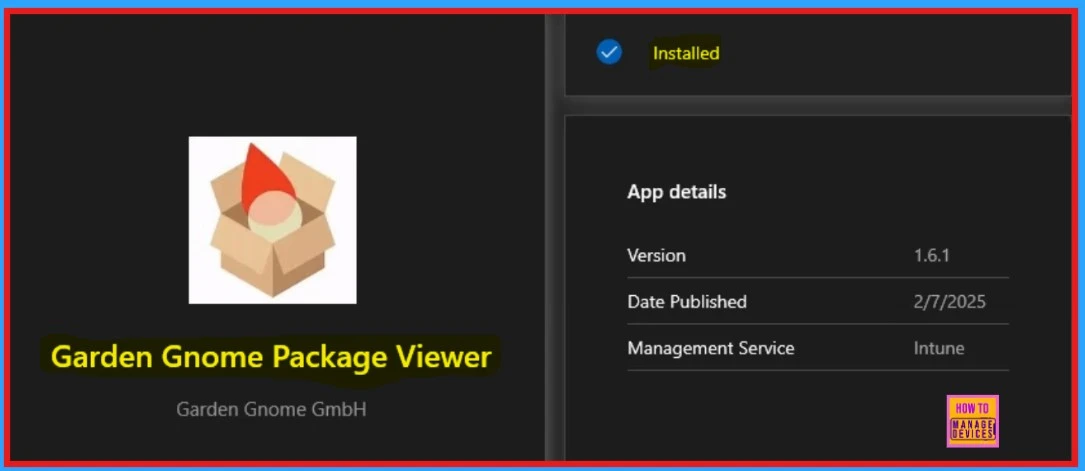
📌Deploy Cloudflare WARP using Intune Enterprise App Catalog App
https://www.anoopcnair.com/cloudflare-warp-using-intune-enterprise-app/
🎊Cloudflare WARP
🎊Quicker and Safer Online Experience
🎊Benefits of Cloudflare WARP Application
🎊Securely Expose Web Applications
🎊Monitor Status
🎊End User Experience
Connect with HTMD Community
Join the Telegram group to get the latest step-by-step guides and news updates. Join our Meetup Page to participate in User group meetings. Also, Join the WhatsApp Community to get the latest news on Microsoft Technologies. We are there on Reddit as well.
HTMD Community Social Media Platform Links
The table below shows our social media platforms and their links. It also provides more details.
| Social Media Platform | Link |
|---|---|
| LinkedIn: HTMD Community | https://www.linkedin.com/company/how-to-manage-devices/ |
| Telegram: SCCM Intune Technical Discussions | https://t.me/joinchat/Q9lE6G1_BO_bGq97 |
| Telegram: JOB SCCM Intune Group | https://t.me/joinchat/SIKr3OugR2FQ-Ej9 |
| WhatsApp: HTMD Community | https://chat.whatsapp.com/CeMXHSD61HtDBJwe78IZwV |
| Telegram: AVD/Windows 365 User Group | AVD Community – https://t.me/Inwvdcommunity |
| HTMD Community | Facebook | |
| HTMD Community (@htmd_community) • Instagram photos and videos | |
| HTMD Community (@htmdcommunity) / Twitter | |
| Facebook Group: SCCM | https://www.facebook.com/groups/ConfigMgr2012/ |
| Facebook Group: Intune | https://www.facebook.com/groups/1738789256382744 |

Anoop C Nair is Workplace Technology solution architect with 25+ years (as of 2026) of experience in global enterprise organizations such as JP Morgan, Capgemini, etc. Microsoft Certified Trainer (MCT). Microsoft MVP from 2015 onwards for consecutive 11+ years! He also conducts Intune and modern workplace tech training for enterprise organizations. He is Blogger, Speaker, and Founder of HTMD Community and HTMD Conference. His main focus is on Device Management technologies like Intune, Windows, Cloud PC. He writes about technologies like Intune, SCCM, Windows, Cloud PC, Windows, Entra, Microsoft Security.

Discussion