











177th HTMD Newsletter 20th to 24th January 2025
Welcome to the 177th HTMD Newsletter Summary from 20th to 24th January 2025! This is the list of posts and videos the HTMD Community published this week, as well as news from the IT industry. You can get all the information and details from Windows 11, Cloud PC, SCCM, Intune, Azure Virtual Desktop (AVD), Android, iOS, and Mac.
Previous Weeks Newsletters
Did you miss updates from last week? Check out the link below.
- 174th HTMD Newsletter–HTMD Newsletter 174 30th December 2024 to 3rd January 2025
- 175th HTMD Newsletter–HTMD Newsletter 175 6th To 10th January 2025
- 176th HTMD Newsletter–HTMD Newsletter 176 13th to 17th January 2025
Table of Contents
Monday – 20th January 2025
📌Install GNU Image Manipulation Program using Enterprise App Catalog App in Intune
https://www.anoopcnair.com/install-gnu-image-manipulation-program-enterpri/
🪸GNU Image Manipulation Program
🪸Works on Windows macOS and Linux
🪸Impact on Graphic Design in Open Source Software
🪸How it Works
🪸Monitor Status
🪸End User Experience

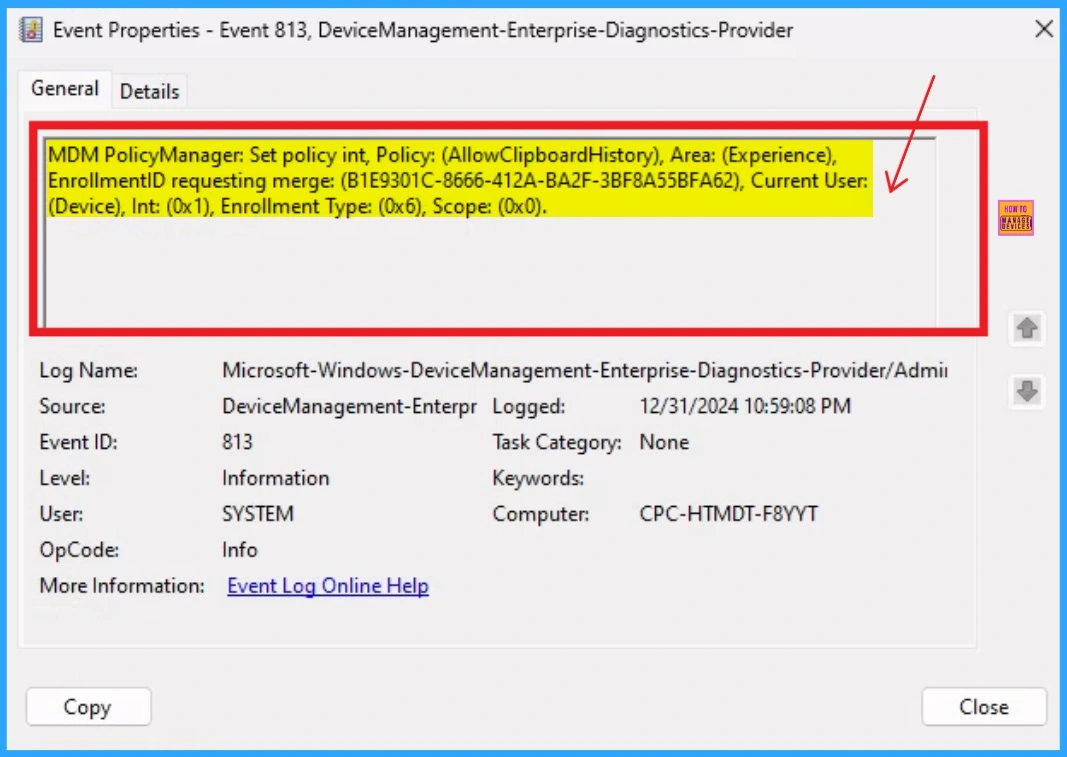
🎊How to Allow Clipboard History using Intune Settings Catalog
https://www.anoopcnair.com/how-to-allow-clipboard-history-using-intune-set/
🌟Save Multiple Items to the Clipboard
🌟Benefits of Enabling Clipboard History Policy in an Organization
🌟Improved Data Security
🌟Allow Clipboard History using Intune
🌟CSP Details of Allow Clipboard History Setting
🌟Client Side Verification – Event Log
🌟Intune Settings Catalog
📌Deploy the ClockAssist App Via Enterprise App Catalog App in Intune
https://www.anoopcnair.com/clockassist-app-via-enterprise-catalog-intune/
✈Key Features of ClockAssist
✈Steps of the ClockAssist App Deployment
✈Enterprise App Catalog App in Intune
✈Monitoring Status
✈End User Experience

🎊How to Deploy Allow Device Name to be Sent in Windows Diagnostic Data in Intune Via Setting Catalog
https://www.anoopcnair.com/allow-device-name-to-be-sent-in-windows-diagnos/
🌟What is a Diagnostic Data Viewer?
🌟Allow Device Name to be Sent in Windows Diagnostic Data
🌟CSP Details of Policy
🌟Client Side Verification
🌟Intune Settings Catalog

🎊Issue on Microsoft 365 Classic Outlook Crashes on Reply and Forward After Updating to Version 2412
https://www.anoopcnair.com/issue-on-microsoft-365-classic-outlook-crashes/
🛜Issue After Updating to Version 2412
🛜Issue on Microsoft 365 Classic Outlook
🛜Crashes on Reply and Forward
🛜Interrupt Workflow
🛜Workaround Status
Tuesday – 21th January 2025
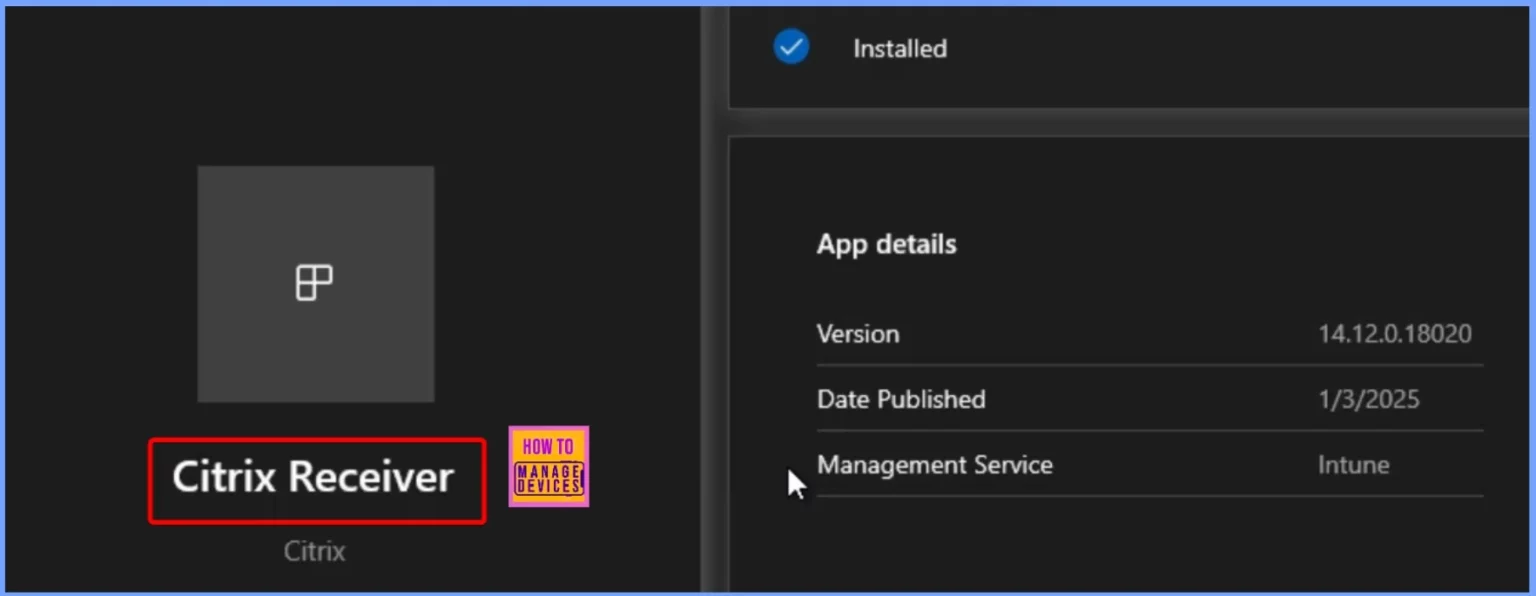
📌How to Deploy Citrix Receiver using Intune Enterprise App Catalog App
https://www.anoopcnair.com/citrix-receiver-using-intune-enterprise-app/
💡Citrix Receiver Update Overview
💡Transition to Citrix Workspace App
💡Support for Older Versions of Citrix Receiver
💡New Features and Enhancements
💡Application Deployment Status
💡End User Experience
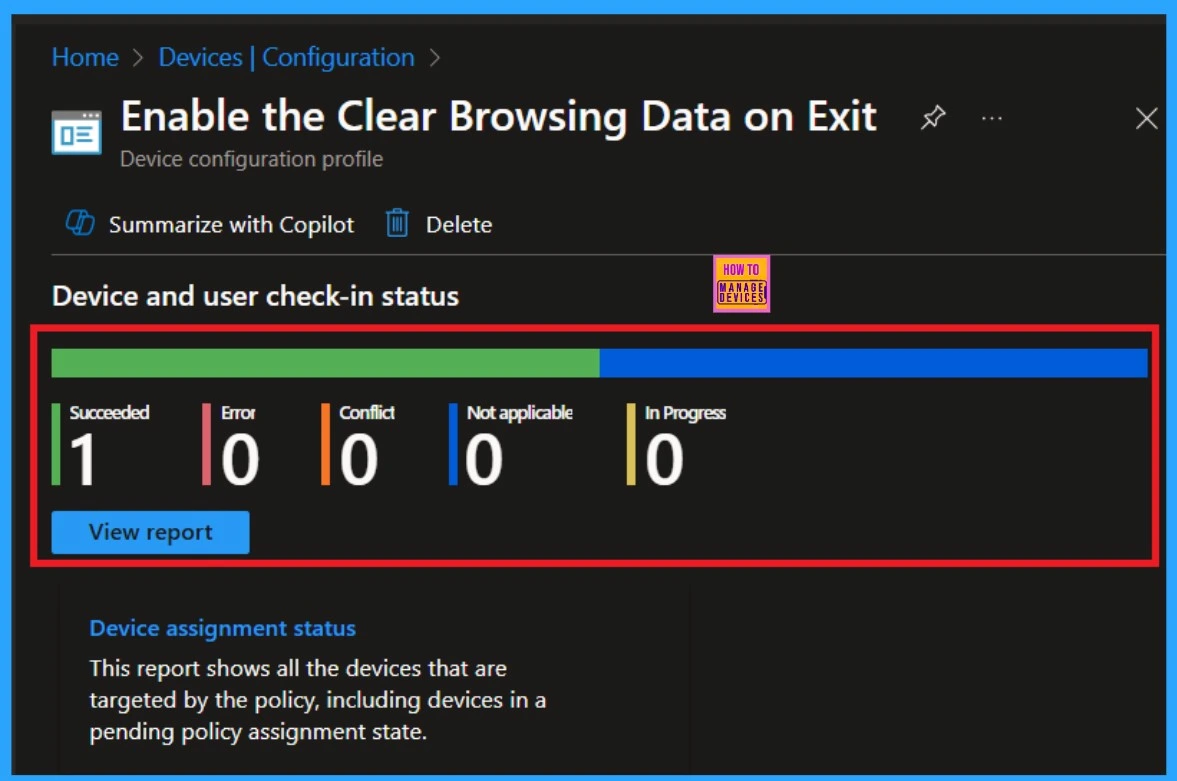
🎊Enable the Clear Browsing Data on Exit option using the Intune Settings Catalog – https://www.anoopcnair.com/enable-the-clear-browsing-data-on-exit-option/
🌟Clear Browsing Data on Exit
🌟Deletes Cookies Cache and History
🌟Advantages of Clear Browsing Data
🌟Automatically Removes Sensitive Information
🌟Windows CSP Details
🌟How it Works
🌟Monitor Status
🌟Client Side Verification
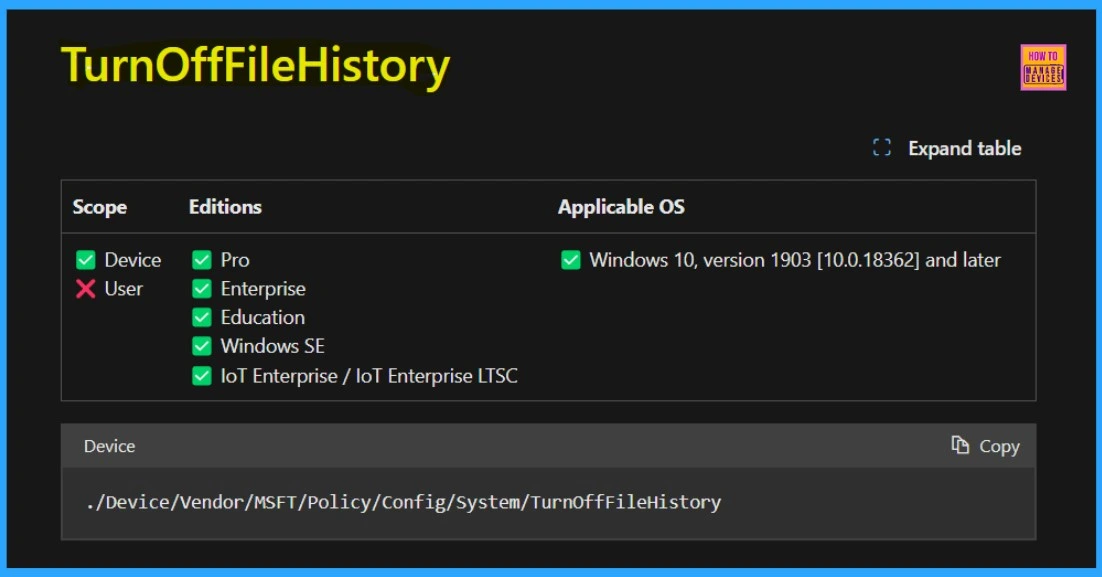
📌Setting Up Turn Off File History with Settings Catalog in Intune
https://www.anoopcnair.com/turn-off-file-history-settings-catalog-intune/
✈What are Intune Compliance Policies?
✈Setting Up Turn Off File History
✈Setting Catalog in Intune
✈Monitoring Status
✈End User Experience
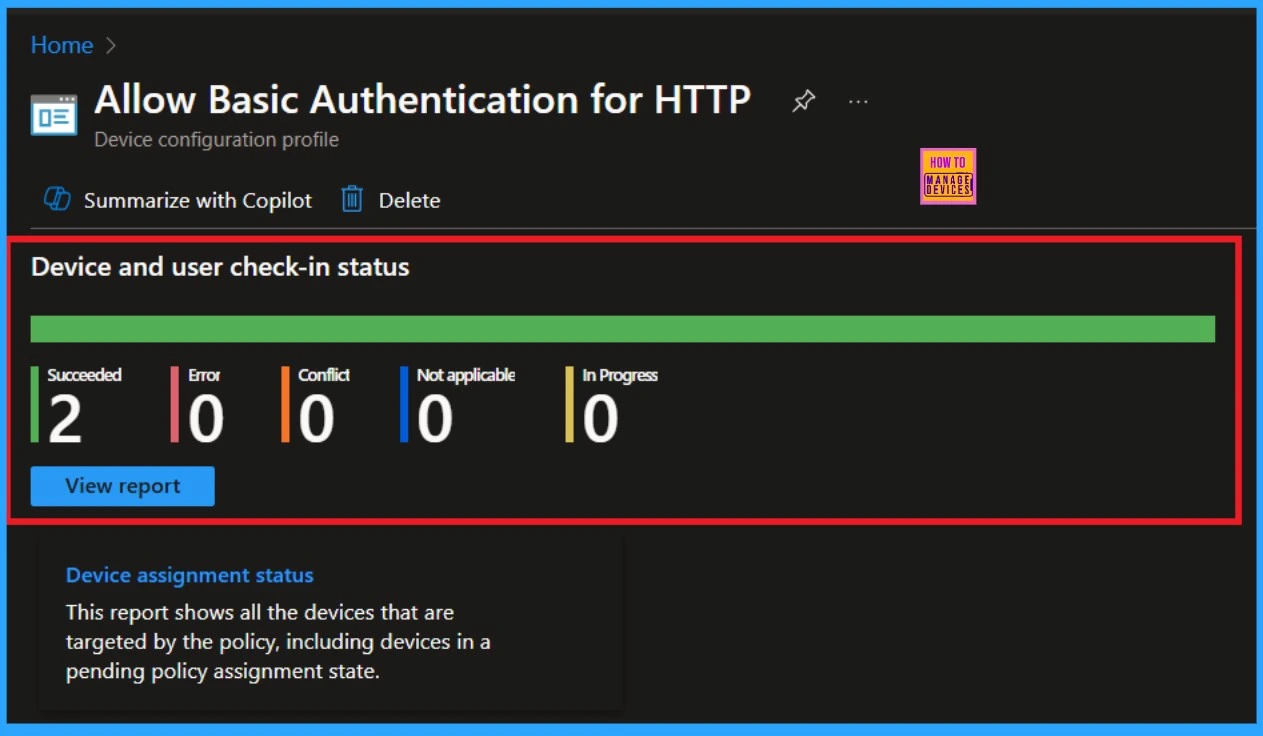
📌Allow Basic Authentication for HTTP Using Setting Catalog in Intune
https://www.anoopcnair.com/allow-basic-authentication-for-http-intune/
💡Microsoft Edge Authentication for HTTP
💡Importance of Authentication for HTTP
💡Only Authorized Users Access Sensitive Data
💡How to Implement the Policy
💡Monitor Status
💡Client Side Verification
Wednesday – 22nd January 2025
📌Allow or Disallow Scanning of Archives using Intune Policy
https://www.anoopcnair.com/disallow-scanning-of-archives-using-intune/
💡Windows CSP AllowArchiveScanning
💡Scanning of Archives using Intune Policy
💡Create Profile In Basics Settings
💡Defender
💡Allow Archive Scanning
💡Monitoring Status
💡Client Side Verification

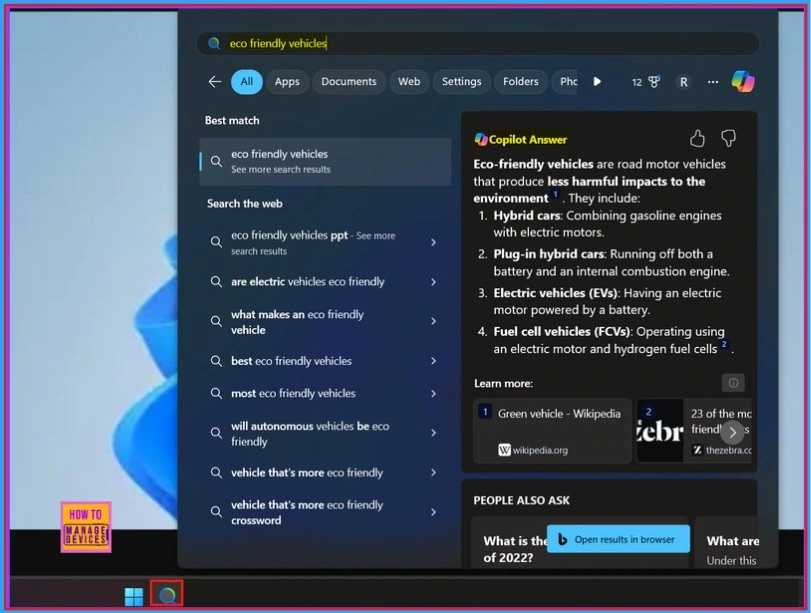
🎊New Copilot + PC has Enhanced the Search Experience on Windows
https://www.anoopcnair.com/copilot-pc-enhanced-search-experience-on-windows/
🛜Improved Windows Search Feature
🛜Enhanced the Search Experience on Windows
🛜New Copilot + PC
🛜Semantic and Traditional Indexing
🛜Previewing Improved Windows Search with Windows Insider
📌Enable Disable a LAN Connection through Setting Catalog via Intune
https://www.anoopcnair.com/enable-disable-a-lan-connection-setting-intune/
💡Effectively Manage LAN Connections on Devices
💡Administrators can Enable Disable LAN Connections
💡What Happens When the LAN Connection Enabled
💡Windows CSP Details
💡Monitor Status
💡Client Side Verification

📌Easy way to Enable Energy Saver Battery Threshold On Battery in Intune Settings Catalog
https://www.anoopcnair.com/energy-saver-battery-threshold-battery-intune/
🎉What is Battery Threshold
🎉How Energy Saver Battery Threshold Work?
🎉CSP Details of Energy Saver Battery Threshold
🎉Energy Saver Battery Threshold On Battery in Intune
🎉Settings Catalog in Intune
🎉Client Side Verification
Thursday – 23nd January 2025
🎉Easy Guide to Install Recast Right Click Tools Browser Extension for Microsoft Intune
https://www.anoopcnair.com/install-recast-right-click-tools-browser-intune/
▶Key Features of Recast Right Click Tools Browser Extension
▶Prerequisites of Recast Right Click Tools Browser Extension
▶Recast Right Click Tools Edge Add-ons
▶Quick Access to Recast Actions
▶Install Recast Right Click Tools Browser Extension

📌Enable Spellcheck in MS Edge Browser using M365 Admin Center Configuration Policy
https://www.anoopcnair.com/enable-spellcheck-ms-edge-using-microsoft-365/
🔥Correct Spelling Mistakes
🔥How Does Spellcheck on Edge Work?
🔥M365 Admin Center Configuration Policy
🔥Device and User Check-in Status of Spellcheck
🔥Client Side Verification
🔥End Result of Spellcheck in MS Edge

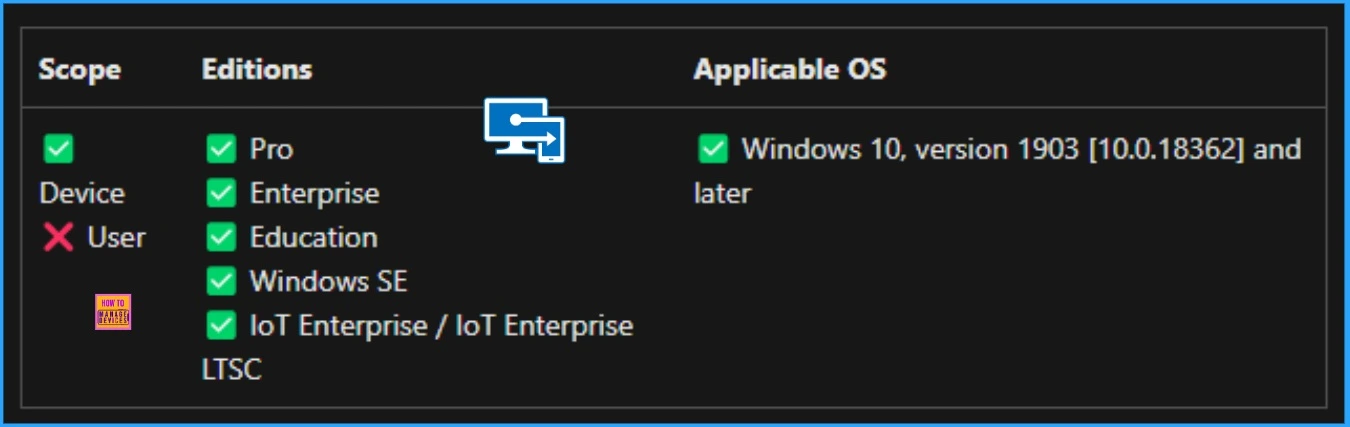
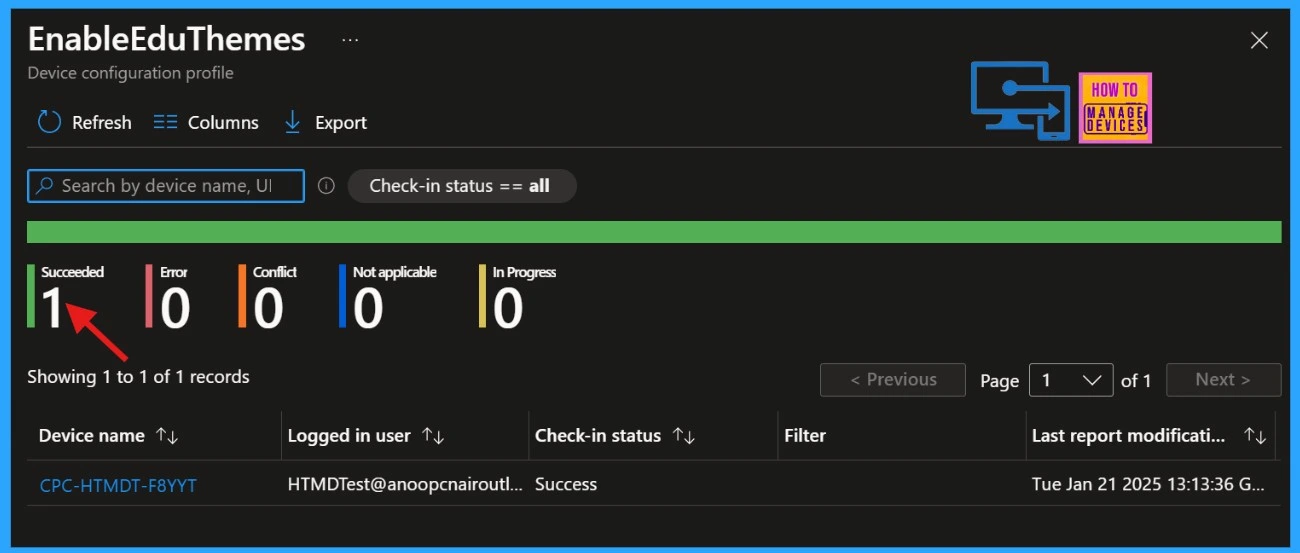
📷 Easy way to Enable Education Themes via Setting Catalog in Intune
https://www.anoopcnair.com/enable-education-themes-setting-catalog-intune/
🎈Description Framework Properties
🎈Allowed Values of the Enable Education Themes
🎈Enable Education Themes
🎈Steps to Enable Education Themes
🎈Monitoring Status of EnableEduThemes Policy
🎈Client Side Verification
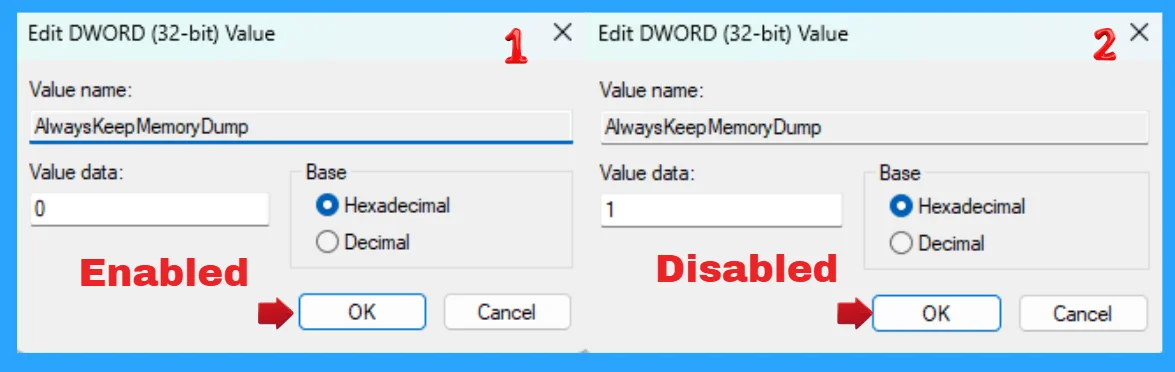
📌Enable Disable Auto Deletion of Memory Dumps on Low Disk Space in Windows 11
https://www.anoopcnair.com/auto-deletion-of-memory-dumps-on-low-disk-space/
💡Windows Settings App
💡Enable Disable Auto Deletion with Windows Run Command
💡Enable Auto Deletion with Registry Editor
💡Auto Deletion of Memory Dumps
💡Small Memory Dump
💡Active Memory Dump
Friday – 24th January 2025
📌How to Allow or Block Edge Swipe Policy under Lock Down using Intune Settings Catalog
https://www.anoopcnair.com/block-edge-swipe-policy-under-lock-down-intune/
💡Allow or Block Edge Swipe Policy under Lock Down
💡Windows Policy CSP – LockDown
💡Allow Edge Swipe
💡Monitoring Status
💡Client Side Verification

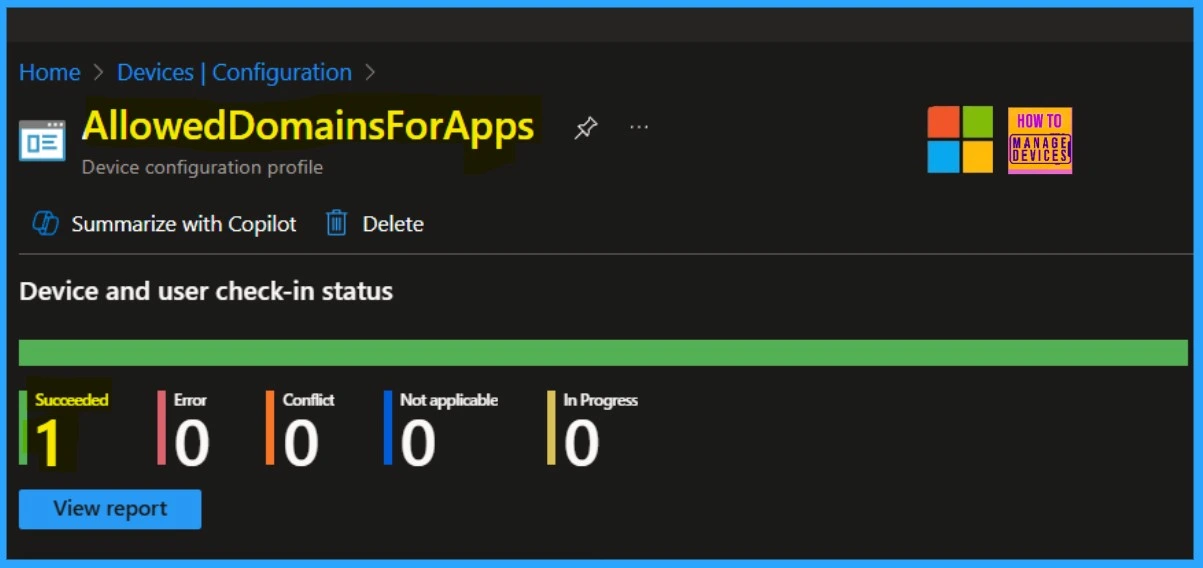
📷 Enable Allowed Domains for Apps in MS Edge Browser using the Microsoft 365 Admin Center Policy
https://www.anoopcnair.com/allowed-domains-for-apps-in-ms-edge-m-365-admin/
🎈Activates the Restricted Sign-in Feature in Google Workspace
🎈Registry Settings of AllowedDomainsForApps Policy
🎈Steps to Enable Allowed Domains for Apps in MS Edge
🎈Device and User Check-in Status
🎈Enable AllowedDomainsForApps
🎈Client Side Verification
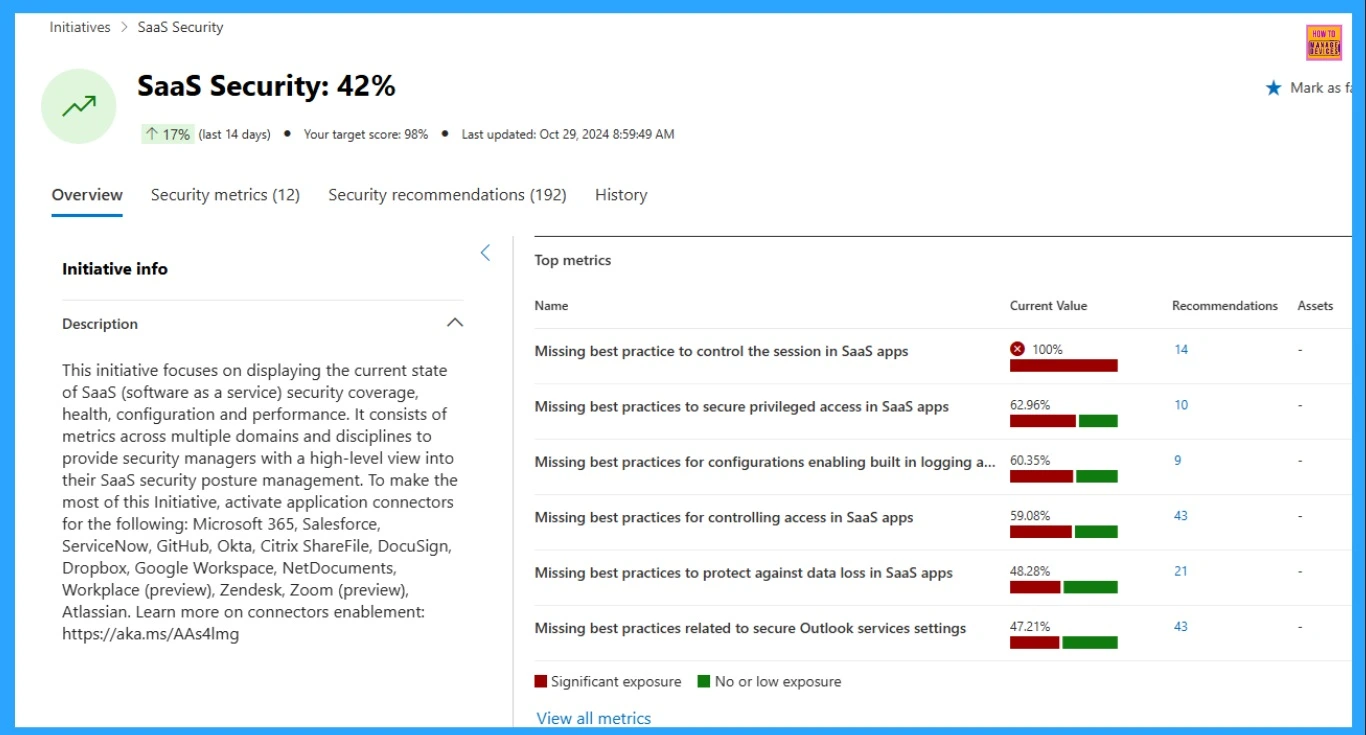
📌SaaS Security Initiative Your New Homepage for SaaS Security Management in the Defender Portal
https://www.anoopcnair.com/saas-security-management-in-the-defender-portal/
✈SaaS Landscape Security with Latest Innovations
✈SaaS Security Initiative
✈Enhanced Visibility into OAuth Apps
✈Streamlined SaaS Security Operations
✈Microsoft Defender for Cloud
Connect with HTMD Community
Join the Telegram group to get the latest step-by-step guides and news updates. Join our Meetup Page to participate in User group meetings. Also, Join the WhatsApp Community to get the latest news on Microsoft Technologies. We are there on Reddit as well.
HTMD Community Social Media Platform Links
The table below shows our social media platforms and their links. It also provides more details.
| Social Media Platform | Link |
|---|---|
| LinkedIn: HTMD Community | https://www.linkedin.com/company/how-to-manage-devices/ |
| Telegram: SCCM Intune Technical Discussions | https://t.me/joinchat/Q9lE6G1_BO_bGq97 |
| Telegram: JOB SCCM Intune Group | https://t.me/joinchat/SIKr3OugR2FQ-Ej9 |
| WhatsApp: HTMD Community | https://chat.whatsapp.com/CeMXHSD61HtDBJwe78IZwV |
| Telegram: AVD/Windows 365 User Group | AVD Community – https://t.me/Inwvdcommunity |
| HTMD Community | Facebook | |
| HTMD Community (@htmd_community) • Instagram photos and videos | |
| HTMD Community (@htmdcommunity) / Twitter | |
| Facebook Group: SCCM | https://www.facebook.com/groups/ConfigMgr2012/ |
| Facebook Group: Intune | https://www.facebook.com/groups/1738789256382744 |

Anoop C Nair is Workplace Technology solution architect with 25+ years (as of 2026) of experience in global enterprise organizations such as JP Morgan, Capgemini, etc. Microsoft Certified Trainer (MCT). Microsoft MVP from 2015 onwards for consecutive 11+ years! He also conducts Intune and modern workplace tech training for enterprise organizations. He is Blogger, Speaker, and Founder of HTMD Community and HTMD Conference. His main focus is on Device Management technologies like Intune, Windows, Cloud PC. He writes about technologies like Intune, SCCM, Windows, Cloud PC, Windows, Entra, Microsoft Security.

Discussion