











HTMD Newsletter 153 5th to 9th August 2024
Welcome to the HTMD Newsletter 153 Summary from 5th to 9th August 2024! This is the list of posts and videos the HTMD Community published this week, as well as news from the IT industry. You can get all the information and details from Windows 11, Cloud PC, SCCM, Intune, Azure Virtual Desktop (AVD), Android, iOS, and Mac.
Table of Contents
➡️ We are on WhatsApp. To get the latest step-by-step guides and news updates, Join our Channel, HTMD WhatsApp.
Did you miss updates from last week? Check out the link below.
- 150th HTMD Newsletter– HTMD Newsletter 150 15th to 19th July.
- 151st HTMD Newsletter–HTMD Newsletter 151 22nd to 26th July.
- 152nd HTMD Newsletter–HTMD Newsletter 152 29th July to Aug 2nd.
5th August 2024
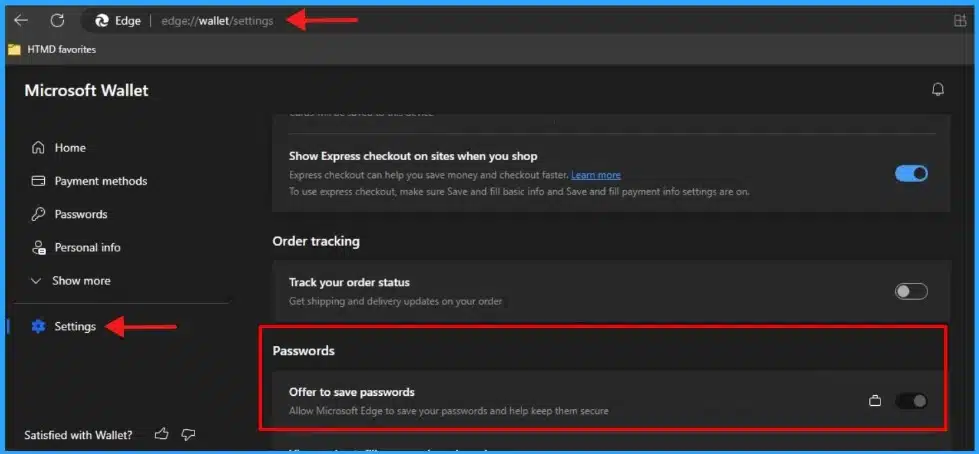
🎊Enable Disable MS Edge Browser Saving Passwords to Password Manager option using Intune
https://www.anoopcnair.com/ms-edge-browser-saving-passwords-intune-manager/
📌What is the Password Manager?
📌Microsoft Edge/Password Manager and Protection
📌Enable Saving Passwords to the Password Manager
📌Monitor Configuration Profile Deployment in Microsoft Intune
📌Event Log to Verify Intune Policy Deployment Status
📌The Description for Event ID 814
📌Enduser Experience
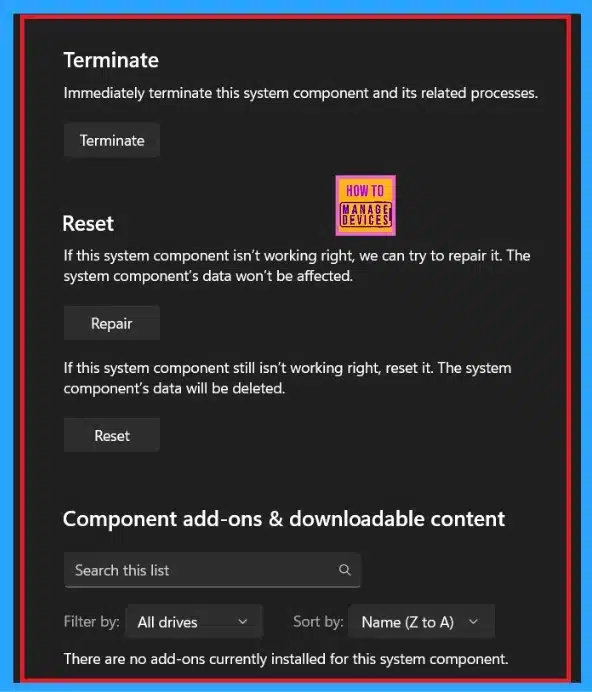
🎆How to Fix Windows 11 System Components Issues using Repair Terminate and Reset options
https://www.anoopcnair.com/advanced-options-windows-11-system-components/
▶Manage Windows 11 System Components with Advanced Options
▶Advanced Option in Windows Security
▶Access the Advanced Options in the System Components
▶System Components using Repair Terminate Reset options
▶Smooth Operation and Overall Performance
6th August 2024
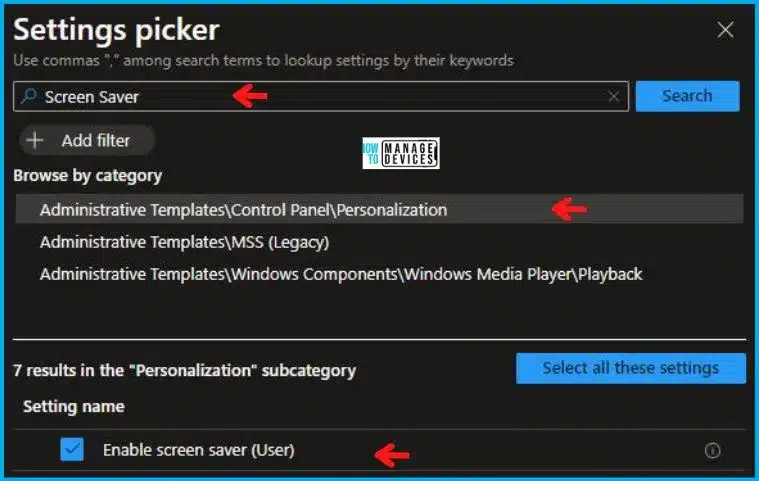
💻Different Methods to Enable Disable Screen Saver in Windows 11
https://www.anoopcnair.com/different-methods-to-enable-disable-screen-saver-in-windows-11/
🌟Enable Disable Screen Saver in Windows 11
🌟Advantages of Screen Savers on Windows 11
🌟Enable Disable Screen Saver using GPO
🌟Options Available on Screen Saver
🌟Enable Disable Screen Saver using Intune policy
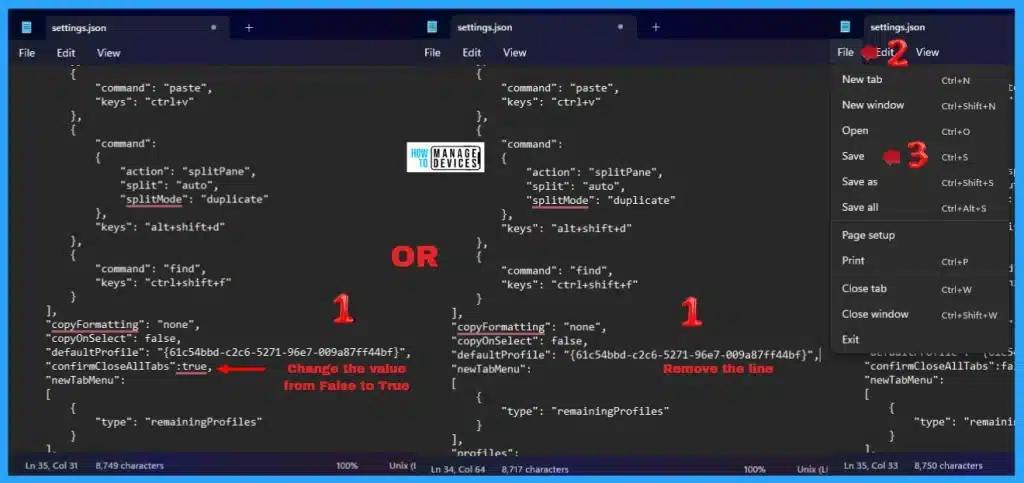
🎆Windows Terminal Allows Turn On or Off the Do You Want to Close All Tabs Prompt in Windows 11
https://www.anoopcnair.com/windows-terminal-do-you-want-to-close-all-tabs/
🎈Turn On or Off the Do You Want to Close All Tabs
🎈Windows Terminal Settings
🎈Windows PowerShell Settings
🎈Open a JSON File with Notepad in the Settings Window
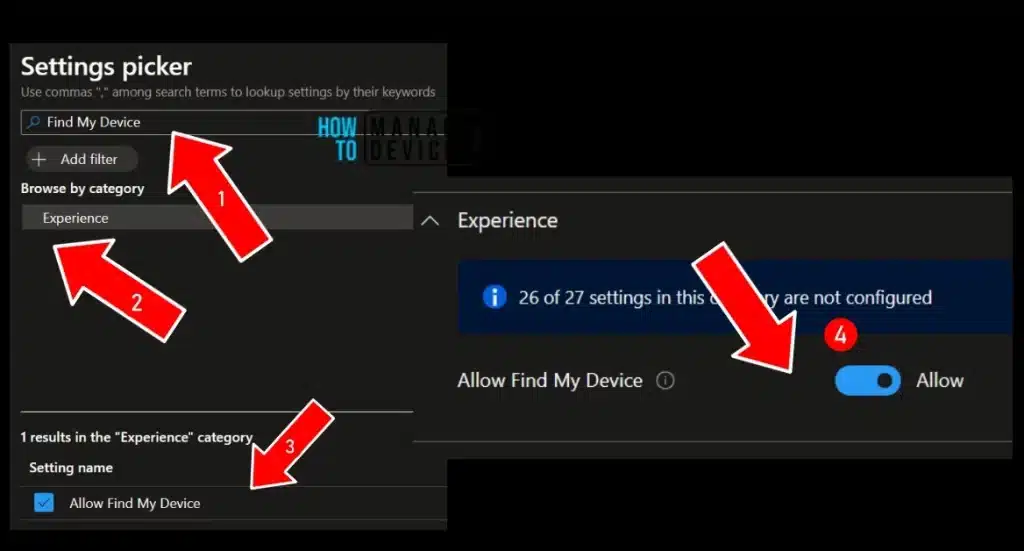
🎈Turn On or Off Find My Device option in Windows 11
https://www.anoopcnair.com/turn-on-or-off-find-my-device-option-in-windows/
💡Locate Device if Lost or Stolen
💡Find My Device
💡Device Cannot Be Located Settings Are Turned Off
💡Location Settings and Services
💡Different Methods
💡Intune Policy to Turn On Off Find My Device option in Windows 11
7th August 2024
💻Adobe PostScript Type1 Fonts are Deprecated Migrate to OpenType Fonts that can Support Larger Glyph Sets
https://www.anoopcnair.com/adobe-postscript-type1-fonts-are-deprecated/
🌟Microsoft Announce the Depreciation of Adobe Type1 Fonts
🌟Adobe Users can no Longer Use PostScript Type1 fonts
🌟Know More About Adobe PostScript Type1 Fonts
🌟How will Acrobat Handle PDFs that Use Type 1 Fonts
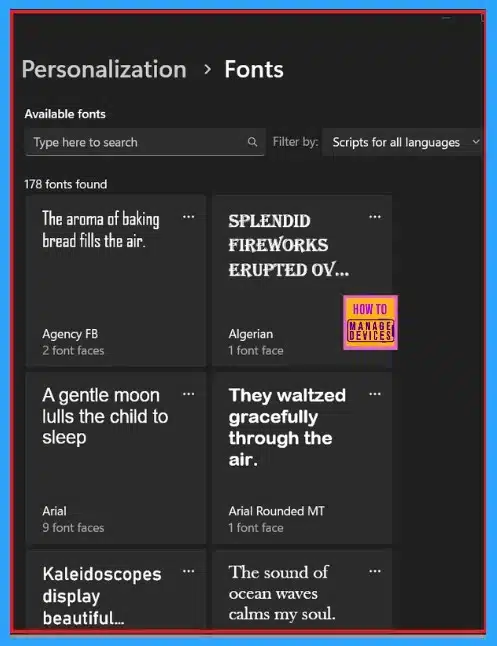
🌟Currently Installed Fonts Available on Windows
✔TeamsTfwStartupTask Registry Key is not Roamed with FSLogix ODFC Containers
https://www.anoopcnair.com/teamstfwstartuptask-registry-key-is-not-roamed-with-fslogix-odfc-containers/
➡TeamsTfwStartupTask Registry Key
➡Components that Control Auto-Start Behavior
➡Enable Auto-Start using Teams Settings
➡FSLogix ODFC Containers
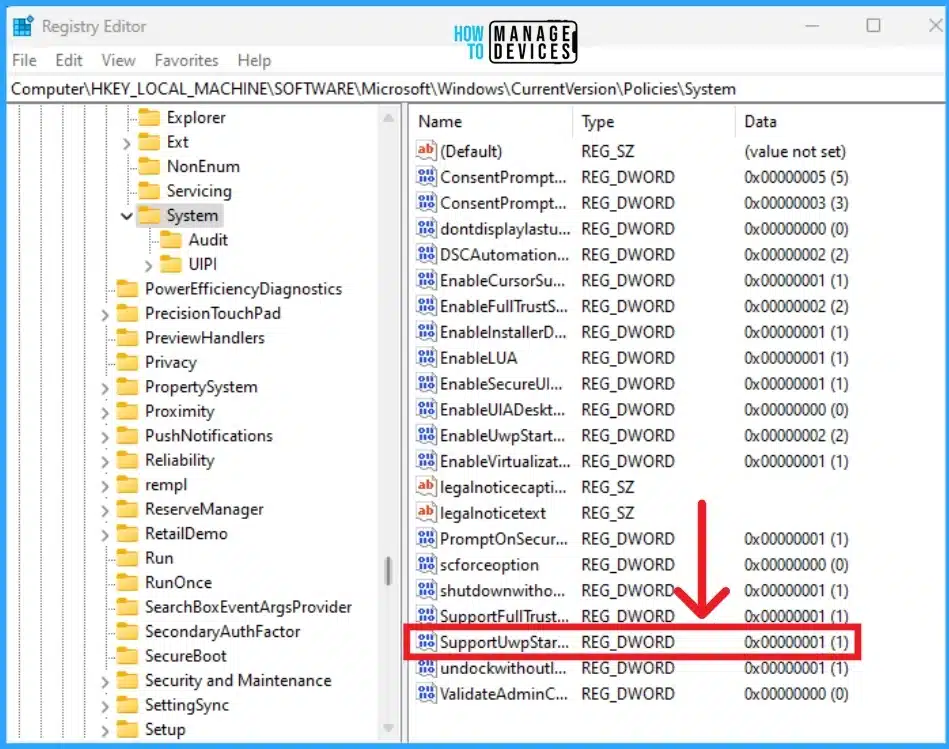
🎆Most Resilient MFA Methods for Break Glass Accounts Emergency Access
https://www.anoopcnair.com/most-resilient-mfa-methods-break-glass-accounts/
➡MFA Methods for Emergency Accounts
➡Know More about Emergency Accounts
➡FIDO2 the Most Resilient MFA Methods
➡How to Create Emergency Account
➡Certificate-Based Authentication
➡Windows Hello for Business
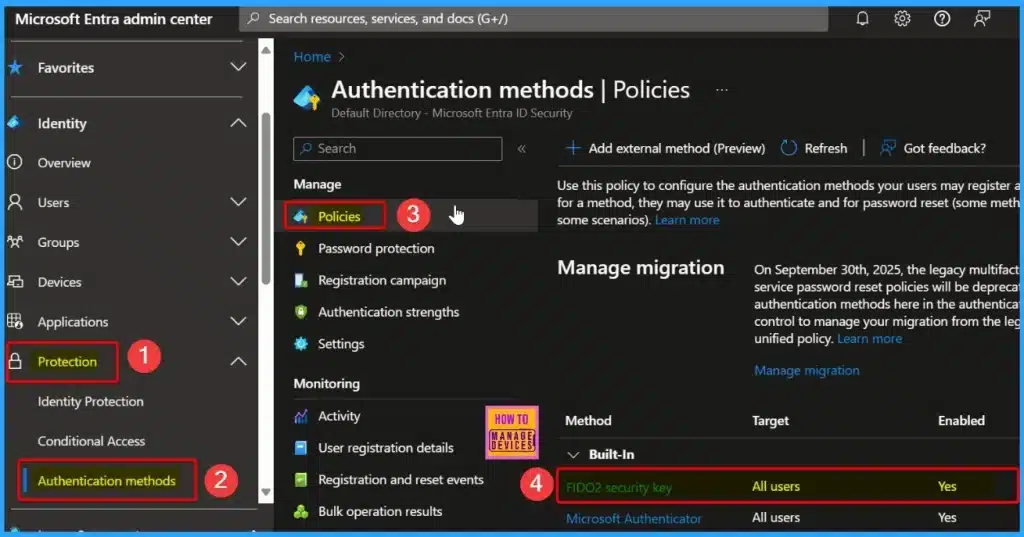
🎊Windows Package Manager Now Supports Downloading Packaged Apps from Microsoft Store and Install using WCD
https://www.anoopcnair.com/windows-package-manager-supports-download-apps/
📍Windows Package Manager Now Supports Downloading Packaged Apps
📍Download a Microsoft Store App using WinGet
📍Steps for Downloading Microsoft Remote Desktop App
📍Installing a WinGet Downloaded Package in a Windows Provisioning Package
8th August 2024
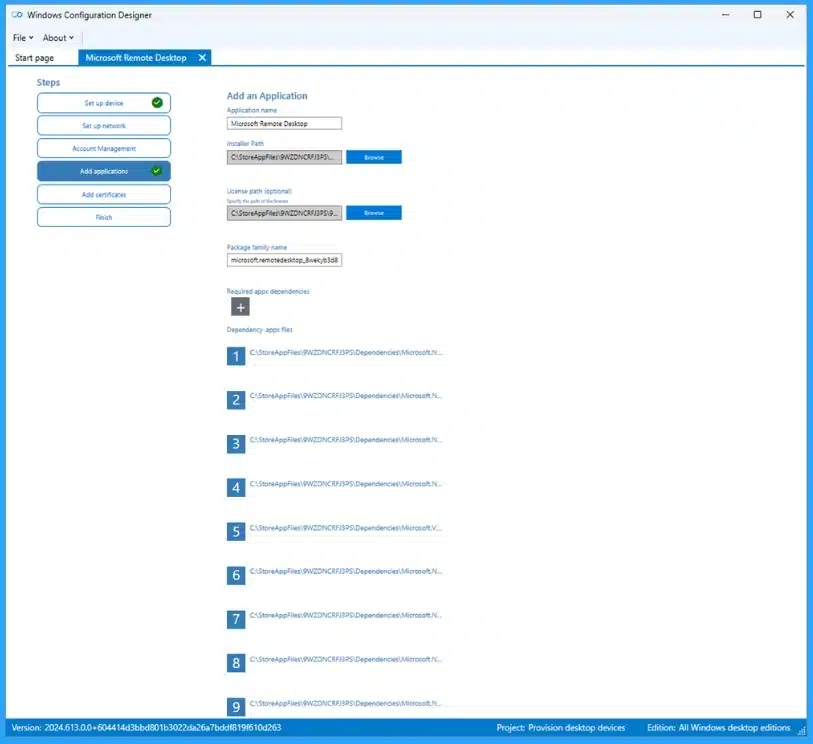
🎆Best Guide to Enable Disable Edge Browser Auto Sign-in and Sync with Intune
https://www.anoopcnair.com/enable-disable-edge-browser-auto-sign-in-intune/
➡Benefits of Edge Auto Sign-in and Sync
➡Create Configuration to Enable Edge Auto Sign-in and Sync with Intune
➡Browser Sign in Settings
➡Force users to sign in to use the browser (all profiles)
➡Monitor the Enable Edge Auto Sign-in and Sync in Intune
➡End User Experience – Enable Edge Auto Sign-in and Sync
➡How to Enable or Disable Voice Access in Windows 11
https://www.anoopcnair.com/enable-or-disable-voice-access-in-windows-11/
💡Process to Enable or Disable Voice Access in Windows 11
💡Enable or Disable Voice Access Using Shortcut Keys
💡Set up Your Microphone
💡Adjust the Volume of Microsoft Array
💡Enable or Disable Voice Access on Sign-in Screen
💡Enable or Disable Voice Access Using Settings
💡Disable Voice Access from the Toolbar

🎈3 Easy Methods to Hide and Unhide Files and Folders in Windows 11
https://www.anoopcnair.com/hide-and-unhide-files-and-folders-in-windows-11/
💡Hiding and Unhiding Files and Folders in Windows 11
💡Hide Official or Important Data for Privacy and Security
💡Hide Files and Folders in Windows 11 Through File Explorer
💡Hide Files and Folders in Windows 11 Through Command Prompt
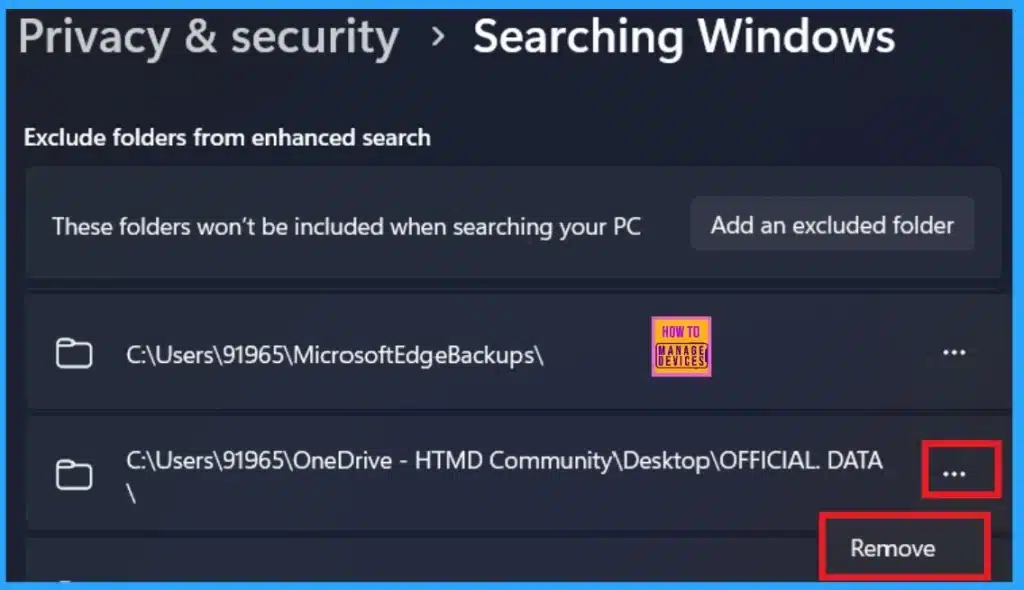
💡Hide Specific Folders From Windows Search
🔔How to Enable or Disable Media Autoplay for Websites in Microsoft Edge Browser
https://www.anoopcnair.com/enable-or-disable-media-autoplay-websites-edge/
👉Enable or Disable Media Autoplay for Websites in Microsoft Edge Browser
👉Different Methods to Enable or Disable Media Autoplay for Websites in Microsoft Edge Browser
👉Advantages of Autoplay for Websites in Microsoft Edge Browser
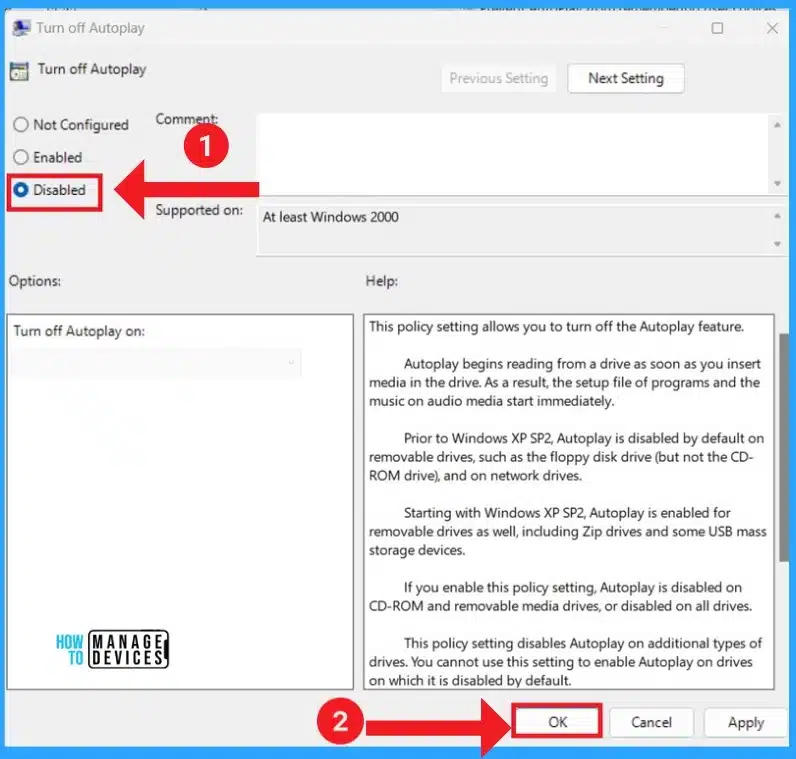
👉Enable Disable AutoPlay in Windows 11 using Intune
9th August 2024
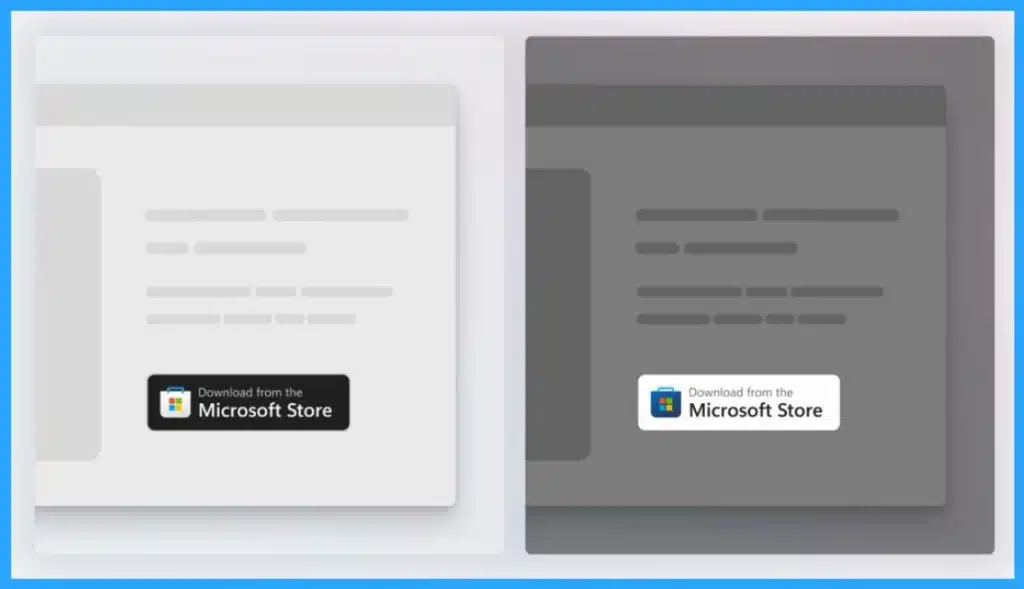
✔Microsoft Store Update with New Pages for Limited Time Events and Downloads and Updates
https://www.anoopcnair.com/new-microsoft-store-update-limited-time-events/
➡Microsoft Store August 2024 Update
➡Version 22407.XXXX.X Available on Canary and Dev Channels
➡Redesigned Library look
➡New page for Updates and Downloads
➡Find out more about the Microsoft Store
🎊Intune Enrollment Time Grouping for Android Enterprise Corporate Devices
https://www.anoopcnair.com/intune-enrollment-time-grouping-for-android-cor/
📍Enrollment Time Grouping for Android Enterprise Corporate Devices
📍Enrollment Time Grouping for Android Rollout Start on January 2025
📍Generally Available Enrollment Time Grouping for Android
📍Advantages of Enrollment Time Grouping in Intune
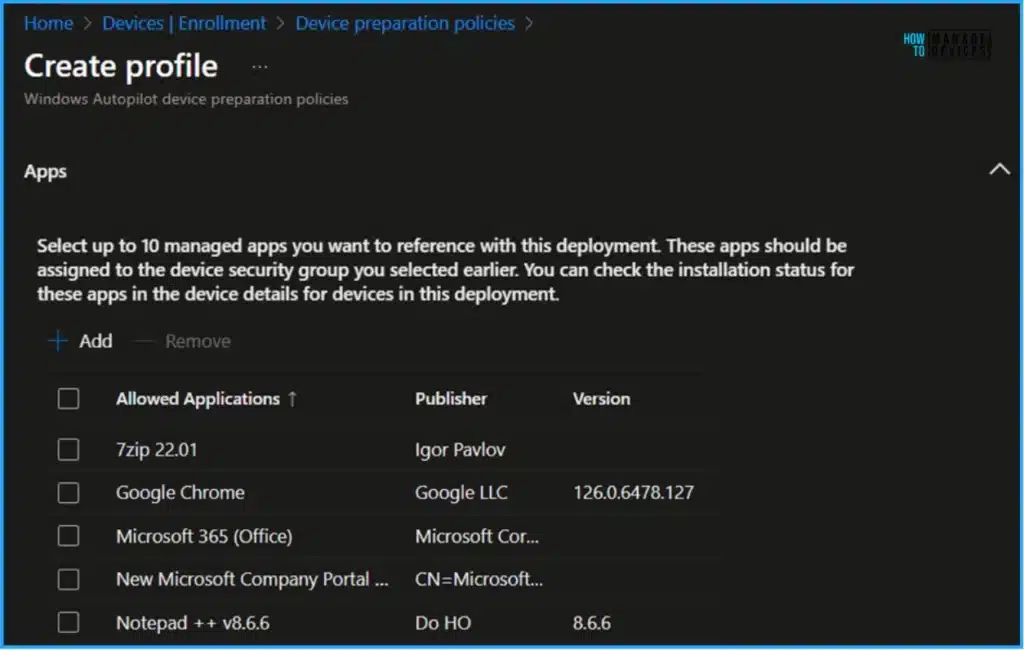
📍Intune Device Preparation Policies for Autopilot Enrollment
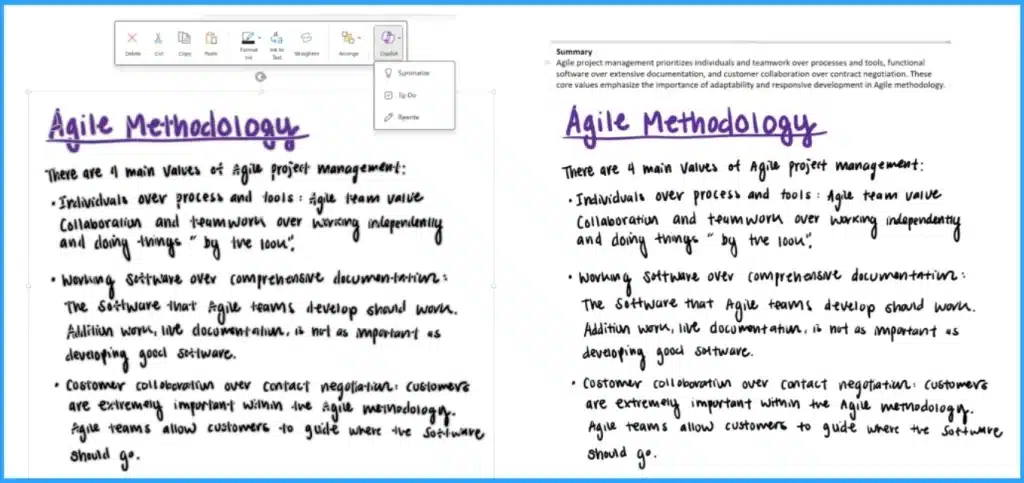
🎊Copilot in OneNote Now Supports Handwritten Inked Notes via Canvas and Ribbon
https://www.anoopcnair.com/copilot-in-onenote-supports-inked-notes-written/
📍OneNote Now Supports Inked Notes
📍Inked Notes allows Read, Summarized, and Analyzed
📍Know More about Handwritten Notes
📍Learn How to Access Supported Inked Notes on Copilot OneNote
➡Various Ways to Enable or Disable Widgets Feature in Windows 11 GPO Intune Policy Registry
https://www.anoopcnair.com/enable-or-disable-widgets-feature-in-windows-11/
🎈Different Methods to Enable or Disable Widgets Feature
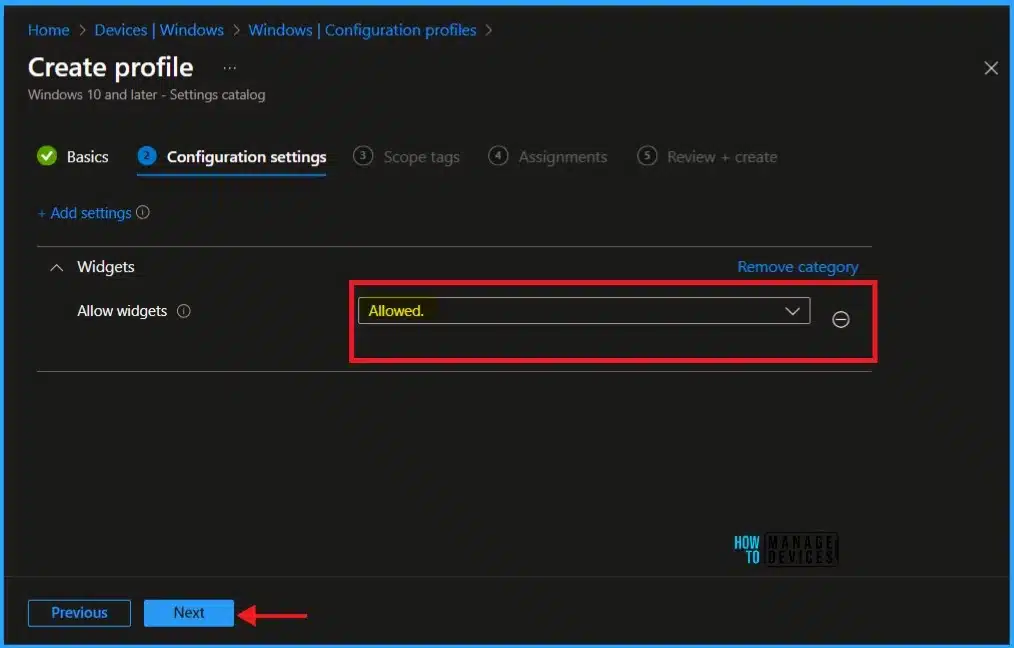
🎈Intune Method to Enable or Disable Widgets Feature
🎈Taskbar Behaviors, System Pins
🎈Allow Widgets

Anoop C Nair is Workplace Technology solution architect with 25+ years (as of 2026) of experience in global enterprise organizations such as JP Morgan, Capgemini, etc. Microsoft Certified Trainer (MCT). Microsoft MVP from 2015 onwards for consecutive 11+ years! He also conducts Intune and modern workplace tech training for enterprise organizations. He is Blogger, Speaker, and Founder of HTMD Community and HTMD Conference. His main focus is on Device Management technologies like Intune, Windows, Cloud PC. He writes about technologies like Intune, SCCM, Windows, Cloud PC, Windows, Entra, Microsoft Security.

Discussion