












HTMD Newsletter 140 6th to 10th May 2024
Welcome to the HTMD Newsletter 140 Summary from 6th May to 10th May 2024! This is the list of posts and videos the HTMD Community published this week and news from the IT industry. You can get all the information and details from Windows 11, Cloud PC, SCCM, Intune, Azure Virtual Desktop (AVD), Android, iOS, and Mac.
Did you miss updates from last week? Check out the link below.
- 137th HTMD Newsletter – HTMD Newsletter 137 15th to 19th April
- 138th HTMD Newsletter – HTMD Newsletter 138 22nd to 29 April
- 139th HTMD Newsletter – HTMD Newsletter 139 29th to 3rd May

6th May 2024 – HTMD Newsletter 140
☑Best Guide to Enable WinSCP Win32 App Supersedence and Auto-Update with Intune
https://www.anoopcnair.com/enable-winscp-win32-app-supersedence-intune/
📌What is Win32 App Supersedence and Auto-Update?
📌Prerequisites
📌Win32 app Supersedence and Auto-Update Scenarios
📌End-User Experience
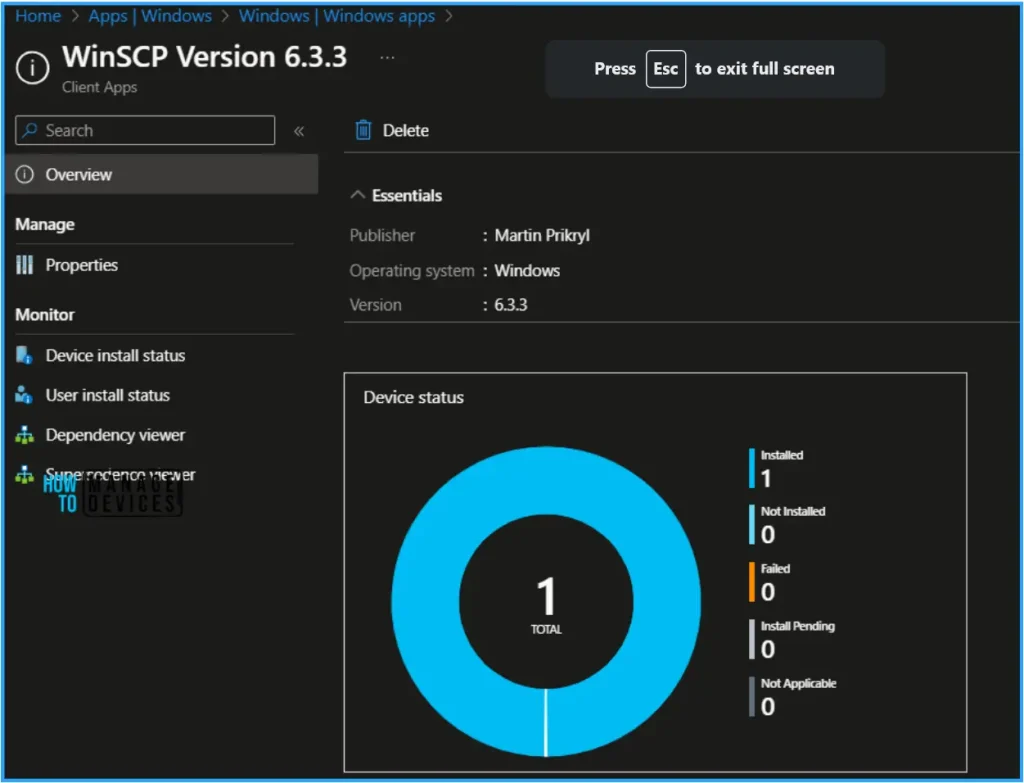
📌Monitor WinSCP Win32 App Supersedence and Auto-Update in Intune
🎆Install Microsoft Skype for Desktop with Intune Enterprise App Catalog App
https://www.anoopcnair.com/skype-for-desktop-with-intune-enterprise-app/
📌Skype for Desktop
📌Intune Enterprise App Catalog App
📌What’s Unique about Skype Video Calls?
📌Skype Communication tool for Free Calls and Chat
📌Assigning the App to Specific Groups or Users
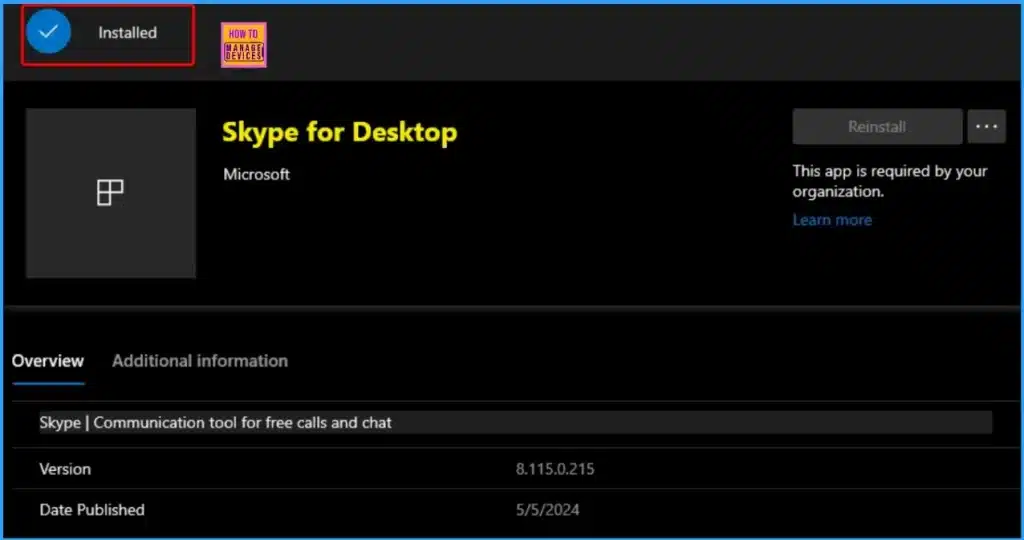
📌Monitoring Deployment Status
📌End-User Experience
🛡New Hide General Channel Feature in Microsoft Teams
https://www.anoopcnair.com/hide-general-channel-feature-in-microsoft-teams/
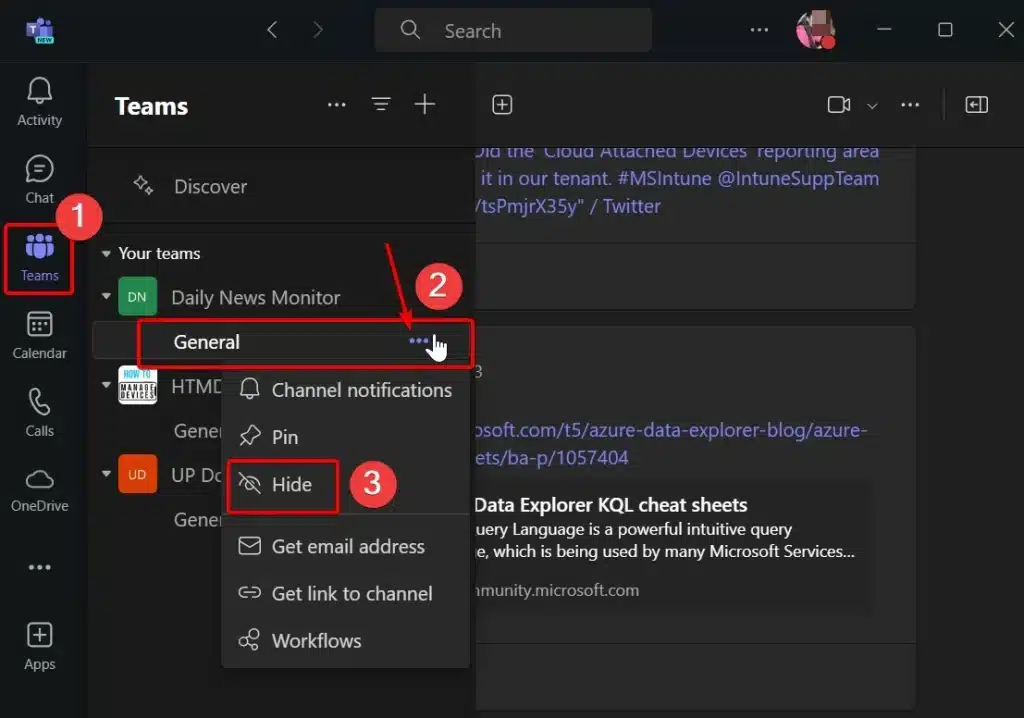
🖲Hide or Show General Channels
🖲Customize Your Channel List
🖲Microsoft Teams New Feature in April Update
🖲Hiding General Channel Will Increase the Focus on Work and Reduce Distraction
🖲Overview of Team and Channel
🖱Azure SCOM MI Supports SCCM Management Packs
https://howtomanagedevices.com/sccm/13467/azure-scom-mi-supports-sccm-pack/
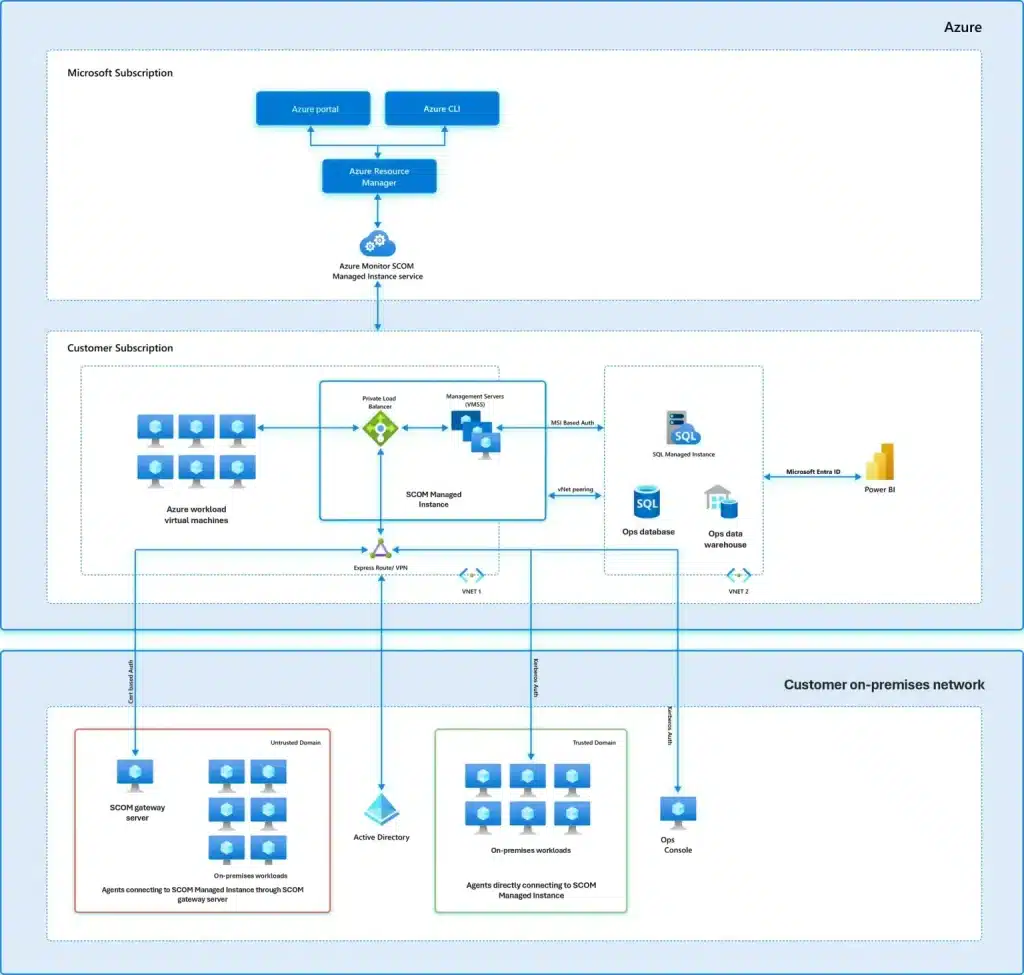
🔔Azure SCOM Managed Instance (MI)
🔔Benefits of SCOM MI
🔔Supports for SCCM Management Packs
7th May 2024 – HTMD Newsletter 140
FOMO MMS 2024 – Don’t worry, try this
https://youtube.com/shorts/-sE2b3g4j8g
Same Quality Assured 🥰
▶Passkeys Now Available in Microsoft Entra ID
https://www.anoopcnair.com/passkeys-now-available-in-microsoft-entra-id/
✔Easily Sign in with your Passkey
✔URL, Device and User-Specific
✔Hosting Passkeys on Various Devices
✔Types of Passkeys – Device-bound vs Syncable
✔Using Device-bound Passkeys in Microsoft Authenticator
✔Advantages of Hosting Passkeys on a User Device
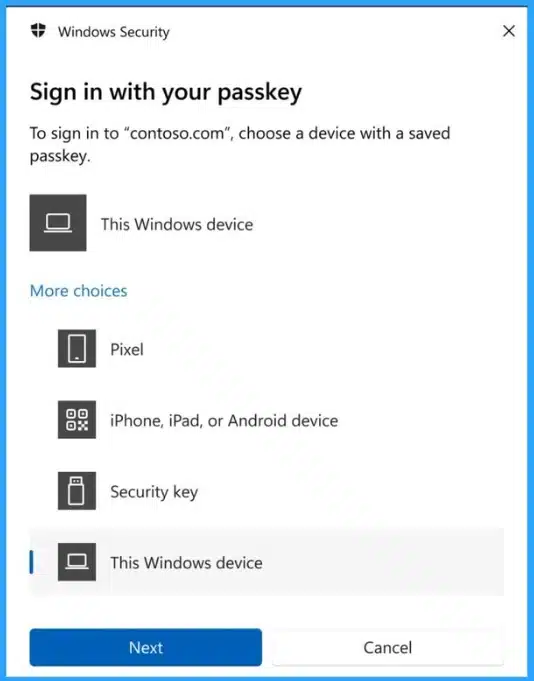
▶Remove or Change Reading Pane Layout in Outlook for Windows 11
https://www.anoopcnair.com/reading-pane-layout-in-outlook-for-windows-11/
🎉Understanding the Reading Pane
🎉Enhanced Reading Experience
🎉key Features and Benefits
🎉Different Methods to Remove or Change the Reading Pane Layout
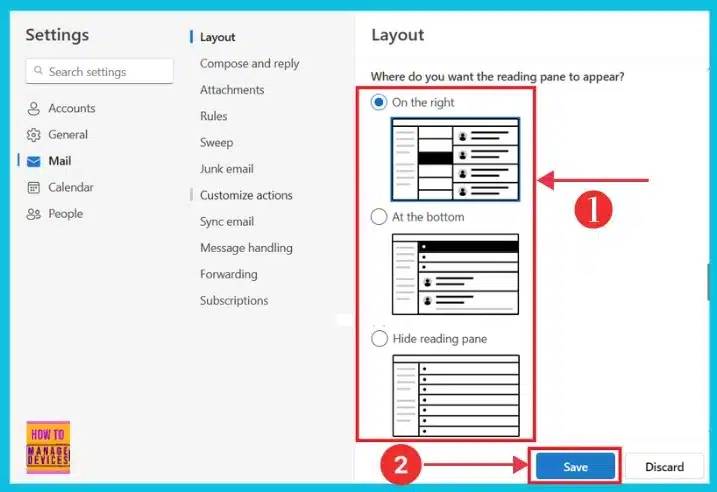
▶Enable Available Assignment Type for DMG and Unmanaged PKG App on macOS
https://www.anoopcnair.com/available-assignment-type-for-dmg-and-unmanaged/
➡Deploy DMG Apps as available for macOS
➡Assign unmanaged PKG App types for macOS
➡Feature Rollout Startdate?

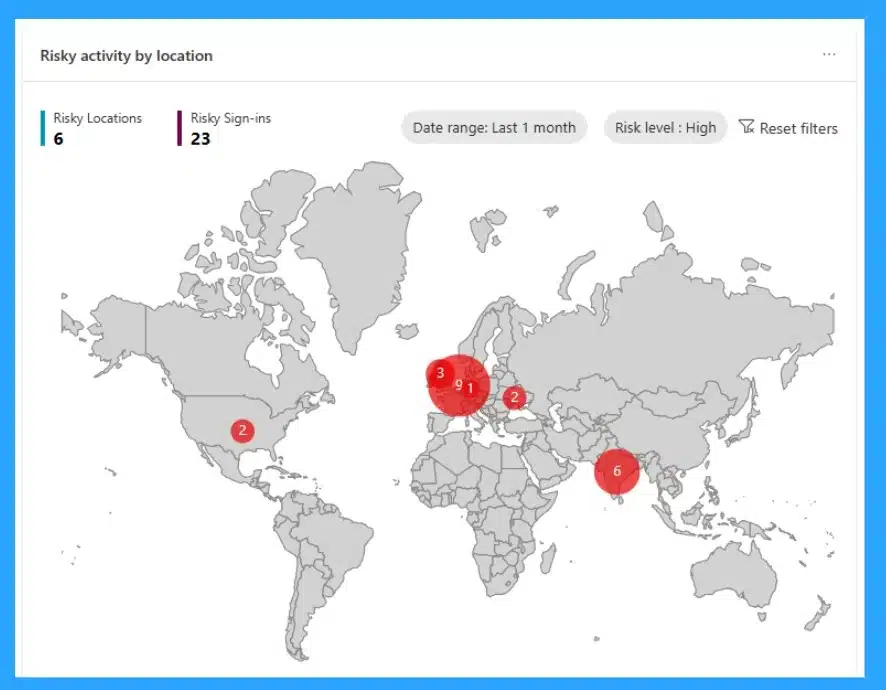
↗High Level Overview of Identity Protection in Microsoft Entra ID
https://www.anoopcnair.com/identity-protection-in-microsoft-entra-id/
🔼High level Overview of Identity protection
🔼How to Classify Risk Detection Types
🔼Detect, Investigate, and Remediate Identity-based Risks
🔼Protection Detection in Entra ID
🔼Risk Detection Types
🔼Understand the Benefits of Risk-Based Policies
8th May 2024 – HTMD Newsletter 140
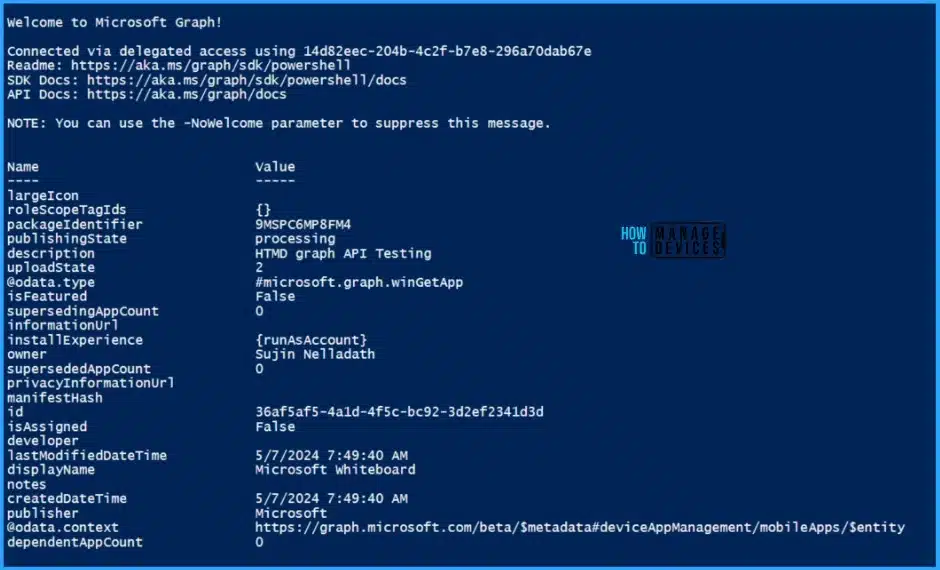
🎉Add Microsoft Store Apps to Intune using Microsoft Graph API
https://www.anoopcnair.com/intune-add-microsoft-store-apps-using-graph-api/
➡Know More About Microsoft Graph API
➡Get All Store Applications using Microsoft Graph API
➡Add Microsoft Store Apps via Graph API
➡Create Store Apps using Microsoft Graph via PowerShell
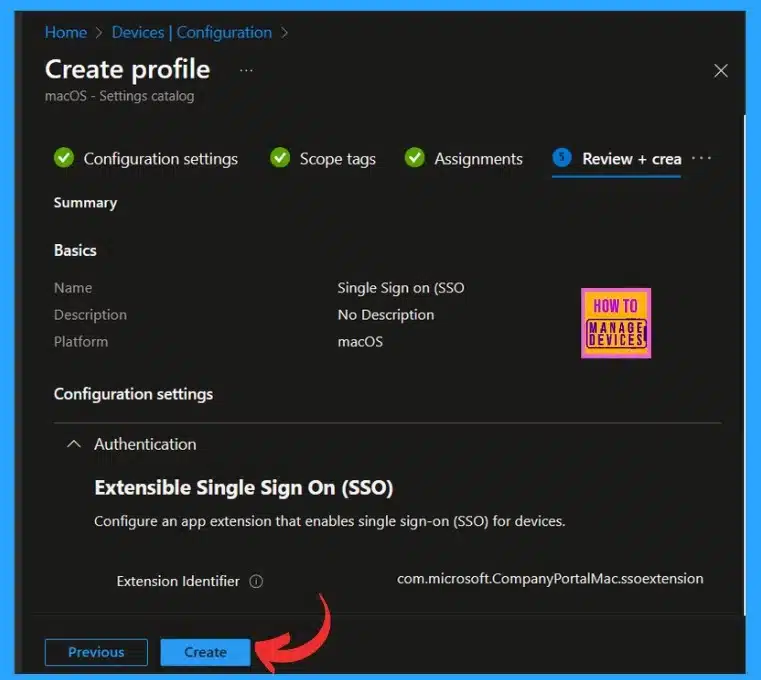
🔮New Platform SSO for macOS Devices in Microsoft Intune
https://www.anoopcnair.com/new-platform-sso-for-macos-devices-in-intune/
👉SSO for macOS Devices in Microsoft Intune
👉Extensible Single Sign On (SSO)
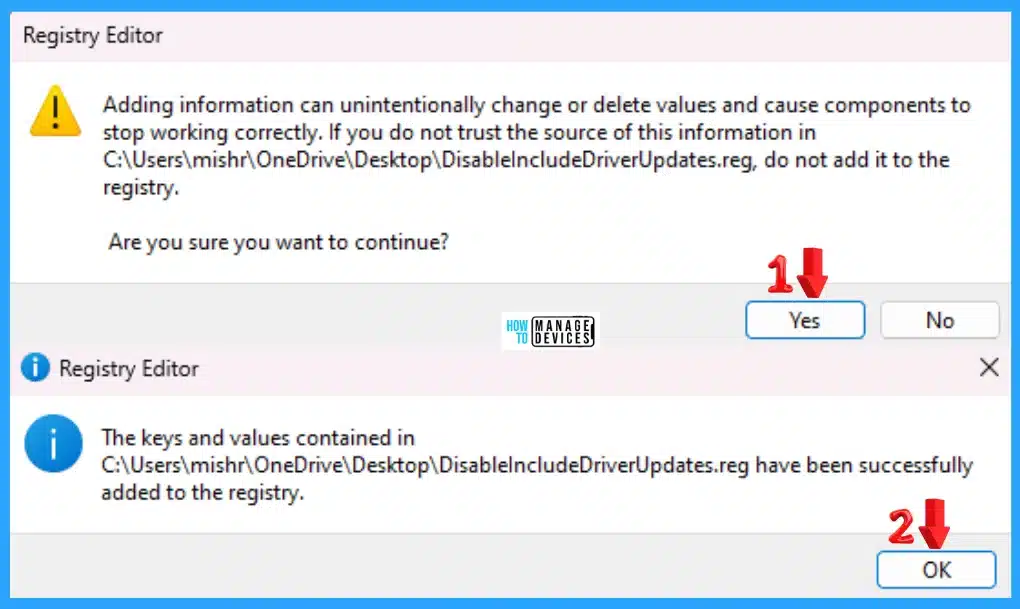
🖥Manage Automatic Drivers Installation with Windows Updates
https://www.anoopcnair.com/manag-drivers-installation-with-windows-updates/
⏩How to managed offered drivers updates from Windows updates
⏩Set Do not include drivers with Windows Updates
⏩Use Settings App to Enable Disable Including Drivers with Windows Updates
9th May 2024 – HTMD Newsletter 140
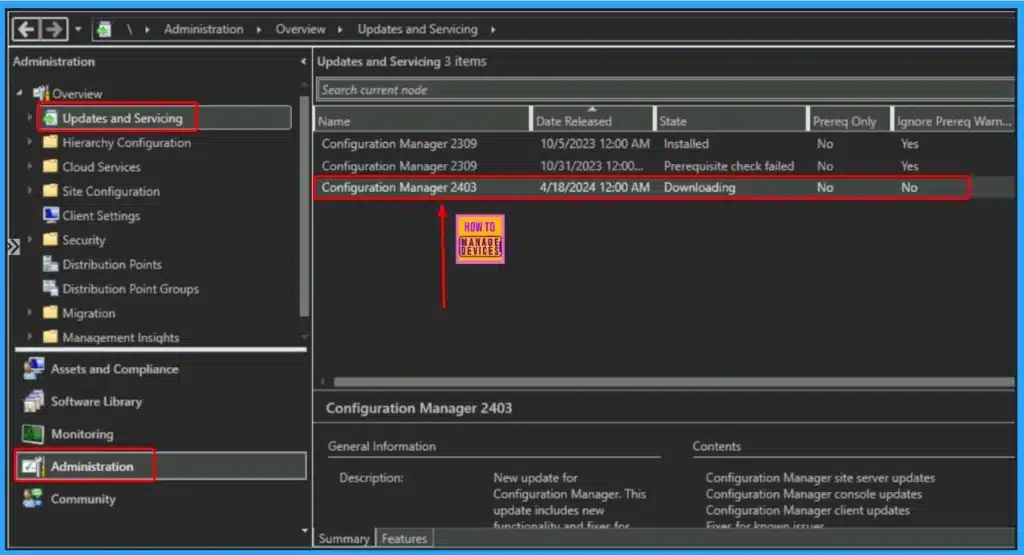
🎆List of Issues Fixed with SCCM 2403 KB26186448
https://www.anoopcnair.com/list-of-issues-fixed-with-sccm-2403-kb26186448/
🔥Fixed Issues in SCCM Version 2403 KB26186448
🔥Updates related AES encryption algorithm
🔥Updates related to Defender Exploit Guard policy
🔥Fix Save-CMSoftwareUpdate PowerShell cmdlet issue
🔥Fixed Issue in Globally Available Release
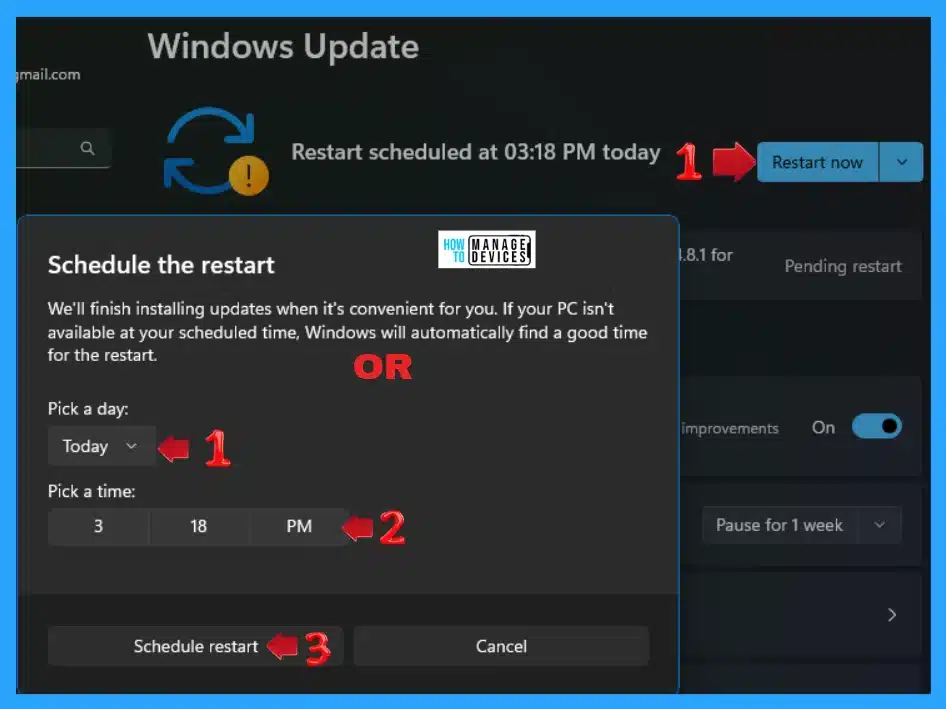
➡Manually Check and Install Optional Updates in Windows 11
https://www.anoopcnair.com/check-install-optional-updates-windows-11/
🖲Additional options for Windows updates
🖲Receive Updates for other Microsoft products
🖲Install Windows Optional Updates
🎆Windows 365 Cloud PC 2405 May Update Service Release
https://www.anoopcnair.com/windows-365-cloud-pc-2405-may-update-service/
🔥Walkthrough on Windows 365 Cloud PC 2405 May Update Service Release
🔥3 Major Enchancement on Windows 365
🔥Significant changes in Device Security
🔥Removal of FQDNs from Requirement List
🔥General Availability of Cloud PC Unavailability Reporting
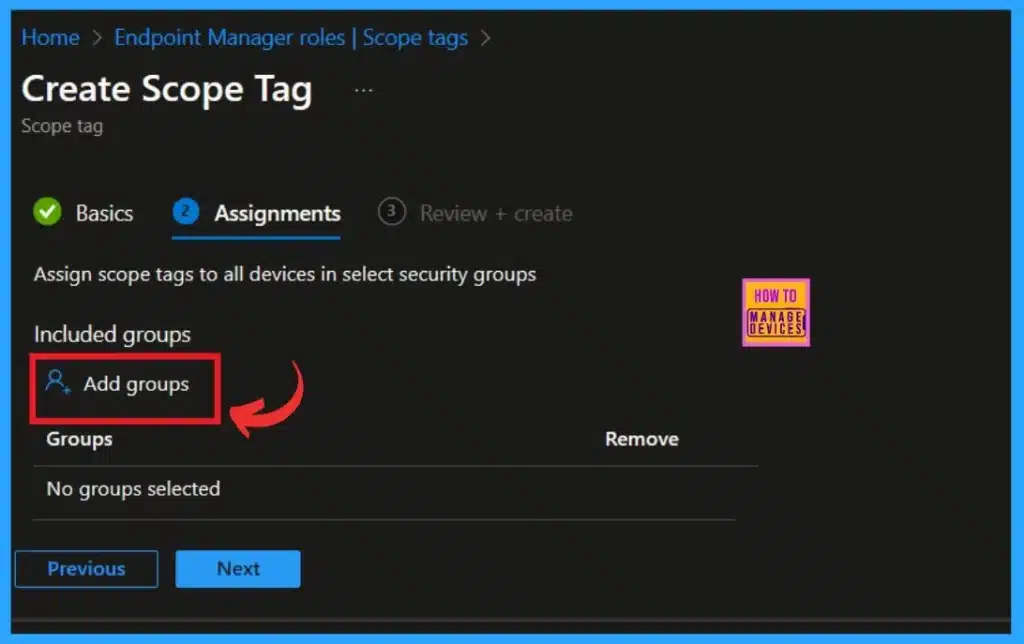
🔥Role-Based Access Control with Intune Scope Tags
🔑Best Guide to Remove Windows Update Features Access with Intune
https://www.anoopcnair.com/remove-windows-update-features-access-intune/
📍Benefits of Removing Access to Use All Windows Update Features
📍Turn off access to all Windows Update features from Intune
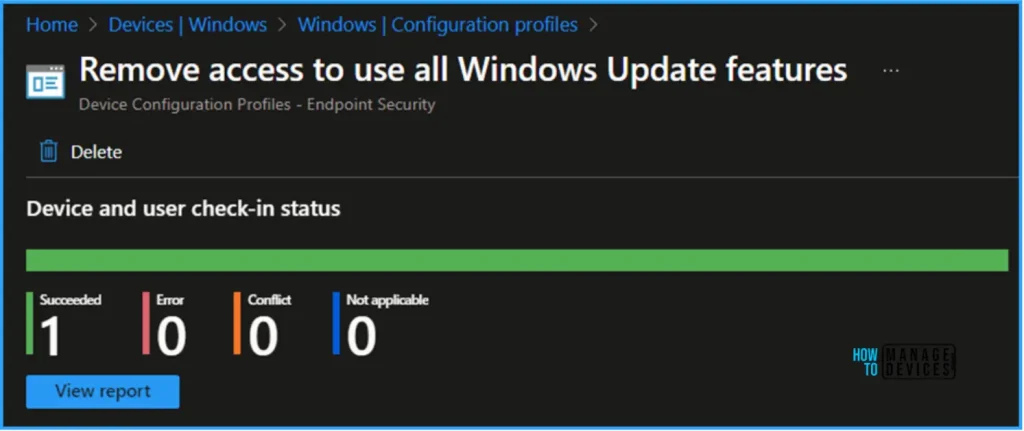
📍Monitor Intune Configuration Profile Deployment
10th May 2024 – HTMD Newsletter 140
🎉Defender Settings Getting Removed for Comanaged SCCM 2309 and 2403 Clients
https://www.anoopcnair.com/defender-settings-getting-removed-for-comanaged/
🎊Security configurations removed from Intune
🎊Drop in Microsoft Security Score Values in Intune
🎊Important Notice for Customers Regarding SCCM Updates
🎊Solution for Already Updated Clients
🎊Understanding the Issue with SCCM and Intune Managed Clients
🔰How to Enable Passkeys in Microsoft Authenticator
https://www.anoopcnair.com/enable-passkeys-in-microsoft-authenticator/
🔎What do you Need to Use Passkeys?
🔎Enable passkeys in Authenticator in the admin center
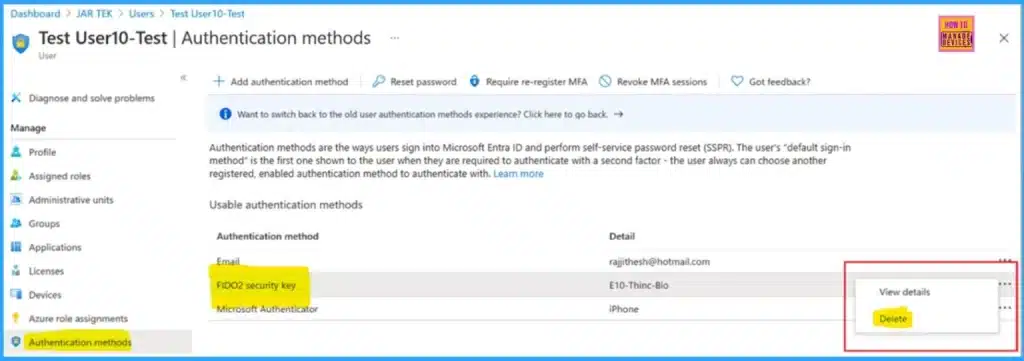
🔎How to Remove a passkey?


Discussion