











HTMD Newsletter 130 26th February to 1st March
Welcome to the HTMD Newsletter 130 Summary from 26th February to 1st March 2024! This is the list of posts and videos the HTMD Community published this week and news from the IT industry. You can get all the information and details from Windows 11, Cloud PC, SCCM, Intune, Azure Virtual Desktop (AVD), Android, iOS, and Mac.
➡️ Here’s how you can be part of the HTMD Community, You can join us here.
➡️ Here, you can Subscribe HTMD Youtube Channel and welcome Video Messages about HTMD here.
➡️ We are on WhatsApp. To get the latest step-by-step guides and news updates, Join our Channel, HTMD WhatsApp.
Did you miss updates from last week? Check out the link below.
- 127th HTMD Newsletter – HTMD Newsletter 127 5th to 9th February
- 128th HTMD Newsletter – HTMD Newsletter 128 12th to 16th February
- 129th HTMD Newsletter – HTMD Newsletter 129 19th to 23rd February
26th February 2024 – HTMD Newsletter 130
📌Microsoft Intune 2402 New Features February Update
https://www.anoopcnair.com/microsoft-intune-2402-features-february-update/
↗Autopilot Deployment Profiles Moved to GA
↗Support for Importing 20 ADMX ADML Templates
↗New Android App configuration permissions
↗Bulk Actions for Windows Driver Update

🎆Intune Working Time Mute Notification Policies
https://www.anoopcnair.com/intune-working-time-mute-notification-policies/
📢Overview of Intune Working Time Mute Notification Policies
📢Key Features and Functionality
📢Configuration and Implementation
📢Use Cases and Benefits
📢Best Practices and Considerations

🎆16 New Copilot Actions Released by Microsoft
https://www.anoopcnair.com/16-new-copilot-actions-released-by-microsoft/
↗Ask Copilot to do Tasks
↗Enhanced Setting Management with Copilot in Real-Time
↗Get System and storage information in one Command
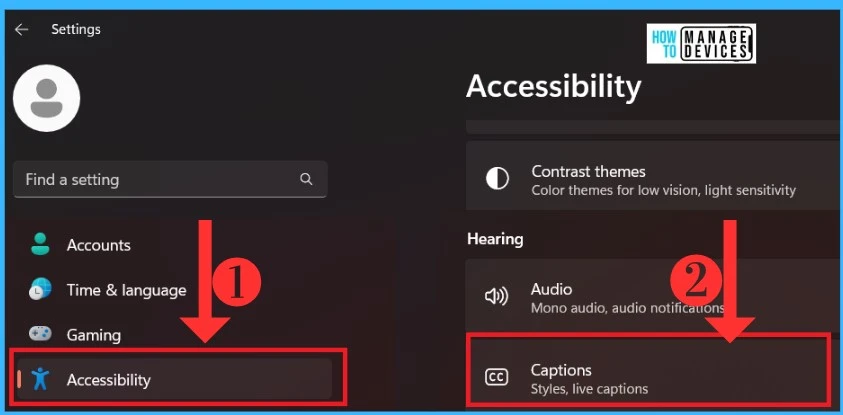
↗Set theme, Volume and take screenshots With Copilot
27th February 2024 – HTMD Newsletter 130
🎆Windows 365 Frontline Concurrency Report Details to Save Money
https://www.anoopcnair.com/windows-365-frontline-concurrency-report/
✔Understanding Concurrency Report
✔Insights into Maximum Concurrent Sessions
✔Usage Pattern Analysis
✔License Optimization
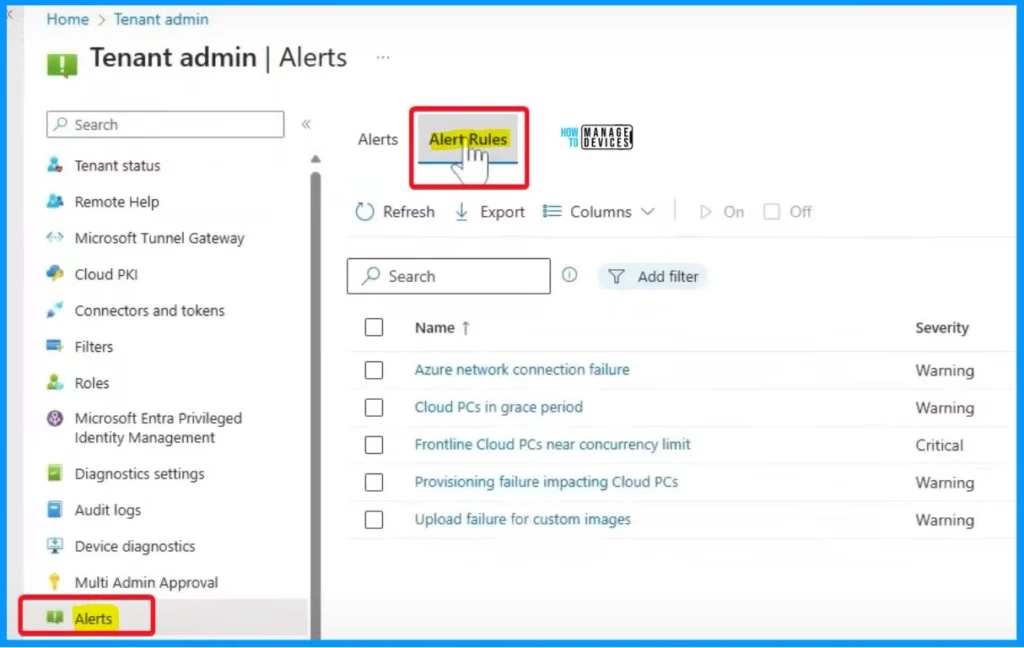
✔Warning Notifications
✔Alerting on Reaching Concurrency Limit
✔Customize alerts and notifications
🎆Issues with February 2024 Security Update Installation
https://www.anoopcnair.com/february-2024-security-update-installation/
📢Installation failure of the February 2024 security update (KB5034765)
📢System getting stuck at 96% during the update process
📢Error code ‘0x800F0922’
📢Workaround for February 2024 Security Update Installation Issue
📢Resolution in Progress
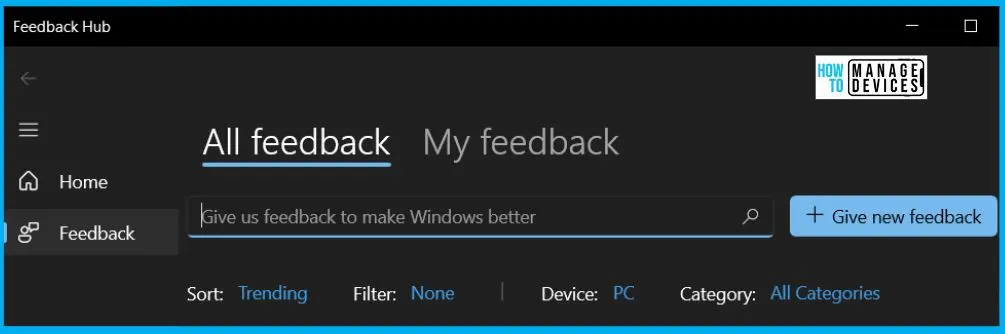
🎆Best Way to Deploy Web Link App through Intune
https://www.anoopcnair.com/deploy-web-link-app-through-intune/
🔥Different Types of Web Apps in Intune
🔥Create a Web link App to Intune
🔥Monitor the New HTMD Web link App Deployment Status
🔥End User Experience of HTMD Web Link App

28th February 2024 – HTMD Newsletter 130
🎆Copilot AI Features make Microsoft Edge Go to Browser
https://www.anoopcnair.com/copilot-ai-features-make-microsoft-edge/
➡What Copilot Offers
➡Rewrite Feature in Collaboration with Copilot
➡Copilot for Screenshots Assistance in Edge Browser
➡Easily Locate Key Moments in your Video with Edge Copilot
➡Easily Read PDFs in Any Language

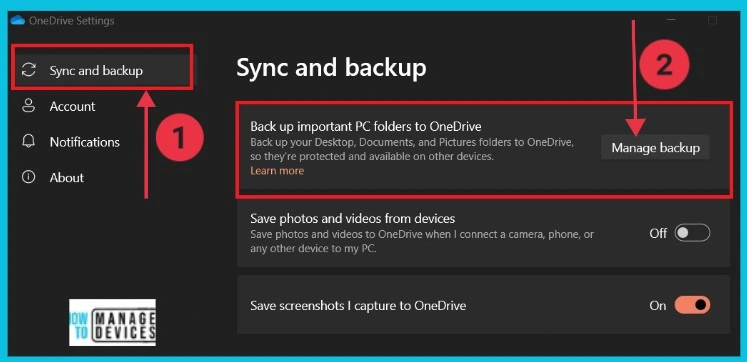
🎆How to Remove Start Backup in File Explorer of Windows11
https://www.anoopcnair.com/how-to-remove-start-backup-in-file-explorer/
✔Different Methods for Removing Start Backup in File Explorer
✔Disable or hide the Start backup option
✔Close OneDrive App
✔Using Onedrive settings
✔Using registry editors
🎆Turn On Behavior Monitoring Policy using Intune
https://www.anoopcnair.com/turn-on-behavior-monitoring-policy-using-intune/
▶Behavior
▶Microsoft Defender Antivirus\ Real-time Protection
▶Intune Report for Turn On Behavior Monitoring Policy
▶Client Side Verification
▶Windows CSP Details RealtimeProtection_DisableBehaviorMonitoring

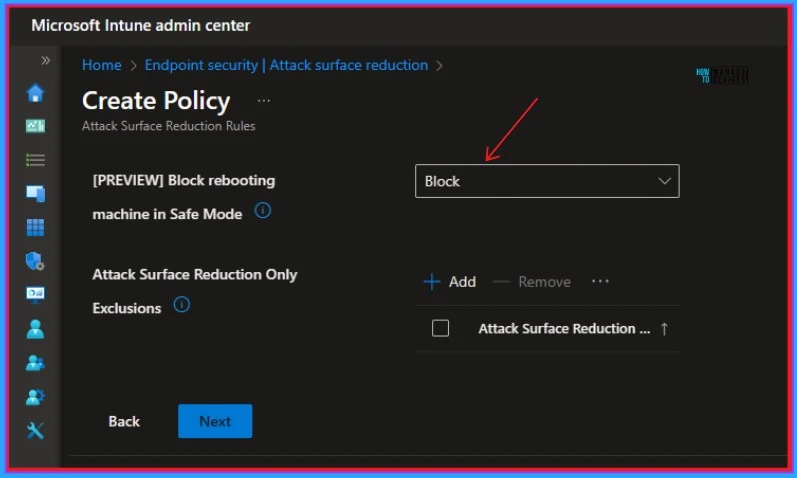
⏳Microsoft Defender ASR Rules to Block Rebooting Machine in Safe Mode
https://www.anoopcnair.com/defender-asr-block-rebooting-machine-safe-mode/
🛎Attack surface reduction rules
🛎Block rebooting machine in Safe Mode
🛎Different Details of Block Rebooting Machine in Safe Mode Features
29th February 2024 – HTMD Newsletter 130
🎆Manage Pop-up Blocker with Intune Configuration Profile
https://www.anoopcnair.com/manage-pop-up-blocker-with-intune/
📢Learn More About the Pop-up Blocker
📢Disable the Pop-up Blocker with Intune
📢Browser > Allow Popups
📢Monitor the Configuration Profile Deployment in Microsoft Intune
📢Event Log to Verify the Policy’s Deployment Status

🎆Don’t miss MMS 2024 Flamingo Edition
https://www.anoopcnair.com/mms-2024-flamingo-edition-intune-conference/
👉Premium Conference for Intune Admins
👉Register Now
👉Dates, Rates, and Registration of MMS 2024 Flamingo Edition
👉What’s New at the Flamingo Edition

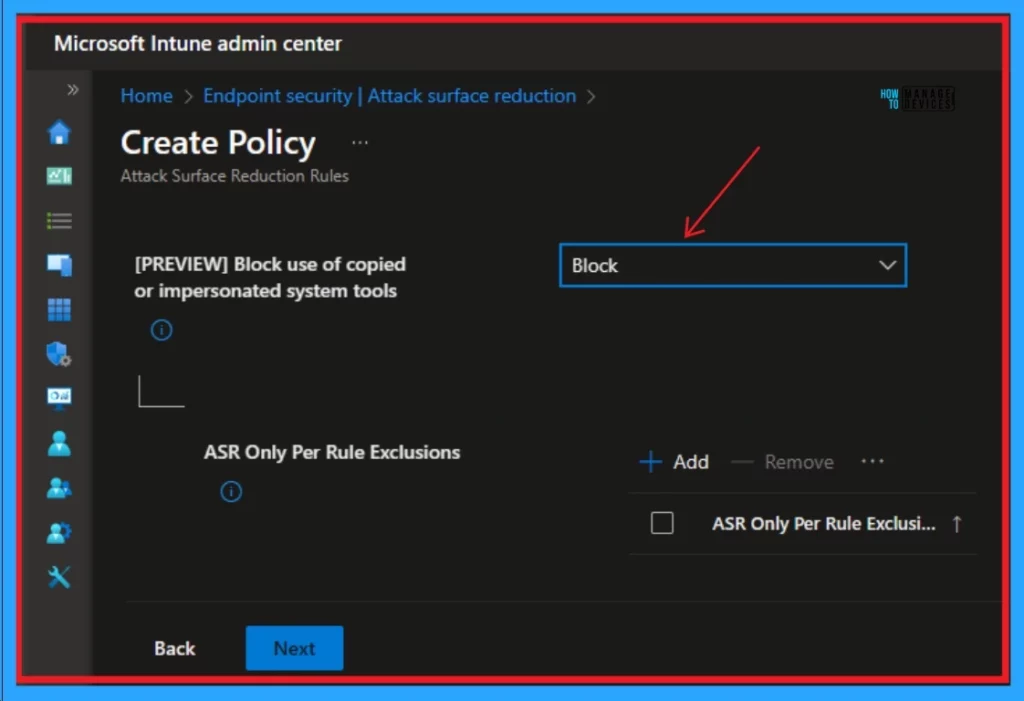
⏳Block Use of Copied or Impersonated System Tools using Defender ASR Rules
https://www.anoopcnair.com/block-copied-impersonated-system-tools-defender/
↗New Defender ASR Rule
↗Block Use of Copied or Impersonated System Tools
↗Create Intune Policy to block usage
📲Manage Dialer App for Android using Intune App Protection Policy
https://www.anoopcnair.com/manage-dialer-app-for-android-intune-protection/
📳Identify Application Package ID
📳Create Intune App Protection Policy for Dialer SMS App
📳End User Experience – Making Calls from Dialer App

1st March 2024 – HTMD Newsletter 130
🎆Recall Message Functionality Failure in Outlook Desktop
https://www.anoopcnair.com/recall-message-functionality-failure-in-outlook/
📢Microsoft Outlook Desktop Recall Message Issue
📢Impact of CVE-2024-21378 Security Update
📢Microsoft Outlook Remote Code Execution
📢Disabling of Cloud-Based Message Recall
📢February 2024 security updates
📢Current Status of the Recall Message Functionality Issue

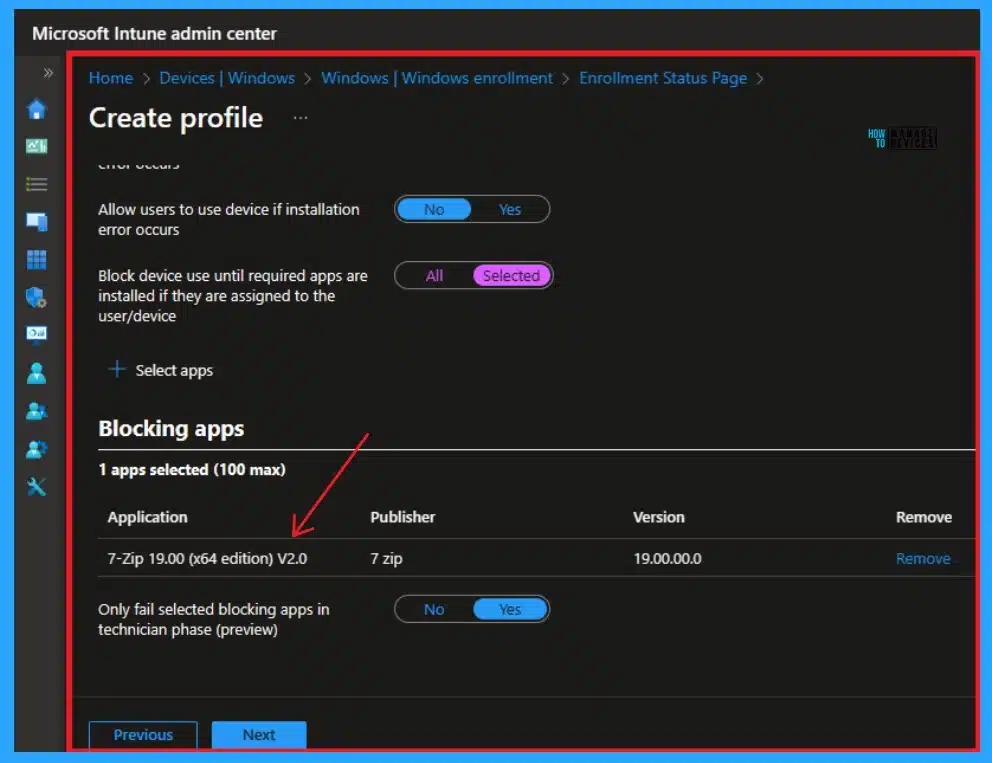
🌟Windows Autopilot Block Only Selected Apps and Continue if Other Applications Fail to Install
https://www.anoopcnair.com/windows-autopilot-block-only-selected-apps/
🔼Autopilot Enhancements
🔼Block Device Use Untill Required Apps are installed
🔼Blocking Selected Apps during installation
🎆Intune Deploy Turn On E-Mail Scanning Policy
https://www.anoopcnair.com/intune-deploy-turn-on-e-mail-scanning-policy/
▶Windows CSP Details Scan_DisableEmailScanning
▶Turn On E-Mail Scanning Policy
▶Intune Report for Turn On E-Mail Scanning Policy
▶Client Side Verification


Deb is an SCCM and Intune admin with many years of experience in enterprise environments. He is interested in Windows management, Task Sequence, SCCM, and modern management.

Discussion