











190th HTMD Newsletter 21st to 25th April 2025
Welcome to the 190th HTMD Newsletter Summary from 21st to 25th April 2025! This is the list of posts and videos the HTMD Community published this week, and news from the IT industry. You can get all the information and details from Windows 11, Cloud PC, SCCM, Intune, Azure Virtual Desktop (AVD), Android, iOS, and Mac.
Previous Weeks Newsletters
Did you miss updates from last week? Check out the link below.
- 187th HTMD Newsletter- HTMD Newsletter 187 31st March To 4th April 2025
- 188th HTMD Newsletter- HTMD Newsletter 188 7th To 11th April 2025
- 189th HTMD Newsletter- HTMD Newsletter 189 14th to 18th April 2025
Monday – 21 April 2025
🎊How to Enable or Disable Region Settings Policy using Intune
https://www.anoopcnair.com/disable-region-settings-policy-using-intune/
📌Enable or Disable Region Settings Policy using Intune
📌Steps to Enable or Disable Region Settings Policy using Intune
📌Language Features Uninstall Policy in Text Input
📌CSP Details of Region Settings Policy
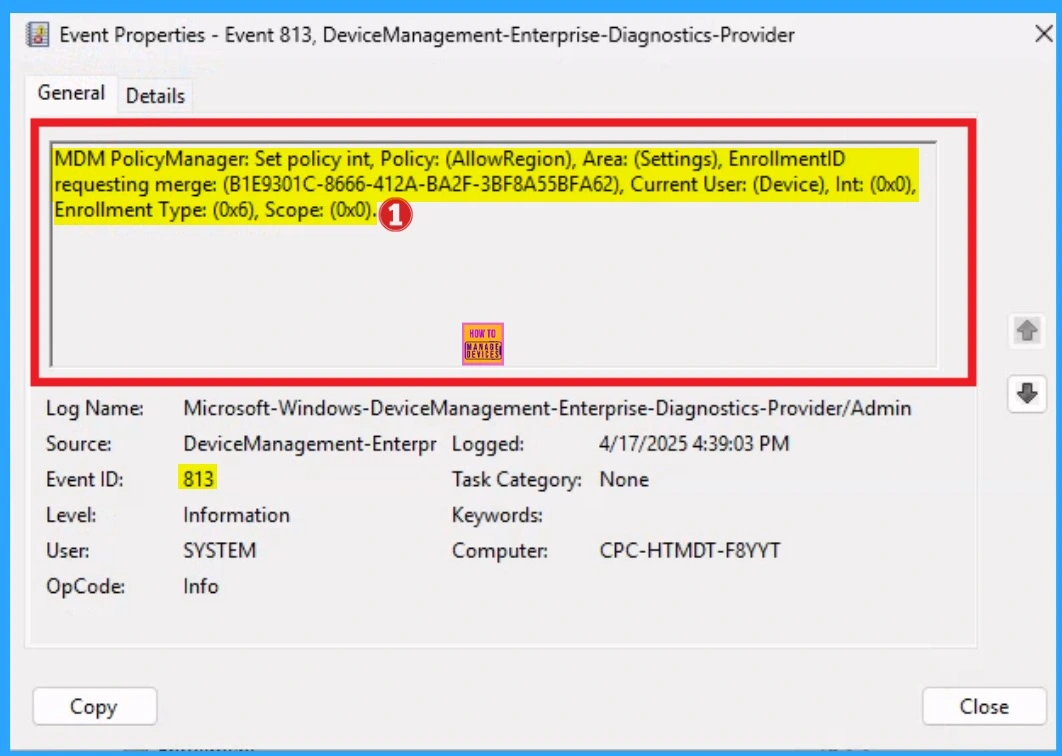
📌Monitoring Status
📌Client Side Verification
🎯Enable or Disable Background Mode Policy in MS Edge Browser using M365 Admin Center
https://www.anoopcnair.com/background-mode-policy-in-ms-edge-browser-using/
🌼Maintain an Existence in System’s Background
🌼Disadvantages of Enable Background Mode Policy in MS Edge Browser
🌼Steps to Enable or Disable Background Mode Policy in MS Edge
🌼Extensions and Apps are Automatically Updated
🌼Monitoring Status
🌼Client Side Verification
🌼End User Experience

👉How to Configure Do not Add Shares of Recently Opened Documents to Network Locations Policy using Intune
https://www.anoopcnair.com/recently-opened-documents-to-n-locations-intune/
✍Do Not Add Shares of Recently Opened Documents to Network Locations
✍Stops Shared Files from Auto Appearing in Network Locations
✍Reduces Chances of Data Exposure
✍Keeps Network Locations Perfect
✍Monitoring Status
✍Client-Side Verification

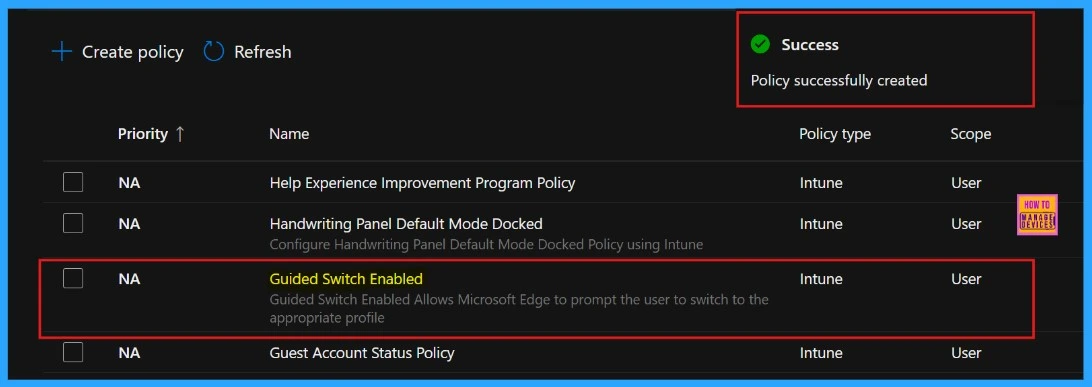
👉Enable or Disable Guided Switch Policy in MS Edge Browser using M365 Admin Center
https://www.anoopcnair.com/guided-switch-policy-in-ms-edge-browser/
✍Guided Switch Policy in MS Edge Browser
✍Guided through a Structured and Controlled Transition
✍Steps to Enable or Disable Guided Switch Policy in MS Edge
✍Monitoring Status
✍Device and User Check-in Status
✍Client Side Verification through Event Viewer
✍End User Experience
Tuesday – 22 April 2025
👉Enable or Disable Pin Browser Essentials Toolbar Button Policy in MS Edge Browser using M365 Admin Center
https://www.anoopcnair.com/pin-browser-essentials-toolbar-button-policy/
✍How Pin Browser Essentials Toolbar Button Setting Policy Help?
✍Steps to Enable or Disable Pin Browser Essentials Toolbar Button
✍Monitoring Status
✍Device and User Check-in Status
✍Client Side Verification through Event Viewer
✍End User Experience

📌How to Prepare for VBS Enclave Support Ending on Windows 11 23H2 and Windows Server 2022
https://www.anoopcnair.com/vbs-enclave-support-ending-on-windows-11-23h2/
💡What are VBS Enclaves?
💡Which Windows Versions are Affected by this Change?
💡When was this Deprecation Announced?
💡VBS Enclave Support Ending on Windows 11 23H2 and Server 2022
💡What Should I Do If My App Uses VBS Enclaves?
💡Mitigation Guidance

👉How to Configure Do not Show Feedback Notifications using Intune Policy Settings
https://www.anoopcnair.com/do-not-show-feedback-notifications-using-intune/
✍Know about Feedback Notifications
✍Feedback Helps to Know User Preference
✍Improve Focus and Productivity
✍Helps to Minimize Distractions
✍Monitoring Status
✍Client-Side Verification

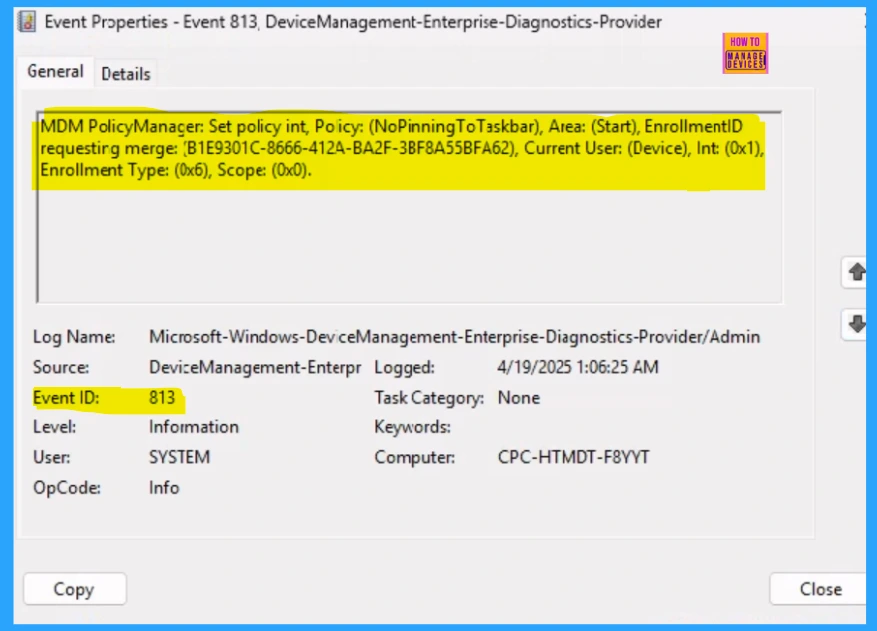
🎊Enable or Disable No Pinning to Taskbar Policy using Intune
https://www.anoopcnair.com/no-pinning-to-taskbar-policy-using-intune/
📌Stops Users from Attaching Apps to their Windows Taskbar
📌Steps to Enable or Disable No Pinning to Taskbar Policyy using Intune
📌Lose the Ability to Modify their Taskbar
📌CSP Details No Pinning to Taskbar Policy
📌Monitoring Status
📌Client Side Verification
Wednesday – 23 April 2025
👉How to Backup and Restore Microsoft Intune Configurations using PowerShell and Microsoft Graph
https://www.anoopcnair.com/how-to-backup-and-restore-microsoft-intune/
✍The Importance of Backing Up Microsoft Intune Configuration
✍Install the MSGraphFunctions and IntuneBackupAndRestore Modules
✍Authenticate with the Microsoft Graph
✍Back Up the Microsoft Intune Configuration
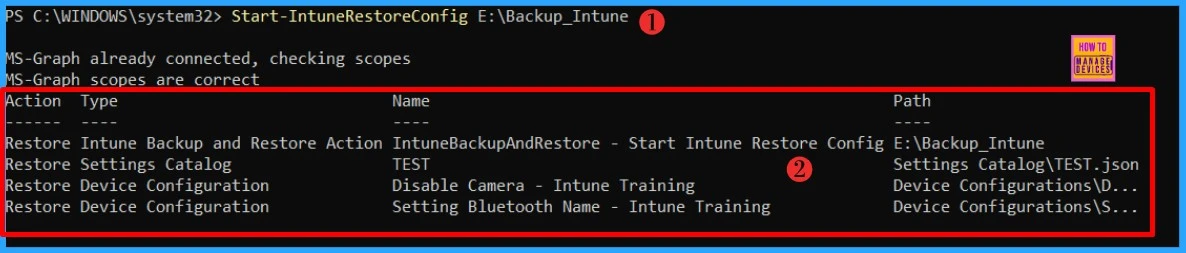
✍Restore Microsoft Intune Configuration
📌How to Get Windows 365 Alerts about Missing Frontline Licenses during Provisioning
https://www.anoopcnair.com/windows-365-alerts-you-about-missing-frontline/
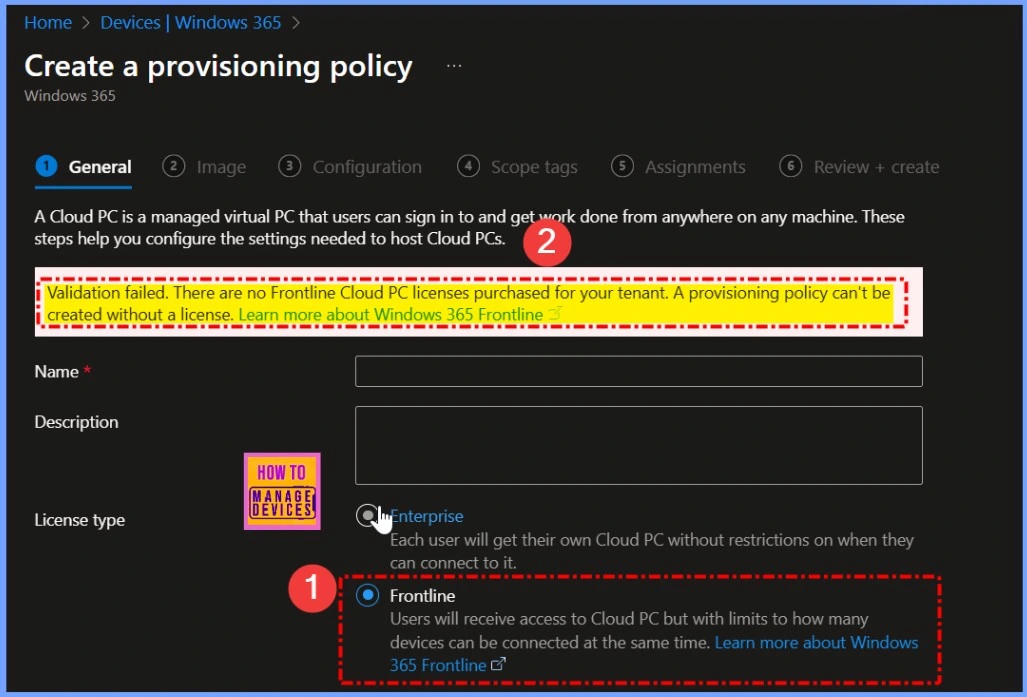
💡Windows 365 Alerts for Missing Frontline Licenses
💡How the Alert System Works
💡What is the New Warning Feature in Windows 365 Provisioning?
💡Why is this Warning Important?
💡How Windows 365 Alerts You about Missing Frontline Licenses during Provisioning
💡Provisioning Policy for Windows 365 in Intune Admin Center
🎊How to Enable or Disable Users From Turning on Browser Syncing Policy using Intune
https://www.anoopcnair.com/users-from-turning-on-browser-syncing-intune/
🛜How This Policy Affect Users?
🛜Synchronise their Settings, Bookmarks, Passwords
🛜Windows CSP Details
🛜Steps to Configure Policy
🛜Device and User Check-in Status
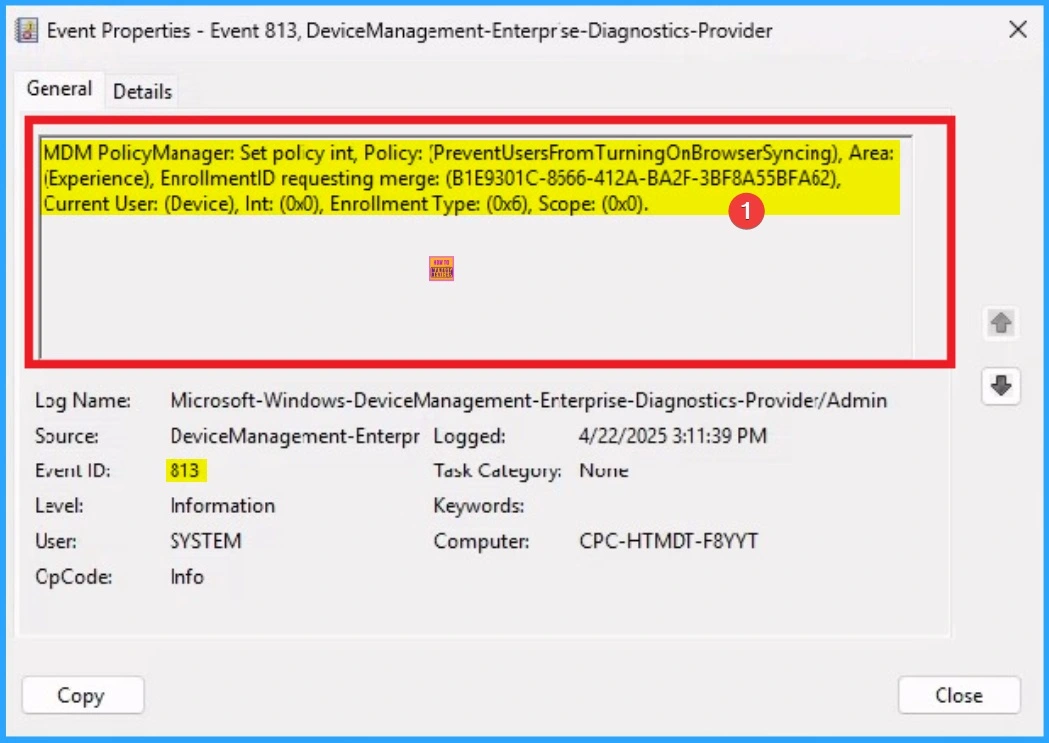
🛜Client Side Verification
🛜How to Remove Assigned Group from Turning on Browser Syncing Policy
🛜How to Delete Turning on Browser Syncing Policy
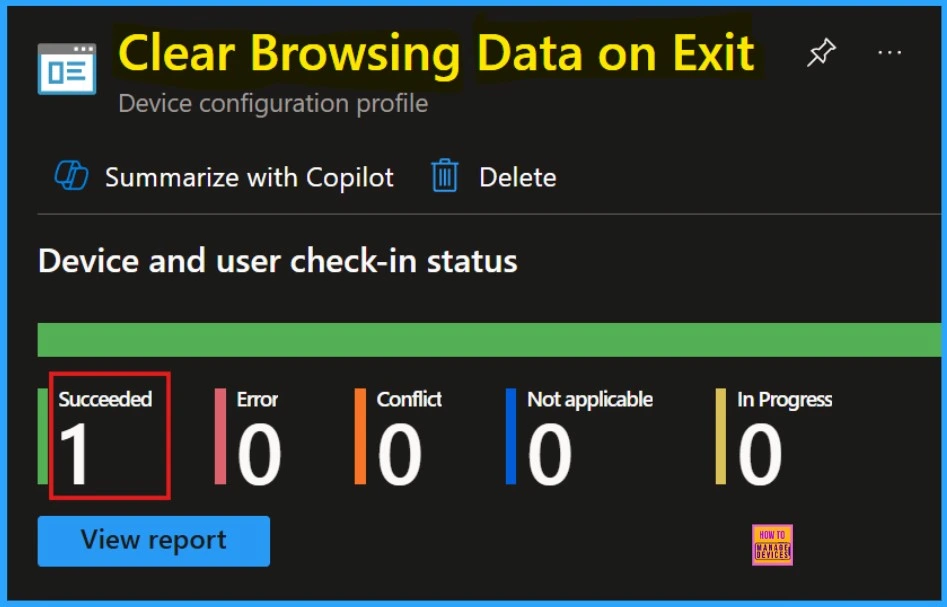
👉Enable or Disable Clear Browsing Data on Exit Policy in MS Edge Browser using M365 Admin Center
https://www.anoopcnair.com/clear-browsing-data-on-exit-policy-in-ms-edge/
✍Clear Browsing Data on Exit
✍Browsing Data is Deleted Each Time Microsoft Edge Closes
✍How to Enable Clear Browsing Data Manually in Edge
✍Enhances Privacy and Security
✍Automatic Deletion of Specified Browsing Data
✍Client Side Verification through Event Viewer
✍End User Experience
Thursday – 24 April 2025
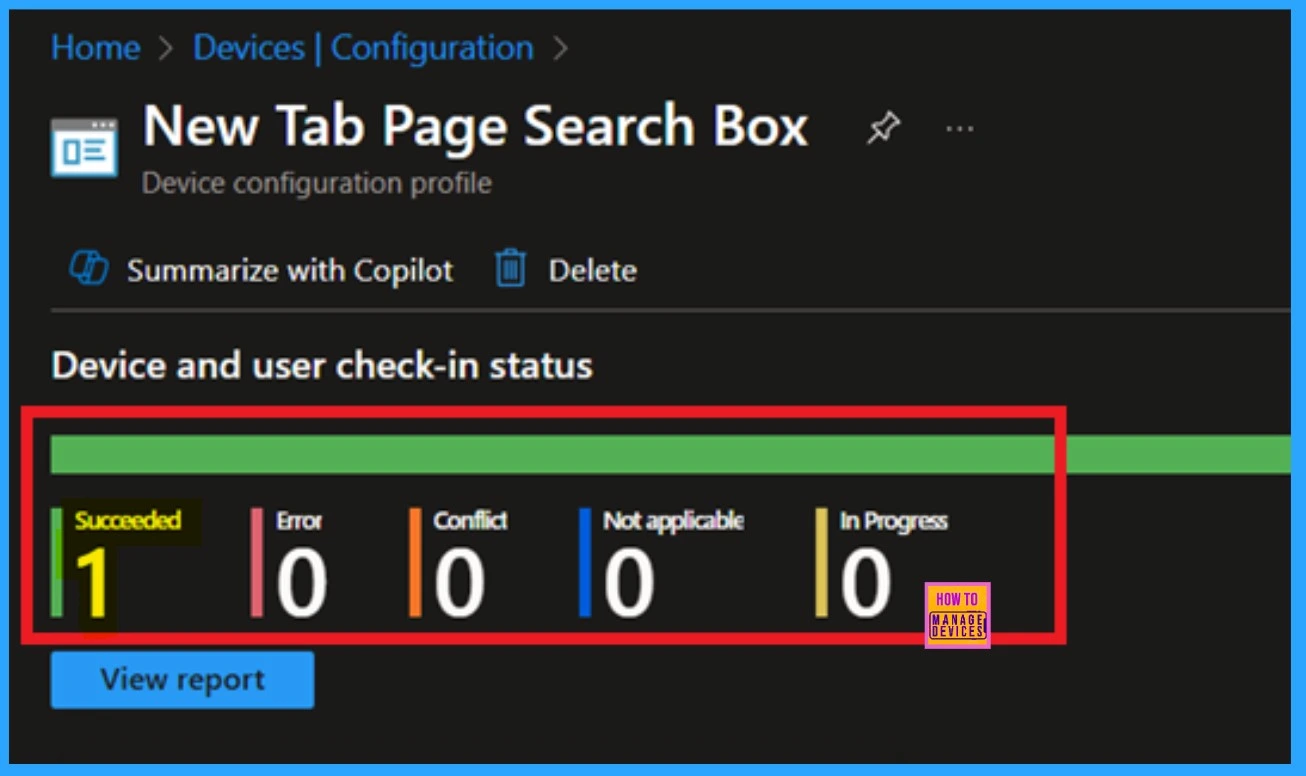
🎯How to Configure New Tab Page Search Box Policy in MS Edge Browser using M365 Admin Center
https://www.anoopcnair.com/new-tab-page-search-box-in-ms-edge-browser-m365/
🌼Controls How the Search Box Works on the New Tab Page
🌼Users Can Choose Between Search box and Search Bar
🌼Know More About Search Bar Enabling
🌼The Search box is Used by Default For Bing
🌼Monitoring Status
🌼Client Side Verification
👉Enable or Disable Upload from Phone Policy in MS Edge Browser using M365 Admin Center
https://www.anoopcnair.com/upload-from-phone-policy-in-ms-edge-browser/
✍Upload Files from Your Phone Directly to a Webpage
✍Advantages of the Upload from Phone Policy
✍Windows Information and Settings
✍Steps to Enable or Disable Upload from Phone Policy
✍Monitoring Status
✍Device and User Check-in Status
✍Client Side Verification through Event Viewer

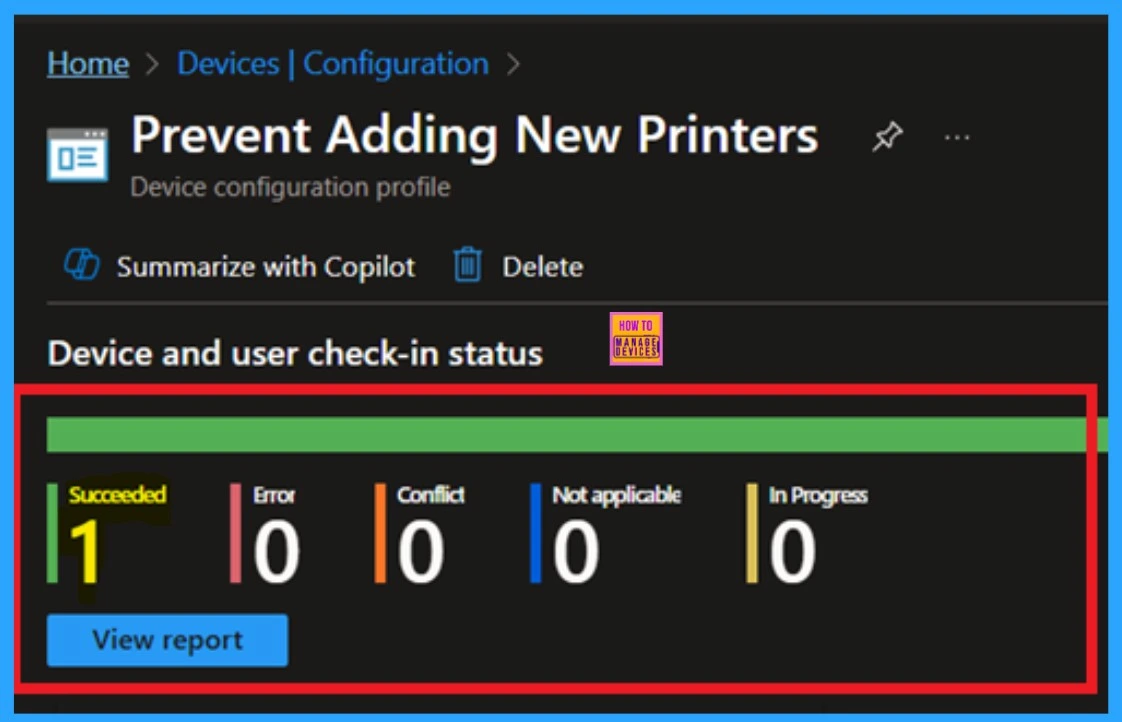
🎊Enable Disable Prevent Adding New Printers Policy using Intune
https://www.anoopcnair.com/enab-prevent-adding-new-printers-policy-intune/
🛜Prevent Adding New Printers
🛜Stop Users From Adding Printers Manually
🛜Windows CSP Details
🛜It Removes Add Printer From Start Menu
🛜Device Control for Environment
🛜Client Side Verification
🛜Monitoring Status
📌Learn How to Streamline Android OS Updates using Intune
https://www.anoopcnair.com/streamline-your-android-os-updates-using-intune/
💡Types of Android OS updates
💡Manage Android OS Updates using Intune
💡Configuring Android Update Policy in Intune
💡Android 16 is Due Later 2025
💡Protect the Corporate Data from Malicious Attacks
💡End User Experience

Friday – 25 April 2025
📌How Windows App Enhances File and Folder Access on Azure Virtual Desktop and Windows 365
https://www.anoopcnair.com/windows-app-enhances-file-and-folder-access/
💡What Exactly has Improved in the Latest Windows App Release?
💡Performance in Latest Windows App Release
💡Understanding Local Drive Redirection
💡Steps to Improve Redirected Drive Performance
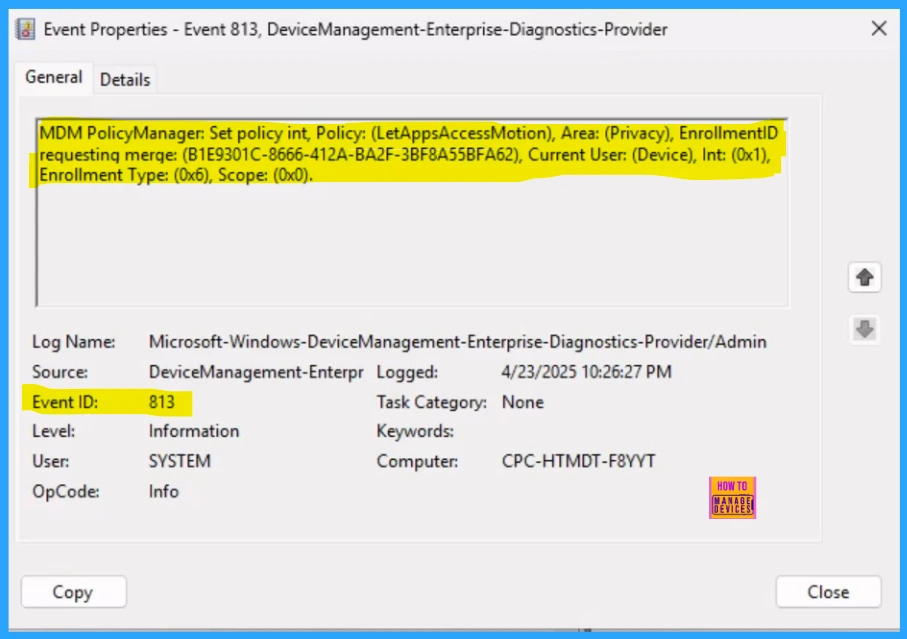
👉How to Control Apps Accessing Motion Privacy Policy using Intune
https://www.anoopcnair.com/control-apps-accessing-motion-privacy-in-intune/
✍What are Description Framework Properties in Intune’s Settings Catalog?
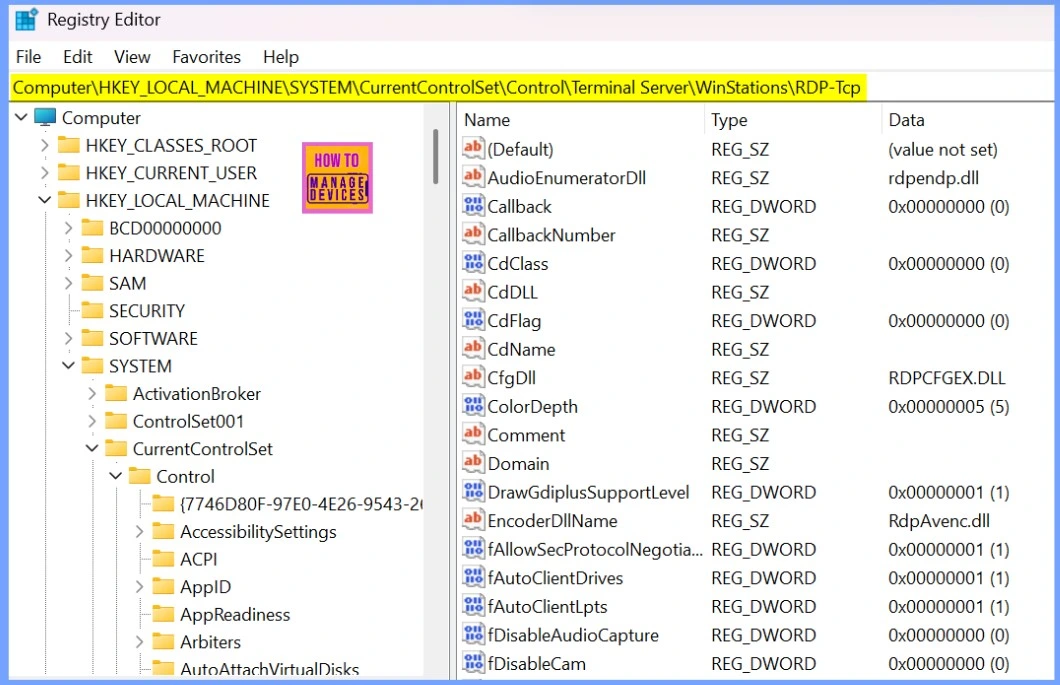
✍Windows CSP of Privacy Settings
✍Steps to Control Apps Accessing Motion Privacy Policy
✍Device and User Check-in Status
✍Client Side Verification through Event Viewer
✍How to Remove Assigned Group from LetAppsAccessMotion Policy
✍Delete Let Apps Access Motion Policy
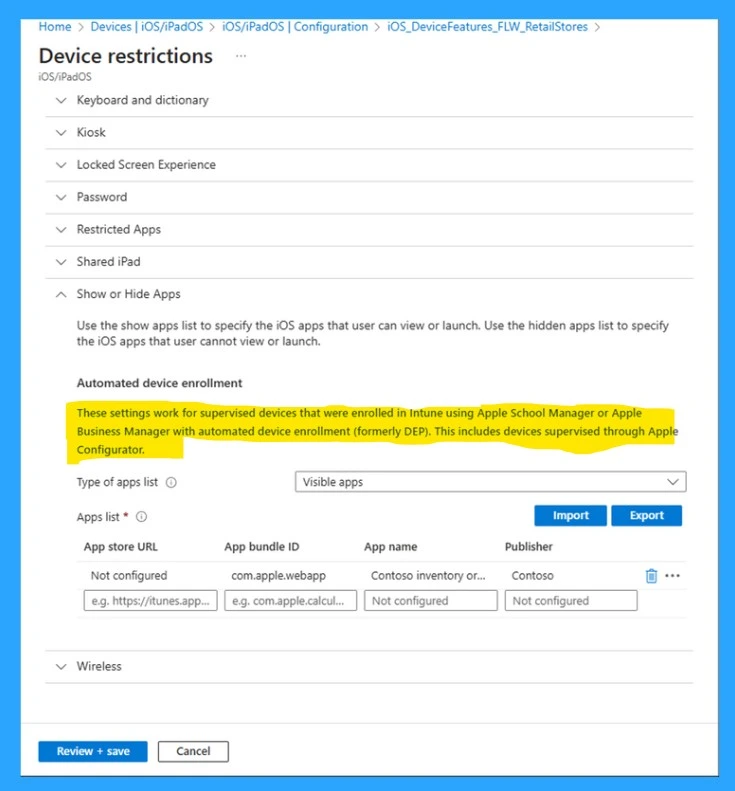
📌How Intune Simplifies Shared Device Management in Retail with Multi-App Kiosk Mode
https://www.anoopcnair.com/intune–shared-device-management-in-retail/
💡Enhancing Shared Device Experiences with Multi-App Support
💡Multi-App Kiosk Mode
💡Enables Multiple Apps on Shared Devices
💡Restricted to POS
💡Contoso Pastries
💡Result of Contoso Pastries
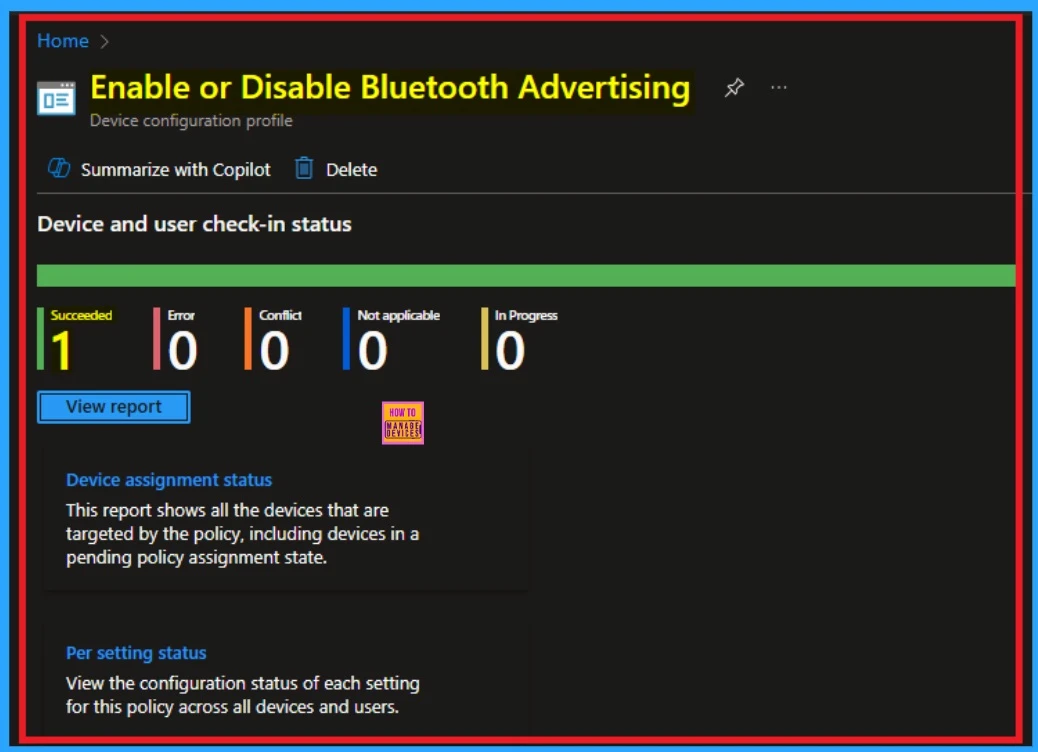
🎊Allow or Block Bluetooth Advertising Policy using Intune
https://www.anoopcnair.com/block-bluetooth-advertising-policy-using-intune/
📌Allow Devices to Broadcast Small Packets of Data to Nearby Devices
📌Steps to Allow or Block Bluetooth Advertising Policy
📌Benefits of Bluetooth Advertising
📌CSP Details Bluetooth Advertising Policy
📌Monitoring Status
📌Client Side Verification
Connect with the HTMD Community
Join the Telegram group to get the latest step-by-step guides and news updates. Join our Meetup Page to participate in User group meetings. Also, join the WhatsApp Community to get the latest news on Microsoft Technologies. We are there on Reddit as well.
HTMD Community Social Media Platform Links
| Social Media Platform | Link |
|---|---|
| LinkedIn: HTMD Community | https://www.linkedin.com/company/how-to-manage-devices/ |
| Telegram: SCCM Intune Technical Discussions | https://t.me/joinchat/Q9lE6G1_BO_bGq97 |
| Telegram: JOB SCCM Intune Group | https://t.me/joinchat/SIKr3OugR2FQ-Ej9 |
| WhatsApp: HTMD Community | https://chat.whatsapp.com/CeMXHSD61HtDBJwe78IZwV |
| Telegram: AVD/Windows 365 User Group | AVD Community – https://t.me/Inwvdcommunity |
| HTMD Community | Facebook | |
| HTMD Community (@htmd_community) • Instagram photos and videos | |
| HTMD Community (@htmdcommunity) / Twitter | |
| Facebook Group: SCCM | https://www.facebook.com/groups/ConfigMgr2012/ |
| Facebook Group: Intune | https://www.facebook.com/groups/1738789256382744 |

Anoop C Nair is Workplace Technology solution architect with 25+ years (as of 2026) of experience in global enterprise organizations such as JP Morgan, Capgemini, etc. Microsoft Certified Trainer (MCT). Microsoft MVP from 2015 onwards for consecutive 11+ years! He also conducts Intune and modern workplace tech training for enterprise organizations. He is Blogger, Speaker, and Founder of HTMD Community and HTMD Conference. His main focus is on Device Management technologies like Intune, Windows, Cloud PC. He writes about technologies like Intune, SCCM, Windows, Cloud PC, Windows, Entra, Microsoft Security.

Discussion