





Windows 10 Patch Restart Causes OOBE Screens
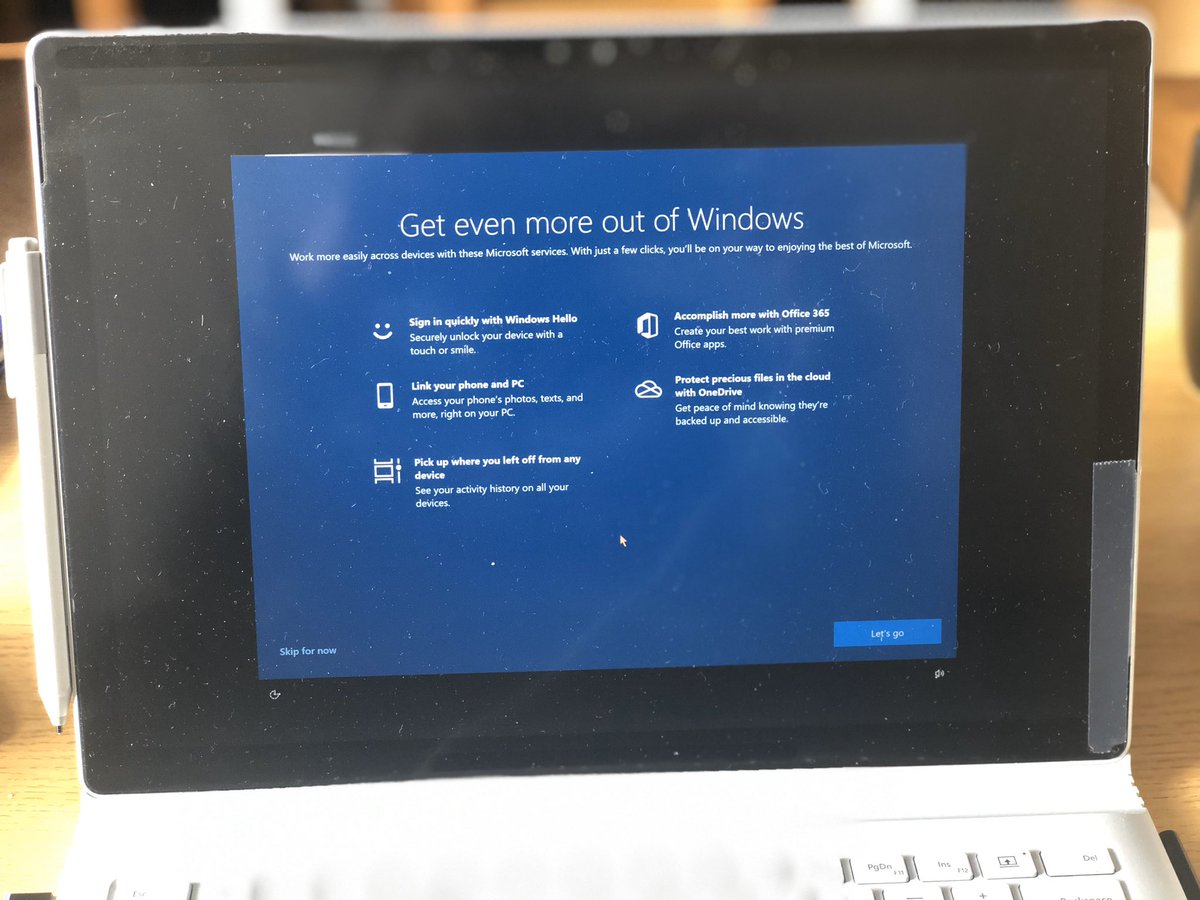
Today I have installed Windows 10 patches KB4540673 & KB4541338 on the 1909 version. I was not expecting the following screen after the restart of the Windows 10 Surface Book. Windows 10 Patch Restart causing Confusing OOBE Screens! Have you seen this?
NOTE! – As per my twitter conversation, I don’t think this is wide spread issue. All the Windows 10 devices are NOT getting these screens after the patch restart.
Get even more out of Windows
Well, thank you for helping us to get more out of Windows!
Work more easily across devices with these Microsoft Services. With just a few clicks. you will be on your way to enjoying the best of Microsoft.
The following are the services offered!
- Sign in quickly with Windows Hello
- Link your phone and PC
- Pick up where you left off from any device
- Accomplish more with Office 365
- Protect precious files in the cloud with OneDrive
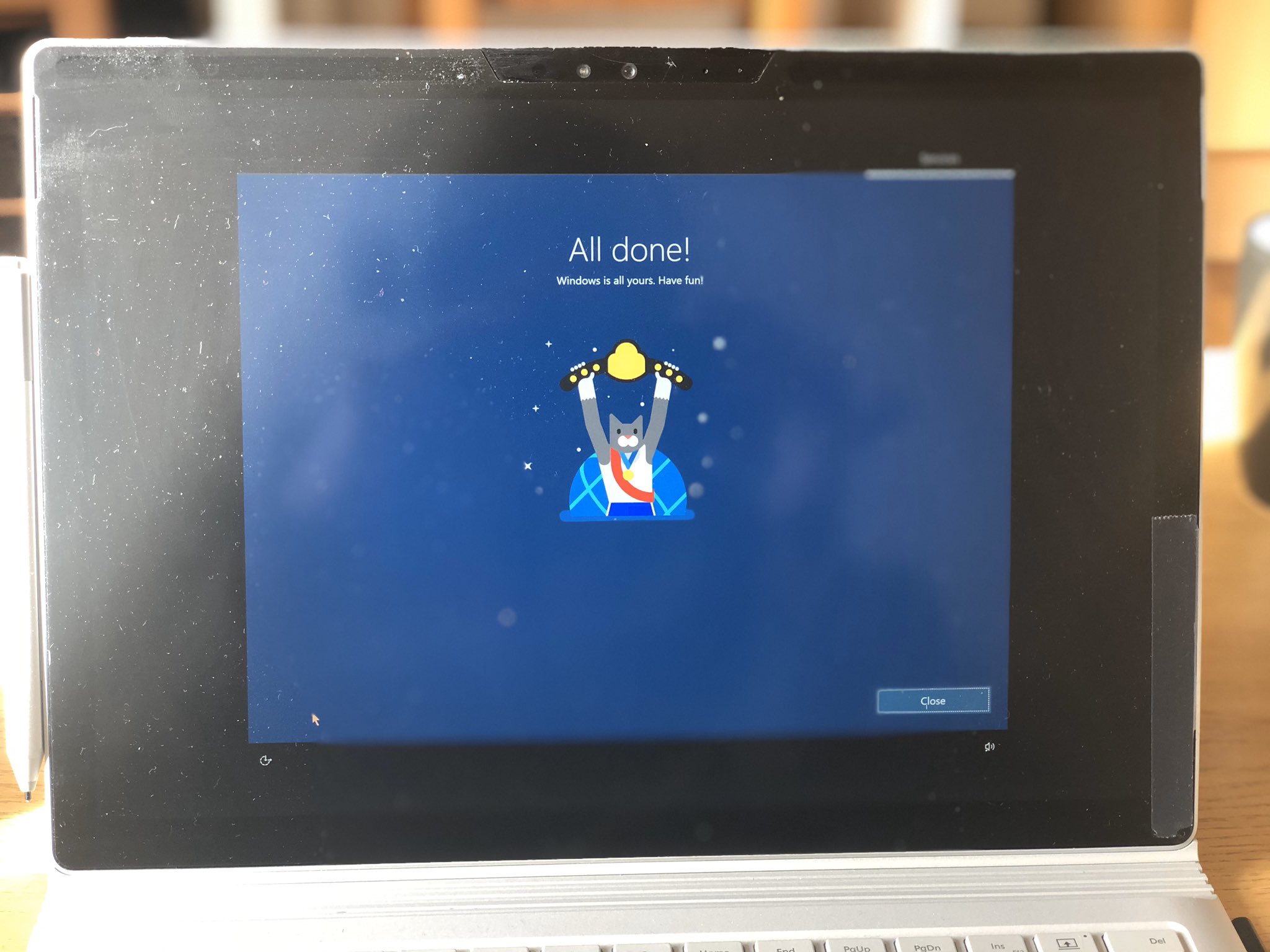
All Done
Yes, you can ignore the patches on my screen for now 🙂
It had given some screens to connect with the Android phone and automatically populated my phone number (that is great!! Isn’t it)!! I don’t have an Android phone so skipped that option!
Let’s close this and continue working!
Patches Installed?
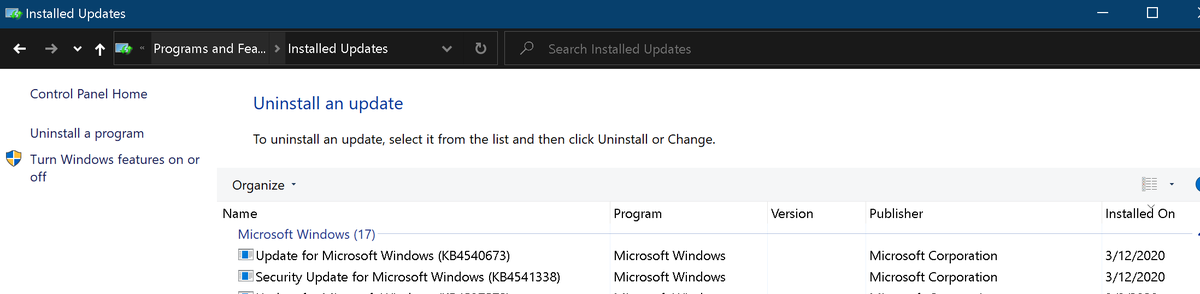
The following are patches KB4540673 & KB4541338 installed on the 1909 version of Windows 10. Windows 10 version after the patch installation is 18363.719. The device is patched via Windows Update for Business policies managed with Intune.
This KB4540673 security update includes quality improvements for 1909 version as per Microsoft. Key changes include: Also, this build includes all the improvements from Windows 10, version 1903. No additional issues were documented for this release.
Whereas KB4541338 is a Servicing stack update (SSU) for Windows 1903 and 1909.
Resources

Anoop C Nair is Workplace Technology solution architect with 25+ years (as of 2026) of experience in global enterprise organizations such as JP Morgan, Capgemini, etc. Microsoft Certified Trainer (MCT). Microsoft MVP from 2015 onwards for consecutive 11+ years! He also conducts Intune and modern workplace tech training for enterprise organizations. He is Blogger, Speaker, and Founder of HTMD Community and HTMD Conference. His main focus is on Device Management technologies like Intune, Windows, Cloud PC. He writes about technologies like Intune, SCCM, Windows, Cloud PC, Windows, Entra, Microsoft Security.


Discussion