












HTMD Newsletter 129 19th to 23rd February
Welcome to the HTMD Newsletter 129 Summary from 19th to 23rd February 2024! This is the list of posts and videos that the HTMD Community published this week and news from the IT industry. You can get all the information and details from Windows 11, Cloud PC, SCCM, Intune, Azure Virtual Desktop (AVD), Android, iOS, and Mac.
➡️ Here’s how you can be part of the HTMD Community, You can join us here.
➡️ Here, you can Subscribe HTMD Youtube Channel and welcome Video Messages about HTMD here.
➡️ We are on WhatsApp. To get the latest step-by-step guides and news updates, Join our Channel, HTMD WhatsApp.
Did you miss updates from last week? Check out the link below.
- 126th HTMD Newsletter – HTMD Newsletter 126 29th January to 2nd February
- 127th HTMD Newsletter – HTMD Newsletter 127 5th to 9th February
- 128th HTMD Newsletter – HTMD Newsletter 128 12th to 16th February
19th February 2024 – HTMD Newsletter 129
🎆Reset Windows Security App in Windows 11
https://www.anoopcnair.com/reset-windows-security-app-in-windows-11/
📢What is Windows Security Applications?
📢Benefits of Resetting the Windows Security App
📢Different methods for Resetting the Windows security app

⛔Cloud Attachment Option for Email Links in Outlook No Longer Support
https://www.anoopcnair.com/discontinuation-of-cloud-attachment-option/
⏳Inserting a link as an attachment is deprecated
⏳How to Insert File Links into Emails
⏳New Experience of Managing Link

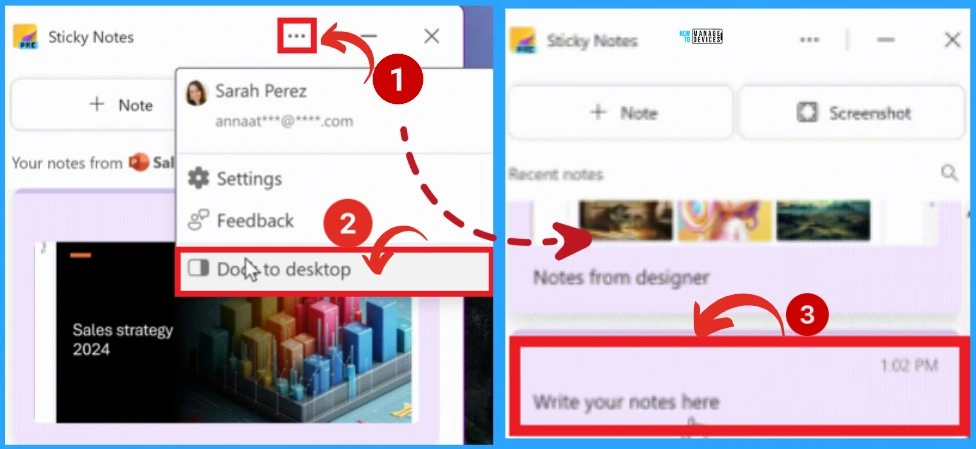
🌟Sticky Notes App for OneNote in Windows
https://www.anoopcnair.com/new-sticky-notes-app-for-onenote-in-windows/
↗Different Features of Sticky Notes
↗Auto-captured source feature on Sticky Notes
↗Create quick notes
20th February 2024 – HTMD Newsletter 129
🎆Set Local Bluetooth Device Name with Intune Policy
https://www.anoopcnair.com/set-local-bluetooth-device-name-with-intune/
↗What is the Purpose of Setting the Local Bluetooth Device Name?
↗Set Local Bluetooth Device Name on Windows Device
↗Monitor the Configuration Profile Deployment in Microsoft Intune
↗End-User Experience

🎆Android AOSP Devices Support with Intune
https://www.anoopcnair.com/android-aosp-devices-support-with-intune/
📢Exciting News for Android Users
📢Android Open Source Project Management in Intune
📢Supported Third Party Devices
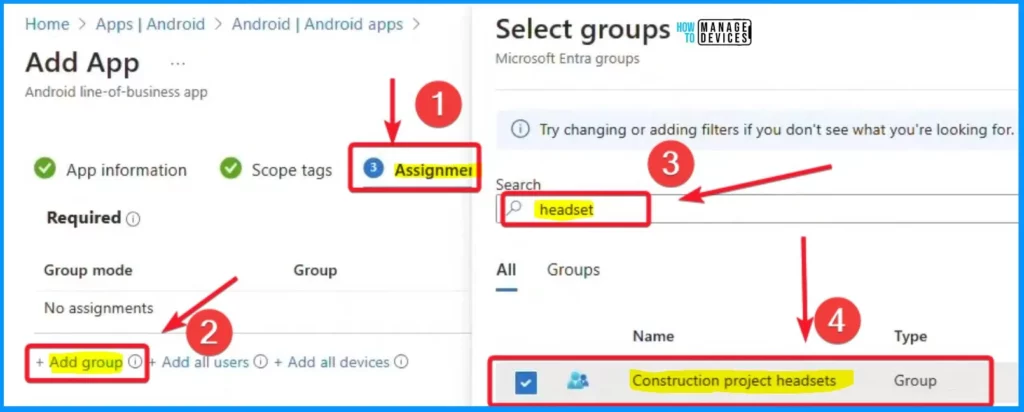
📢Creating Line of Business (LOB) Apps
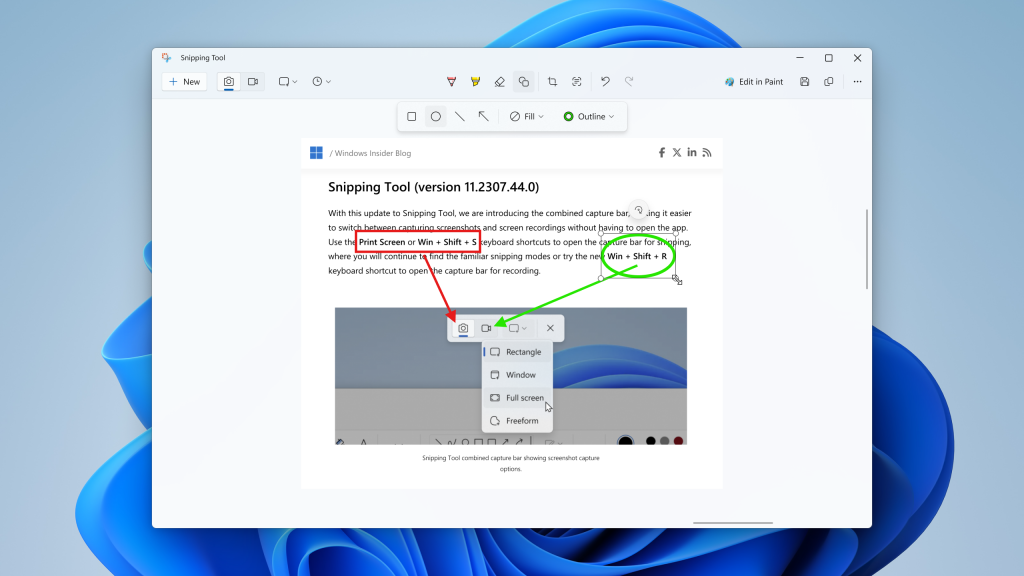
📸New Shapes Feature in Snipping Tool How to Use Guide
https://www.anoopcnair.com/new-shapes-feature-in-snipping-tool-how-to-use/
🛎New Shapes Feature in Snipping Tool
🛎Different Shapes in Snipping Tool
🛎Outline Option in Shapes
21st February 2024 – HTMD Newsletter 129
🎆Microsoft Outlook.com Connectivity Issue
https://www.anoopcnair.com/microsoft-outlook-com-connectivity-issue/
📢Affected Email Applications
📢Reported Sign-in Problems in Outlook
📢Current Status of Outlook.com Connectivity Issue
📢Updating Outlook 2013 and Outlook 2016
📢Enabling Two-Step Verification
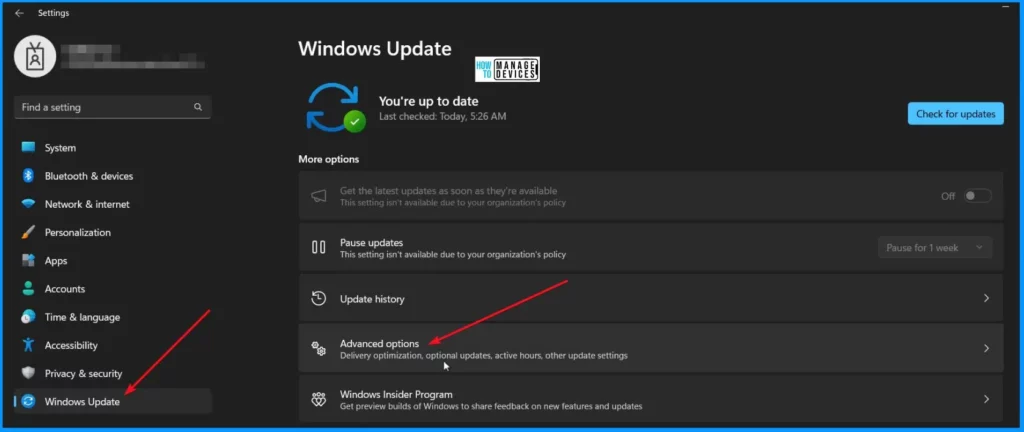
⚠Troubleshoot Cloud PC Azure Network Connection Error
https://www.anoopcnair.com/fix-cloud-pc-azure-network-connection-error/
🛠Cloud PC Azure Network Connection Checks Failed
🛠Fix Cloud PC ANC Error Unable to Run DSC Script
🛠Supported Checks for Azure Network Connection
🎆Deploy Turn Off Location Policy using Intune
https://www.anoopcnair.com/deploy-turn-off-location-policy-using-intune/
👉Allow Location
👉Location Policy Configuration and Security Considerations
👉Intune Report for Turn Off Location Policy
👉Intune MDM Event Log – Turn Off Location Policy
👉Windows CSP Details AllowLocation

🌟iOS iPadOS Intune Enrollment Method is Based on Web Based
https://www.anoopcnair.com/ios-ipados-intune-enrollment-on-web-based/
📲Web based Device Enrollment will become default method
📲Prerequisites for iOS iPadOS Web based Device Enrollment
📲JIT Registration for Web Enrollment

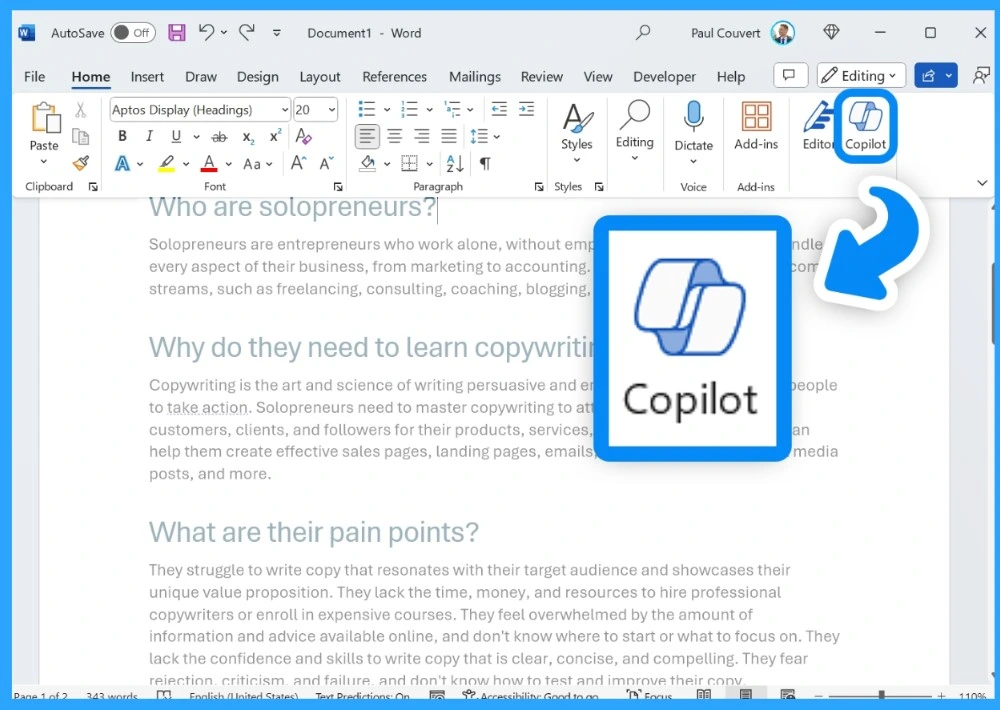
🎆Copilot is in All Microsoft 365 Apps
https://www.anoopcnair.com/copilot-is-in-all-microsoft-365-apps/
✔Copilot Integration across Microsoft 365 Apps
✔Boosting Productivity with Copilot Assistance
✔Copilot for Intelligent Suggestions and Insights
✔Enhancing Collaboration and Security with Copilot in Microsoft 365
✔Time-saving Benefits and Increased Creativity with Copilot
22nd February 2024 – HTMD Newsletter 129
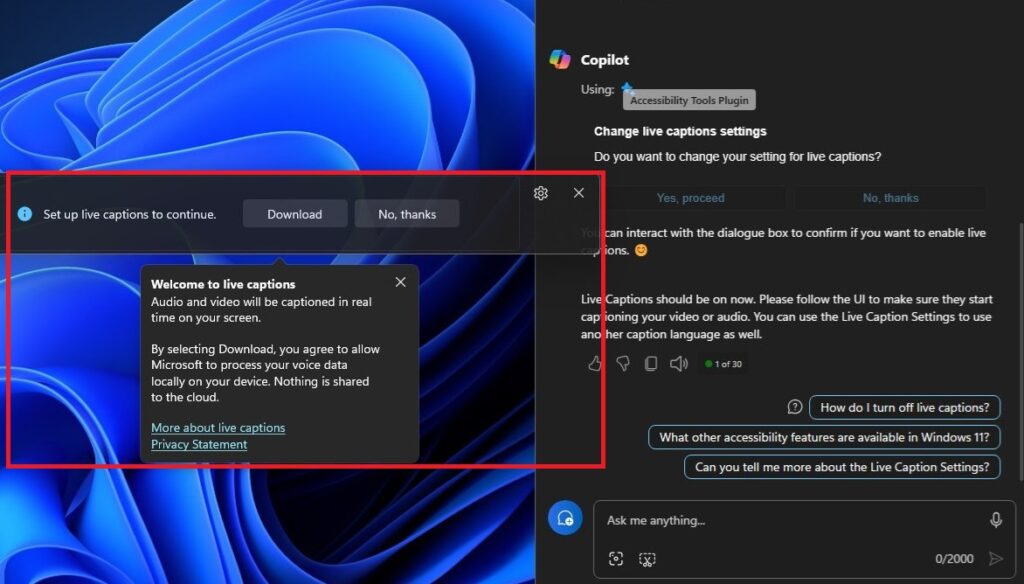
🎆New Copilot Feature in Windows 11 to Connect Plugin
https://www.anoopcnair.com/copilot-feature-in-windows-11-to-connect-plugin/
🌟Real-Time Audio and Video Captioning
🌟Live Captions through Copilot
🌟Easily change Live caption settings
🌟New Plugin Permission in Copilot
🌟Redesigned Plugin Permissions Page with WinUI 3
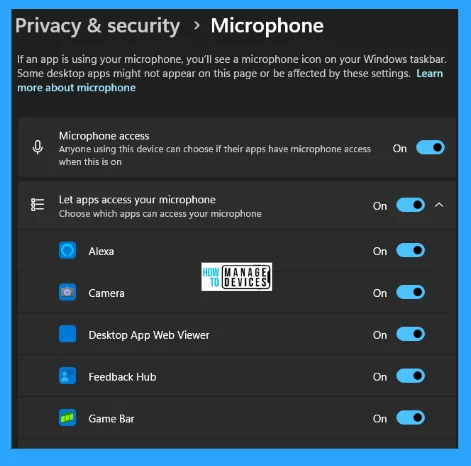
🛎How to Improve Settings to Protect Privacy on Windows 11
https://www.anoopcnair.com/improve-settings-protect-privacy-on-windows-11/
↗Modify General Privacy Security Settings
↗Turn Off Online Speech Recognition
↗Disable Diagnostics Feedback
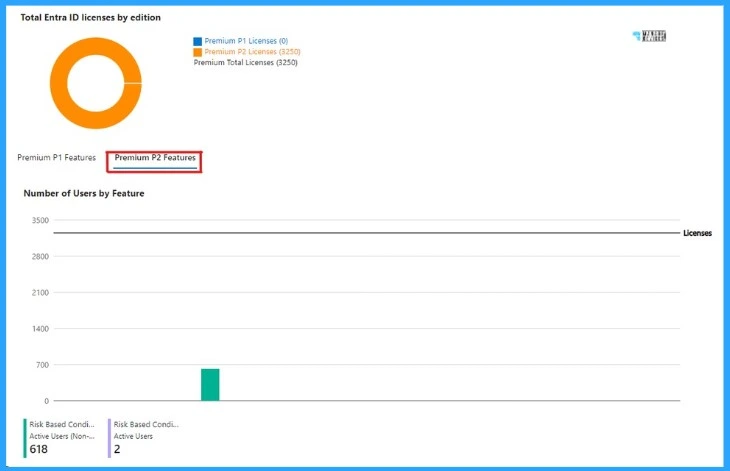
⏳Optimize Entra License with New Entra License Utilization Feature
https://www.anoopcnair.com/optimize-license-entra-license-utilization/
🔌Usage & Insights License Utilization
🔌Premium P1 Features
🔌Premium P2 Features
🛠Create Custom Roles RBAC in Intune
https://www.anoopcnair.com/create-custom-roles-base-access-control-intune/
⏳Built-in Roles in Intune
⏳Create Custom Roles in Intune
⏳Assign Custom Role to User Groups

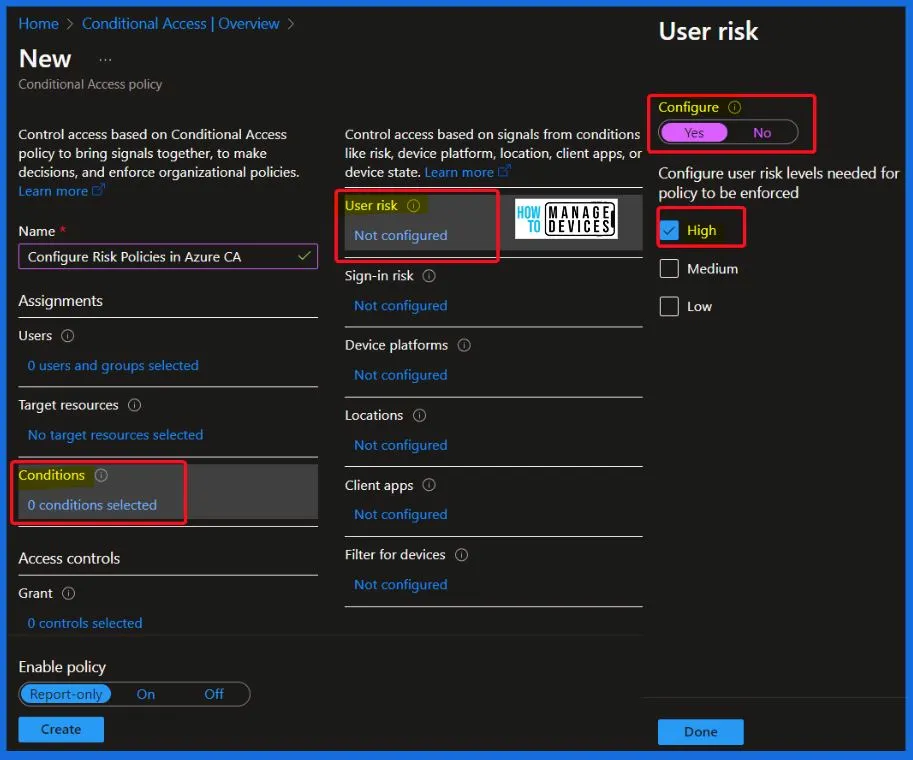
🔐Configure Risk Policies in Azure CA
https://www.anoopcnair.com/configure-risk-policies-in-azure-ca/
🕹Recommended Risk Policy Configurations
🕹Setting up Sign-in Risk Policy in Conditional Access
🕹Setting up User Risk Policy
23rd February 2024 – HTMD Newsletter 129
🎆Use Windows Copilot to Automate Tasks using Power Automate
https://www.anoopcnair.com/windows-copilot-to-automate-tasks-power-automat/
↗Prepare Copilot
↗Open Power Automate
↗Follow Copilot
↗How to Deal with Any Errors (Optional)

🛎Create Intune Turn Off Real-Time Protection Policy
https://www.anoopcnair.com/intune-turn-off-real-time-protection-policy/
🔌Turn Off Real-Time Protection Policy
🔌Intune Report for Turn Off Real-Time Protection Policy
🔌Windows CSP Details DisableRealtimeMonitoring
🔌Intune MDM Event Log – Turn Off Real-Time Protection

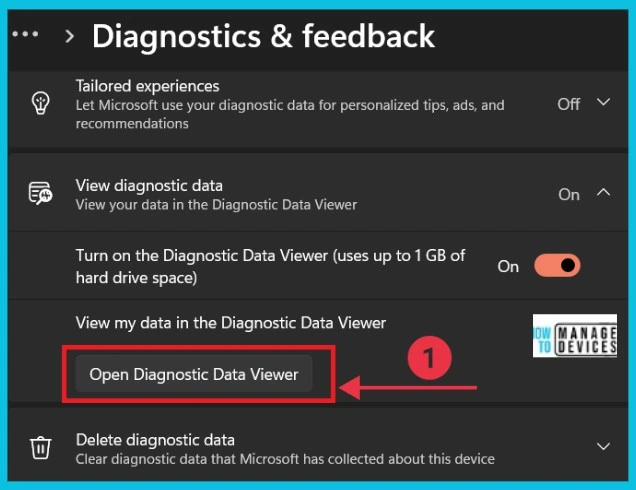
🛎Turn On Diagnostic Data Viewer in Windows 11
https://www.anoopcnair.com/turn-on-diagnostic-data-viewer-in-windows-11/
👉T urn On Diagnostic Data Viewer using Diagnostic Data Viewer
👉Turn On Diagnostic Data Viewer using Control Panel
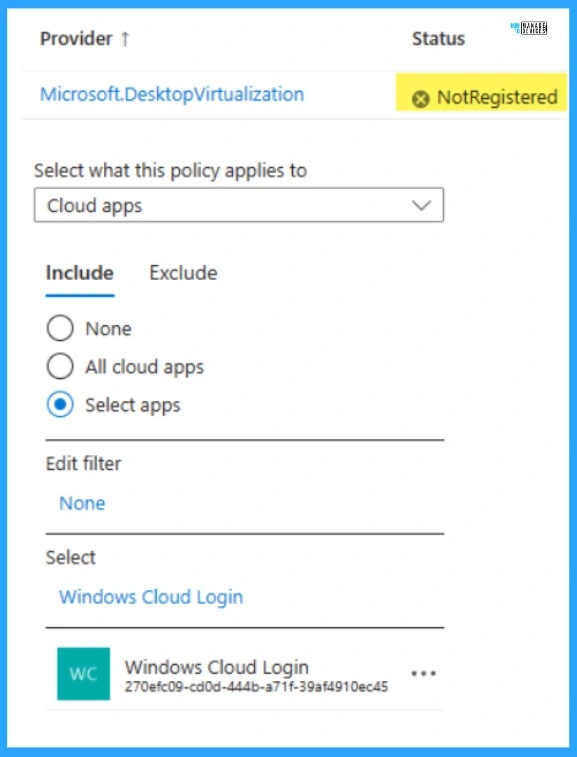
↗Windows Cloud Login App Conditional Access Policies in Entra ID
https://www.anoopcnair.com/cloud-login-app-conditional-access-entra-id/
🔼Windows Cloud Login App Conditional Access Policies in Entra ID
🔼How will this affect your Organization?
🔼What You Need to Prepare?

Deb is an SCCM and Intune admin with many years of experience in enterprise environments. He is interested in Windows management, Task Sequence, SCCM, and modern management.

Discussion