











227th HTMD Newsletter 5th to 9th January 2026
Welcome to the 227th HTMD Newsletter, 5th to 9th January 2026 ! This is the list of posts and videos the HTMD Community published this week, and news from the IT industry. You can get all the information and details from Windows 11, Cloud PC, Intune, Android, iOS, and Mac.
Previous Weeks Newsletter
- 224th HTMD Newsletter – HTMD Newsletter 15th to 19th December 2025
- 225th HTMD Newsletter – HTMD Newsletter22nd to 26th December 2025
- 226th HTMD Newsletter – HTMD Newsletter29th December 2025 to 2nd January 2026
Monday 5th January 2026
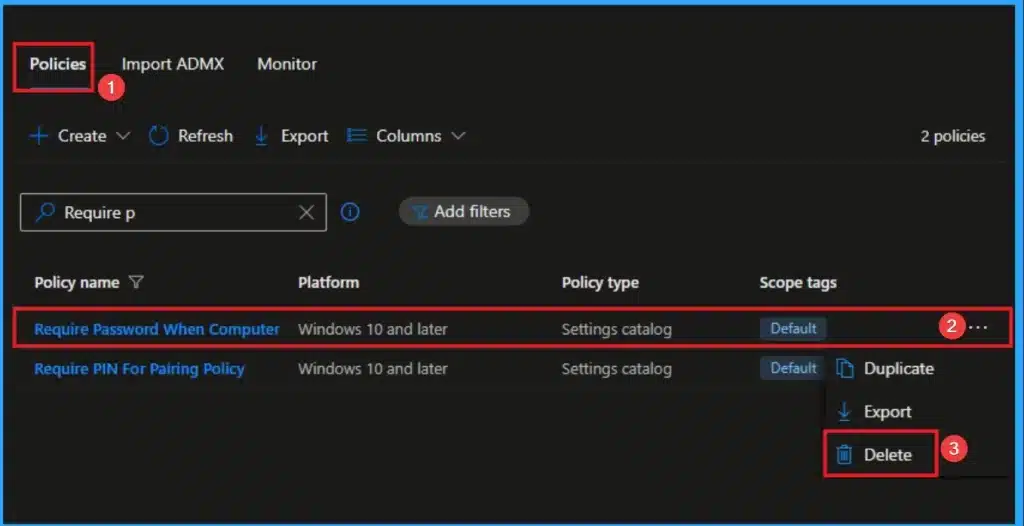
👉Require Password when Computer Wakes on Battery using Intune
https://www.anoopcnair.com/password-when-computer-wakes-on-battery-intune/
🔊 Prevents Unauthorized Access to Sensitive Company Data
🔊 Easily Copy Sensitive Corporate Data from the Remote Server
🔊 Require Password when Computer Wakes on Battery
🔊 How this Policy Helps Admins
🔊 Client Side Verification
🔊 Device Check-in Status
Tuesday 6th January 2026
🎆How to Configure Account Protection Area Visibility in Windows Security using Intune Policy – https://www.anoopcnair.com/account-protection-area-visibility-in-intune/
🔊Configure Account Protection Area Visibility in Windows Security Using Intune
🔊What This Policy Controls
🔊Why Manage Account Protection Visibility
🔊Security and Compliance Benefits
🔊Improved User Experience and Support Efficiency

Wednesday 7th January 2026
🎆Managing ISP List Downloads in the Internet Connection Wizard using Intune
https://www.anoopcnair.com/internet-connection-wizard-using-intune/
🔔Helps Prevent Devices from Downloading ISP Information from Microsoft Servers
🔔Provides Better Control Over Internet Connection Configuration
🔔Helps Reduce External Network Traffic During Setup
🔔Supports Organizational Security and Compliance Requirements
🔔Device and User Check-in Status

Thursday 8th January 2026
🎆How to Control the Visibility of App and Browser Protection in Windows Defender using Intune Antivirus Policy – https://www.anoopcnair.com/visibility-of-app-and-browser-protection-intune/
🔊Create Windows Security Experience Profile
🔊Configure Basic Settings for the Policy
🔊Disable App Browser UI
🔊Enable Setting – Hide App and Browser Protection UI
🔊Policy Deployment Status – Disable App Browser UI
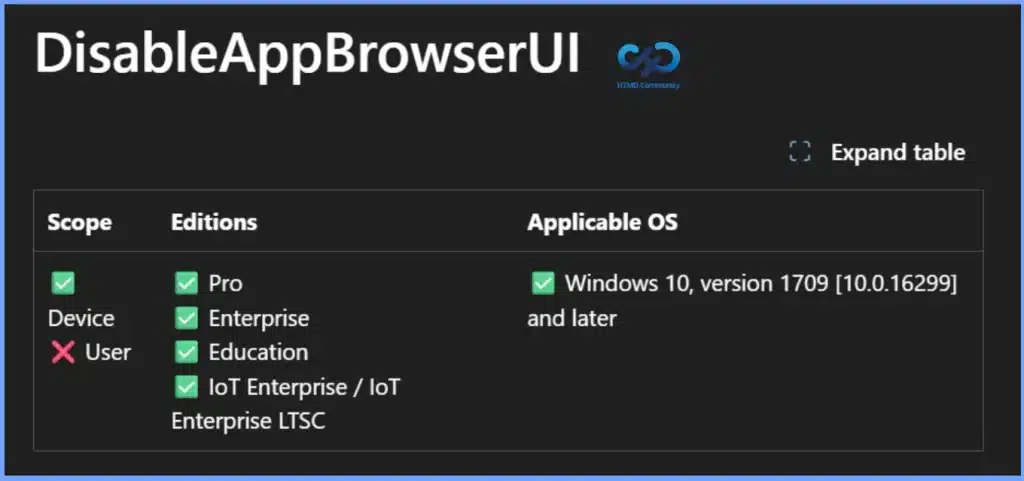
🔊DisableAppBrowserUI – Windows CSP Policy Overview
🔊DisableAppBrowserUI Policy Applied via MDM – Client Side Verification
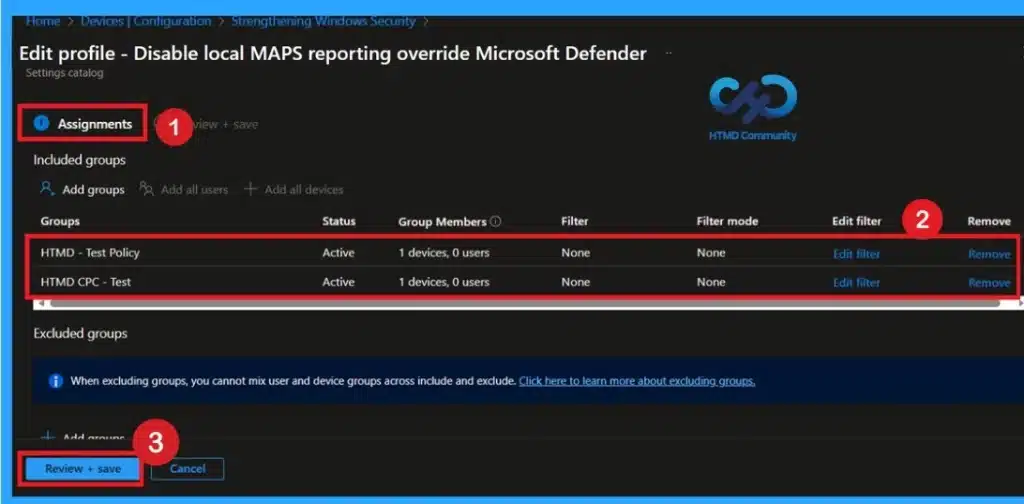
🎆Maintaining Enterprise Control Over Defender MAPS Reporting using Intune Policy
https://www.anoopcnair.com/enterprise-control-over-defender-maps-intune/
🔊Configure Defender MAPS Reporting Control in Microsoft Defender Antivirus Using Intune
🔊What This Policy Controls
🔊Why Manage Malware Reporting Centrally
🔊Security and Compliance Benefits
🔊Improved Threat Visibility and Consistency Across Devices
👉Mastering Hardened UNC Paths in Windows to Stop Man-in-the-Middle Attacks Cold using Intune
https://www.anoopcnair.com/hardened-unc-paths-in-windows-using-intune/
🔊 Hardened UNC Paths Policy in Intune
🔊 Stop Man-in-the-Middle Attacks
🔊 Enforce Specific Security Requirements Before Allowing a Connection
🔊 How this Policy Helps Admins
🔊 Client Side Verification
🔊 Device Check-in Status

🎆Strength and Weekness of Microsoft Intune by Gartner for 2026 – https://www.anoopcnair.com/strength-microsoft-intune-by-gartner-for-2026/
🎉Endpoint Management Platform – Microsoft Intune
🎉Deployment Models and Hosting Options
🎉Application Management Capabilities
🎉Licensing and Subscription Options
🎉Strengths Identified by Gartner
🎉Cautions Highlighted by Gartner
Friday 9th January 2026
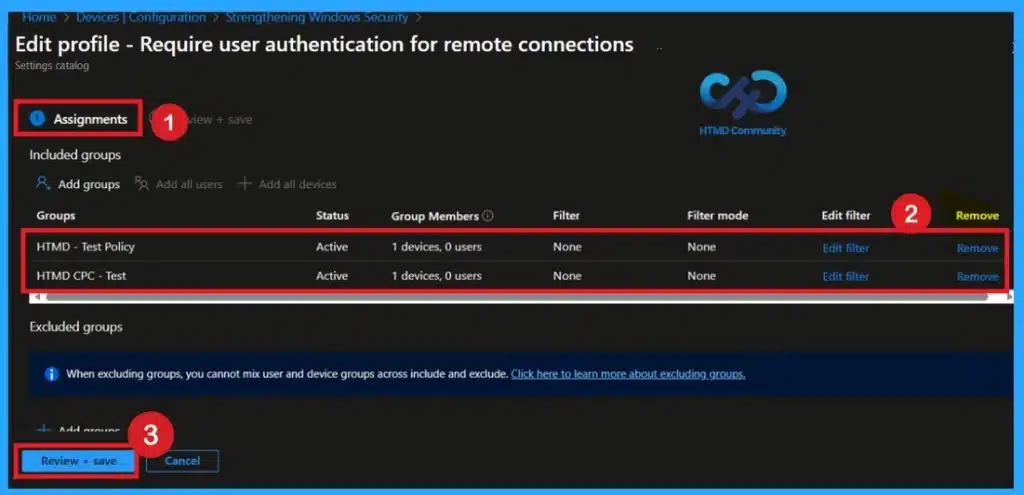
Protect Sensitive Data in Transit with Network Level Authentication using Intune Policy
https://www.anoopcnair.com/with-network-level-authentication-using-intune/
🔊Configure Network Level Authentication for Remote Desktop Using Intune
🔊What This Policy Controls
🔊Why Manage Remote Desktop Security Centrally
🔊Security and Compliance Benefits
🔊Improved Protection Against Unauthorized Access Attempts
👉Enable Wireless Settings for Windows Connect Now using Intune
https://www.anoopcnair.com/wireless-settings-for-windows-connect-intune/
🔊 Windows Connect Now Policy in Intune
🔊 Enable Wireless Settings for Window
🔊 Prevent Unauthorized or Insecure Network configurations
🔊 How this Policy Helps Admins
🔊 Client Side Verification
🔊 Device Check-in Status
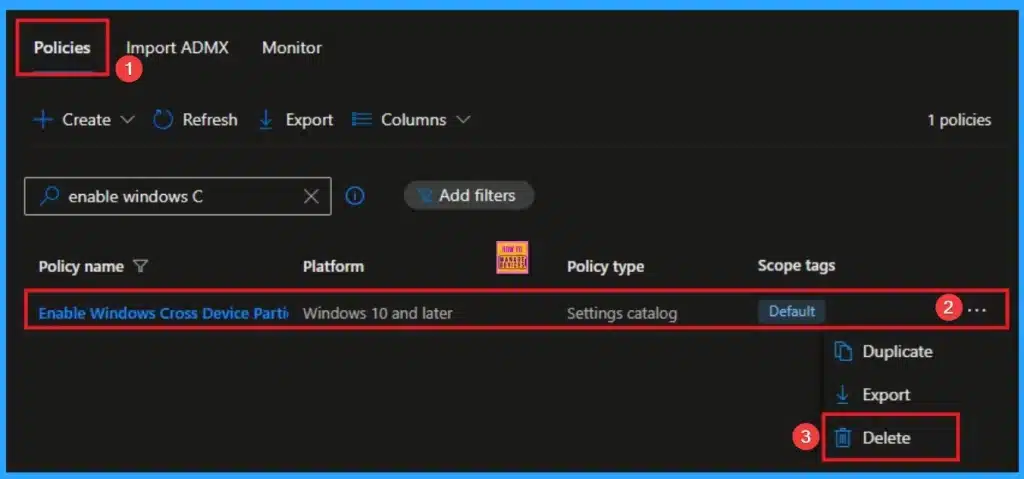
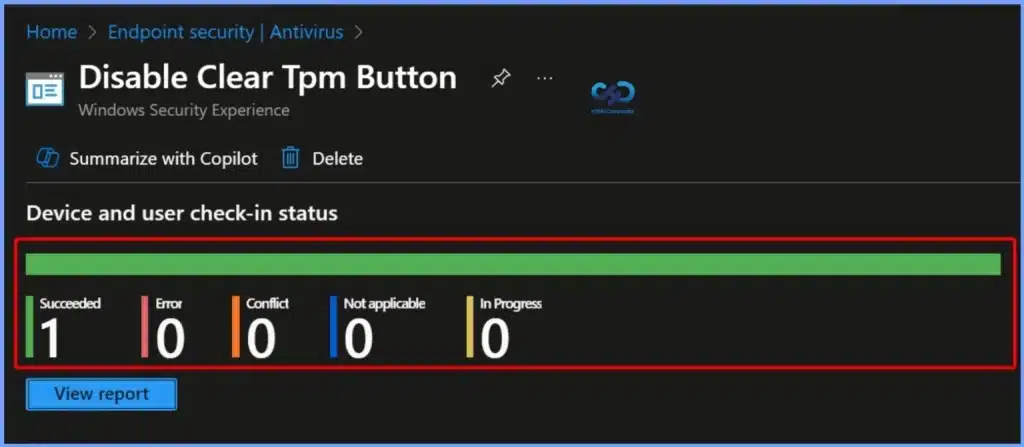
🎆How to Protect TPM Encryption Keys by Disabling Clear TPM using Intune Policy – https://www.anoopcnair.com/protect-tpm-encryption-keys-by-disabling-intune/
▶️What the Disable Clear TPM Policy Does
▶️Policy Behavior – Enabled vs Disabled
▶️Why Clearing TPM Is a Risk
▶️Impact on BitLocker, Windows Hello, and Encryption Keys
▶️Benefits for IT Administrators
▶️How This Policy Improves Enterprise Security
▶️Reducing Helpdesk Incidents and Device Lockouts
▶️Ensuring Consistent Security Enforcement with Intune
▶️Protecting TPM Encryption Keys Using Intune Policy
🎆Enhancing Windows Security by Controlling Web Publishing Providers using Intune
https://www.anoopcnair.com/windows-security-web-publishing-using-intune/
🔔Helps Prevent Accidental or Unauthorized Data Uploads
🔔Provides Better Control over How Users Publish Files
🔔Improves Overall Data Security on Windows Devices
🔔Reduces the Risk of Data Leakage to External Websites
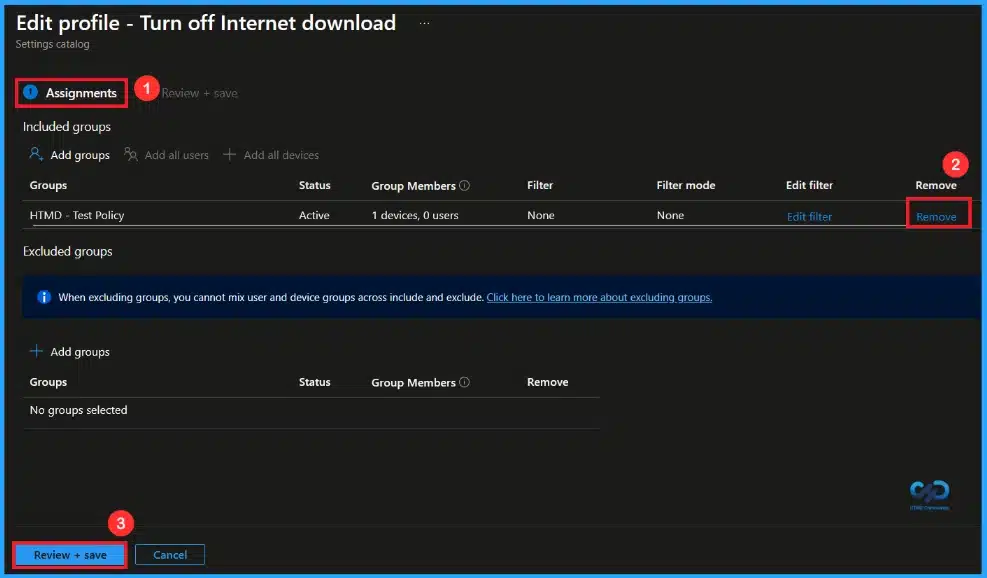
🔔Device and User Check-in Status
Connect with the HTMD Community
Join the Telegram group to get the latest step-by-step guides and news updates. Join our Meetup Page to participate in User group meetings. Also, join the WhatsApp Community to get the latest news on Microsoft Technologies. We are there on Reddit as well.
HTMD Community Social Media Platform Links
| Social Media Platform | Link |
|---|---|
| LinkedIn: HTMD Community | https://www.linkedin.com/company/how-to-manage-devices/ |
| Telegram: SCCM Intune Technical Discussions | https://t.me/joinchat/Q9lE6G1_BO_bGq97 |
| Telegram: JOB SCCM Intune Group | https://t.me/joinchat/SIKr3OugR2FQ-Ej9 |
| WhatsApp: HTMD Community | https://chat.whatsapp.com/CeMXHSD61HtDBJwe78IZwV |
| Telegram: AVD/Windows 365 User Group | https://t.me/Inwvdcommunity |
| https://www.facebook.com/HTMDCommunity | |
| https://www.instagram.com/htmd_community/ | |
| https://twitter.com/htmdcommunity | |
| Facebook Group: SCCM | https://www.facebook.com/groups/ConfigMgr2012/ |
| Facebook Group: Intune | https://www.facebook.com/groups/1738789256382744 |

Anoop C Nair is Workplace Technology solution architect with 25+ years (as of 2026) of experience in global enterprise organizations such as JP Morgan, Capgemini, etc. Microsoft Certified Trainer (MCT). Microsoft MVP from 2015 onwards for consecutive 11+ years! He also conducts Intune and modern workplace tech training for enterprise organizations. He is Blogger, Speaker, and Founder of HTMD Community and HTMD Conference. His main focus is on Device Management technologies like Intune, Windows, Cloud PC. He writes about technologies like Intune, SCCM, Windows, Cloud PC, Windows, Entra, Microsoft Security.

Discussion