











189th HTMD Newsletter 14th to 18th April 2025
Welcome to the 189th HTMD Newsletter Summary from 14th to 18th April 2025! This is the list of posts and videos the HTMD Community published this week, and news from the IT industry. You can get all the information and details from Windows 11, Cloud PC, SCCM, Intune, Azure Virtual Desktop (AVD), Android, iOS, and Mac.
Previous Weeks Newsletters
Did you miss updates from last week? Check out the link below.
- 186th HTMD Newsletter- HTMD Newsletter 186 24th To 28th March 2025
- 187th HTMD Newsletter- HTMD Newsletter 187 31st March To 4th April 2025
- 188th HTMD Newsletter- HTMD Newsletter 188 7th To 11th April 2025

Monday – 14 April 2025
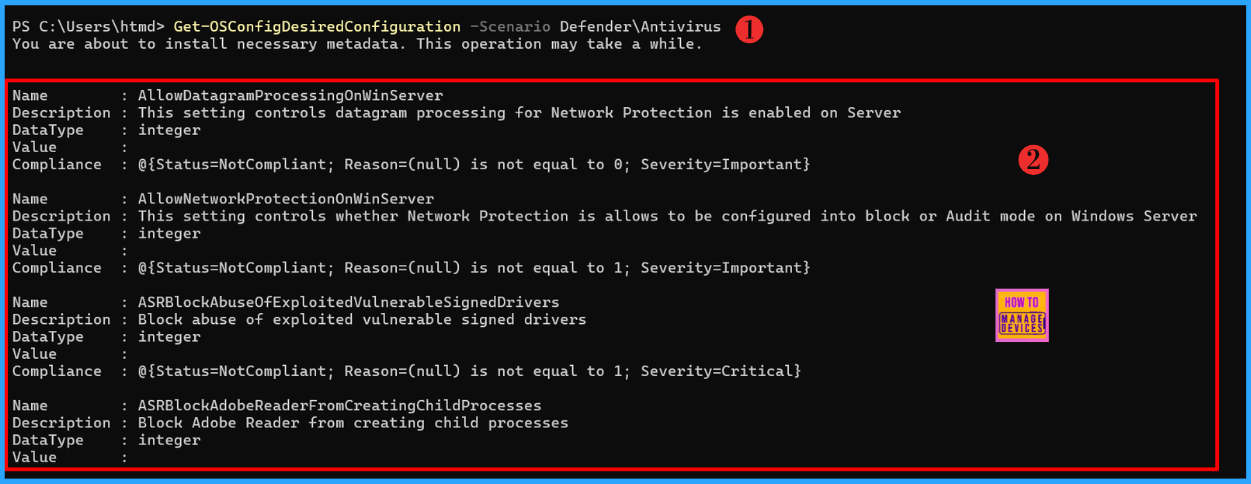
📌How to Install Microsoft.OSConfig PowerShell Module on Windows Server 2025
https://www.anoopcnair.com/microsoft-osconfig-powershell-module-on-windows/
💡Install Microsoft.OSConfig PowerShell Module
💡What is Microsoft.OSConfig?
💡Diagram of OSConfig Flow
💡Enhance Security with Windows Server 2025
💡Verify the Microsoft.OSConfig PowerShell Module Installation
💡Know More about Microsoft.OSConfig Cmdlets
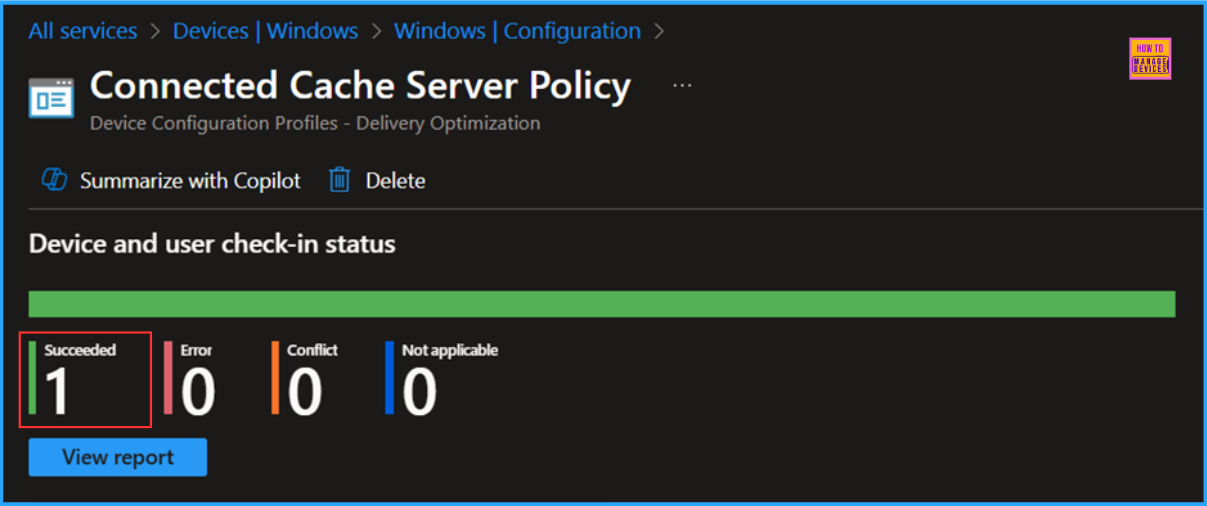
🎊Best Guide to Configure Delivery Optimization Cache Host Policy using Intune
https://www.anoopcnair.com/delivery-optimization-cache-host-policy-intune/
📌Configure Delivery Optimization Cache Host Policy
📌What is Delivery Optimization Cache Host?
📌Create a Delivery Optimization Cache Host Policy
📌Enable Devices to Act as a Peer Cache Server
📌Monitor the Delivery Optimization Cache Host Policy
📌End User Experience of Configure Delivery Optimization Cache Host Policy
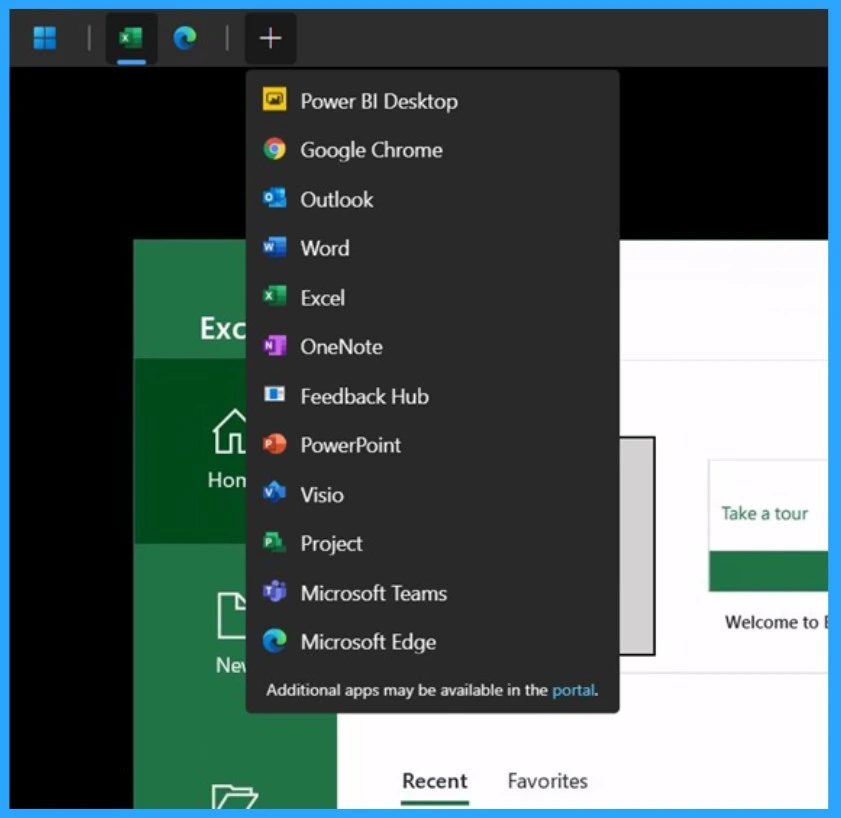
🎊New Remote App Launcher in Windows App for Web Enhances AVD and Windows 365 Experience
https://www.anoopcnair.com/remote-app-launcher-in-windows-app-windows-365/
🛜Remote App Launcher in Windows App
🛜Allows to Quickly Open Remote Apps Directly From the Web
🛜Helps Manage and Launch Apps More Efficiently
🛜Useful for Azure Virtual Desktop
🛜Impact on Remote Work
🎯Enable or Disable Touch Keyboard Handwriting Mode Availability in Text Input using Intune Policy
https://www.anoopcnair.com/touch-keyboard-handwriting-mode-intune/
🌼Touch Keyboard Handwriting Mode Availability
🌼Allows Users to Write Directly on Their Device’s Screen
🌼Converting Handwritten Input into Digital Text
🌼Might be Necessary to Update the OS
🌼Vary Depending on Language Support
🌼Easier and More Convenient for Users

Tuesday – 15 April 2025
🎯How to Disable GDI DPI Scaling for Apps Policy in Intune Using Settings Catalog
https://www.anoopcnair.com/disable-gdi-dpi-scaling-for-apps-in-intune/
🌼GDI DPI Scaling for Apps
🌼Empowers the Graphics Device Interface
🌼More Visually Appealing and Legible Experience
🌼Enhances the Overall Quality and Usability of Visual Content
🌼What is GDI Scaling for Desktop
🌼Client-Side Verification
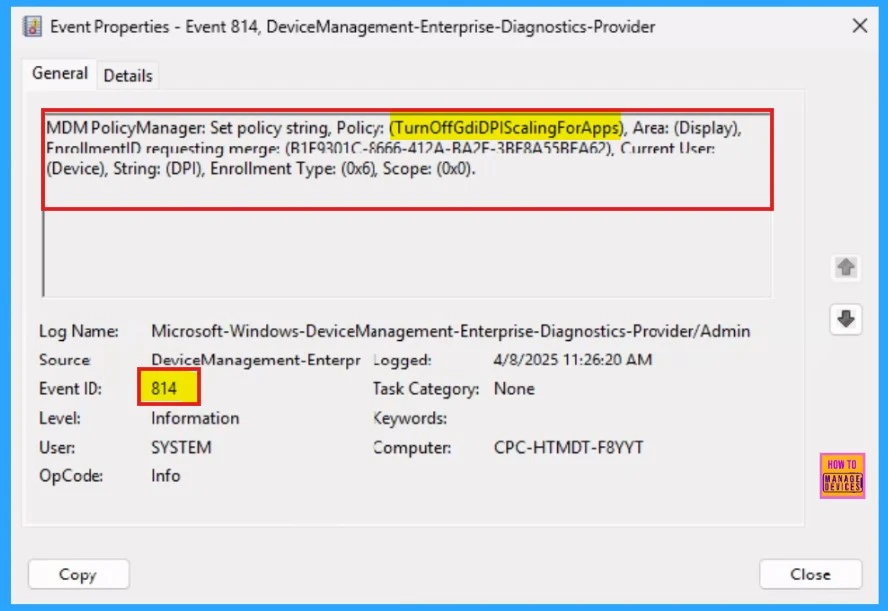
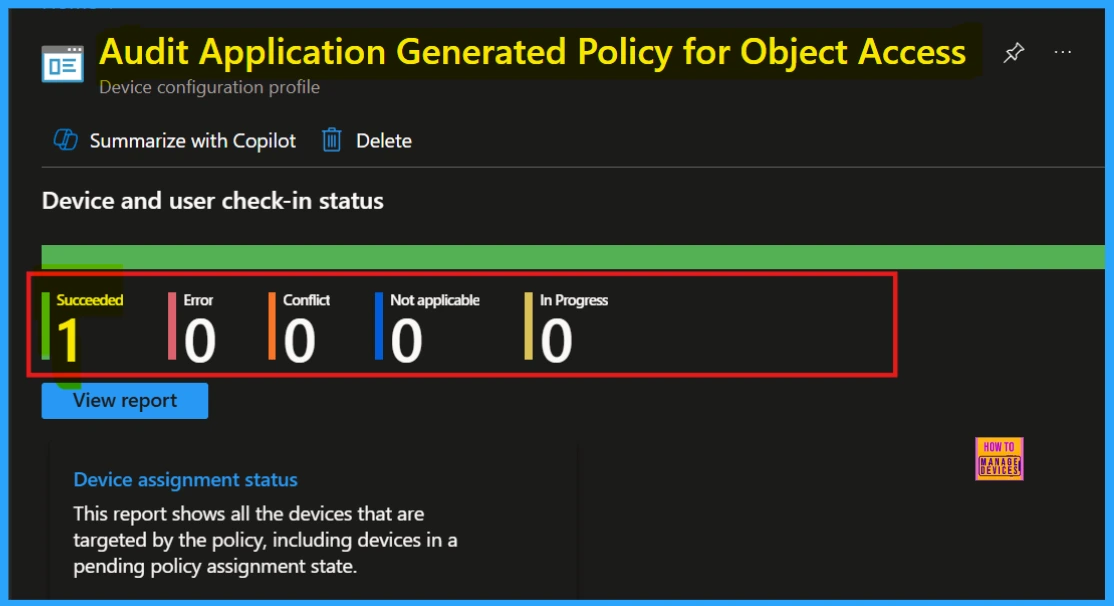
🎊How to Configure Files, Folders and Registry Keys Access Auditing Application Policy in Intune
https://www.anoopcnair.com/folders-and-registry-keys-access-in-intune/
📌Gain Very Specific Control Over What Activities are Tracked
📌Object Access Audit Application Generated Policy
📌Steps to Configure Files, Folders and Registry Keys Access Auditing Application Policy
📌CSP Details of Configure Files, Folders and Registry Keys Access
📌Monitoring Status
📌End User Experience
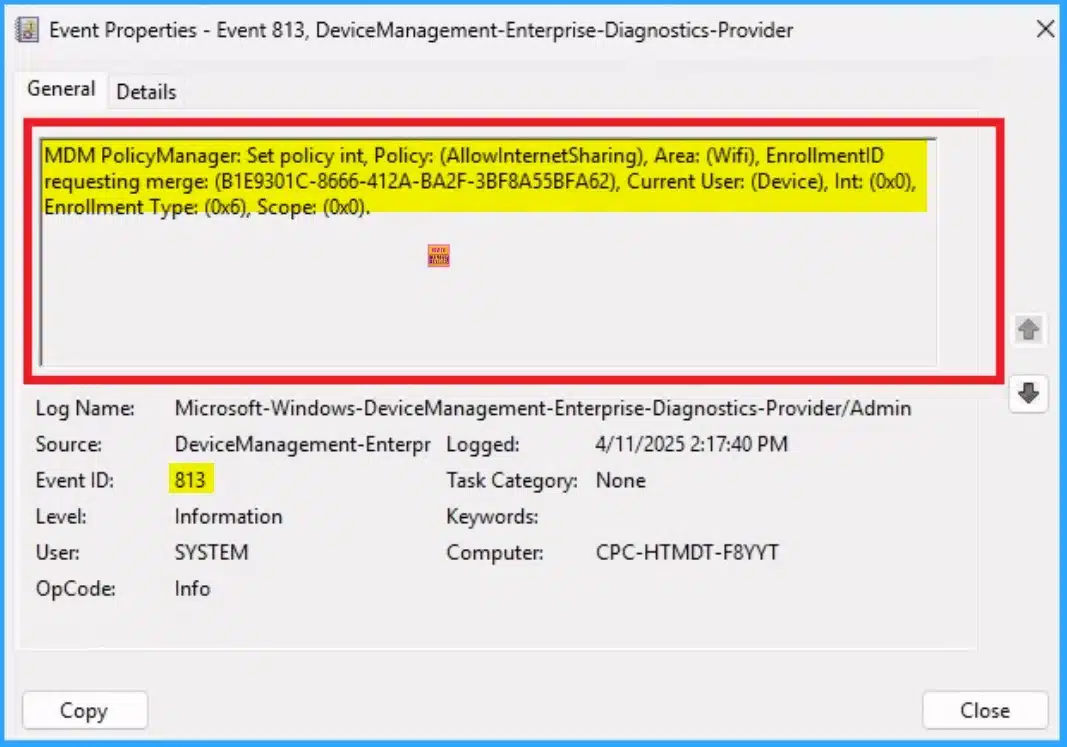
📌Enable or Disable Internet Sharing Using Intune Security Policy
https://howtomanagedevices.com/intune/21195/internet-sharing-using-intune/
💡Manage and Control the Internet Connection Sharing Feature on Devices
💡What are the Advantages of the Internet Sharing Policy?
💡CSP Details of Allow Internet Sharing
💡Steps to Configure Allow Internet Sharing
💡Monitoring Status
💡Client Side Verification
💡Remove Internet Sharing Policy
💡Delete Internet Sharing Policy
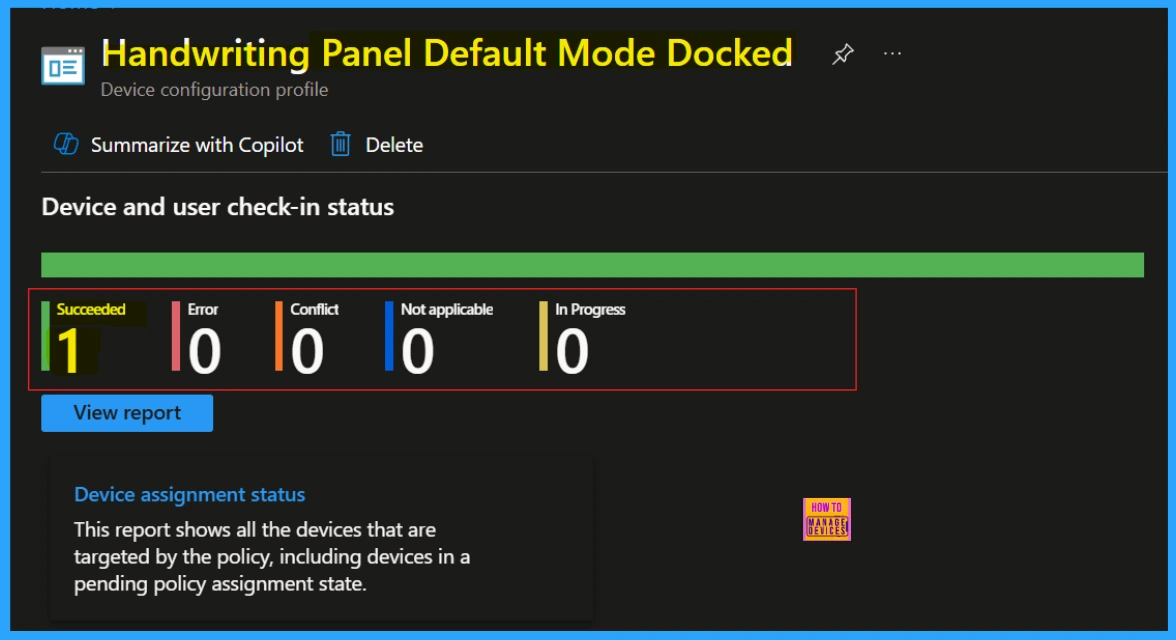
👉How to Configure Handwriting Panel Default Mode Docked Policy using Intune
https://www.anoopcnair.com/handwriting-panel-default-mode-docked-in-intune/
✍Why Handwriting Panel Default Mode Docked Used in Kiosks?
✍Windows CSP Details of Handwriting
✍Steps to Configure Handwriting Panel Default Mode Docked Policy
✍Monitoriang Status
✍Device and User Check-in Status
✍Client Side Verification
✍Remove Assigned Group
✍Deleting a Policy From Intune
Wednesday – 16 April 2025
🎯Allow or Block Default Popups Window Setting Policy in Edge Browser using M365 Admin Center
https://www.anoopcnair.com/default-popups-window-setting-policy-in-edge/
🌼Default Popups Window Setting
🌼Why We Have to Manage Pop-ups
🌼Minimizing Distractions
🌼Benefits of Managing Pop-ups
🌼Monitoring Status
🌼Client-Side Verification
🌼End User Experience
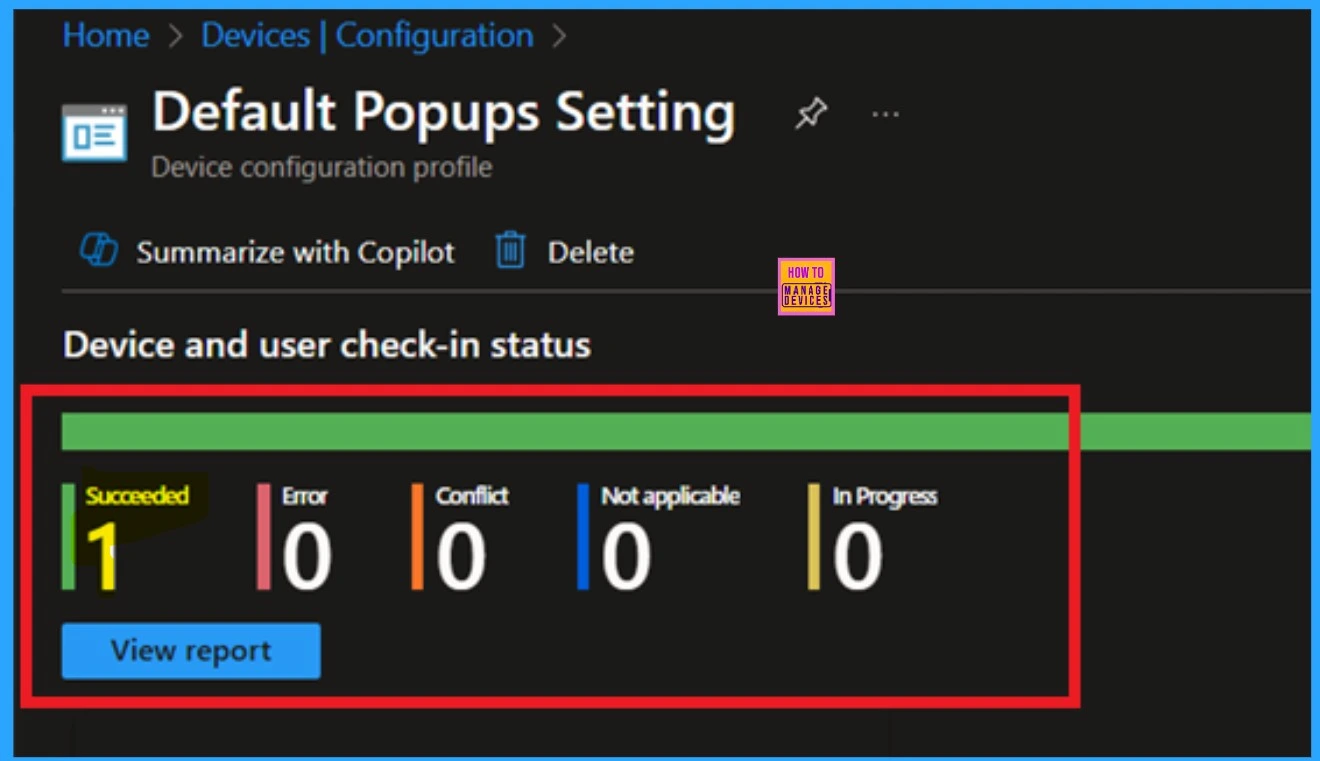
👉How to Configure Friendly URL Format Policy in MS Edge Browser using M365 Admin Center
https://www.anoopcnair.com/configure-friendly-url-format-policy-in-ms-edge/
✍What are the Advantages of Configuring Friendly URL Format Policy?
✍Generate Alternative Versions of the Web Address
✍Monitoring Status
✍Device and User Check-in Status
✍Client Side Verification through Event Viewer
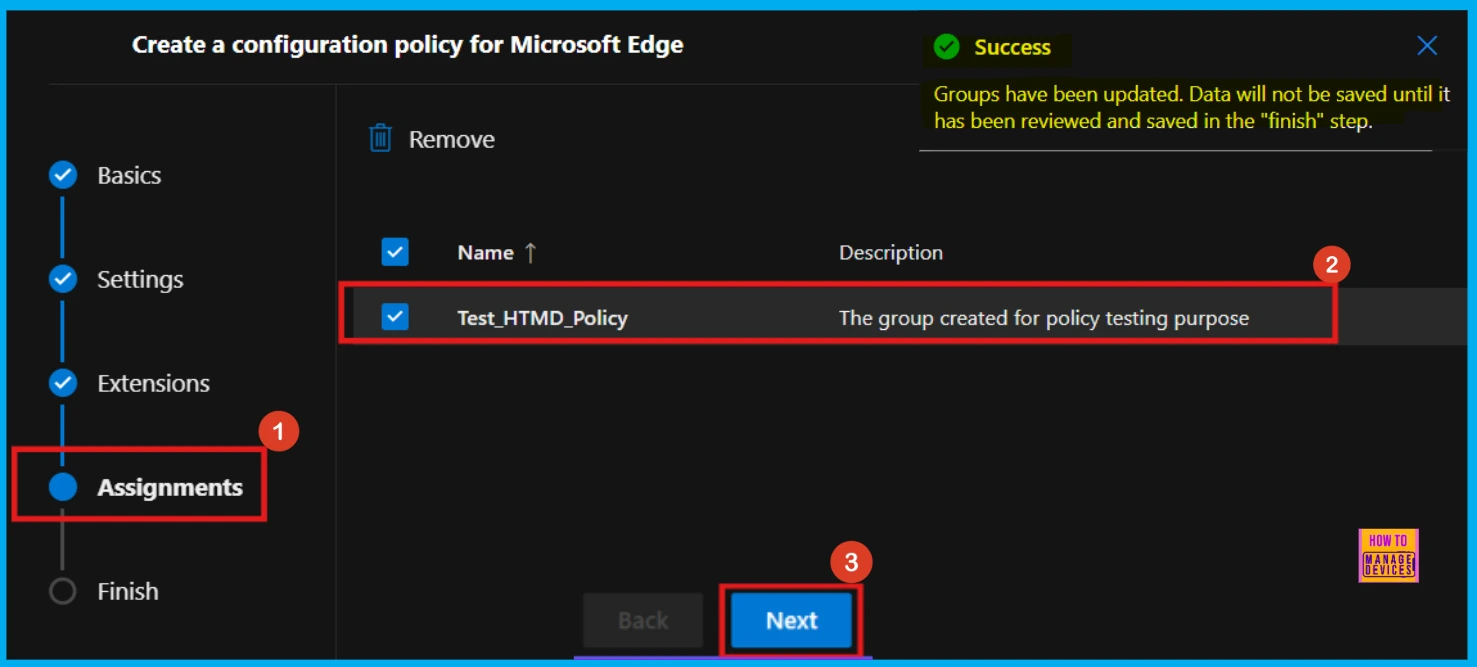
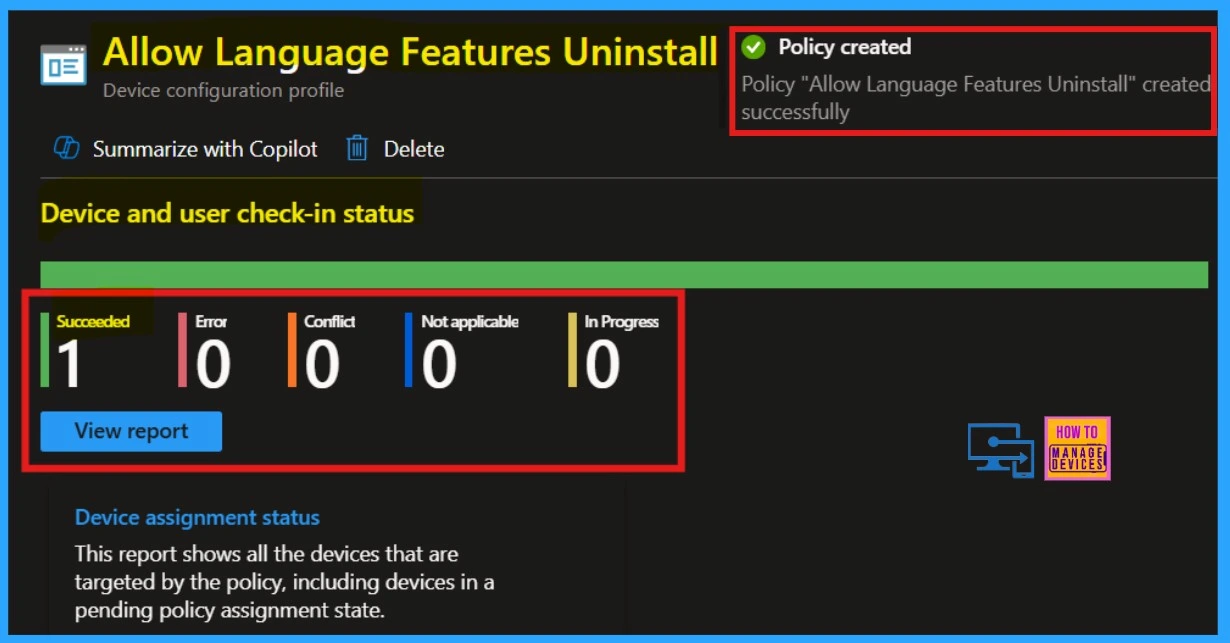
🎊Allow or Block Language Features Uninstall Policy in Text Input using Intune
https://www.anoopcnair.com/language-features-uninstall-policy-in-intune/
📌Allow or Block Language Features Uninstall Policy
📌Steps to Configure Allow Language Features Uninstall Policy
📌Language Features Uninstall Policy in Text Input
📌CSP Details of Allow Language Features Uninstall Policy
📌Monitoring Status
📌Client Side Verification
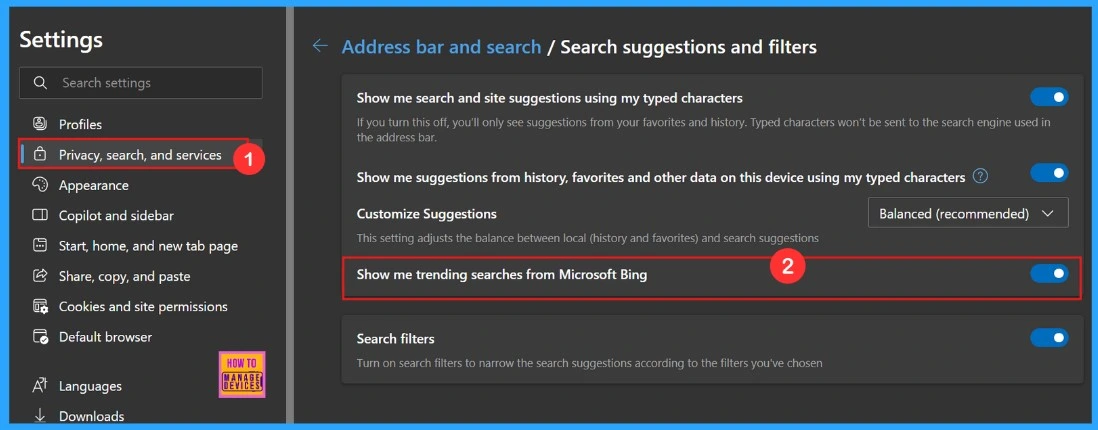
🎯How to Enable or Disable Address Bar Trending Suggest Policy in MS Edge Browser using M365 Admin Center
https://www.anoopcnair.com/address-bar-trending-suggest-policy-in-ms-edge/
🌼Known as the URL Bar or Location Bar
🌼Helping Users to Discover Commonly Searched Topics
🌼Organizations Can Control This Setting
🌼Disable if Needed to Tighten Privacy Rules
🌼Does Address Bar Trending Suggest Setting Affect Privacy
🌼End User Experience
Thursday – 17 April 2025
👉Enable or Disable PDF Secure Mode Policy in MS Edge Browser using M365 Admin Center
https://www.anoopcnair.com/pdf-secure-mode-policy-in-ms-edge/
✍PDF Secure Mode for Built-in Signature Validation
✍Windows Registry Settings of PDF Secure Mode Policy
✍Steps to Enable or Disable PDF Secure Mode Policy in MS Edge
✍Monitoring Status
✍Device and User Check-in Status
✍Client Side Verification through Event Viewer
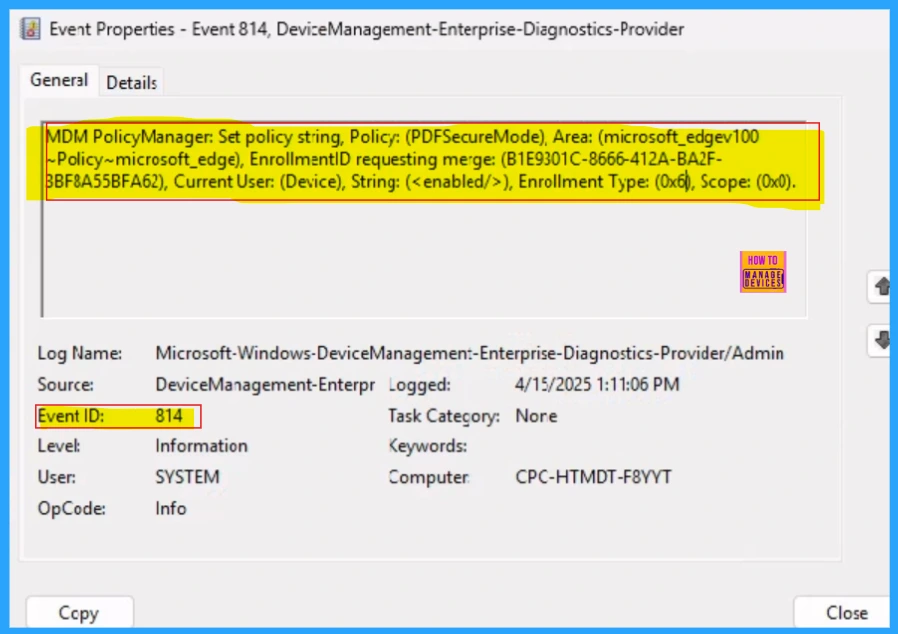
👉Enable or Disable Favorites Bar Policy in MS Edge Browser using M365 Admin Center
https://www.anoopcnair.com/favorites-bar-policy-in-ms-edge-browser-m365/
✍Administrative Control of Browser Behavior
✍Windows Registry Settings of the FavoritesBarEnabled Policy
✍Steps to Enable or Disable Favorites Bar Policy
✍Monitoring Status
✍Device and User Check-in Status
✍Client Side Verification through Event Viewer
✍End User Experience
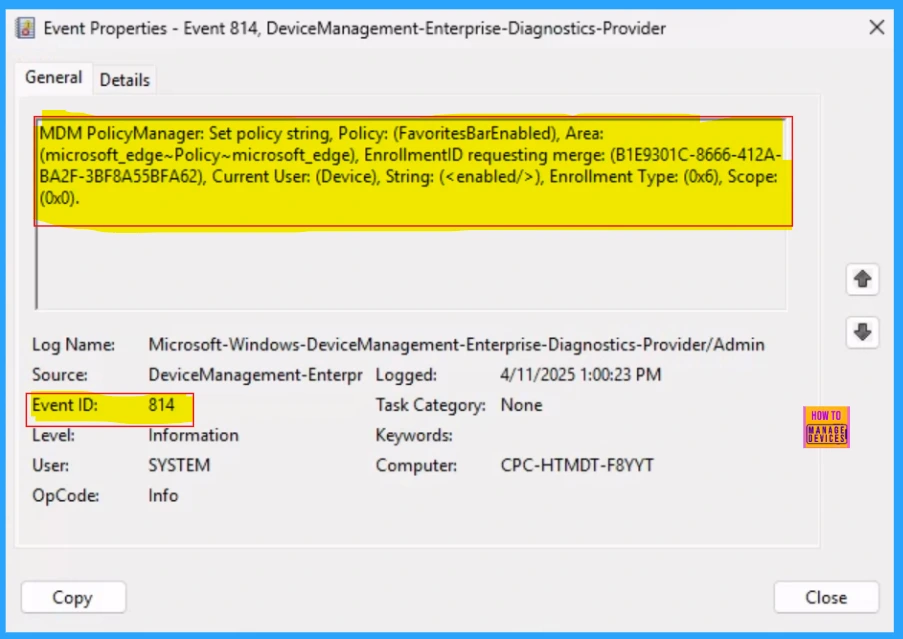
🎉How to Fix CPU Spike Issues in Classic Outlook for Windows
https://www.anoopcnair.com/cpu-spike-issues-in-classic-outlook-for-windows/
🎯Fix CPU Spike Issues in Classic Outlook
🎯CPU Usage is Increased to 30-50%
🎯Affect Multitasking in Outlook
🎯Increased Power Consumption
🎯After Effects of CPU Spike in Outlook
🎯Workaround for CPU Spike Issue
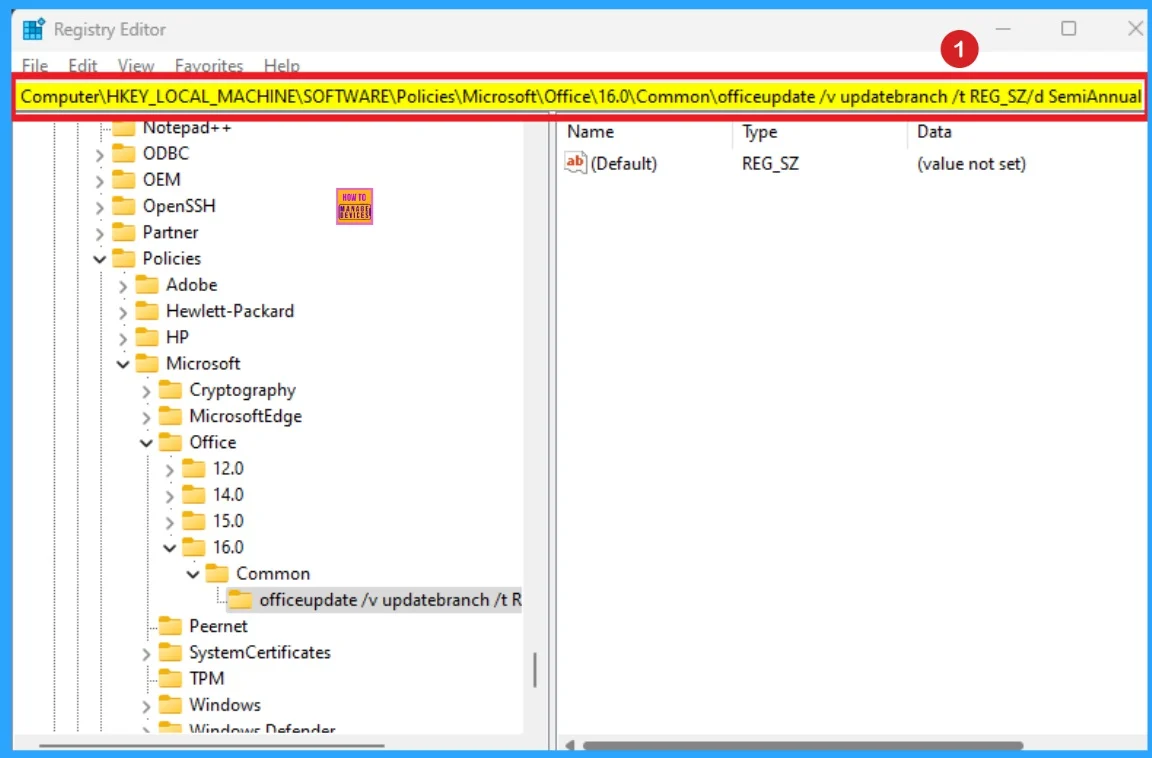
🎯Enable or Disable Default Cookies Setting Policy in MS Edge Browser using M365 Admin Center
https://www.anoopcnair.com/default-cookies-setting-policy-in-edge-browser/
🌼Choose Whether Websites Can Save Cookies on Devices
🌼Simplifies Cookie Management
🌼Steps to Enable or Disable Default Cookies Setting Policy
🌼How can you Control Cookie Creation on a User’s Device in Microsoft Edge?
🌼Monitoring Status
🌼Client Side Verification
🌼End User Experience
Friday – 18 April 2025
👉How to Configure Windows Search UI Policy using Intune
https://www.anoopcnair.com/configure-windows-search-ui-policy-using-intune/
✍Allowed Values of Disable Search Policy
✍Windows CSP of Search
✍Steps to Configure Windows Search UI Policy
✍Monitoring Status
✍Device and User Check-in Status
✍Client Side Verification through Event Viewer
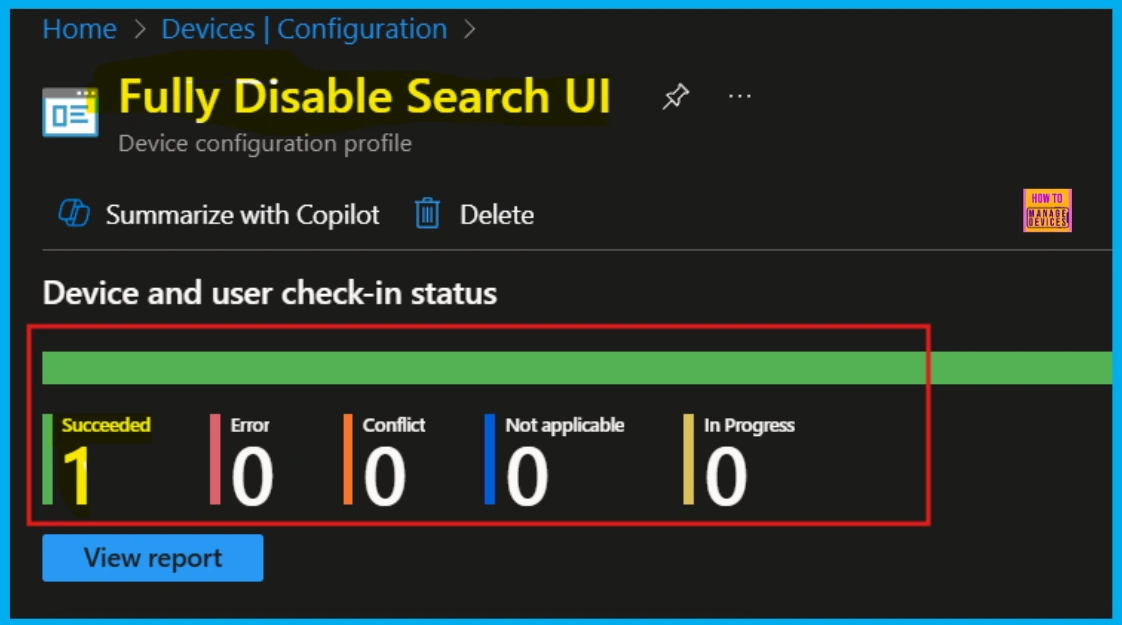
🎯How Organizers and Presenters Can Join a Microsoft Teams Town Hall as an Attendee
https://www.anoopcnair.com/can-join-a-teams-town-hall-as-an-attendee/
🌼Organizers Can See How Everything is Set Up
🌼Doesn’t Make Any Change to the Overall Experience
🌼Relates to Microsoft 365 Roadmap ID 484126.
🌼How will This New Feature Affect the Organization
🌼Identify and Fix Issues Before the Event
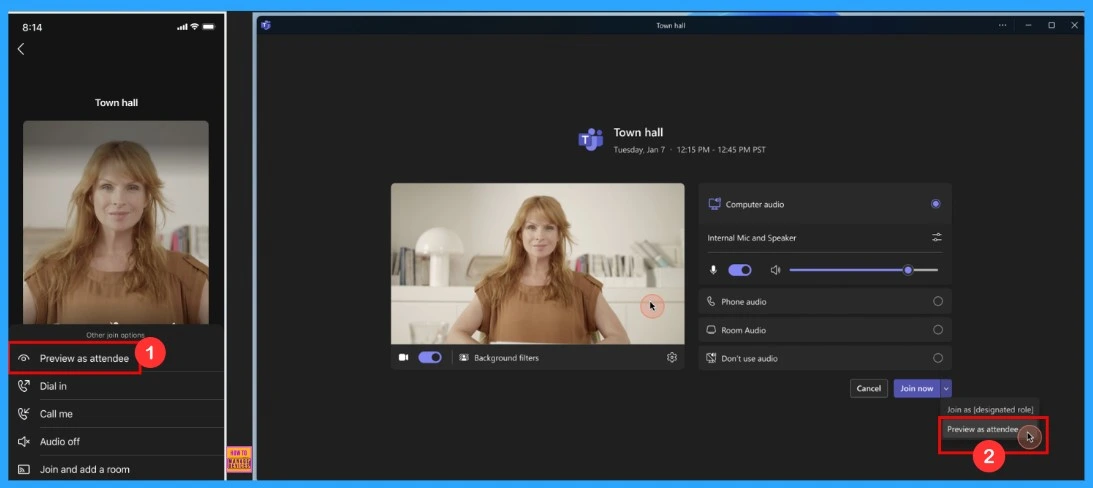
🎊Easy way to Enable Fast Startup using Intune PowerShell Script
https://www.anoopcnair.com/fast-startup-using-intune-powershell-script/
📌Know Fast Startup
📌Speeds Up Boot Times After Shutdown
📌Combines Shutdown + Hibernation for Faster Boot
📌Monitor the Enable Fast Startup PowerShell Script Deployment
📌Create a Platform Script in Intune to Enable Fast Startup
📌Monitoring Status
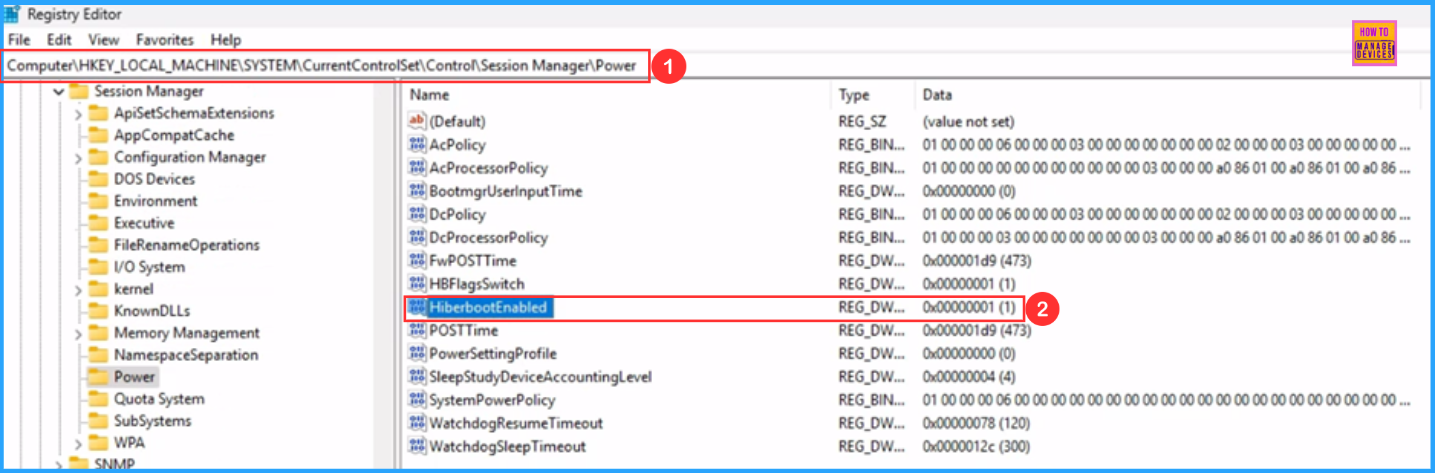
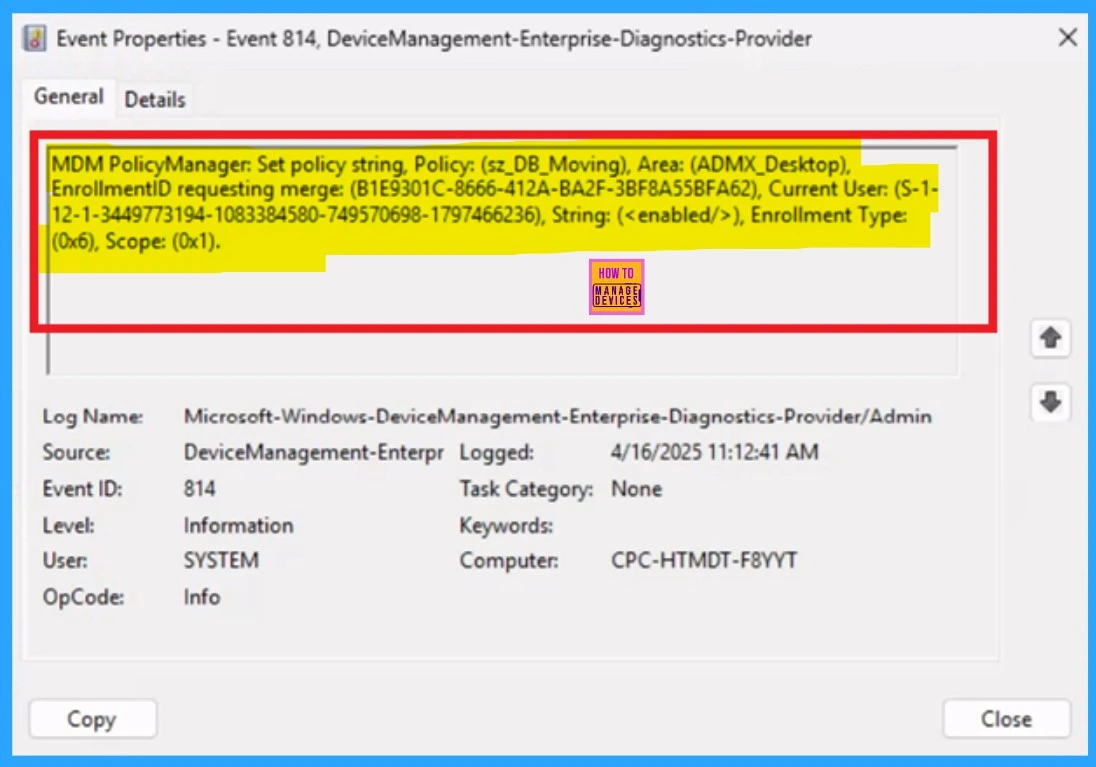
👉How to Prevent Users from Adjusting Desktop Toolbars using Intune Policy
https://www.anoopcnair.com/users-from-adjusting-desktop-toolbars-intune/
✍Adjusting Desktop Toolbars
✍Toolbars are GUI Elements
✍Improve Usability and Productivity.
✍Ensures Uniformity Across All User Devices
✍Monitoring Status
✍Client Side Verification through Event Viewer
Connect with the HTMD Community
Join the Telegram group to get the latest step-by-step guides and news updates. Join our Meetup Page to participate in User group meetings. Also, join the WhatsApp Community to get the latest news on Microsoft Technologies. We are there on Reddit as well.
HTMD Community Social Media Platform Links
| Social Media Platform | Link |
|---|---|
| LinkedIn: HTMD Community | https://www.linkedin.com/company/how-to-manage-devices/ |
| Telegram: SCCM Intune Technical Discussions | https://t.me/joinchat/Q9lE6G1_BO_bGq97 |
| Telegram: JOB SCCM Intune Group | https://t.me/joinchat/SIKr3OugR2FQ-Ej9 |
| WhatsApp: HTMD Community | https://chat.whatsapp.com/CeMXHSD61HtDBJwe78IZwV |
| Telegram: AVD/Windows 365 User Group | AVD Community – https://t.me/Inwvdcommunity |
| HTMD Community | Facebook | |
| HTMD Community (@htmd_community) • Instagram photos and videos | |
| HTMD Community (@htmdcommunity) / Twitter | |
| Facebook Group: SCCM | https://www.facebook.com/groups/ConfigMgr2012/ |
| Facebook Group: Intune | https://www.facebook.com/groups/1738789256382744 |

Anoop C Nair is Workplace Technology solution architect with 25+ years (as of 2026) of experience in global enterprise organizations such as JP Morgan, Capgemini, etc. Microsoft Certified Trainer (MCT). Microsoft MVP from 2015 onwards for consecutive 11+ years! He also conducts Intune and modern workplace tech training for enterprise organizations. He is Blogger, Speaker, and Founder of HTMD Community and HTMD Conference. His main focus is on Device Management technologies like Intune, Windows, Cloud PC. He writes about technologies like Intune, SCCM, Windows, Cloud PC, Windows, Entra, Microsoft Security.

Discussion