











175th HTMD Newsletter 6th to 10th January 2025
Welcome to the 175th HTMD Newsletter Summary from 6th to 10th January 2025! This is the list of posts and videos the HTMD Community published this week and news from the IT industry. You can get all the information and details from Windows 11, Cloud PC, SCCM, Intune, Azure Virtual Desktop (AVD), Android, iOS, and Mac.
Previous Weeks Newsletters
Did you miss updates from last week? Check out the link below.
- 172nd HTMD Newsletter–HTMD Newsletter 172 16th to 20th 2024 December
- 173rd HTMD Newsletter–HTMD Newsletter 173 23rd to 27th 2024 December
- 174th HTMD Newsletter–HTMD Newsletter 174 30th December 2024 to 3rd January 2025
Monday – 6th January 2025
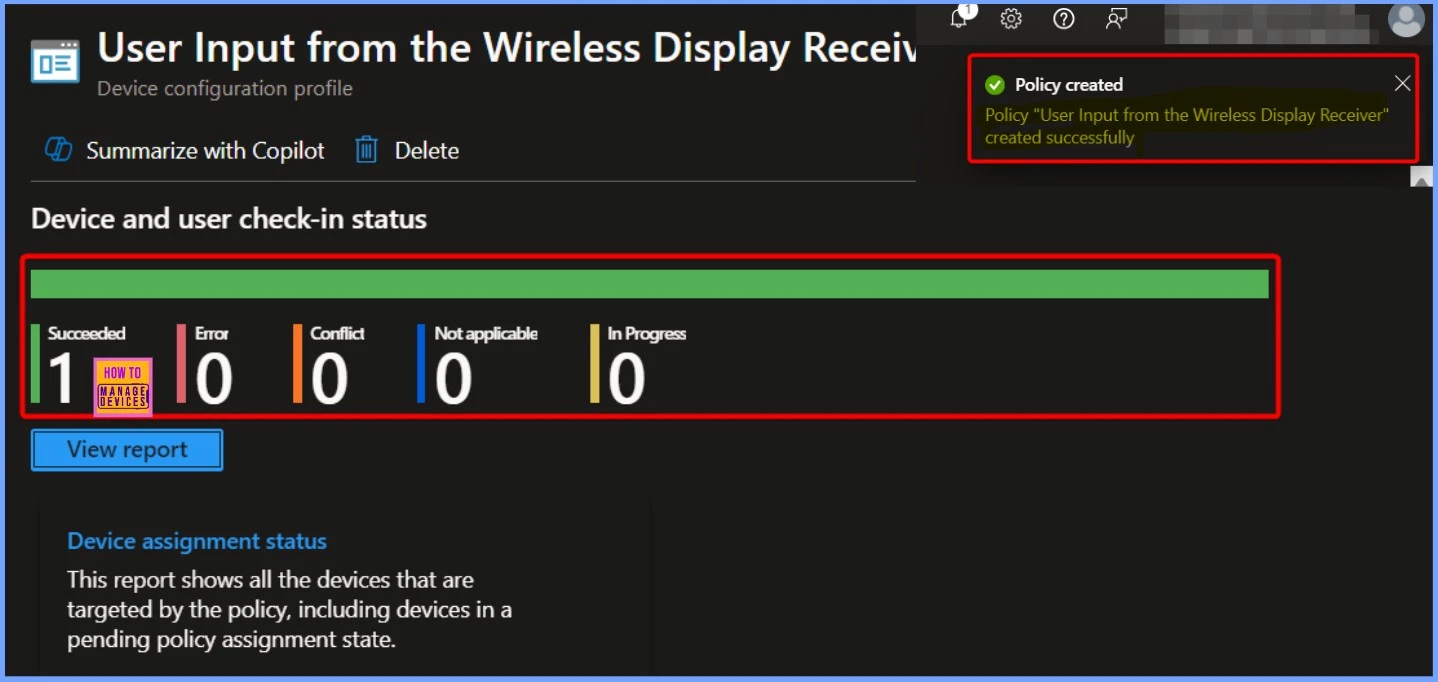
📌How to Control User Input from the Wireless Display Receiver Using Intune Policy
https://www.anoopcnair.com/user-input-from-the-wireless-display-intune/
🎊Allow User Input From Wireless Display Receiver
🎊Windows CSP Details
🎊Wireless Display Input Enabled
🎊Device and User Check-in Status
🎊Client Side Verification
🎉How to Allow Adding Non-Microsoft Accounts Manually Using Intune Setting Catalog
https://www.anoopcnair.com/adding-non-microsoft-accounts-manually-intune/
🔓What is Microsoft Account Dashboard?
🔓AllowAddingNonMicrosoftAccountsManually
🔓Device Monitor Status
🔓Client Side Verification

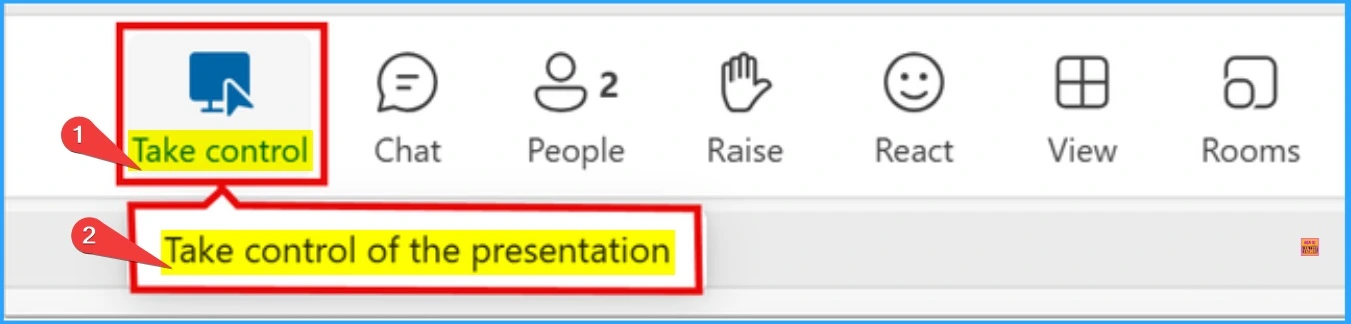
🎉Take Control During Screen Sharing Now Available in Teams for the Web
https://www.anoopcnair.com/take-control-during-screen-sharing-in-teams/
🎆How to Take Control of the Presentation Features Works
🎆Feature of Take Control of the Presentation in Teams
🎆Availability of Take Control of the Presentation in Teams
🎆Enhanced Collaboration
🎆Improved Meeting Efficiency
🎆Interactive Demonstrations
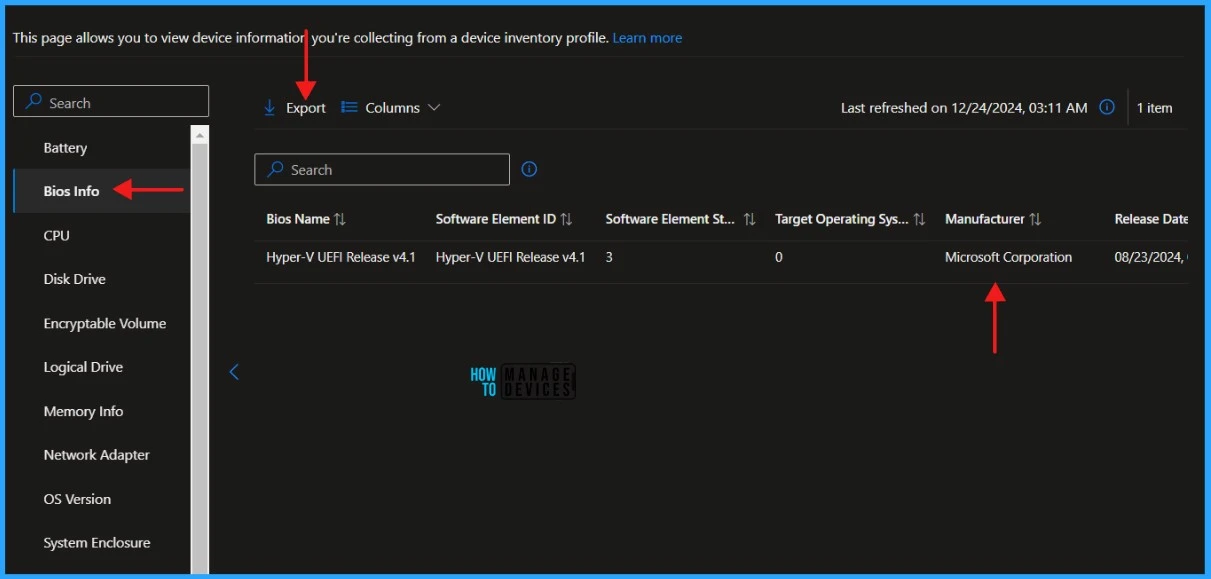
📷Best Guide to Setup Enhanced Device Hardware Inventory in Microsoft Intune
https://www.anoopcnair.com/device-hardware-inventory-in-microsoft-intune/
☑Create an Enhanced Device Hardware Inventory Policy
☑Verify the Microsoft Device Inventory Agent Deployment
☑Microsoft Device Inventory Agent Logs
☑Check the Result of Enhanced Device Hardware Inventory
Tuesday – 7th January 2025
📌Microsoft Products Reaching End of Support in 2025
https://www.anoopcnair.com/ms-products-reaching-end-of-support-in-2025/
✈Fixed Policy and Modern Policy
✈Retiring Products under Modern Policy
✈End of Servicing Products Versions managed by the Modern Policy
✈Products Reaching End of Support in 2025 under the Fixed Policy
✈Products Moving to Extended Support
✈Additional Azure Changes

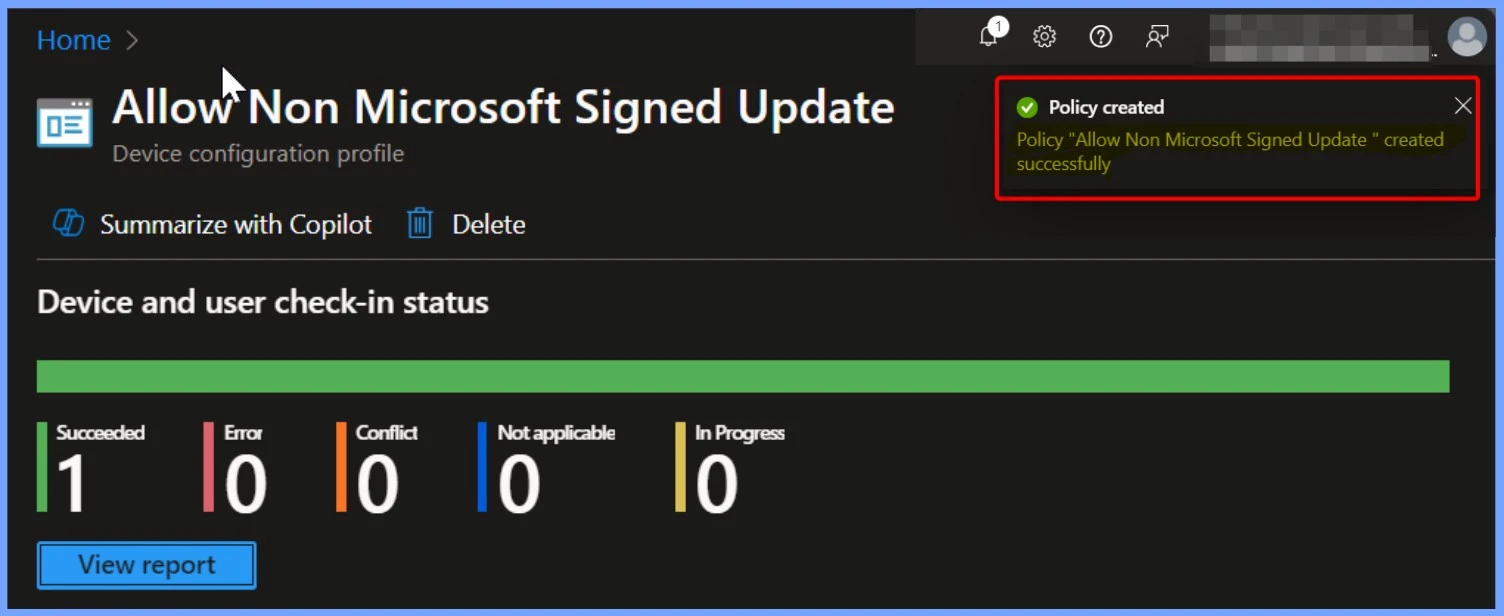
📌Easy Steps to Block Non-Microsoft Signed Update in Windows Update for Business using Intune
https://www.anoopcnair.com/non-microsoft-signed-update-windows-intune/
🎆Block Non-Microsoft Signed Update using Intune
🎆Allow Non-Microsoft Signed Update
🎆Windows Update for Business
🎆Client Side Verification – End User Experience
🎆Set Minimum Encryption Key Size for Bluetooth in Intune via Setting Catalog
https://www.anoopcnair.com/encryption-key-size-for-bluetooth-in-intune/
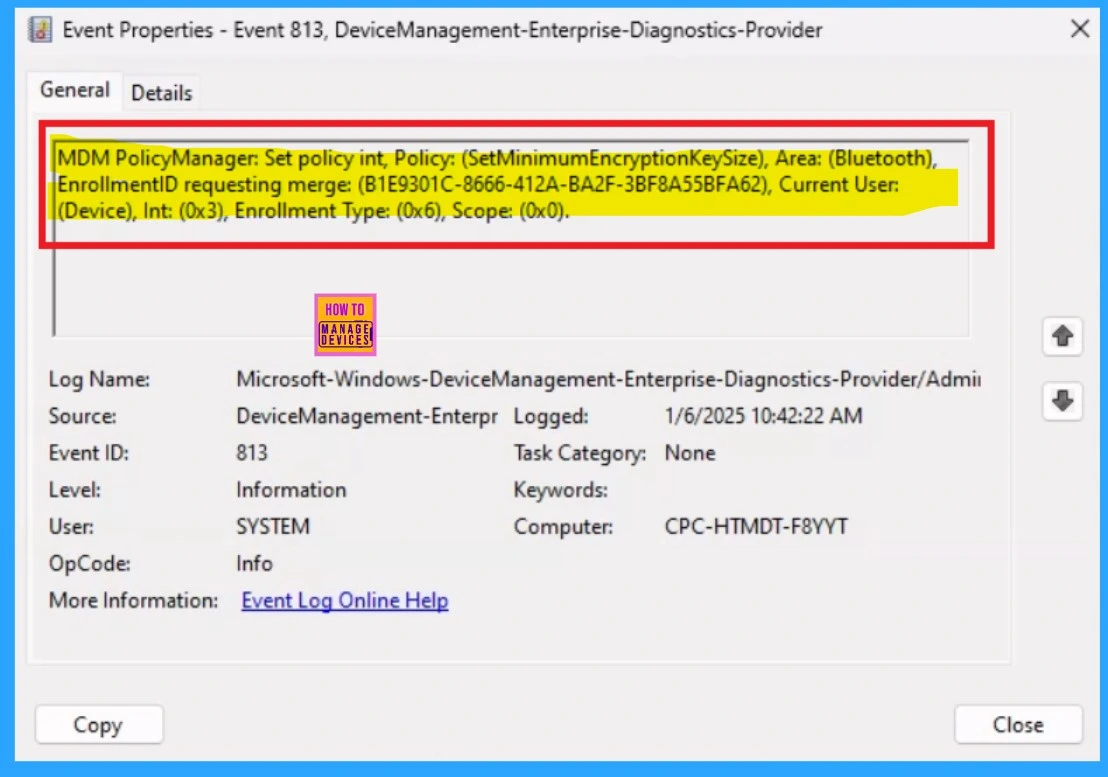
🎇Minimum Encryption Key Size for Bluetooth
🎇Prevent Weaker Devices Cryptographically
🎇Bluetooth Encryption Protects Data Sent Between Devices
🎇Monitor Status
🎇End User Experience
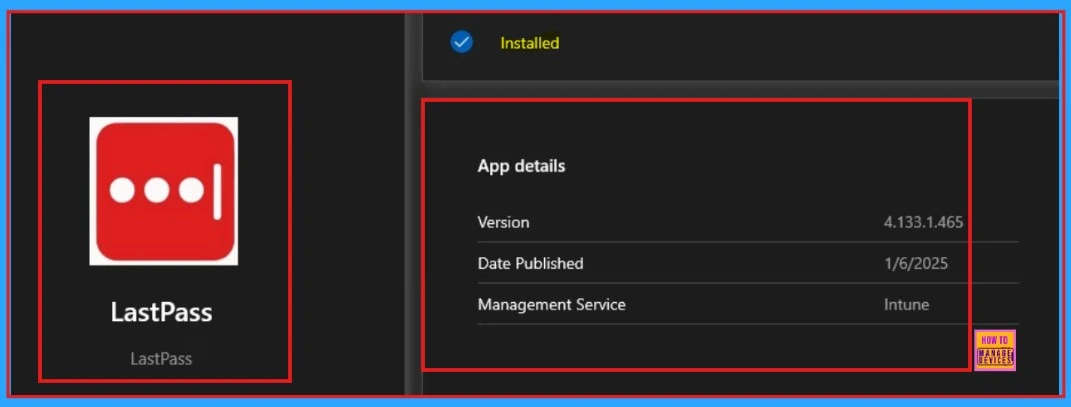
🎉Deploy LastPass Using Enterprise App Catalog App in Intune
https://www.anoopcnair.com/lastpass-using-enterprise-app-catalog-intune/
🔓What Are the Features of LastPass?
🔓Enterprise App Catalog App
🔓Can Utilize an Authenticator App
🔓App Information Settings
🔓Secure Password Manager
🔓End User Experience
Wednesday – 8th January 2025
📌8 Ways to Know Security Identifier SID of User in Windows 11
https://www.anoopcnair.com/security-identifier-sid-of-user-in-windows-11/
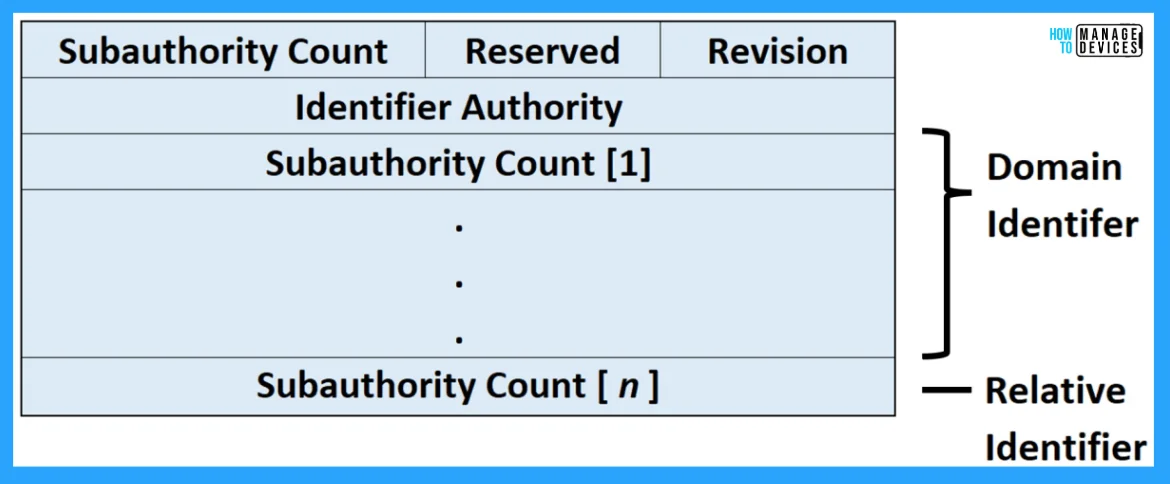
☑What is a Security Identifier (SID)?
☑How Security Identifier (SID) Works?
☑Architecture of Security Identifier (SID)
☑Elevated PowerShell Command
☑Registry Editor
📌Enhancing OAuth App Security and Governance with Microsoft Defender for Cloud Apps
https://www.anoopcnair.com/oauth-app-security-and-governance-cloud-apps/
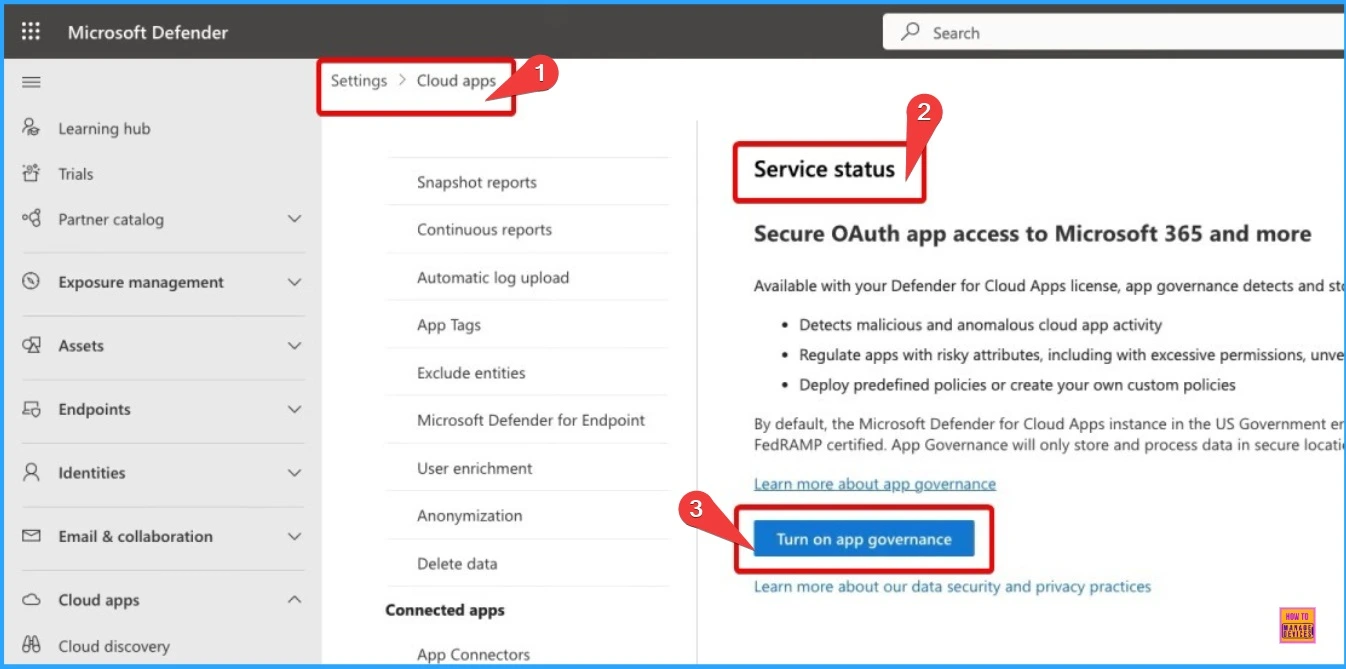
🎊Enhancing OAuth App Security
🎊Microsoft Defender for Cloud Apps
🎊OAuth App Security and Governance
🎊Licensing of App Governance
🎊Roles Needed for App Governance
📷Top 50 Features of MS Entra AI-Driven Identity Security and the General Availability of Entra Suite and SSE Solution
https://www.anoopcnair.com/top-50-features-of-ms-entra-ai-driven-identity/
☑Top 50 Features of MS Entra
☑AI-Driven Identity Security
☑Microsoft Entra Suite General Availability
☑Microsoft’s Security Service Edge
☑Secure and Customize External Identities Access to Applications

📌How to Control Public Update Service and Microsoft Store Access with WSUS via Intune Settings Catalog Policy
https://www.anoopcnair.com/control-public-update-service-ms-store-intune/
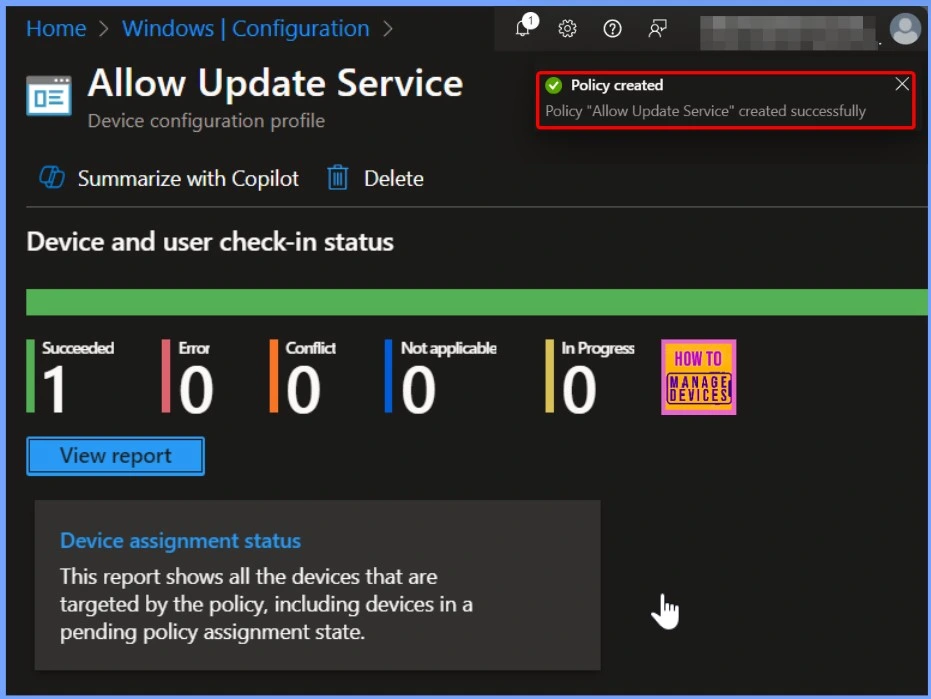
🧨Manage Updates Offered by Windows Server Update Service
🧨Allow Update Service
🧨Windows Update for Business
🧨Block Allow Update Service
🧨Client Side Verification
Thursday – 9th January 2025
📌Enable Split Screen Feature in Microsoft Edge using the Microsoft 365 Admin Center Policy
https://www.anoopcnair.com/enable-split-screen-feature-in-microsoft-edge/
✈Keyboard Shortcut for Enabling the Split Screen Feature
✈Allows to View Two Websites Simultaneously in a Single Tab
✈Improved Productivity for Tasks like Research or Comparison
✈Steps to Create a Configuration Policy
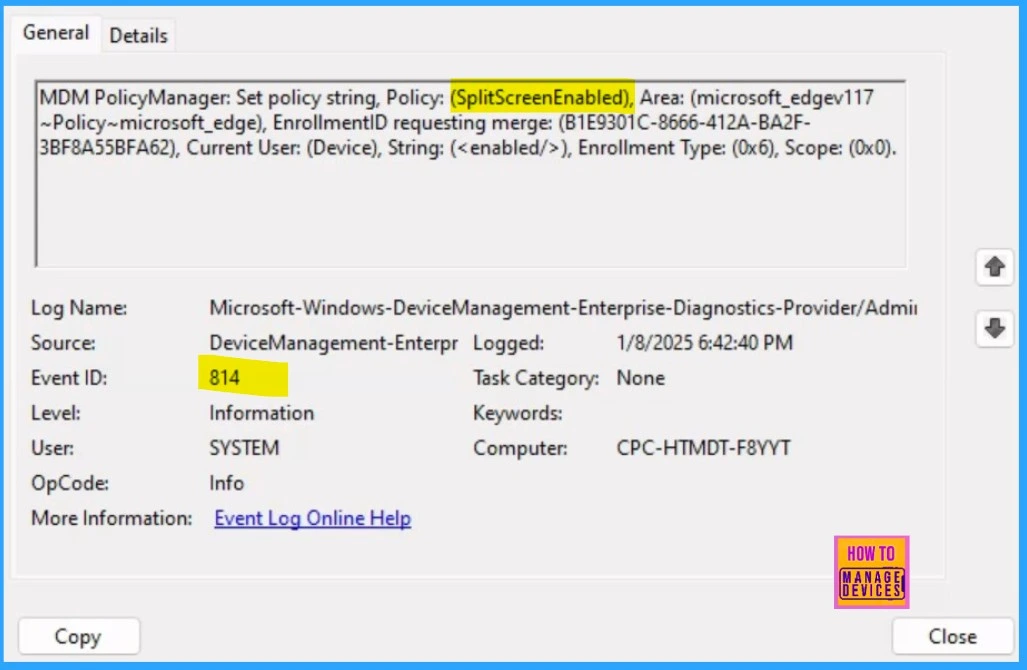
✈SplitScreenEnabled – Procedure
✈Monitoring Status
✈End User Experience
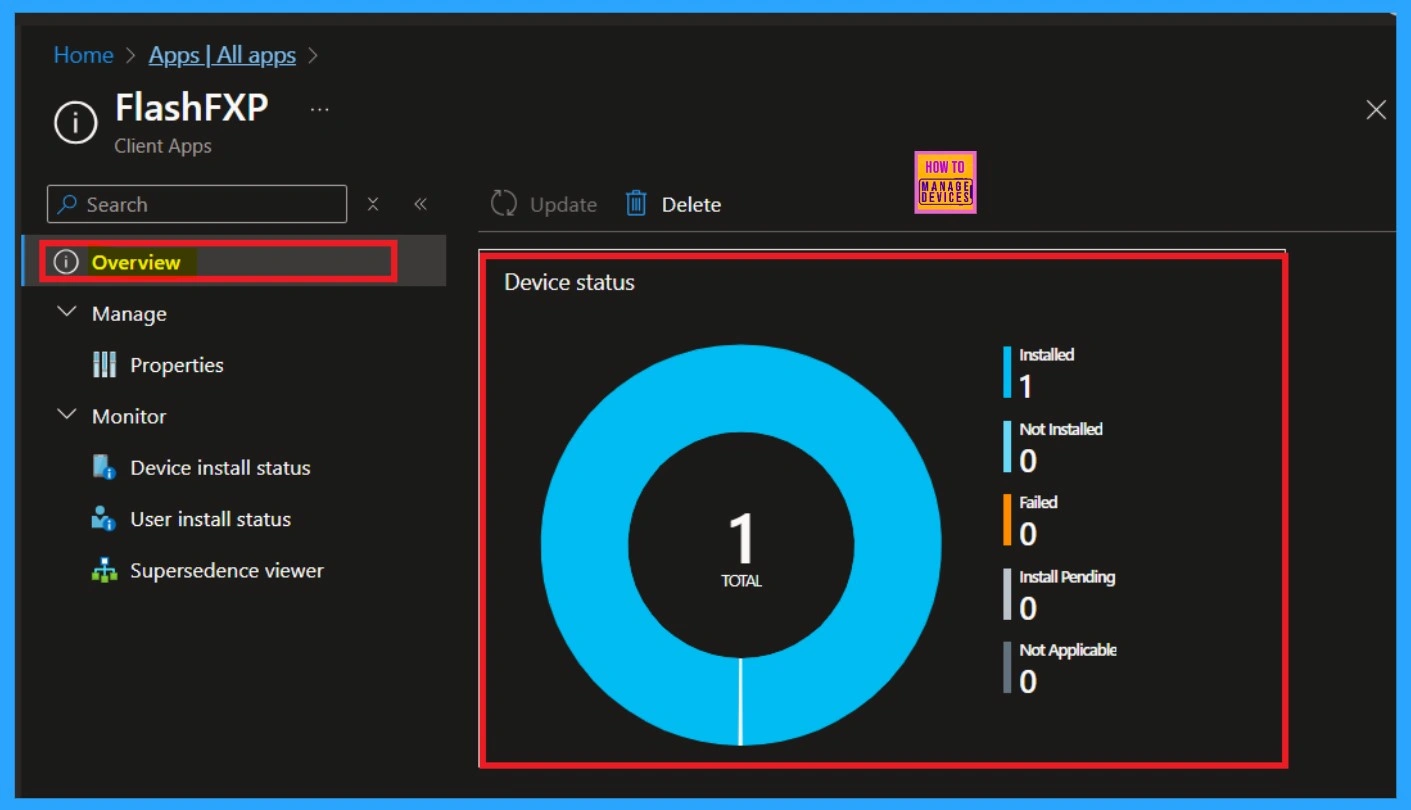
📌Easy Way to Install Flash FXP App using Enterprise App Catalog App in Intune
https://www.anoopcnair.com/flash-fxp-app-using-enterprise-app-catalog-app/
🎉What is Flash FXP App?
🎉Enterprise App Catalog App in Intune
🎉Monitor the Status of FlashFXP App Deployment
🎉End User Experiance
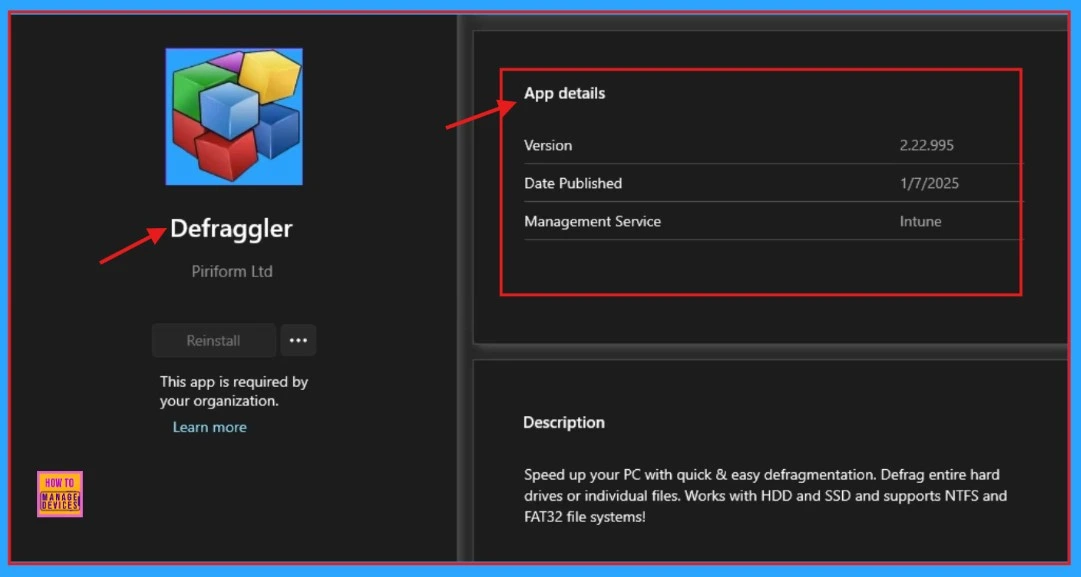
📌Deploying Defraggler App Through the Enterprise App Catalog App in Intune
https://www.anoopcnair.com/defraggler-app-enterprise-app-catalog-intune/
🎓Is Using Defraggler Safe?
🎓Setting Catalog
🎓Detection Rules of Defraggler
🎓Adding Application in Intune
🎓Overview of the Application
🎓Client Side Verification
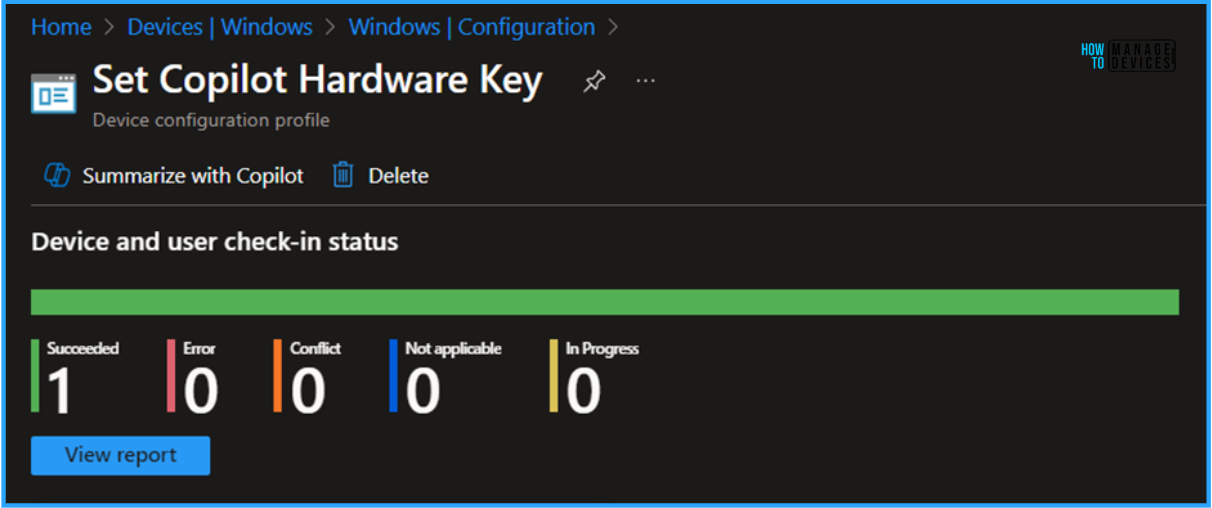
➡Best Way to Set Copilot Hardware Key Using Microsoft Intune
https://www.anoopcnair.com/set-copilot-hardware-key-using-microsoft-intune/
💡Advantages of Set Copilot Hardware Key
💡Create a Configuration to Set Copilot Hardware Key
💡How to find the App ID of Microsoft Teams
💡Monitor the Set Copilot Hardware Key Configuration Deployment
💡Event Log Analysis – MSTeams Copilot Hardware Key Configuration Policy
Friday – 10th January 2025
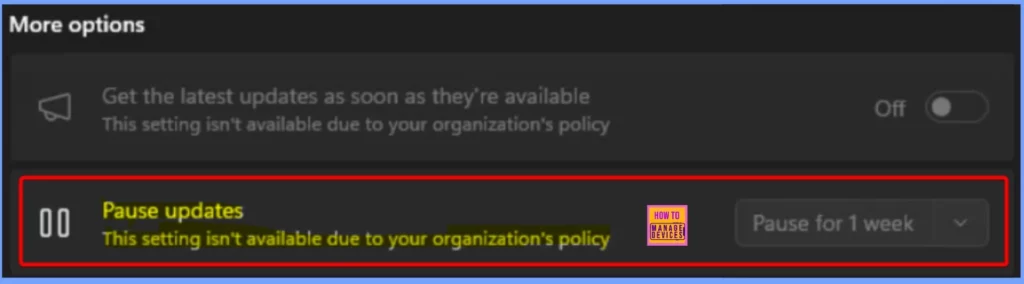
📌Easy way to Block Pause Updates Ability in Windows Update for Business via Intune – https://www.anoopcnair.com/block-pause-updates-ability-in-windows-intune/
☑Block Pause Update Ability in Windows Update
☑Pause Updates Feature in Windows Update for Business
☑Settings Picker Windows Update for Business
☑End User Experience
🎉Next Generation Windows Autopilot Deep Dive Troubleshooting Guide by VImal – https://www.anoopcnair.com/windows-autopilot-deep-dive-troubleshooting/
🔓Windows Autopilot Deep Dive Troubleshooting
🔓Windows Autopilot Device Preparation
🔓Requirements for Windows Autopilot Device Preparation
🔓Enrolment Time Grouping Approach
🔓Secure Password Manager
🔓Troubleshooting and Reporting
🔓User Logged into Desktop

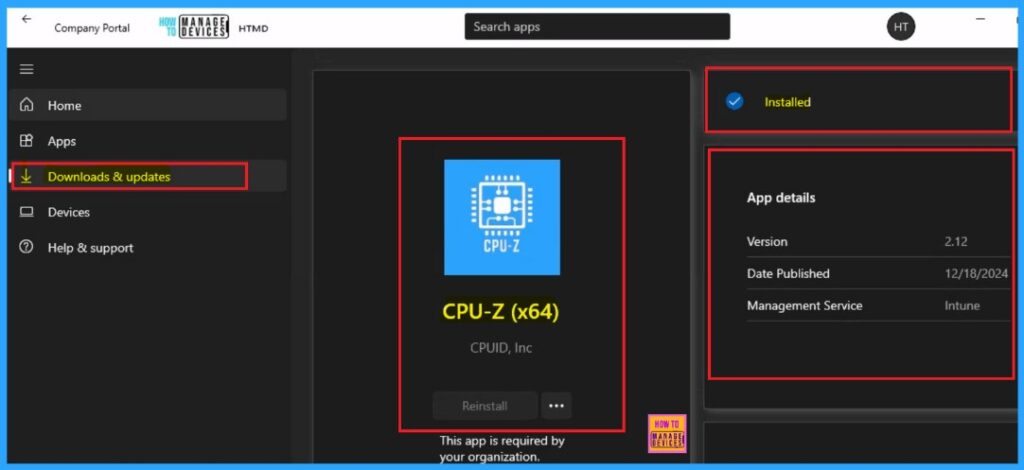
📌Deploy CPU-Z App through the Enterprise App Catalog App with Intune https://www.anoopcnair.com/cpu-z-app-through-the-enterprise-app-intune/
▶What Are the Features of CPU-Z?
▶Enterprise App Catalog App
▶Checking Installation Status of CPU-Z App
▶End User Experience
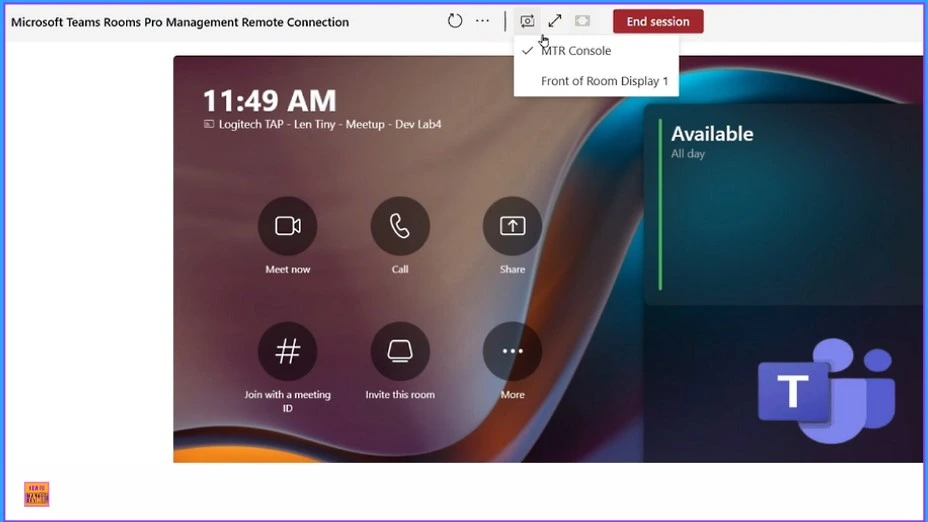
📷Upgrade MS Teams Rooms to Windows 11 by October 14 2025 for Enhanced Features and Security – https://www.anoopcnair.com/upgrade-ms-teams-rooms-to-windows-11-by-octobe/
☑End of Support for Teams Rooms on Windows 10
☑Upgrade MS Teams Rooms to Windows 11
☑No Longer Receive Security and Feature Updates
☑Features of Teams Room
☑Changes Happened During the Transitional Period
☑Devices Cannot be Upgraded to Windows 11
Connect with HTMD Community
Join the Telegram group to get the latest step-by-step guides and news updates. Join our Meetup Page to participate in User group meetings. Also, Join the WhatsApp Community to get the latest news on Microsoft Technologies. We are there on Reddit as well.
HTMD Community Social Media Platform Links
The table below shows our social media platforms and their links. It also provides more details.
| Social Media Platform | Link |
|---|---|
| LinkedIn: HTMD Community | https://www.linkedin.com/company/how-to-manage-devices/ |
| Telegram: SCCM Intune Technical Discussions | https://t.me/joinchat/Q9lE6G1_BO_bGq97 |
| Telegram: JOB SCCM Intune Group | https://t.me/joinchat/SIKr3OugR2FQ-Ej9 |
| WhatsApp: HTMD Community | https://chat.whatsapp.com/CeMXHSD61HtDBJwe78IZwV |
| Telegram: AVD/Windows 365 User Group | AVD Community – https://t.me/Inwvdcommunity |
| HTMD Community | Facebook | |
| HTMD Community (@htmd_community) • Instagram photos and videos | |
| HTMD Community (@htmdcommunity) / Twitter | |
| Facebook Group: SCCM | https://www.facebook.com/groups/ConfigMgr2012/ |
| Facebook Group: Intune | https://www.facebook.com/groups/1738789256382744 |

Anoop C Nair is Workplace Technology solution architect with 25+ years (as of 2026) of experience in global enterprise organizations such as JP Morgan, Capgemini, etc. Microsoft Certified Trainer (MCT). Microsoft MVP from 2015 onwards for consecutive 11+ years! He also conducts Intune and modern workplace tech training for enterprise organizations. He is Blogger, Speaker, and Founder of HTMD Community and HTMD Conference. His main focus is on Device Management technologies like Intune, Windows, Cloud PC. He writes about technologies like Intune, SCCM, Windows, Cloud PC, Windows, Entra, Microsoft Security.

Discussion