











HTMD Newsletter 142 20th to 24th May 2024
Welcome to the HTMD Newsletter 142 Summary from 20th to 24th May 2024! This is the list of posts and videos the HTMD Community published this week and news from the IT industry. You can get all the information and details from Windows 11, Cloud PC, SCCM, Intune, Azure Virtual Desktop (AVD), Android, iOS, and Mac.
➡️ We are on WhatsApp. To get the latest step-by-step guides and news updates, Join our Channel, HTMD WhatsApp.
Did you miss updates from last week? Check out the link below.
- 139th HTMD Newsletter – HTMD Newsletter 139 29th to 3rd May
- 140th HTMD Newsletter – HTMD Newsletter 140 6th to 10th May
- 141st HTMD Newsletter – HTMD Newsletter 141 13th to 17th May
20th May 2024 – HTMD Newsletter 142
➡VMware Workstation Pro is Free now for Personal Use
https://www.anoopcnair.com/vmware-workstation-pro-is-free-now-for-personal/
👉Overview of VMware Workstation Pro
👉Key Features and New Changes
👉Procedures for Use
👉Virtualization on Windows, Linux, and Mac devices
👉Powerful Desktop Hypervisor for Virtual Machine Management
👉Discontinuation of Workstation Player and Fusion Player
👉Overview of Download VMware Workstation Pro 17
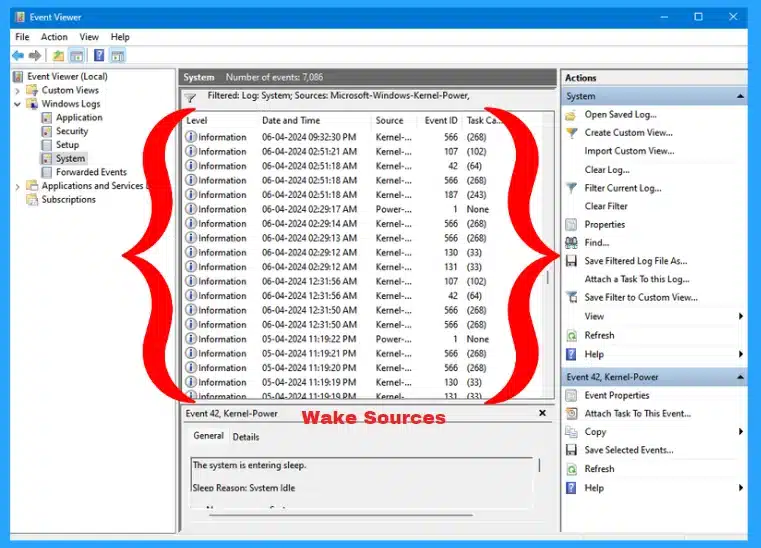
⏩How to Find Wake Sources for Windows 11
https://www.anoopcnair.com/how-to-find-wake-sources-for-windows-11/
🔔Use Command Prompt to find wake sources
🔔Find wake sources from PowerShell
🔔Find wake sources using event viewer
➡Monitoring Defender Updates using Intune Portal
https://www.anoopcnair.com/monitoring-defender-updates-using-intune/
👉Manually Checking the Status of Defender Updates on a Device
👉Microsoft Defender Antivirus
👉Antivirus Agent Status
👉Security Intelligence, Platform, Engine Updates
👉Monitoring Defender Updates using Intune

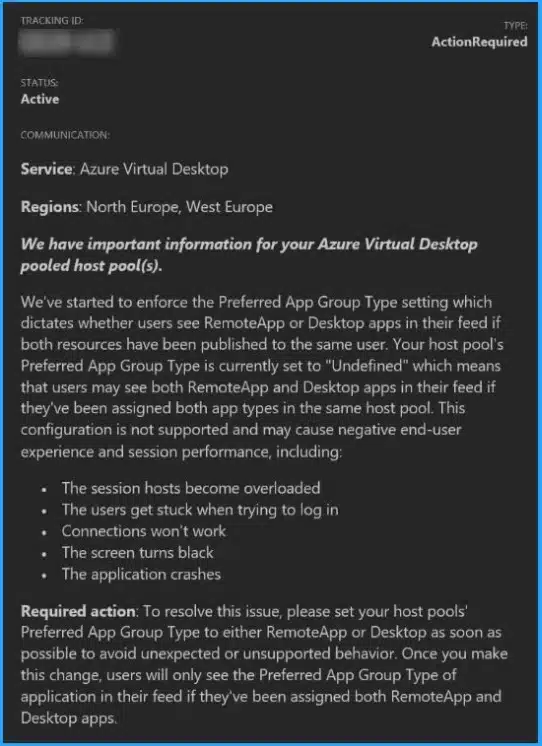
⚙Fix to AVD Host Pools No Longer Support Desktop and Remote Apps Simultaneously
https://howtomanagedevices.com/azure/13961/fix-to-avd-host-pools-no-longer-support-desktop-remote-apps/
ℹAVD Host Pools No Longer Support?
ℹWhat you need to try for Required action?
ℹSet your host pools preferred App Group type
21st May 2024 – HTMD Newsletter 142
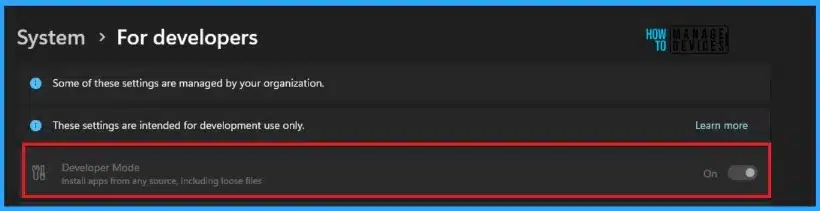
☑Best Intune Guide to Enable Developer Mode in Windows Machines
https://www.anoopcnair.com/enable-developer-mode-in-windows-intune/
💡Enable Developer Mode in Windows with Intune
💡Device Restrictions
💡Monitor Configuration Profile Deployment in Microsoft Intune
💡Event Log to Verify Intune Policy Deployment Status
💡End User Experience
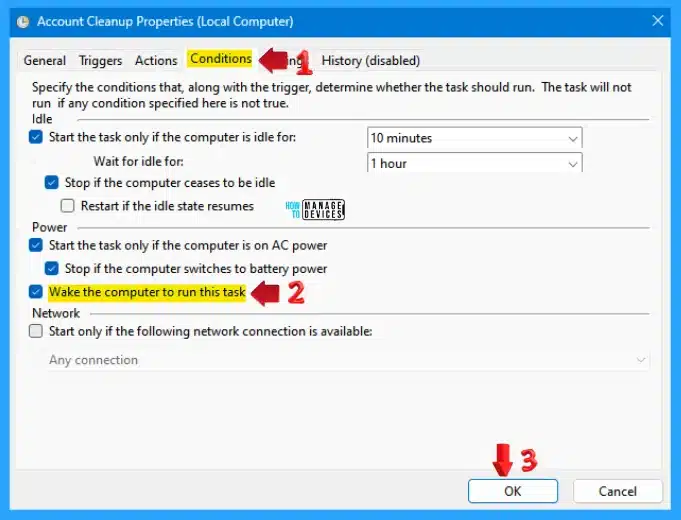
🖱How to Get All Wake Timers in Windows 11
https://www.anoopcnair.com/how-to-get-all-wake-timers-in-windows-11/
▶Use different methods to get all wake timers
▶Get a List of All Active Wake Timers
▶Get a List of All Wake Timers
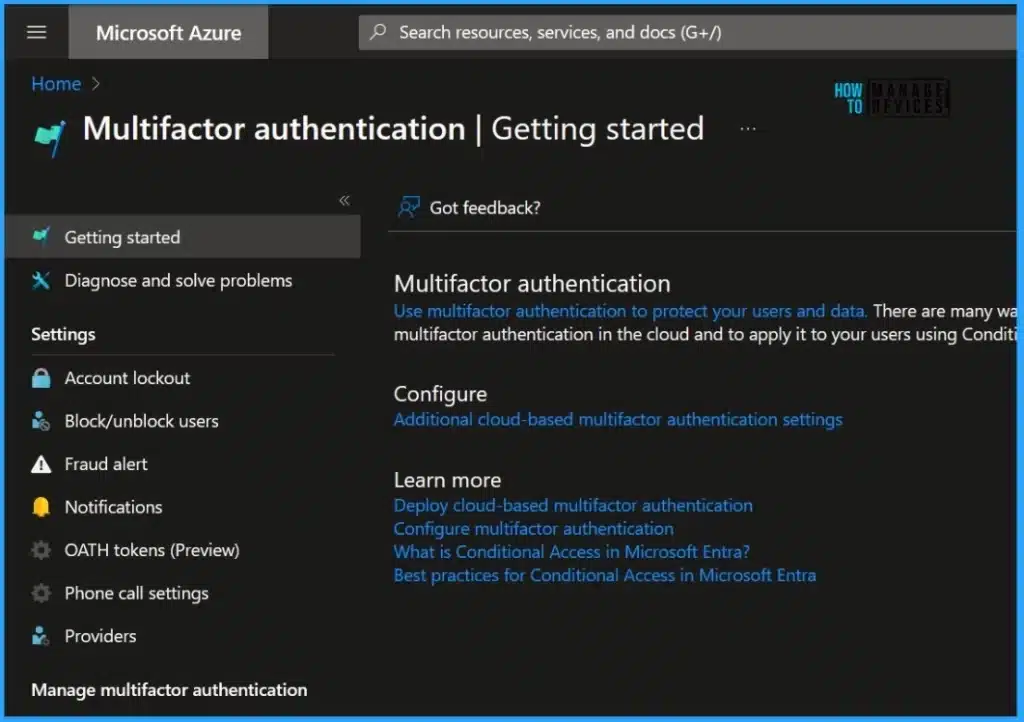
Microsoft MFA is Mandatory for Accessing Azure from July 2024
https://www.anoopcnair.com/microsoft-mfa-mandatory-accessing-azure-july-24/
💡MFA is Mandatory for Accessing Azure
💡Upcoming Changes for Azure Users
💡Steps for Preparing for Upcoming Changes
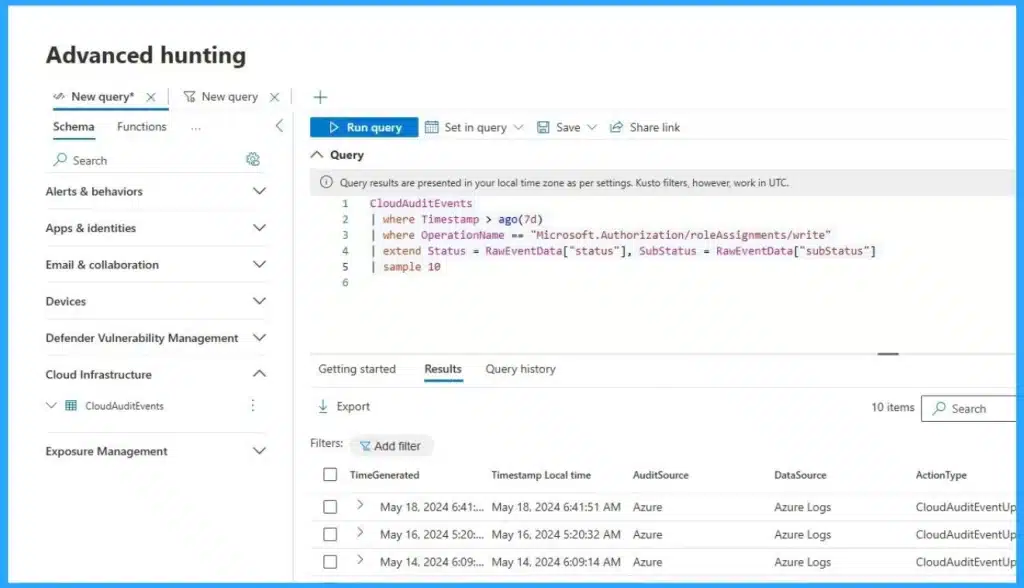
💻XSPM vs XDR Illustration in Microsoft Security Stack
https://www.anoopcnair.com/xspm-vs-xdr-illustration-in-microsoft-security/
📌XSPM vs XDR
📌Introducing Advanced Hunting Capabilities in Microsoft Defender for Cloud
📌Smooth Detection and Response Capabilities
📌Essential Components of the Microsoft Security Stack
📌Managing and Improving the Security Posture of an Organization
📌Threat Detection and Response
22nd May 2024 – HTMD Newsletter 142
🎊Best Guide to Install Google Chrome Extensions using Intune Policy
https://www.anoopcnair.com/install-google-chrome-extensions-using-intune/
✔Key Features of Google Chrome Extensions
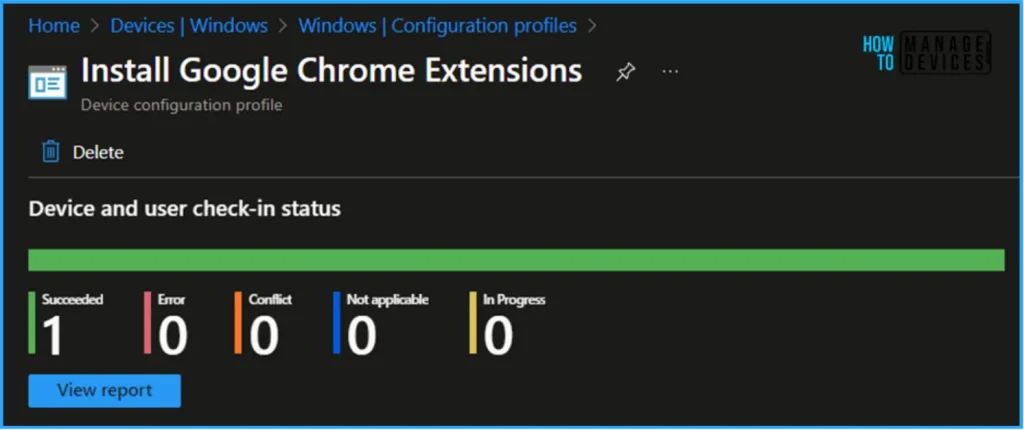
✔Configuration Profile to Install Google Chrome Extensions
✔Important Tips
✔Configure the List of Force-Installed Apps and Extensions
✔Extension/App IDs and Update URLs to be Silently Installed (Device)
✔Monitor the Install Google Chrome Extensions in Intune
✔End User Experience
➡ 5 New Windows Apps and Drivers Security Enhancements from Phishing and Malware
https://www.anoopcnair.com/5-new-windows-apps-and-drivers-security/
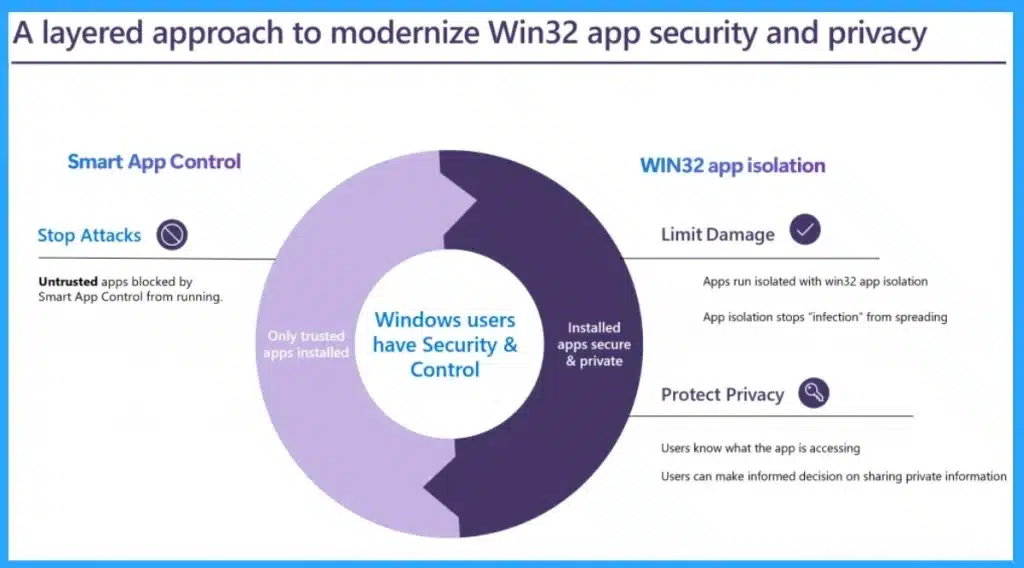
📌5 New Windows Apps and Drivers Security Enhancements
📌Secured Core PC to Protect from Hardware-level Attacks
📌Microsoft Introduces Copilot+ PC
📌Setting a New Standard in Security for Windows 11
📌Smart App Control will Prevent you from Malware and Threats
📌Introducing Trusted Signing for Windows Security
⚙Best Way to Turn On or Off Allow Wake Timers in Windows 11
https://www.anoopcnair.com/turn-on-or-off-allow-wake-timers-in-windows-11/
➡Manage Allow Wake Timers Using Power Option
➡Turn On or Off Allow Wake Timers Using Registry Editor
➡Turn On or Off Allow Wake Timers Using Command Prompt

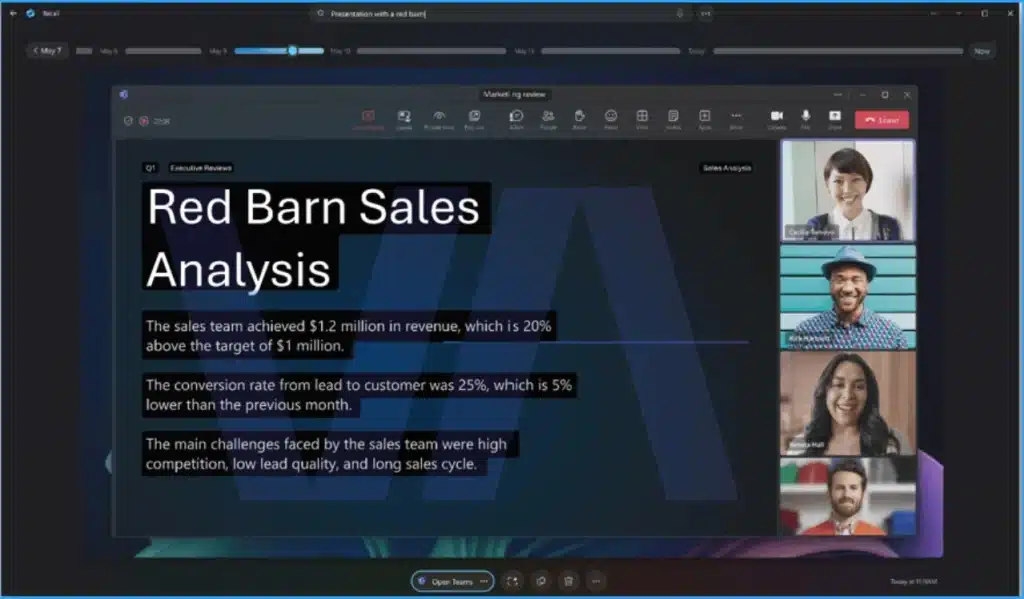
✅Windows PC Recall Feature Photographic Memory
https://www.anoopcnair.com/windows-pc-recall-feature-photographic-memory/
▶ Windows PC Recall Feature
▶ New AI Feature on Windows
▶ Photographic Memory
▶ Everything you do on your Computer by Taking Constant Screenshots
▶ Stores Screenshots Locally
▶ Runs on-device NPU
23rd May 2024 – HTMD Newsletter 142
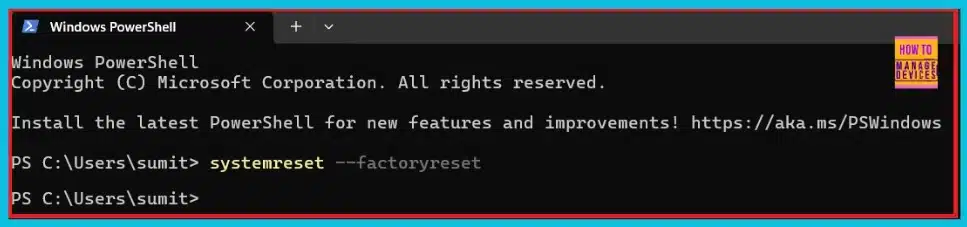
✔3 Easy Methods to Reset Windows 11 PC
https://www.anoopcnair.com/3-easy-methods-to-reset-windows-11-pc/
📌Quick Resolution of Application Issues
📌System Restoration to Original State
📌Enhances PC Performance Level
📌Different Methods to Reset Windows 11 PC
📌Choose to Keep or Remove Personal Files and Reinstall Windows
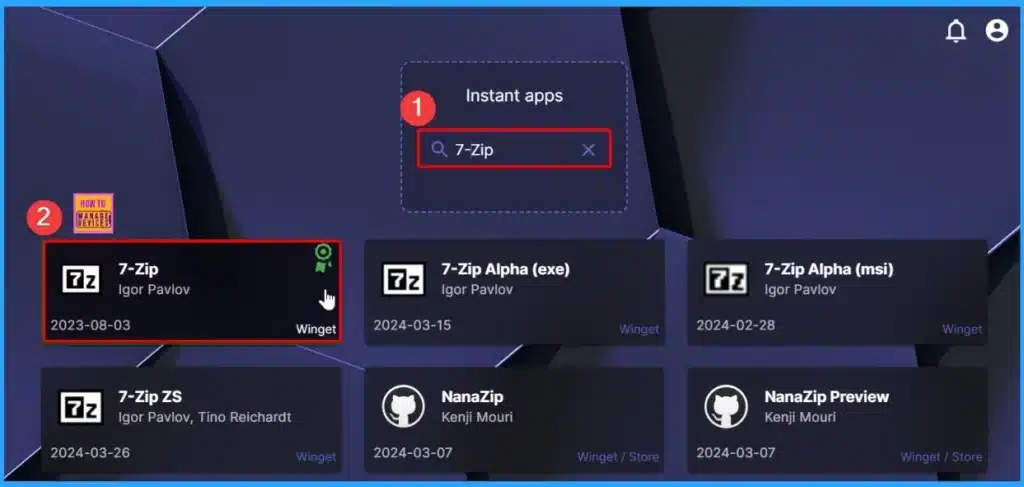
✔Robopack Intune Patching Solution is Free for Smaller Customers and NGO
https://www.anoopcnair.com/robopack-intune-patching-solution-is-free/
📌Robopack Intune Patching Solution is Free for Smaller Customers
📌Key Features of Robopack
📌Advantages of Robopack Smaller Customers and NGO
📌User-friendly Interface
🎊Autopilot without Device Hash Upload AVD Windows 365 Support and Real Progress Bar
https://www.anoopcnair.com/autopilot-without-device-hash-upload-avd/
➡Exciting Features of Autopilot Version 2
➡Autopilot V1 Vs V2
➡Overview of Windows Autopilot Device Preparation
➡Next-gen Windows Autopilot support for Windows 365 and AVD
➡Progressed Dashboard through the Next-Gen Windows Autopilot
➡Improved Dashboard and Out-of-Box Experience (OOBE)

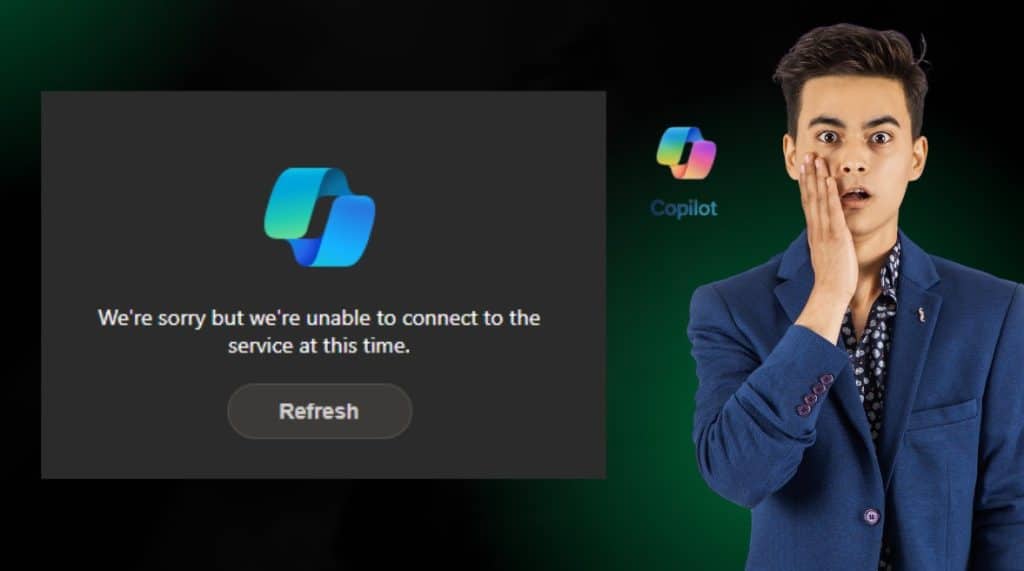
Huge Outage Microsoft Copilot is Down
https://www.anoopcnair.com/huge-outage-microsoft-copilot-is-down/
⚠Microsoft isolated the root cause
⚠Bing search is back for many users with alternate service components
24th May 2024 – HTMD Newsletter 142
🎊MS Teams Copilot in Meetings to Take Notes and Action
https://www.anoopcnair.com/ms-teams-copilot-in-meetings-to-take-notes/
🖲Microsoft Teams Copilot is now your Meeting member
🖲Meeting Facilitator through out the Meeting Conversatation
🖲Makes Teamwork Easier and More Effective
🖲Copilot are there with you in Microsoft Teams, Microsoft Loop, or Microsoft Planner.
🖲Enhances Group Chats by Pointing out Important Details
🖲Prepare Notes and Actions with Copilot

✔How to Show or Hide Empty Drives in Windows 11
https://www.anoopcnair.com/how-to-show-or-hide-empty-drives-in-windows-11/
🎈Overview of Showing or Hiding Empty Drives in Windows 11
🎈Understanding Drives and Components of Data Storage
🎈Different Methods to Hide Empty Drives in Windows 11



Discussion